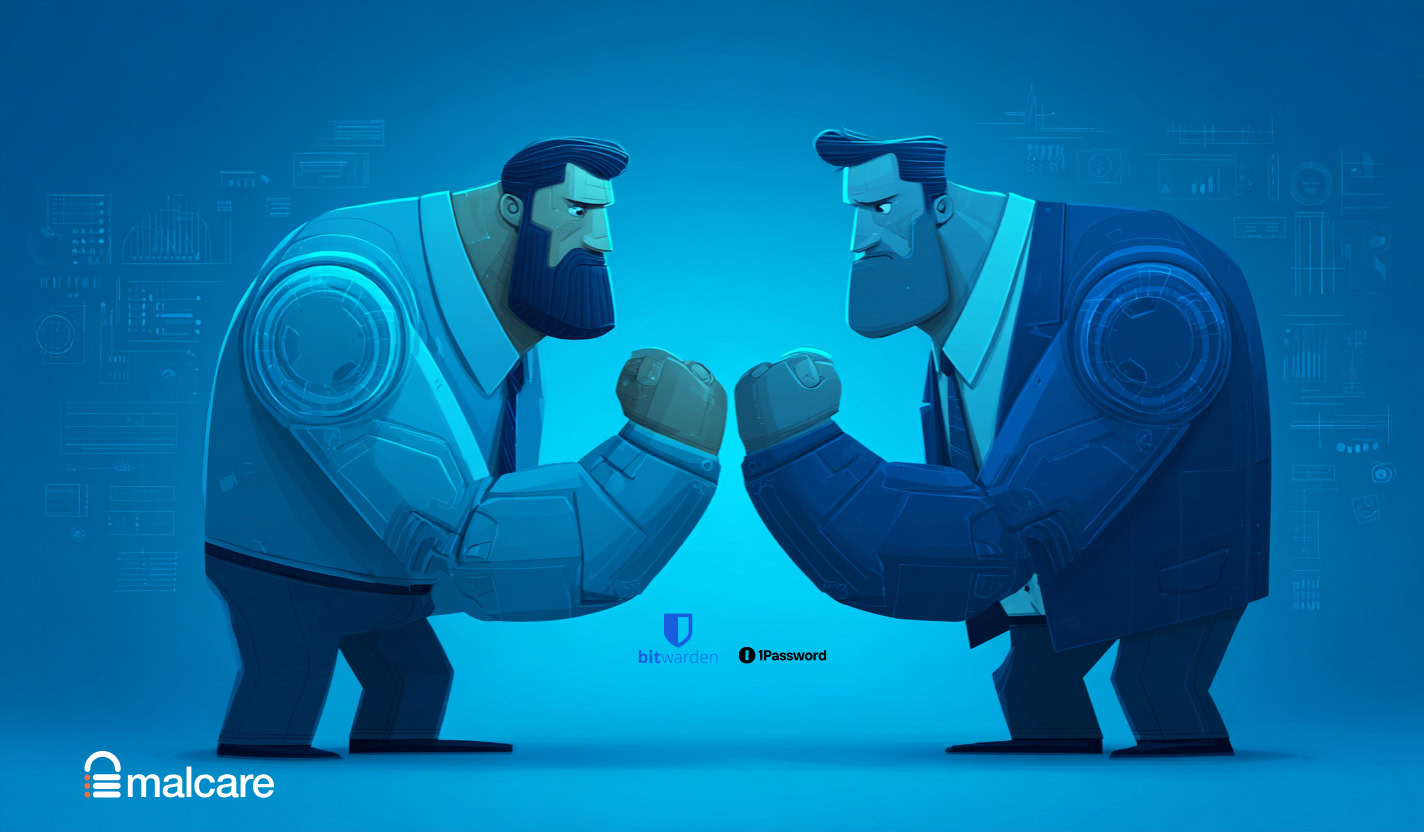
Password security shouldn’t leave you feeling stuck. Yet, here you are, staring down the final choice in the Bitwarden vs 1Password debate.
Both are fantastic, which is exactly what makes the decision so hard. We get it.
This guide aims to break that deadlock by focusing on the small differences. Let’s help you find your perfect fit.
Choose Bitwarden if your priority is the best free plan and open-source transparency. Choose 1Password if you value a seamless, beautiful interface and are willing to pay for that premium experience.
Bitwarden vs 1Password in a nutshell
Choosing between Bitwarden’s free plan and 1Password’s polish? Here’s a quick guide:
| Feature | Bitwarden | 1Password |
|---|---|---|
| Pricing | Free plan, ~$19.80/year premium | ~$2.99/month, 14 day trial |
| Ease of Use | Basic, less polished | Polished, intuitive |
| Security | Open-source | Proprietary + Secret Key |
| Unique Features | Self-hosting, built-in authenticator | Travel Mode, breach alerts |
Security
⚖️ The verdict: This is a tie. Your choice depends on the security model you trust more. Bitwarden is for those who value public transparency. 1Password is for those who want the extra protection of a Secret Key.
Both services are built on a foundation of zero-knowledge, end-to-end AES-256-bit encryption. This means your data is scrambled before it ever leaves your device. Only you can unscramble it. Their employees can’t see your passwords. No one can.

Bitwarden is completely open-source. Its code is public for security experts worldwide to inspect, audit, and critique. This transparency builds a lot of trust. If there’s a problem, someone will find it. They have a clear history of disclosing and patching any vulnerabilities found.
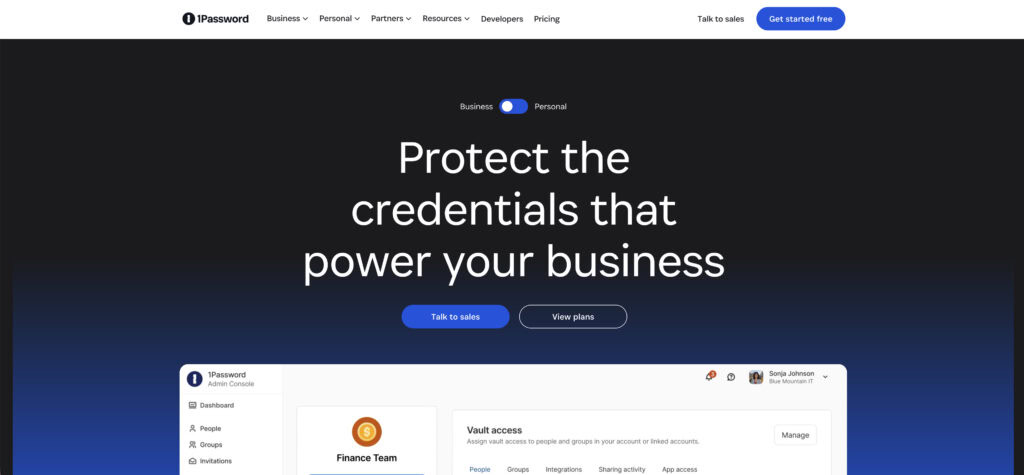
1Password adds a unique Secret Key. When you sign up, you get a master password and a separate, locally generated Secret Key. Even if a thief stole your master password, they could not access your account without this key. This is only stored on your trusted devices.
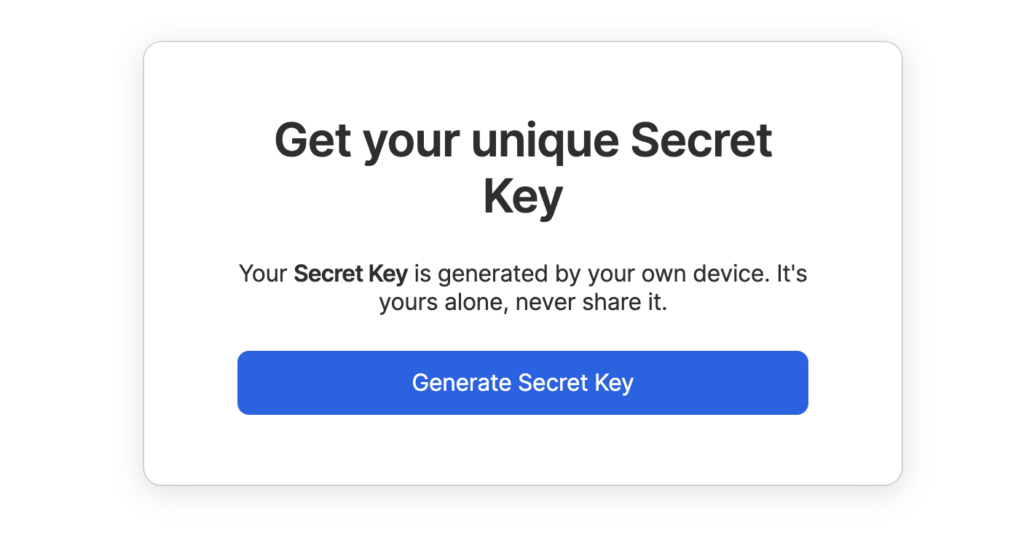
It is a very clever layer of protection. For breach monitoring, 1Password’s Watchtower feature is excellent. It alerts you about compromised passwords.
Both services undergo independent security audits from firms like Cure53. They also fully support two-factor authentication (2FA) and biometric login
🍡 Note: Preventing brute force attacks on your WordPress site starts with this exact same principle of adding a strong second factor to your login.
Pricing
⚖️ The verdict: Bitwarden wins on price without question. Its free offering is one of the best value in the industry.
Bitwarden offers a powerful free tier. It is not a trial. You get unlimited passwords across unlimited devices, forever. For most individuals, the free plan is all you will ever need.
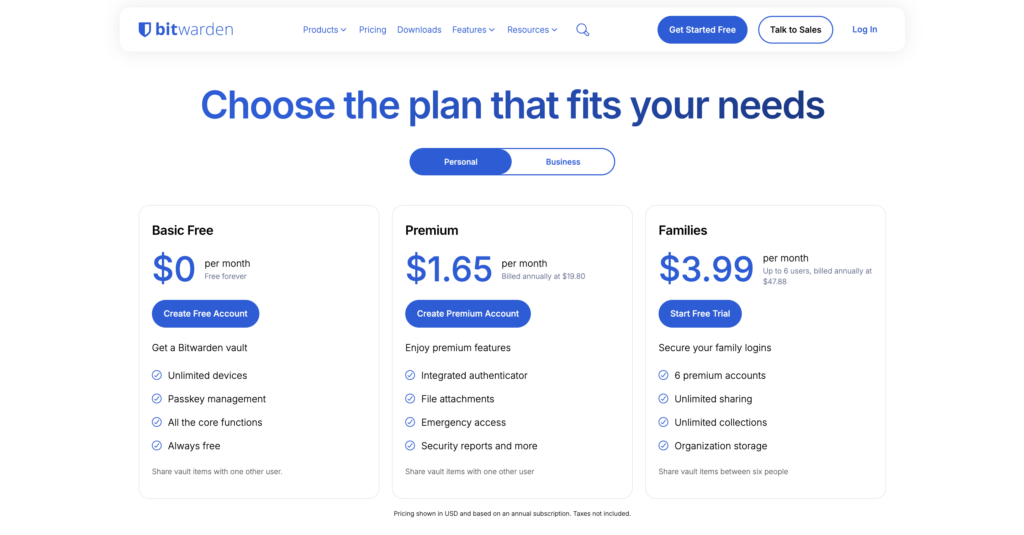
If you want advanced features, the Bitwarden Premium plan is about $19.80 per year. The Families plan is also very affordable, covering six users.
🍡 Note: Limiting login attempts is a simple way to protect all user accounts on your site from automated brute-force attacks.
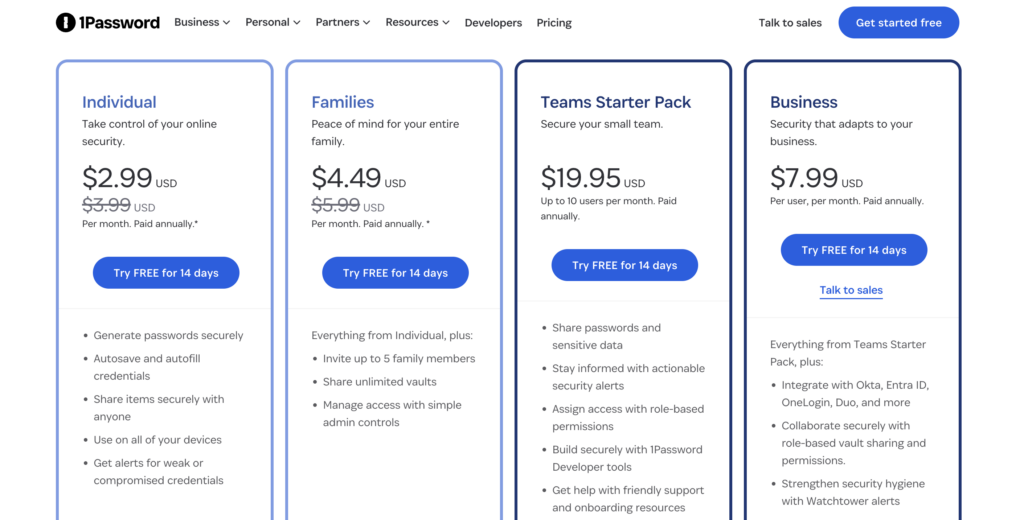
1Password does not have a permanent free plan. You can try it with a 14-day free trial, but you will have to pay to continue using it. The Individual plan starts at roughly $2.99 per month.
The Families plan is about $4.49 per month and covers five users. For businesses, 1Password charges a fee per member.
Usability
⚖️ The verdict: 1Password provides a superior user experience. That premium feel and reliability are precisely what your subscription pays for.
1Password is known for its polished, intuitive, and modern interface. It just feels good to use. Apps are beautiful and consistent across all platforms.
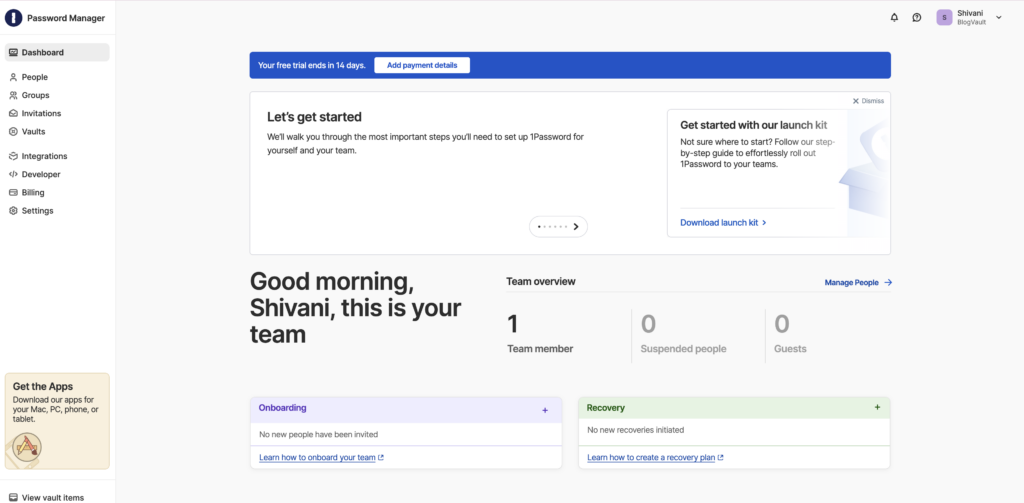
The browser extension and its auto-fill capabilities are incredibly reliable, even on poorly designed websites. It feels less like a clunky utility and more like a natural part of your workflow.
Bitwarden’s interface is functional and clean, designed to help you avoid the kind of password reuse that leads to a brute force attack.
Both have a straightforward setup process with helpful onboarding guides. Syncing across your devices is fast and seamless for both managers.
🪙 A small tip: if you manage passwords for less tech-savvy family members, 1Password’s simpler interface might save you some support calls.
Features
⚖️ The verdict: This depends entirely on your needs. For technical users who want control, Bitwarden’s self-hosting and built-in authenticator are major wins. For everyone else, 1Password’s Travel Mode and polished integrations offer more practical day-to-day benefits.
Both services cover the essentials perfectly. You get unlimited password storage and a place for secure notes. The differences are in the extra tools they provide.
Bitwarden includes:
- An integrated TOTP authenticator for your 2FA codes.
- Vault health reports to find weak or reused passwords that lead to a hack.
🪓 Note: Signs of a hack can sometimes be subtle, which is why automated, regular security health checks are so important.
- A Send feature for sharing encrypted text or files with anyone.
🌀 Note: An SSL certificate provides a similar layer of encryption for your website’s traffic, protecting data shared between visitors and your server.
- The ability to self-host your vault on your own private server. This is a huge deal for users who want total data control.
1Password offers:
- A unique Travel Mode that temporarily removes sensitive vaults from your devices. This is amazing for border crossings.
- 1GB of encrypted file storage for documents and photos.
- Integrations with services for creating masked emails and virtual payment cards.
Good news for the future. Both fully support creating, storing, and using passkeys.
Import/export
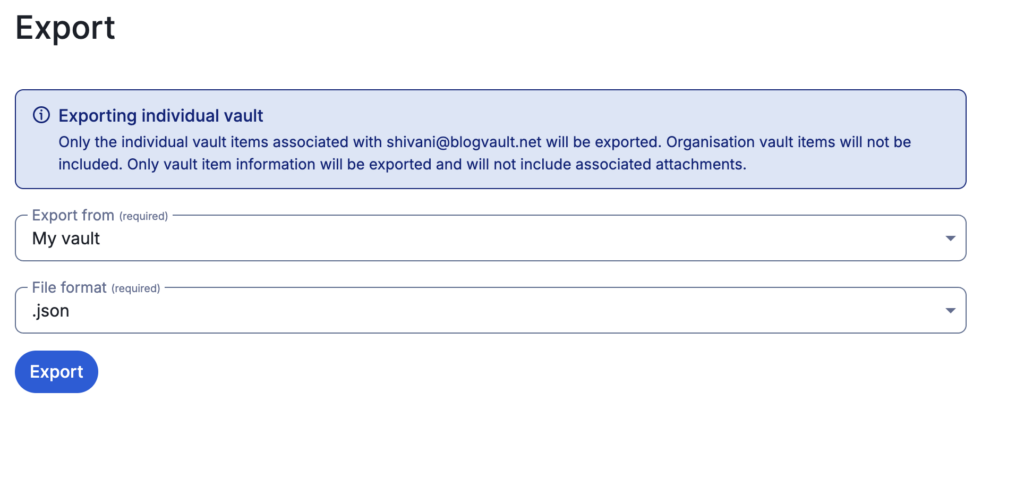
Both Bitwarden and 1Password make it very easy to move your data around. You can import passwords from dozens of other managers like Chrome or LastPass. You can also export your entire vault to a CSV or JSON file at any time.
This means you are not locked into one service. If you try one and do not like it, migrating to the other is a simple, well-supported process. This should help ease any fear of picking the “wrong” one.
Support
Both provide extensive online documentation and knowledge bases to help you find answers. For direct help, Bitwarden offers email support and has a very active community forum where users and experts help each other.
1Password provides email support for its Personal and Family plan users. They also offer priority support for their business tiers.
⚠️ Quick warning: In 1Password Teams, recovering an account requires another team administrator. Make sure you set this up properly if you are using it for a business.
Which one to pick?
Let’s boil it all down to a simple choice.
Choose Bitwarden if:
- You want the absolute best free or lowest-cost option.
- Open-source transparency is a critical factor for your trust.
- You are a technical user who wants the ability to self-host your data.
Choose 1Password if:
- You want the most polished and intuitive user experience.
- Seamless family or team password sharing is your top priority.
- You need premium features like Travel Mode and integrated masked emails.
Your final decision hinges on what you value more: budget and transparency, or premium convenience and polish.
Other options
While Bitwarden and 1Password are our top picks, a few other options are on the map:
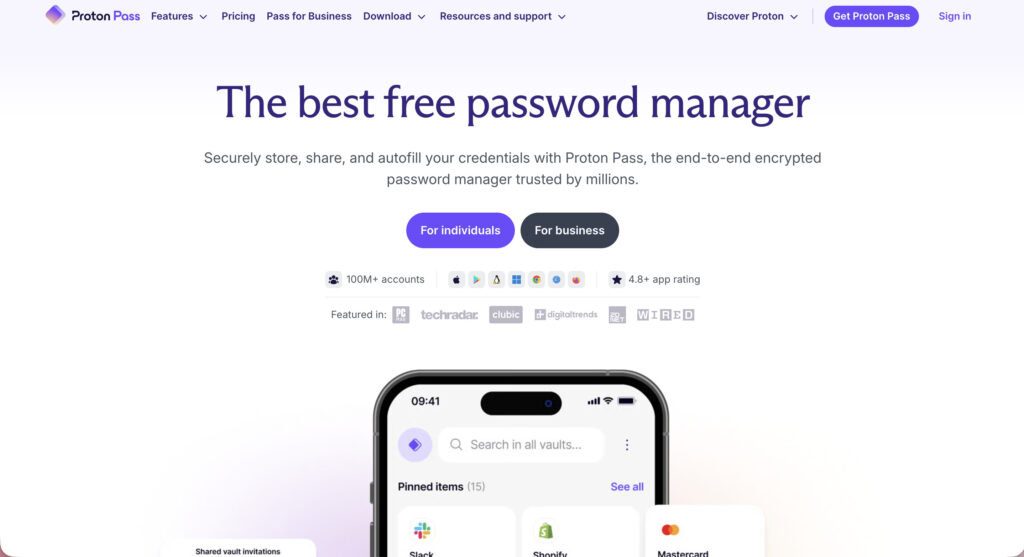
Proton Pass: A strong contender if you value privacy and are already in the Proton ecosystem (creators of Proton Mail).
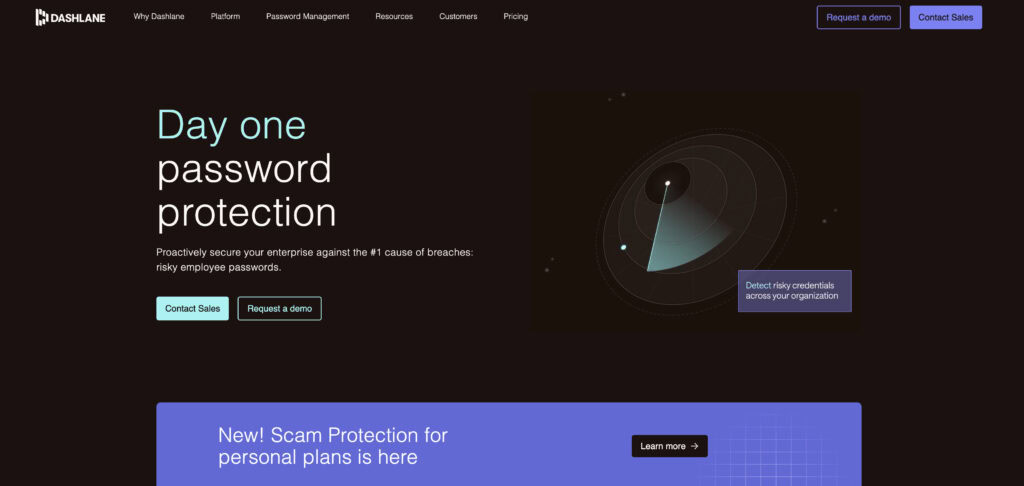
Dashlane: A polished alternative that often includes extra features like a VPN, though it is typically more expensive.
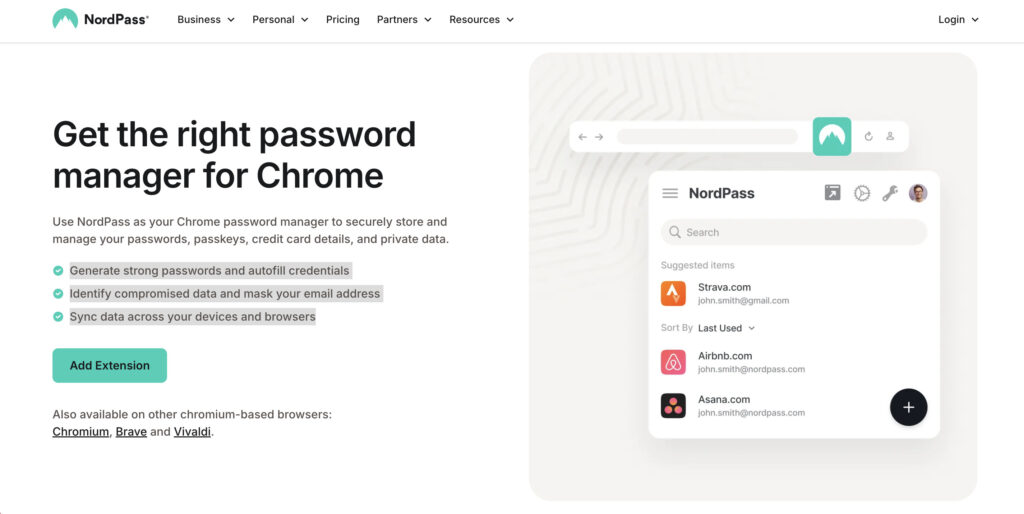
NordPass: A viable option for users who are already committed to the Nord security suite and use tools like NordVPN.
Best practices
No matter which one you choose, follow these steps to stay secure.
- Always create a strong, unique master password and commit it to memory. Do not write it on a sticky note.
- Securely store your 1Password Emergency Kit or Bitwarden recovery code. Print it out and put it somewhere safe, like a fireproof box.
- Make sure to enable two-factor authentication (2FA) on your account for a critical layer of security.
🔐 Note: Securing your login with a 2FA plugin applies this same powerful principle to your WordPress site, protecting it from unauthorized access.
- Use the built-in password generator for every new account you create. Random passwords are strong passwords.
- Perform regular vault health checks every few months to find and update weak, reused, or breached passwords.
- Designate emergency contacts or a family organizer so someone you trust can access your account if needed.
Parting thoughts
You can’t make a bad choice here. Both Bitwarden and 1Password are so secure they should end any doubts about using a password manager. Bitwarden wins on value and transparency, while 1Password wins on its polished user experience.
Ultimately, the best manager is the one you’ll actually use. We suggest trying both—Bitwarden’s free plan and 1Password’s 14-day trial. After a week, you’ll know which one is right for you.
FAQs
Frequently asked questions
Both are considered extremely safe due to their zero-knowledge architecture and strong encryption. The choice comes down to whether you trust open-source transparency (Bitwarden) or a proprietary system with a unique Secret Key (1Password).
No, Bitwarden’s servers or user vaults have not been breached or hacked. Like all software, individual vulnerabilities have been discovered and responsibly patched through regular security audits.
It is nearly impossible for hackers to breach 1Password’s servers and decrypt user vaults. An individual account could only be compromised if a hacker stole your master password, Secret Key, and also bypassed your 2FA.
Bitwarden’s popularity comes from its robust free plan, open-source transparency, and extremely affordable premium options. It provides top-tier security that is accessible to everyone, regardless of budget.
No, 1Password does not sell your data. Their business model is based on user subscriptions, and their zero-knowledge design means they cannot access or view your vault data to sell it.
The most commonly hacked passwords are consistently simple and predictable ones like “123456”, “password”, and “qwerty”. Any password based on common words or simple patterns is extremely vulnerable to attack.