Your password security is non-negotiable. But choosing a password manager can feel like a huge risk. You know you need one.
The real question is, which one can you actually trust? We’re cutting through the marketing hype in this Dashlane review.
Let us help you determine if you’re paying for real protection or just a slick brand name.
Dashlane is a highly secure and beautifully designed password manager, but it’s one of the most expensive options available. It’s the ideal choice if you’re willing to pay a premium for a seamless, all-in-one security suite.
Dashlane review at a glance
If you’re short on time, here’s everything you need to know about Dashlane at a glance.
| Feature | The Bottom Line |
|---|---|
| Security Model | Top-tier; uses zero-knowledge architecture with AES 256-bit encryption and has no history of breaches. |
| Standout Features | Excellent password health tools, plus a built-in VPN and dark web monitoring on premium plans. |
| User Experience | Exceptionally polished, intuitive, and beginner-friendly; this is a core strength. |
| Pricing | Premium; significantly more expensive than most competitors at ~$60/year for individuals. |
| Free Plan | Extremely limited; a 14-day, single-device trial that is not viable for long-term use. |
| Best For | Users who want a seamless, all-in-one security suite and prioritize convenience and features over cost. |
Security
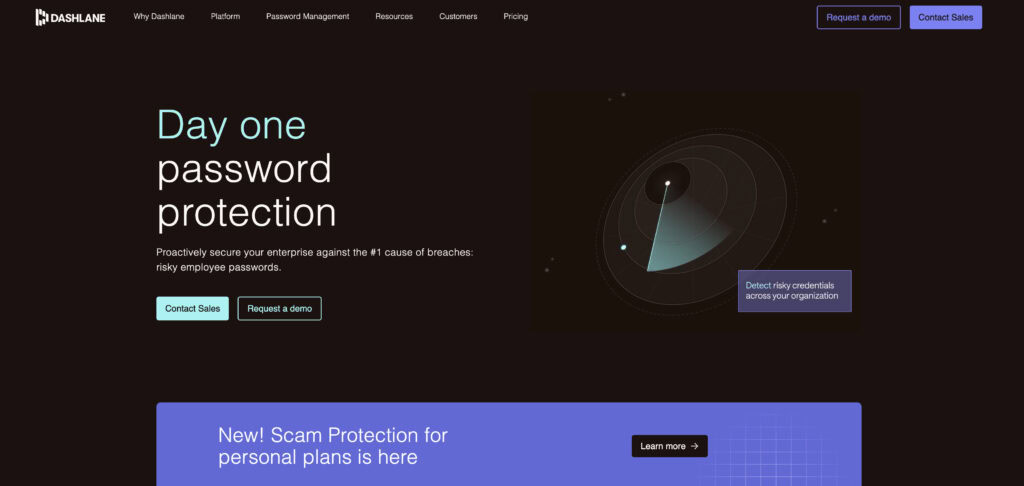
Dashlane uses AES 256-bit encryption. This is the industry gold standard for securing data. But the most important feature is its zero-knowledge architecture. This means only you can access what’s in your vault.
📢 Note: An SSL certificate is the equivalent of this for your website. It encrypts user data and is essential for security and trust.
Dashlane cannot see your passwords. Your master password is the key, and it is never stored on their servers. This makes your master password the most important one you’ll ever create. It needs to be incredibly strong.
If you’re wondering whether a password is strong enough, use a trusted password generator to create a long, unique credential rather than testing a password you already use. Our WordPress password generator guide explains what to look for.
This high level of security comes with a serious warning. If you lose your master password and haven’t activated a recovery key**,** your data is gone for good. There is no way for Dashlane to help you get it back.
For everyday protection, it offers robust two-factor authentication (2FA), which adds a crucial second layer of security to your login.
🫤 Note: It’s easy to confuse 2FA and MFA, as people often use them interchangeably. While they’re related, they aren’t exactly the same thing.

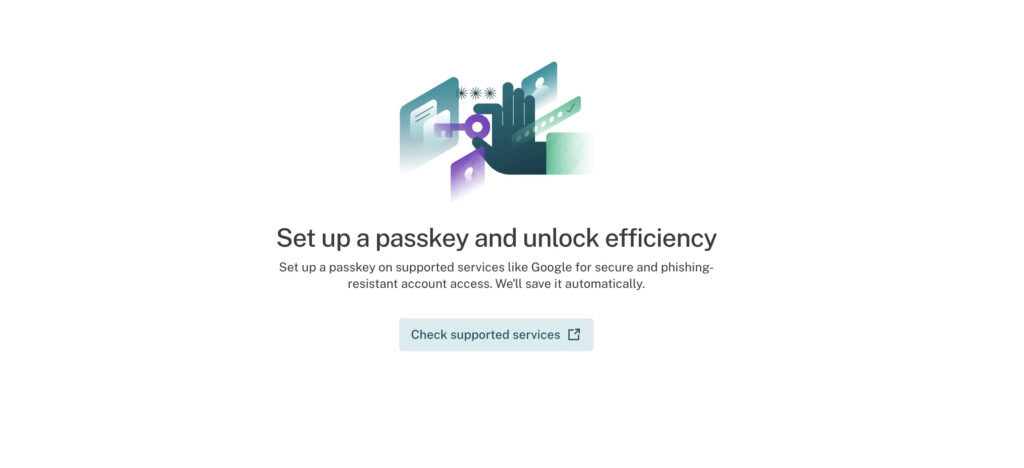
You can also use biometric unlock on your phone for quick and secure access. Dashlane also supports modern passwordless logins by storing and managing passkey credentials.
Critically, Dashlane has a spotless record. It has never suffered a major security breach.
Key features
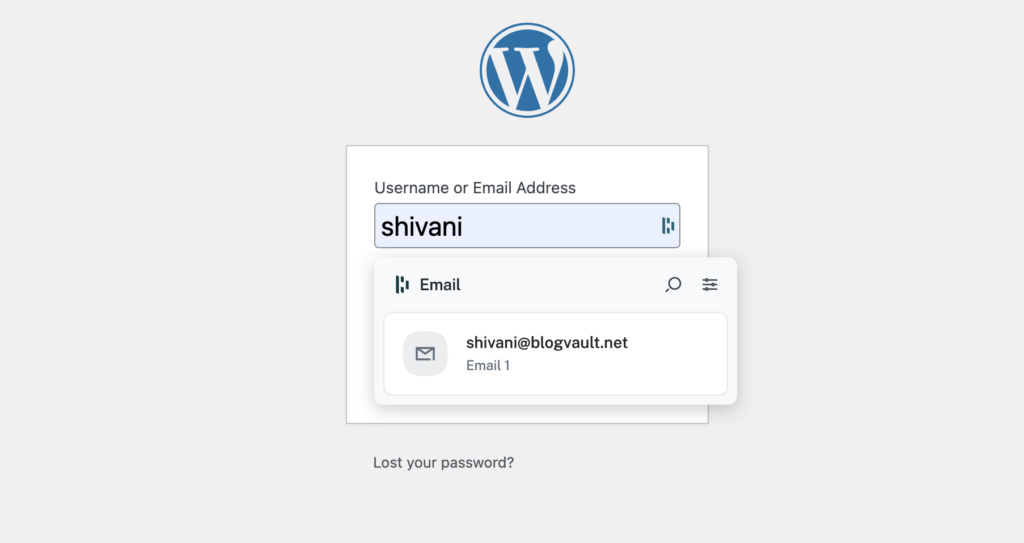
The password generator creates strong, unique credentials automatically. It also securely stores your payment information, IDs, and notes for autofill.
🏷️ Note: WordPress password security is the first line of defense for your WordPress site. Enforcing strong credentials for all users is a must.
The Password Health dashboard is a standout feature, acting like a personal WordPress security audit that gives you a score and clearly identifies weak or reused passwords
Here are the key features you get with a paid plan:
- Integrated VPN. The Premium plan includes a VPN powered by Hotspot Shield. This is a rare and valuable addition for protecting your connection on public Wi-Fi.
- Live Dark Web Monitoring. You can monitor up to five emails. Dashlane alerts you if your information appears in a known data breach.
- Secure Sharing. You can safely share passwords and notes with trusted contacts, giving them specific permissions.
- Automatic Password Changer. For some popular websites, Dashlane can update your password for you with a single click.
- Encrypted Storage. You get a secure place to store sensitive documents and notes.
User experience
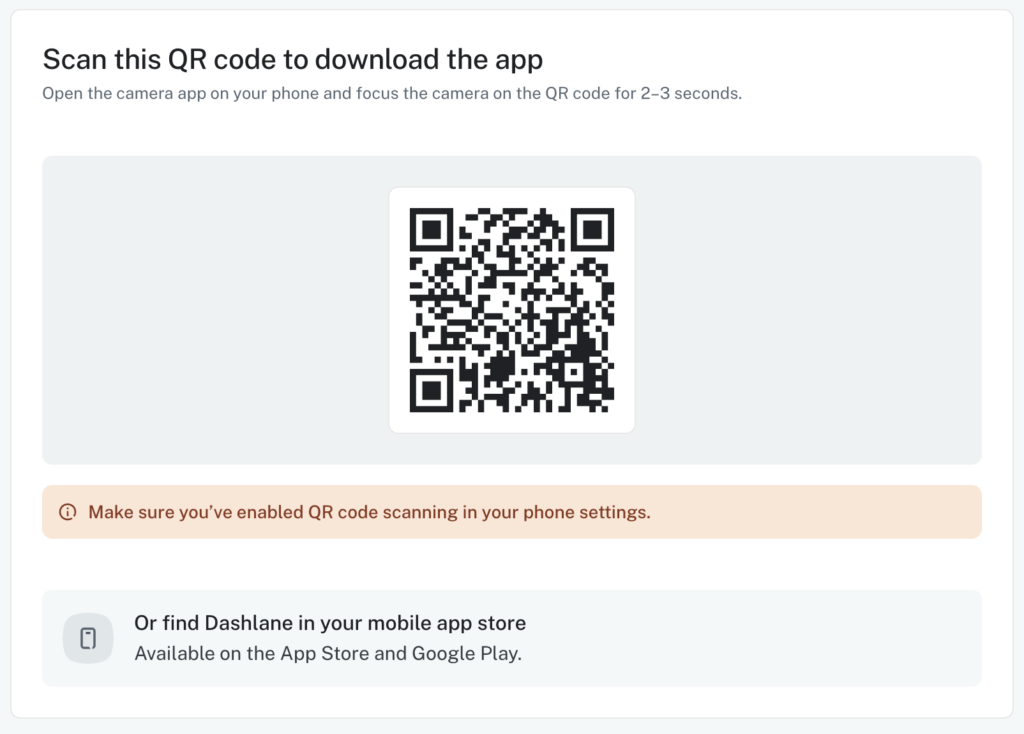
The interface is modern and very intuitive for beginners. The onboarding process is streamlined, so you can get set up in minutes. The browser extension is fast and provides accurate autofill for logins and web forms.
🧲 Note: Preventing brute force attacks keeps login forms on your WordPress site available for legitimate users, not bots.
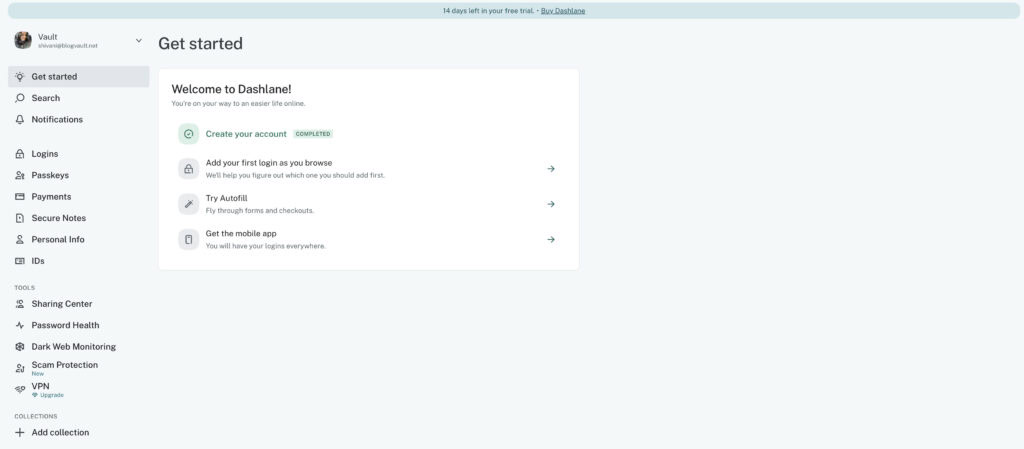
Dashlane now uses a web-first approach. Your vault is managed through the website, which simplifies using it across different computers. The mobile application for iOS and Android is also highly rated for its speed and smoothness.
Platform support & ecosystem
Dashlane works flawlessly on all major browsers. It also has excellent mobile apps for iOS and Android. It’s now web-first, so there’s no desktop app, but the paid sync between your devices is seamless.
Don’t count on the free plan; it’s just a 14-day, single-device trial and isn’t a viable long-term solution.
Pricing
Here’s what Dashlane’s pricing looks like.
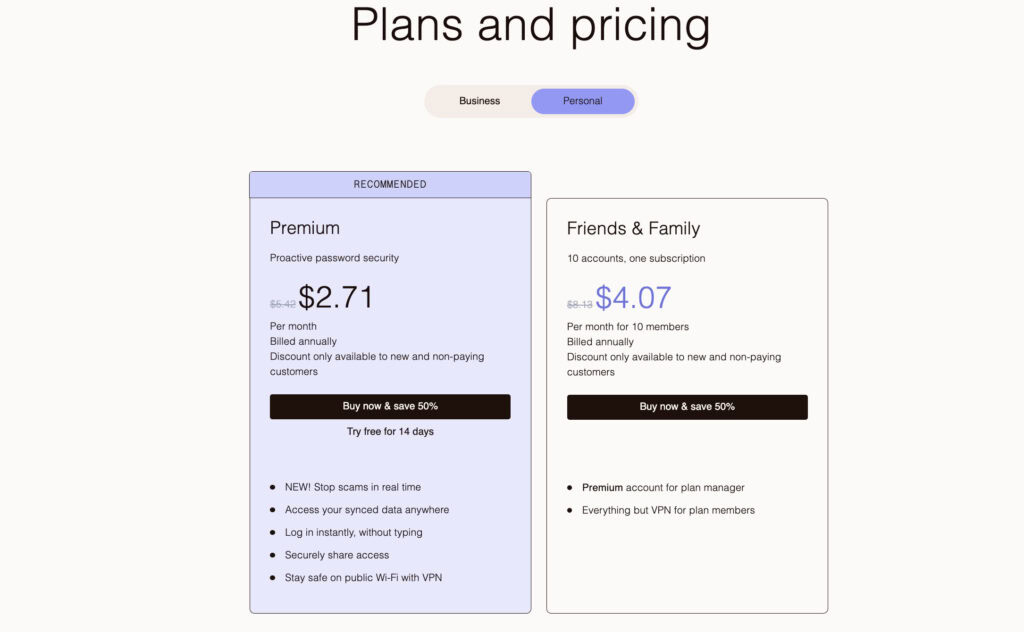
- The free version is limited to one device and 25 passwords, with a 14-day trial period.
- The Premium plan for individuals costs approximately $2.71 per month.
- The Friends & Family plan is a good deal, covering up to 10 users.
- Business plans are also available, starting at $4 per month.
The cost is significantly higher than rivals like Bitwarden or NordPass. You are paying a premium for the superior user experience and bundled features like the VPN.
Highs & lows
Here is a quick summary of what we found.
What we liked:
- Security: Zero-knowledge architecture with an unblemished record.
- Features: Includes VPN and dark web monitoring.
- User experience: Polished and intuitive design.
What to be aware of:
- Price: Higher than most competitors.
- Free Plan: Acts as a limited trial rather than a long-term solution.
The ideal user
Dashlane is a perfect fit for certain people. You should consider it if you:
- Are seeking a premium, all-in-one privacy and security suite.
- Will actively use the bundled VPN feature on public Wi-Fi.
- Need a high-capacity plan for a family of up to 10 people.
- Are a non-technical user who prioritizes a simple, sleek interface over cost.
- Want proactive dark web alerts to stay ahead of breaches.
If you are willing to pay extra for these bundled premium features, Dashlane is an excellent choice.
Alternatives
If Dashlane isn’t for you, there are great options available.
Bitwarden: This is the top choice for budget-conscious users. It is open-source, meaning its code can be publicly audited for security. Its free plan is extremely generous, and its paid plans are very affordable. The interface is more functional than flashy.

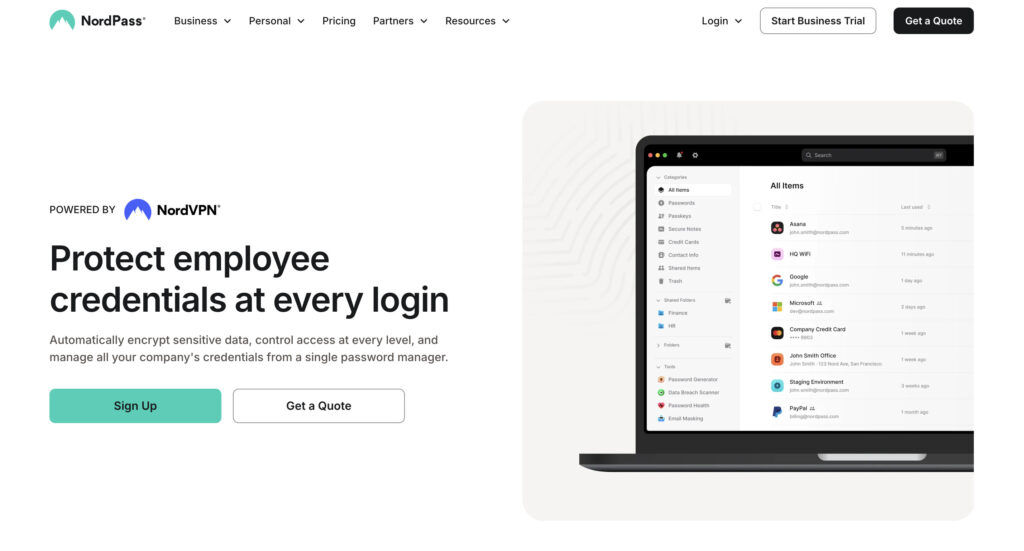
NordPass: From the trusted makers of NordVPN, this manager focuses on a simple and clean experience. It uses modern encryption and is a great option if you want a straightforward tool without extra features.
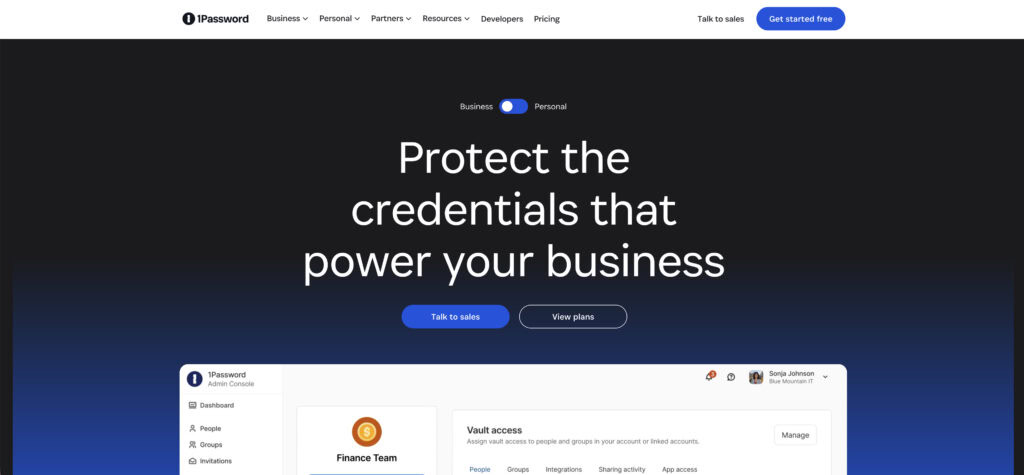
1Password: It is often considered Dashlane’s direct competitor. It’s praised for its beautiful user interface and features a unique Travel Mode to hide sensitive data. Its family sharing plans are also excellent and flexible.
Best practices
If you decide to use Dashlane, follow these steps to protect your account.
- Immediately create and store your account recovery key. Keep this code in a safe, physical location. It is your only way to recover your account if you forget your master password.
- Set up two-factor authentication right away. Use an authenticator app for the strongest possible protection.
➕ Note: For your WordPress site, a dedicated WordPress 2FA plugin is the most effective way to add this same critical layer of login security.
- Regularly audit your Password Health score. Use the tool to find and fix weak or reused passwords.
- Begin by using the free trial before you commit to a paid plan to make sure it’s right for you.
- Transition important accounts to passkeys, where websites support them for even better security.
Common risks
Be aware of these potential issues to avoid problems down the road.
- The biggest risk is permanent, irreversible data loss if you forget your master password without a recovery code.
- The free plan’s one-device limit creates a major barrier for anyone with a phone and a computer.
- There’s a potential for overpaying if you won’t use premium features like the VPN.
- The rigid autofill can occasionally struggle with non-standard web forms.
- A reliance on browser extensions could pose issues if they malfunction or are disabled.
Parting thoughts
Dashlane is a top-tier security suite with a flawless user experience, making it the best “set and forget” manager available. But this raises a question: are password managers safe? Yes, but their security is a shared responsibility.
Dashlane provides the secure vault, but you must protect the key. Its high price only makes sense if you’ll use the extra features, making it a great investment for those who value both convenience and good security habits.
FAQs
Frequently asked questions
Dashlane is very trustworthy, backed by a strong industry reputation. It uses a zero-knowledge architecture and has never had a major security breach, making it a reliable choice.
A premium plan for one person costs about $60 per year. While there is a limited free trial, full features require a paid subscription, with family and business plans also available.
It depends on your priorities, as both are good choices. Dashlane excels with its all-in-one features like a VPN, while 1Password is often praised for its polished design.
Your passwords would likely remain safe due to its zero-knowledge security model. Since your master password isn't stored on their servers, hackers would only get encrypted data they can't open.
Yes, but the free plan is extremely limited and not a practical long-term solution. It only works on one device for 14 days, so you'll need to upgrade for syncing and full functionality.
The most hacked passwords are simple, common ones like "123456," "password," and "qwerty." These are easily guessed by automated software, which is why using a password generator is critical.
No, Dashlane cannot see your master password or any other passwords in your vault. Its zero-knowledge architecture ensures that only you have the key to decrypt and access your data.