Nothing changes on your site without a witness.

Posts edited, plugins installed, users logging in from new places — your site changes all day. MalCare's Activity Log records every change with a who, a when, and a where-from — so the one change you didn't make is impossible to miss.

Every changewho · when · where
Zero loadstored off-site
Built in7-layer security
activity log · yoursite.comFIG. 0 · live
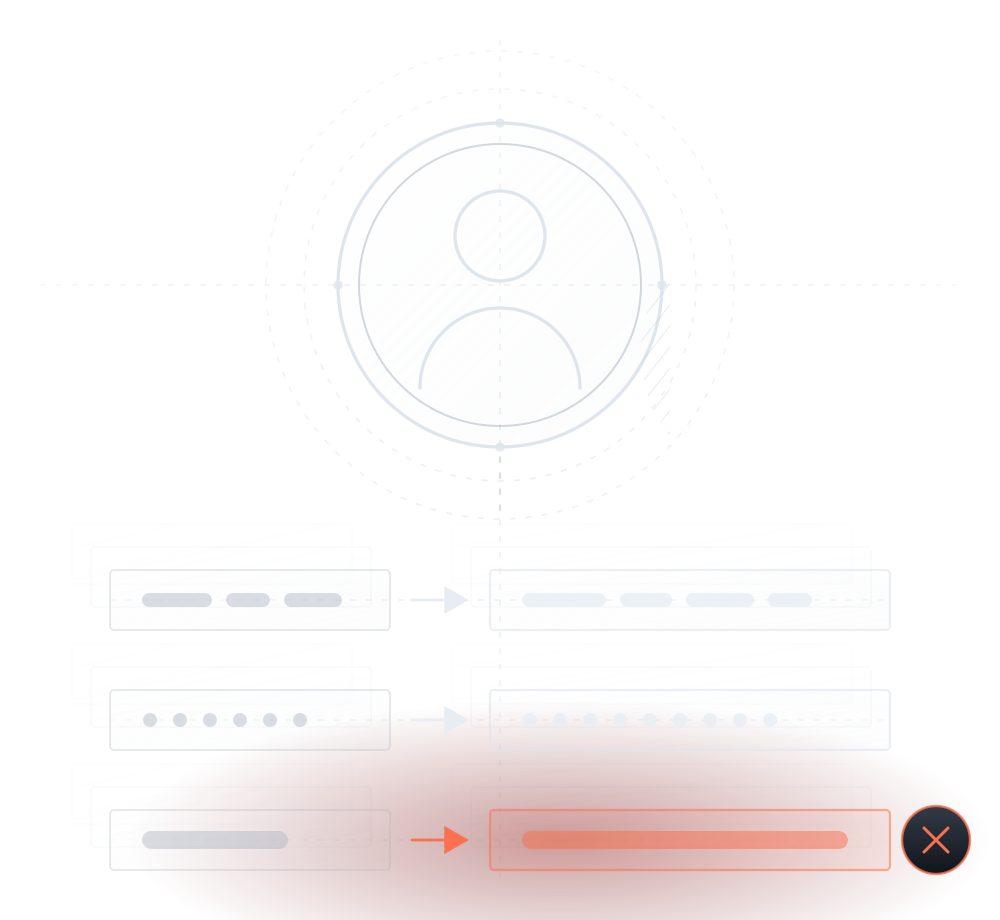
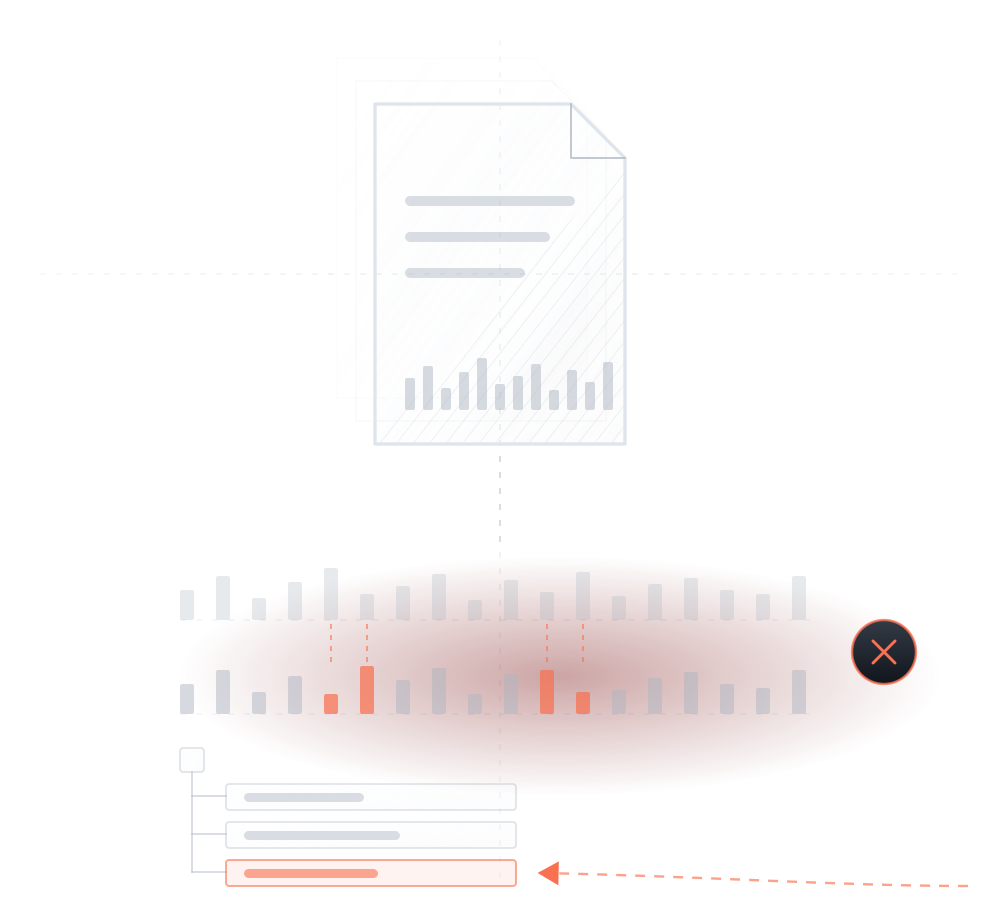
the log is boring — until it very much isn't. the orange row is a hack announcing itself.

Trusted by 400,000+ websites across 120 countries

Intel
Toshiba
eBay
Manthan
SiteCare
NMU
01Why logs are security

Hacks don't look like hacks. They look like changes.

A breach is never one dramatic moment. It's a sequence of small, ordinary-looking changes — a login, a new user, a plugin, an edited post. Each one, alone, looks like a Tuesday. A scanner reads your code. The log watches your changes. Together, nothing happens quietly.

FIG. 1A breach, as your site experienced it
ONE NIGHT · FIVE ORDINARY EVENTSEACH WITH A TELL02:58login · administrator accountIP never seen before · 185.220.x.x03:04user created · "support_tmp" · role: administratoryou didn't create it03:12plugin installed · "wp-compat" v1.0exists in no repository03:19post modified · "Home"+40 links · visible only to Google03:26file changed · .htaccessmobile visitors now redirectwith a log, this pattern is visible at 02:58 — not in week three.

Read: no single event here would alarm anyone. The sequence is unmistakable — and a sequence is exactly what a log shows you.

FIG. 1A breach, as log events
02:58

Login · admin

From an IP never seen before.

THE ENTRY
03:04

User created

"support_tmp" · administrator — you didn't create it.

THE ACCOMPLICE
03:12

Plugin installed

"wp-compat" — exists in no repository.

THE BACKDOOR
03:19

Post modified

"Home" · +40 links, visible only to Google.

THE DAMAGE
03:26

File changed

.htaccess — mobile visitors now redirect.

THE PAYOFF

A log doesn't block anything by itself — it's the visibility layer that makes every other layer accountable. Detection tells you that something's wrong. The log tells you who, when, and how.

02What it tracks

Eight kinds of change. One record.

Everything that changes on a WordPress site, tracked as an event — content, people, code, and commerce.

FIG. 2Tracked events · with a real example of each
Posts

post updated · "About" · +2 

every article change, tracked

Pages

page edited · "Checkout"

every page edit, every time

Users

login · daniel · new location

logins with where-from and when, plus account changes

Comments

comment approved · id 8812

an event for every comment

Plugins

plugin installed · v2.3.1

installs, updates, activations

Themes

theme edited · footer.php

theme changes at granular level

Files

file changed · .htaccess

file-level changes — including outside wp-admin

WooCommerce

order placed · #4412 · $86

orders, items, and store events

Note: file-level tracking matters most — it records the changes attackers make outside WordPress's UI, where no other audit trail exists.

03The anatomy

Not just "something changed." Who, what, when, from where.

Every event carries its full context — the account, the role, the timestamp, the IP. It's what turns "I think something's off" into "at 03:12, this account, from this IP, did this."

FIG. 3One event, expanded
event detailflagged

The event, as it appears in the stream

03:12plugin installed · "wp-compat"support_tmp
EVENTplugin installedOBJECT"wp-compat" · v1.0 · not in any repositoryUSERsupport_tmp · administratorACCOUNT AGE8 minutesTIME2026-07-14 · 03:12:41FROM185.220.x.x · first-seen IPRECORDEDoff-site · in your MalCare account

Read: the plugin install isn't suspicious. A plugin installed by an 8-minute-old admin account from a first-seen IP at 3 a.m. — that's a verdict.

04Use case · the intruder

The plugin you didn't install. The post you didn't edit.

Once inside, attackers use WordPress like a user — installing a backdoor plugin, creating an admin, editing posts to carry spam. To a scanner, that's new code to analyze. To the log, it's four timestamped events attributed to an account and an IP.

FIG. 4The reconstruction · same night, after cleanup
SAME NIGHT · READ BACKWARDS AFTER CLEANUPEVERY QUESTION, ANSWERED02:58login · administrator accountENTRY POINT — access revoked, credentials rotated03:04user created · "support_tmp"ACCOMPLICE — account deleted03:12plugin installed · "wp-compat"PERSISTENCE — plugin removed03:19post modified · "Home"DAMAGE — post restored03:26file changed · .htaccessPAYOFF — redirect revertedhow they got in · when it started · what else they touched — the door gets closed, not just the mess mopped.

Read: after an incident, these are the questions that matter — and without a record, nobody can answer them.

FIG. 4The reconstruction
02:58

Entry point

The login that started it — access revoked, credentials rotated.

CLOSED
03:04

Accomplice

The rogue admin account — deleted.

DELETED
03:12

Persistence

The backdoor plugin — removed.

REMOVED
03:19+

Damage

Post and .htaccess — restored.

RESTORED

The log tells removal where to look — and proves the door is closed. How removal works →

05Use case · your own team

Not every risk logs in from outside.

More people can change your site than you think — teammates, freelancers, an agency, that contractor from last year whose account still works. Most incidents here aren't malice. They're mistakes and over-permissioned accounts. The log gives every account a track record — trust, verified.

FIG. 5Everyone who can change your site
FIREWALL · FACES OUTWARDACTIVITY LOGevery hand, on the recordYOUR SITEyou · adminteammate · editorfreelancer · adminagency · one shared logincontractor · key from 14 months agothe attacker youthink about · blockedthe wall watches outside. the log watches everyone with a key.

Read: the firewall handles the one attacker outside. The log covers the five keys already inside — including the one that hasn't been used in 14 months.

FIG. 5Inside the wall

The outside attacker

The risk you think about.

BLOCKED AT THE WALL

You · teammates · freelancer · agency

Five keys already inside the wall — every action they take, recorded.

ON THE RECORD

The contractor

Admin key, unused for 14 months — the quiet risk the log makes visible.

THE QUIET RISK
5.1

"Who changed the homepage?"

One filter: three edits by freelancer_amy at 13:42 — reverted in minutes, no argument, no mystery.

FIXED FAST
5.2

The stale account

contractor_dave · role: administrator · last login: 14 months ago — still active, still invisible without a log.

TIME TO REVOKE
5.3

The shared login

One "admin" account, four people using it. The log is how you notice — and why role-per-person wins.

MADE VISIBLE
5.4

The Friday update

Which plugin update broke checkout? The record answers before the weekend does.

FIXED FAST
06Find it fast

A record is only useful if you can ask it questions.

Filter by user, event type, and date. Search across everything. The questions you'll actually ask:

plugins installed · last 30 days · all events · user: contractor_dave · logins · new locations only · changes to checkout · this week

FIG. 6One question · thousands of events → four
search & filterinstant
type: plugins installedrange: last 30 daysuser: any
8,412 events → 4 results
jul 02plugin installed · seo-toolkit · v4.2daniel · admin
jul 09plugin installed · form-builder · v2.0sarah · editor→admin
jul 14plugin installed · "wp-compat" · no repositorysupport_tmp
jul 15plugin installed · malcare-securitydaniel · admin

Read: the suspicious install doesn't hide in eight thousand events — it hides in four. Filtering is what makes a log an instrument instead of an archive.

07Zero load

Millions of events. None of them in your database.

A busy site generates millions of log events. Stored locally, they bloat your WordPress database and slow every query. MalCare stores the record in your MalCare account, off your server — full history, zero weight.

FIG. 7Where the record lives
LOGS IN YOUR DATABASEMALCARE — LOGS OFF-SITEYOUR WORDPRESS DATABASEevent rows · millions, and growingyour actual contentevery query on your site wades through the pileYOUR DATABASEcontent only · fasteventsYOUR MALCARE ACCOUNTfull history · searchablezero weight on your siteand an attacker who owns your site can't scrub a record that isn't on it.

Read: off-site storage is a performance decision that turns out to be a security decision — covering tracks requires reaching the tracks.

FIG. 7Where the record lives
7.1

Logs in your database

Millions of event rows bloating it — every query wades through the pile.

SLOWS YOUR SITE
7.2

Logs in your MalCare account

Full searchable history, zero weight — and beyond an attacker's reach.

ZERO LOAD
7.3

WooCommerce

Orders, items, refunds — store events tracked alongside everything else.

TRACKED
7.4

Multisite

One record across the entire network — shared users, shared files, one log.

SUPPORTED
7.5

Audit trail

A complete, timestamped history of changes — the kind auditors and clients ask for.

ON THE RECORD
08Where it fits

One layer watches traffic. One watches code. This one watches people and changes.

The activity log isn't a standalone product — it's the accountability layer of MalCare's 7-layer security, sharing one dashboard with the scanner, firewall, and one-click removal.

8.1

Firewall

Watches traffic — blocks attacks before they reach WordPress.

THE PERIMETER
8.2

Malware scanner

Watches code — finds what slipped through, wherever it hides.

THE SEARCHLIGHT
8.3

Activity log

Watches changes and people — the who, when, and how behind every event.

THE RECORD
8.4

Malware removal

Acts on all three — surgical cleanup, guided by the record.

THE FIX

Detection tells you that. The log tells you who, when, and how — and together, nothing on your site happens quietly.

09Voices

Eagle-eye vision, in their words.

Real customers — quotes from our reviews and case studies.

"

Eagle-eye vision & time travel! I was so fascinated to discover this! I can track any activity & locate issues so easily… this has literally saved me hours of headaches in troubleshooting issues.

Jennifer CarelloTech Care
"

I had been running iThemes, WordFence & Sucuri, but they kept getting hacked. Then I installed MalCare, which quickly found the malware and cleaned up the entire site.

Adam SilverAdam SilverConciergeWP · Founder
Watch case study →
"

I was on the beach with my family when MalCare notified me of a plugin vulnerability across 50 of my sites. With one click on my smartphone, all sites were fixed within minutes.

Paul LaceyPaul LaceyWordPress Expert
Watch case study →
10Questions

Answered straight.

Do I need this if I already have the malware scanner?+

They watch different things. The scanner reads your code; the log watches your changes and people. A rogue admin logging in and editing a post is invisible to a code scan until damage exists — the log sees it as it happens. Together, nothing happens quietly.

Will logging slow my site down?+

No. Events are stored in your MalCare account, off your server — nothing accumulates in your WordPress database. Busy sites generate millions of events; yours carries none of that weight.

Can I see what my freelancer or agency changed?+

Yes — filter by user and date, and every change they made is listed with timestamps: pages, posts, plugins, menus, files. It resolves "who changed this?" in one query, without an argument.

What if a hacker deletes the logs to cover their tracks?+

The record isn't on your server, so compromising your site doesn't reach it. Covering tracks requires reaching the tracks.

Does it track WooCommerce and multisite?+

Yes. Store events — orders, items, refunds — are tracked alongside everything else, and on a multisite network one record covers the whole setup.

Can I search old events?+

Yes — the full history is searchable and filterable by user, event type, and date range, from your MalCare dashboard.

Is this employee surveillance?+

No — it records changes to the site, not keystrokes or screens. It's the same accountability a shared codebase gets from version control: who changed what, when. Most teams find it protects people ("it wasn't me" is provable) as much as the site.

11Start

Put every change on the record.

The activity log comes built into MalCare's 7-layer security — with the scanner, firewall, and one-click removal beside it.

Included with MalCare · zero site load · works on any host