On the surface, Dashlane vs LastPass looks like a simple choice between two password apps. But that’s not the real decision you’re making.
The real decision is choosing the one vault that will protect your most critical accounts—from banking and email to your hosting and domain registrar.
Features and price matter, of course. But with this much on the line, a company’s proven security history is the most important metric of all.
Choose Dashlane if you want the safer default for personal or family use. Choose LastPass only if free access, lower cost, recovery flexibility, or team controls matter more than the trust tradeoff. If WordPress is part of the setup, treat the password manager as one layer in a WordPress security plan.
My pick for most people in 2026 is Dashlane. LastPass is still usable, and for some readers it may still be the practical choice. But the 2022 LastPass incidents are too serious to treat as background noise. A password manager is one of the few tools where “I mostly trust it” isn’t a great feeling.
The short Dashlane vs LastPass verdict
If I were setting this up for myself, my family, or a non-technical client who just wants the right answer, I’d start with Dashlane.
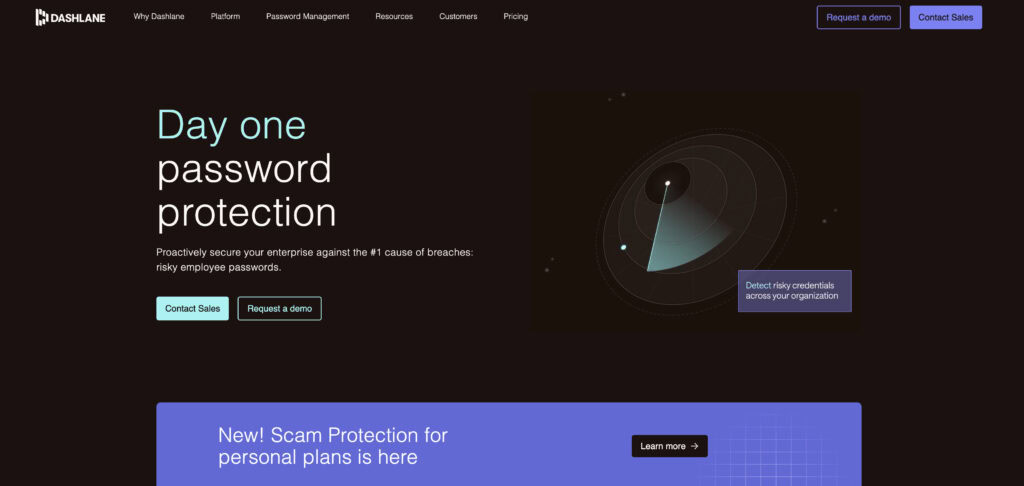
Dashlane has the cleaner public security story (see our full Dashlane review for a complete breakdown of its features),and its safety features line up with the mistakes people actually make: reused passwords, fake login pages, exposed credentials, old accounts nobody has checked in years, and family sharing that quietly turns into texting passwords if the tool is annoying.
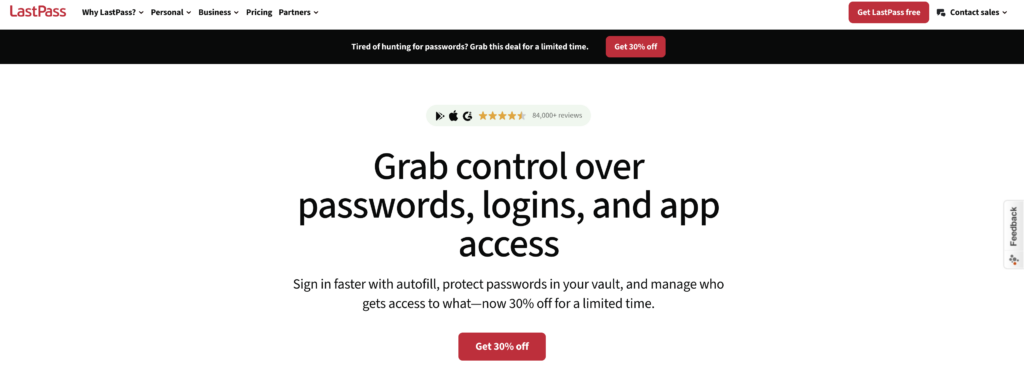
LastPass still has a case. Its free plan exists. Dashlane’s free plan doesn’t, at least for new users. LastPass also remains attractive for some businesses because admin policies, shared folders, reporting, SSO, and MFA options can matter more in a company than they do for one person choosing a personal vault.
🔐 Note: If you’re currently reusing the same password across email, banking, hosting, and WordPress, either password manager used properly is a major improvement. I still prefer Dashlane, but the first win is getting every important account onto a unique password; for the login layer itself.
Security and trust
Why the LastPass breach changes the answer
There are two lazy takes on LastPass now.
One says the breach means every saved password was exposed. That’s not accurate. LastPass vaults are encrypted, and encryption is the wall that’s supposed to stand between stolen data and readable passwords.
The other says encryption makes the breach irrelevant. I wouldn’t tell anyone that either.
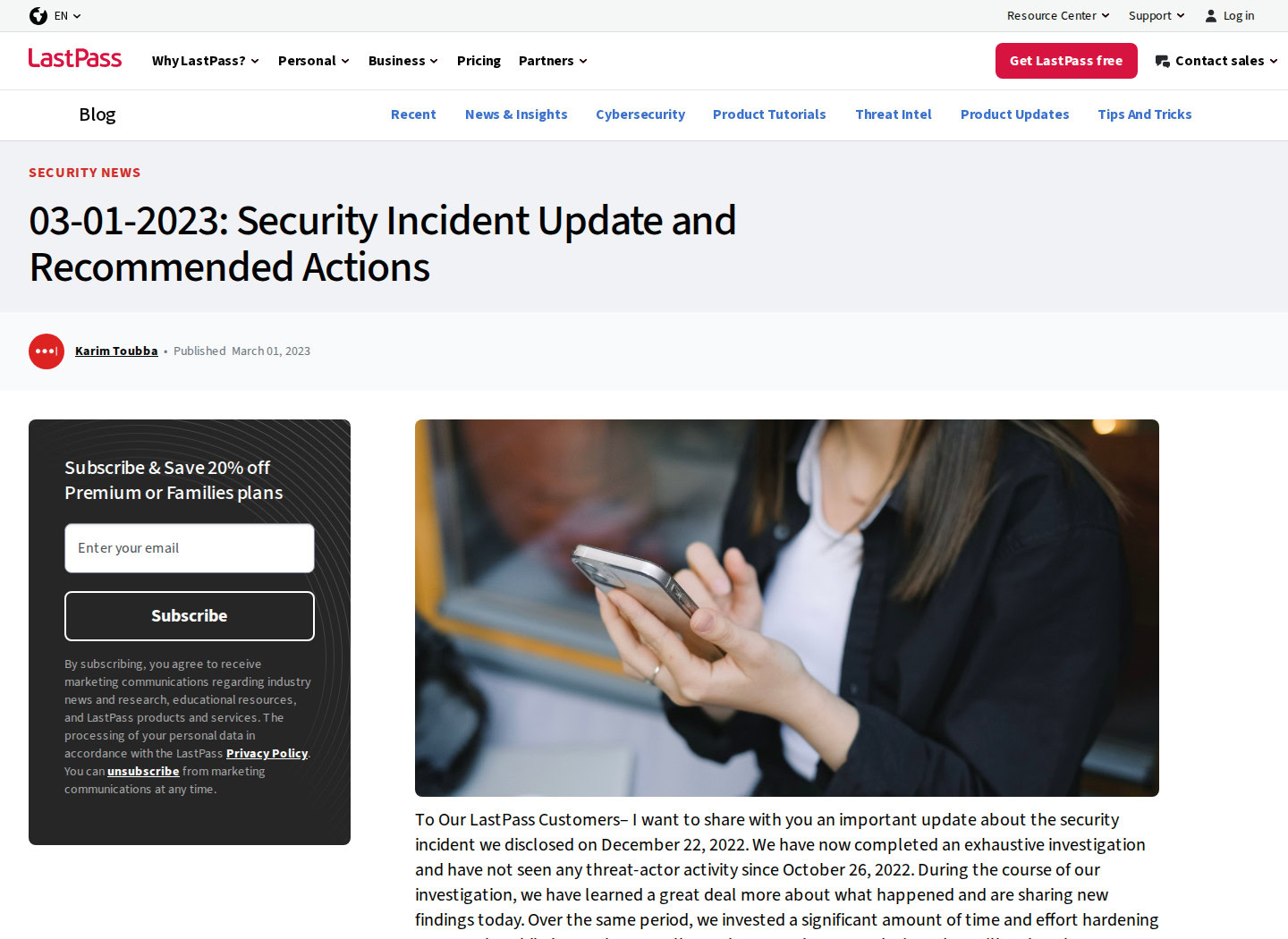
LastPass’s 2022 incidents involved development and backup storage environments. In a March 1, 2023 update, LastPass said its investigation was complete, that it had seen no threat-actor activity since October 26, 2022, and that it had made security and operational changes after the incidents. That context matters. This wasn’t a simple story where someone logged in and opened every customer’s vault.
But encrypted vault material in the wrong hands is still serious. The risk depends on things like:
- How strong your master password was
- Whether you reused that master password anywhere else
- What your account’s older security settings looked like
- Whether exposed URLs or other metadata mattered for your threat level
- Whether you changed your most sensitive passwords after the incident
That’s why Dashlane gets the edge. Not because Dashlane is magically immune to failure. No cloud password manager deserves that kind of language. It gets the edge because when two products handle the core job well enough, the one with less trust debt is the one I’d rather recommend.
⚠️ Note: A “zero-knowledge” design reduces what the company can see. It doesn’t mean a breach has no consequences. Your master password and post-breach cleanup still matter.
What both apps do well
Set the breach conversation aside for a minute and the products look closer than the online argument makes them sound.
Both Dashlane and LastPass can store passwords in an encrypted vault. Both can generate long passwords, autofill logins, save secure notes, share selected credentials, flag weak or reused passwords, and protect the vault with MFA.
That last part is worth doing on day one. MFA means the password manager asks for a second proof after your master password, usually from an authenticator app, security key, or phone prompt.
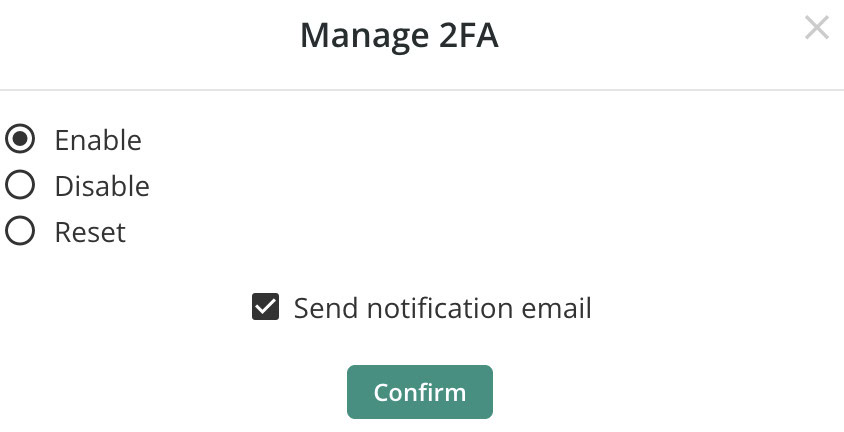
A strong master password is the main lock; MFA is the check that helps when someone else gets too close to it. If WordPress is in the mix, enable WordPress two-factor authentication there too, not just on the vault, and treat it as one part of broader WordPress security.
The real improvement, though, is less glamorous: stop reusing passwords. Start with the accounts that can reset everything else. For site owners, that includes WordPress password security for every admin and service account.
- Banking
- Password manager account
- Hosting account
- Domain registrar
- WordPress admin
- Work accounts with billing or customer data
If those accounts all have unique passwords and MFA, you’re already ahead of the version of yourself who was trying to remember a dozen variations of the same login.
For site owners, this should sit inside a larger WordPress security maintenance checklist so credential hygiene does not become the only recurring security habit.
Security and recovery
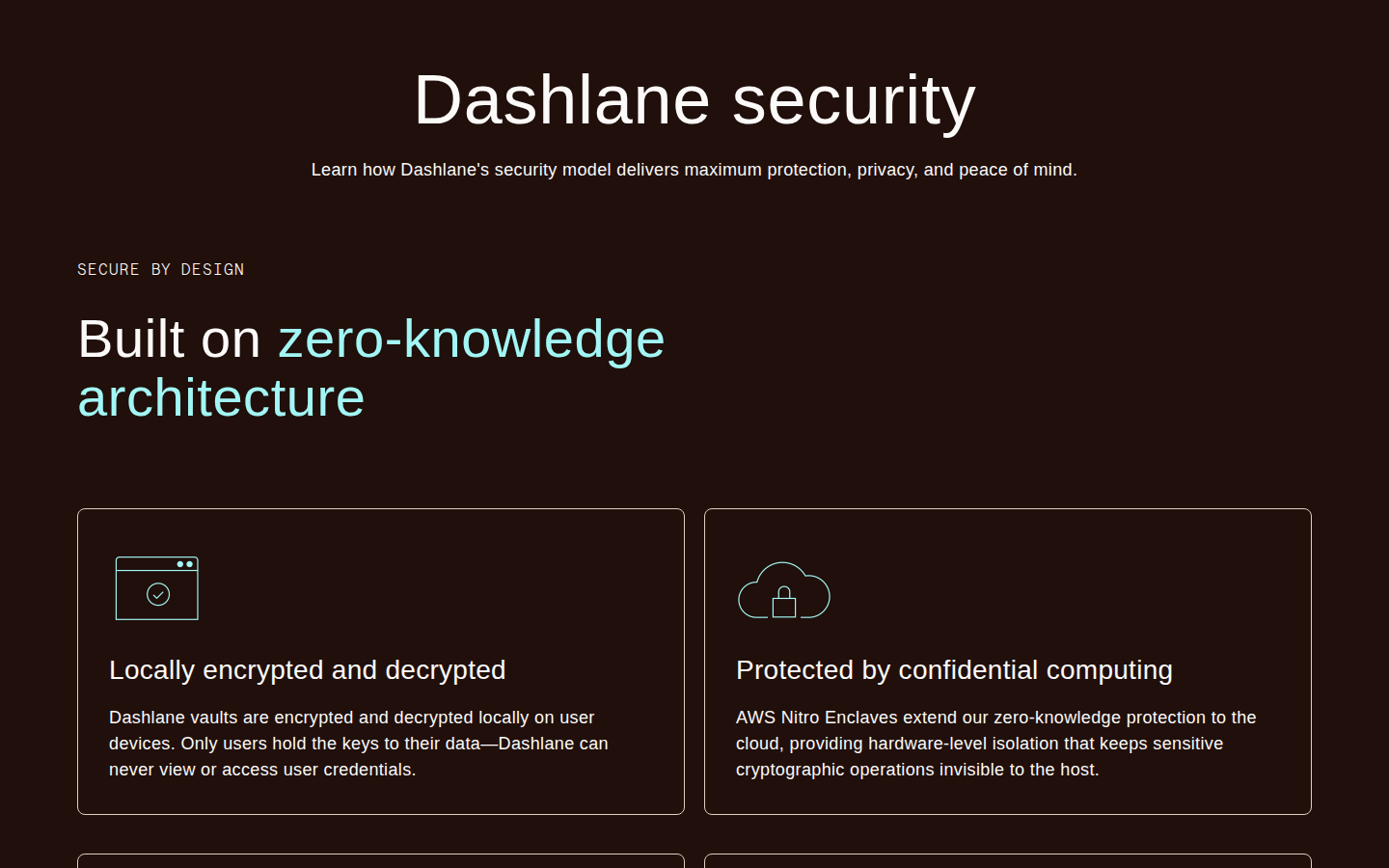
Dashlane describes a zero-knowledge architecture where encryption and decryption happen locally on your device. Its current security material also explains how trusted devices, sync, and recovery are handled. For most readers, the practical point is simple: Dashlane shouldn’t be able to open your vault and read it for you.
LastPass makes a similar claim from the user’s side of the vault. It says only the user can unlock the vault with the master password, and it lists AES-256 encryption with PBKDF2 hashing and SHA-256 salting. That’s a system designed to make saved vault data hard to read and slow to guess without the right master password.
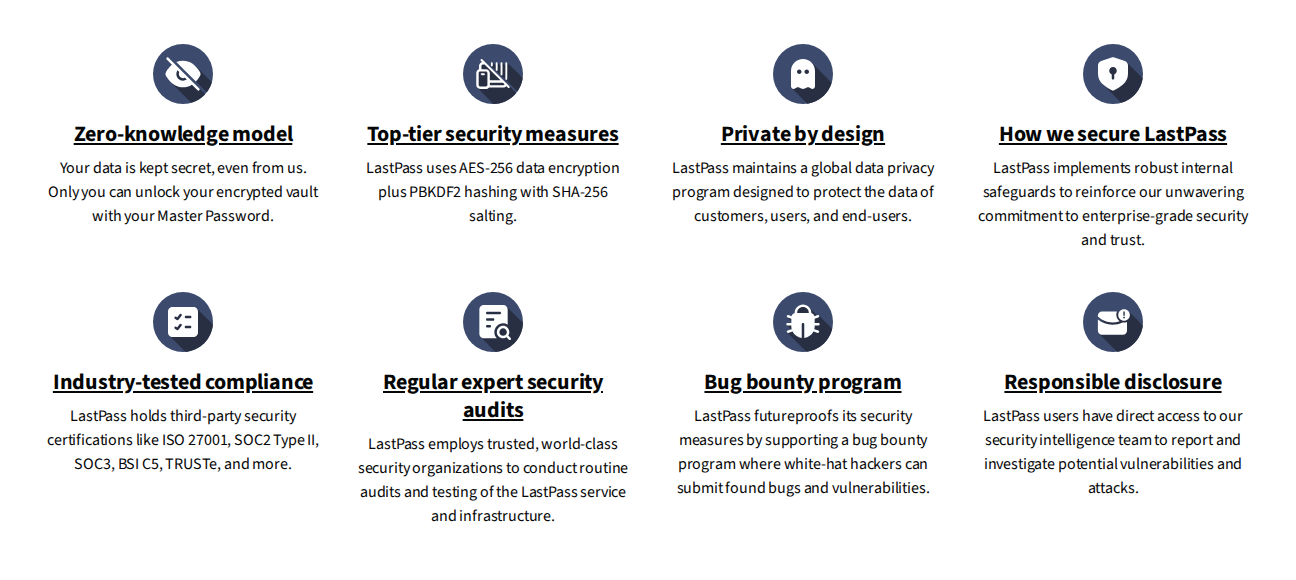
I wouldn’t choose between them by trying to turn cryptography terms into a scoreboard. That kind of comparison can make people feel informed without helping them make a safer decision. The better security check is personal:
- Is your master password long, unique, and not based on a pattern you use elsewhere?
- Is MFA turned on for the password manager itself?
- Do the recovery options help you without making account takeover easier?
- Have you changed the passwords for your highest-value accounts?
- Do you know what happens if you lose your phone, authenticator app, or recovery key?
🧭 Note: Recovery is where convenience can quietly become risk. If account recovery feels too easy, ask who else could use the same path. If it feels too strict, make sure you won’t lock yourself out with no recovery plan.
Compare plans and fit
Where Dashlane wins
Dashlane’s strongest argument is that it nudges people toward safer habits without making the app feel like a security lecture.
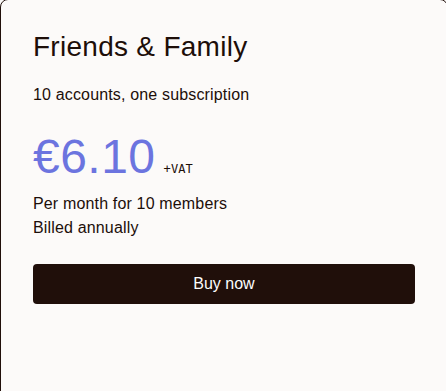
Its current personal plans focus on Premium and Friends & Family. The feature set includes unlimited password storage and autofill, all-device access, secure sharing, breach monitoring, phishing alerts, password history, encrypted file storage, and a VPN for Wi-Fi protection. Friends & Family supports up to 10 members, though VPN access can differ for invited family members, so check that detail before buying for a household.
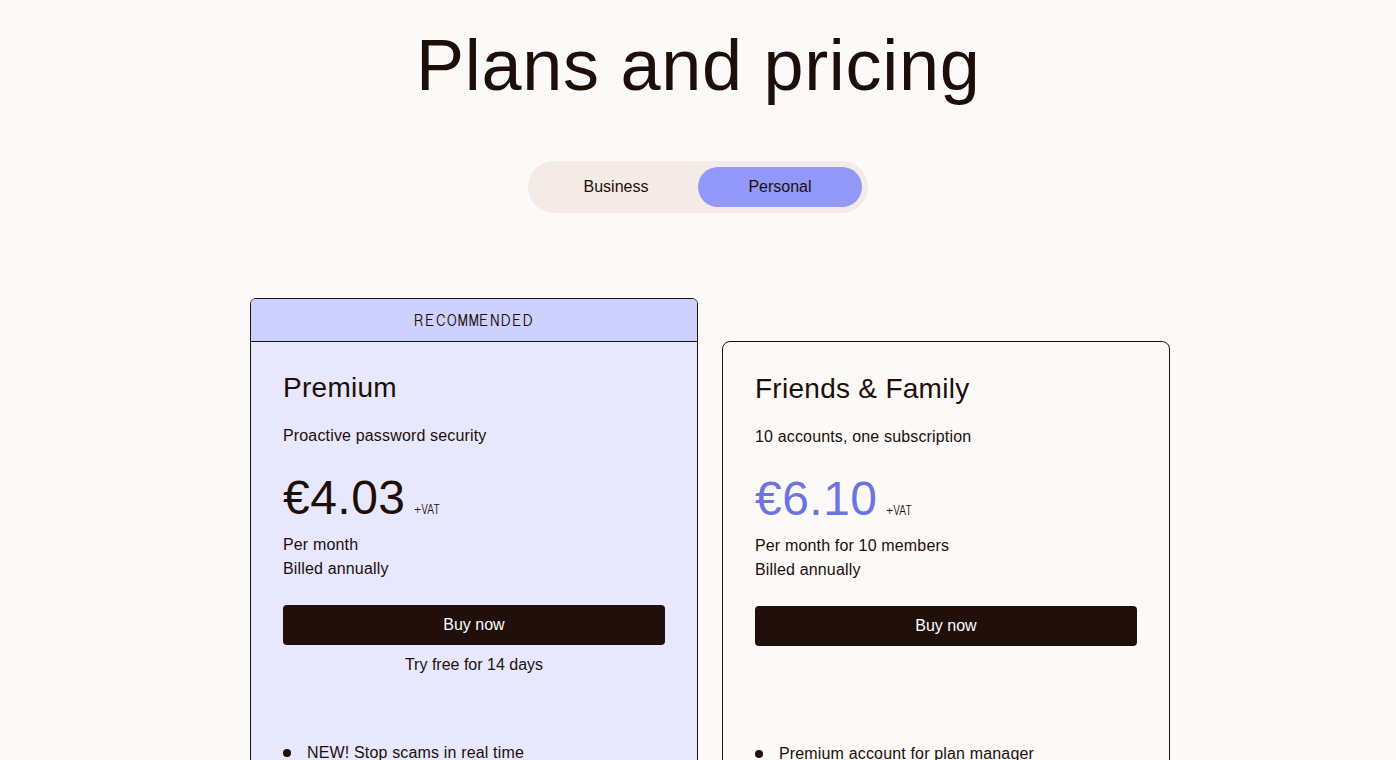
The VPN is useful, but I wouldn’t choose Dashlane mainly for that. A bundled VPN can help on airport, hotel, and cafe Wi-Fi. It doesn’t replace a dedicated VPN chosen for privacy jurisdiction, logging policy, protocol controls, and advanced settings. The more important Dashlane features are the everyday ones:
- password health checks that make weak and reused passwords visible
- dark web monitoring for exposed credentials
- phishing alerts that help when a login page looks convincing
- all-device use without the free-plan split LastPass has
- enough family seats for larger households or extended family setups
The drawback is also clear. Dashlane isn’t the free option anymore. If someone absolutely won’t pay for a password manager, Dashlane probably won’t be the product that gets them started.
Where LastPass still fits
LastPass’s best argument is practicality.
Its Free plan still gives you unlimited password storage and autofill, with one major limit: you have to pick a lane. (We test how this restriction feels in real-world testing in our in-depth LastPass review). The unpaid plan works across computers or across mobile devices, but it won’t follow you freely between both.
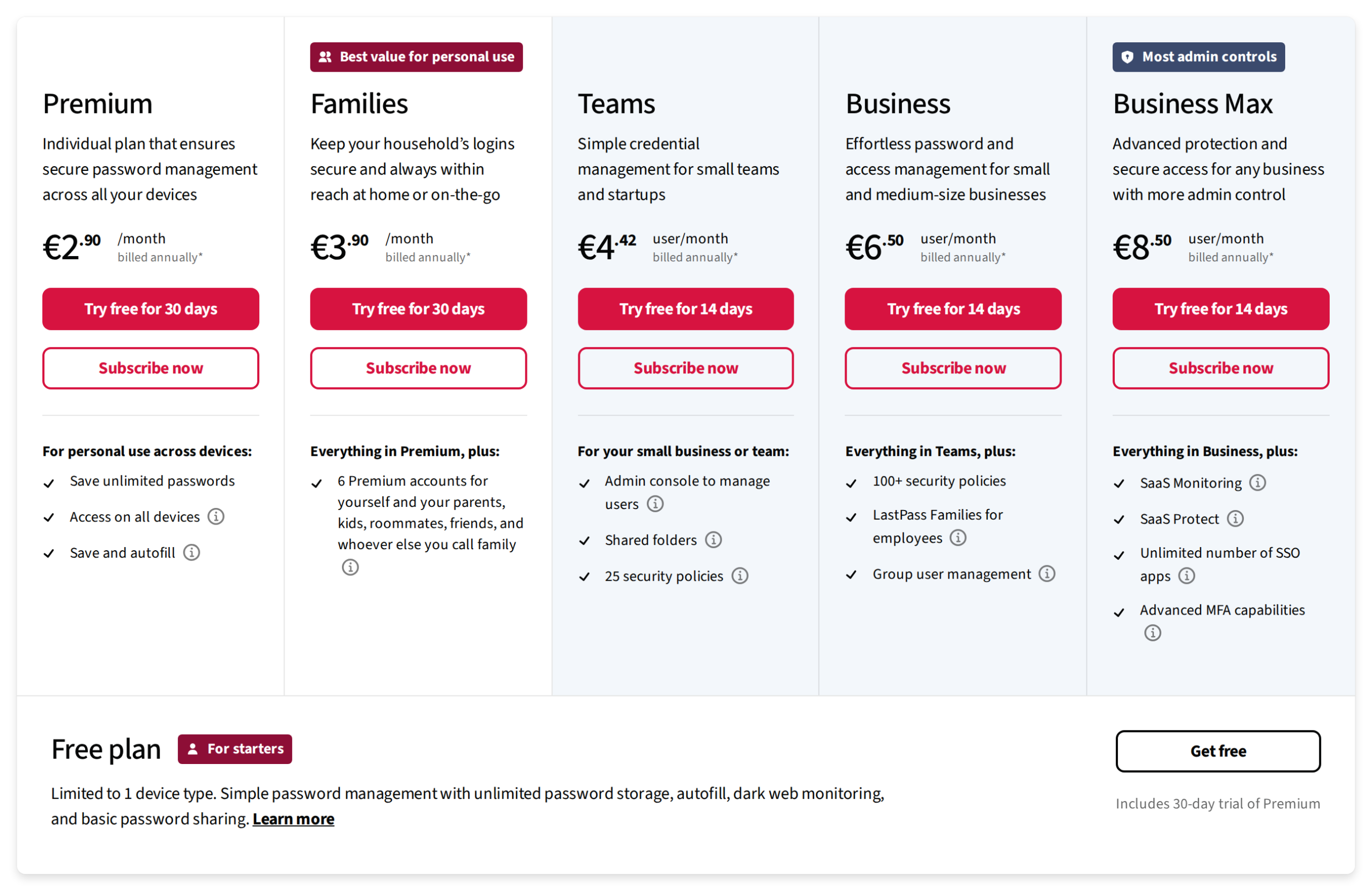
For someone who currently saves passwords in a browser, repeats the same login everywhere, or sends passwords to family members in messages, that free plan can still be a step forward. I don’t want to dismiss that. A free password manager used properly is better than a paid one that someone never adopts.
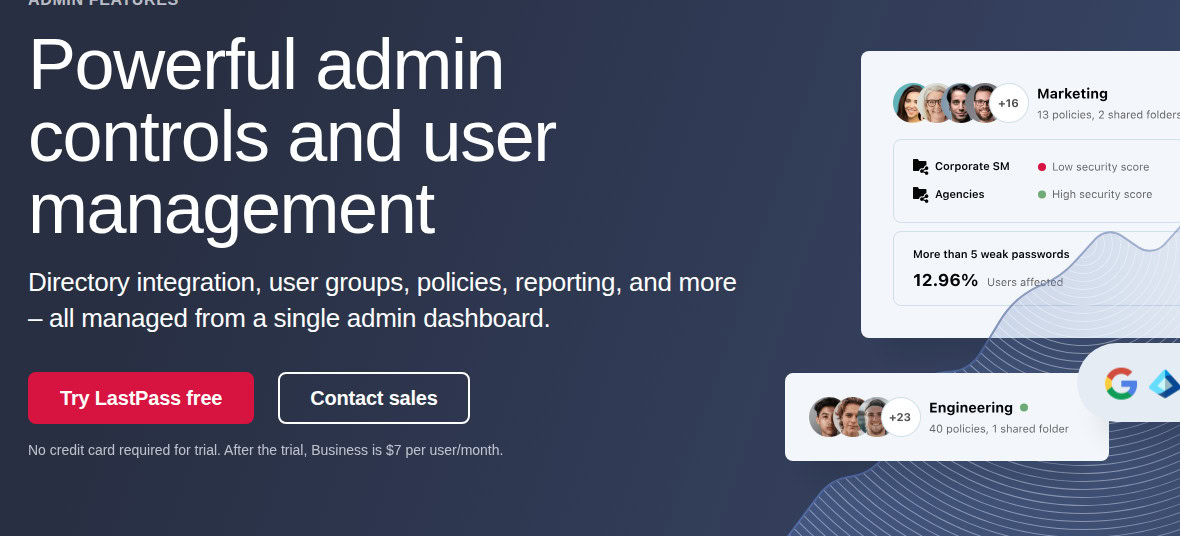
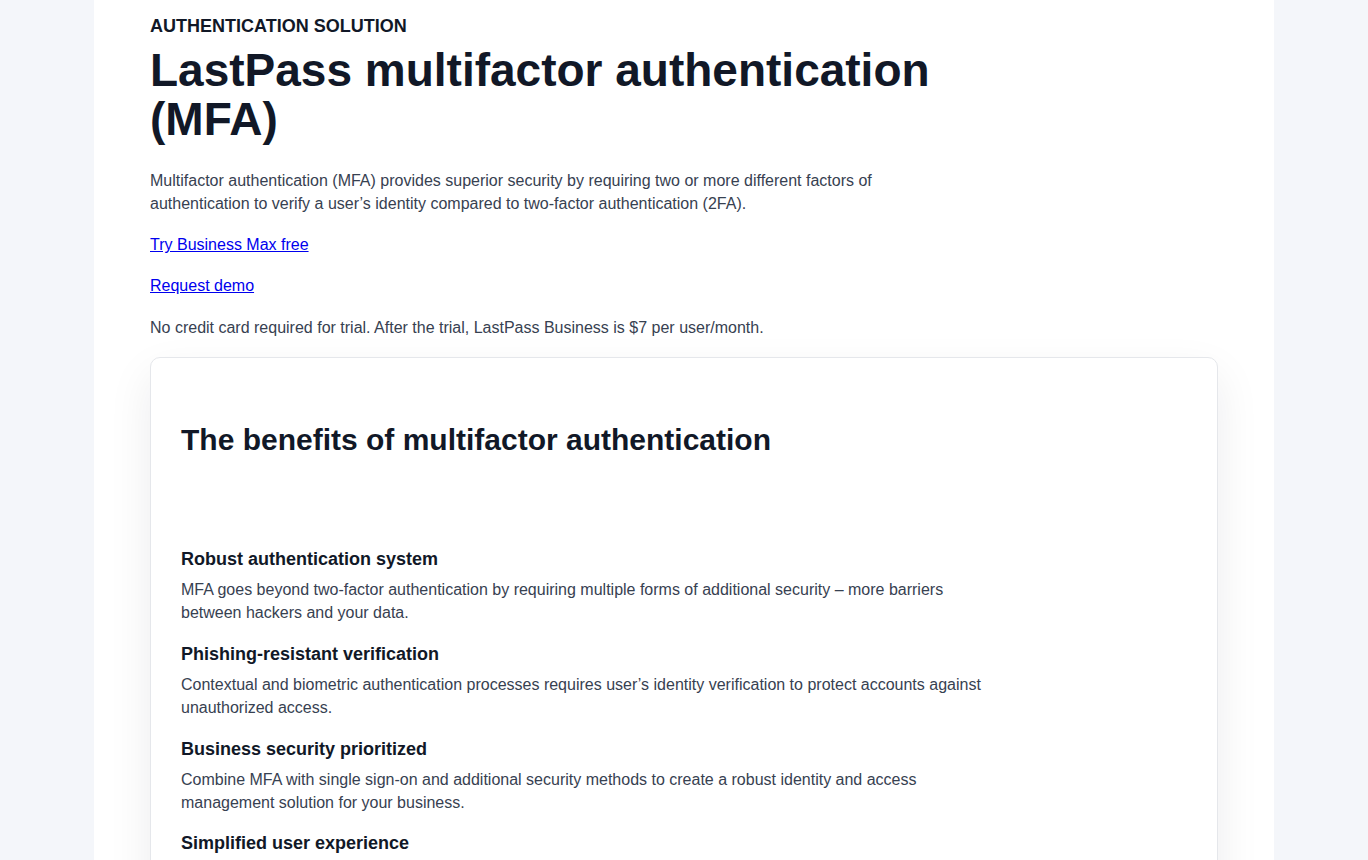
LastPass also has a stronger business case than personal case. Its business plans include admin consoles, shared folders, security policies, reporting, SSO, MFA options, and higher tiers for more advanced company controls. Those features matter when people join, leave, change roles, or need shared access without everyone knowing the same password by heart.
🏢 Note: For a business, don’t choose only from a public security verdict. Walk through the moments your team actually feels: a new hire starting, a contractor leaving, a shared login needing tighter access, an emergency recovery request. That’s where a password manager either works or turns into a workaround factory.
Pricing and plans
Check the purchase pages before choosing based on price alone. Password manager pricing changes with annual billing, trials, region, and promotions. A table that looks precise today can be wrong next week. The stable differences are easier to trust:
- Dashlane Free is discontinued for new users.
- LastPass Free still exists, with the one-device-type limit.
- Dashlane Friends & Family supports up to 10 members.
- LastPass Families covers 6 Premium accounts.
- LastPass may be cheaper for people who need a free or low-cost entry point.
- Dashlane is the better value when trust, alerts, all-device use, and family seat count matter more than the lowest price.
The cheapest plan isn’t always the cheapest outcome. If a plan limit makes your family go back to texting passwords, the risk has just moved somewhere messier.
Families, teams, and WordPress sites
For families, I’d pick Dashlane if the price works. Ten seats gives you room for partners, parents, older kids, or the relative who only needs help twice a year but always needs it immediately. It also gives you a simpler trust story. You don’t have to explain the LastPass breach timeline before everyone feels comfortable using the tool.
LastPass Families can still work for a smaller household. If you choose it, don’t treat the family plan as the whole security setup.
- Turn on MFA.
- Clean up reused passwords.
- Share passwords through the vault, not messages.
- Remove access when someone no longer needs it.
- Check the security dashboard every so often instead of waiting for a crisis.
For small businesses, the decision is closer. LastPass earns a look when the team really needs its admin policies, shared folders, reporting, or SSO/MFA setup. Dashlane is stronger when the company wants the cleaner public trust story and a security-forward default for employees who may not think about security all day.
WordPress owners should separate two jobs. Dashlane or LastPass can protect the passwords for WordPress admin, hosting, registrar, and email accounts. They don’t scan your site for malware, clean an infected site, monitor vulnerable plugins, or defend the site once someone gets past the login screen.
That’s where a WordPress security tool like MalCare belongs: after credential hygiene is handled, it helps with the site-level work a vault can’t do, including malware detection, cleanup, firewalling, brute-force defense, and vulnerability alerts.
Choose what to do next
If you’re switching from LastPass
Switching from LastPass to Dashlane is reasonable if the breach history still bothers you. You don’t have to panic. You do have to be careful, because the export file is usually the riskiest part of the move.
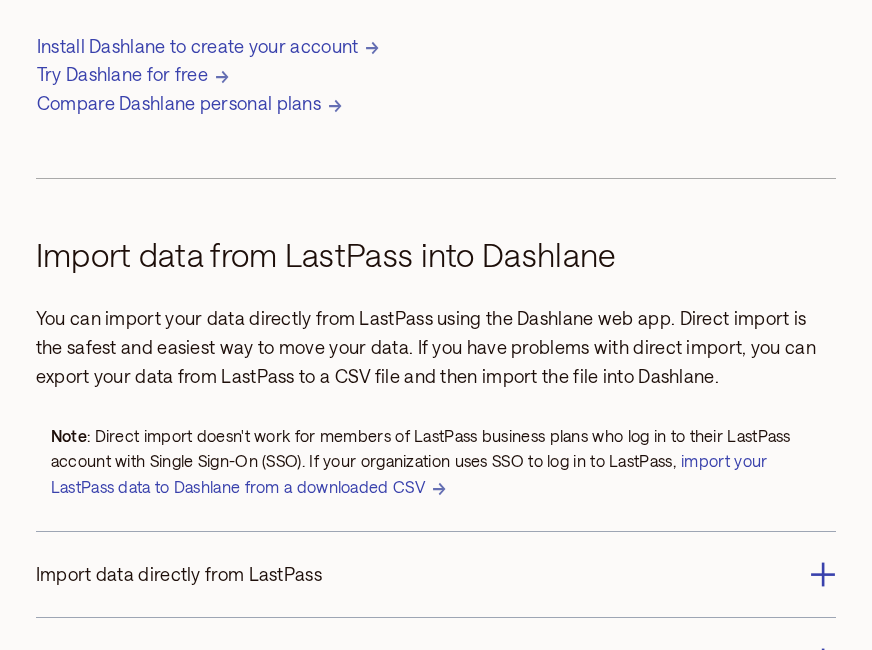
Use this order:
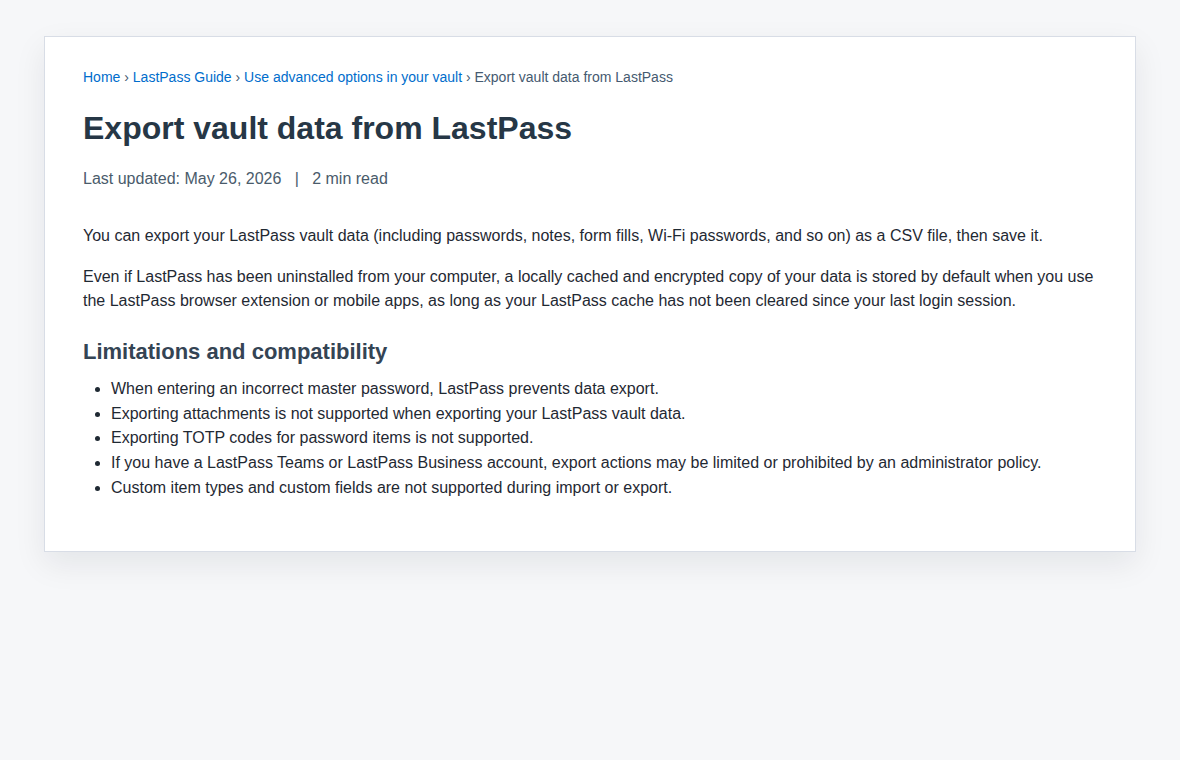
- Export only when you’re ready to import. Use a trusted computer, not a shared machine.
- Treat the export as sensitive. Password exports are often CSV files, which means plain text.
- Import into Dashlane and check the important entries. Email and banking first, then hosting, secure WordPress admin access, family accounts, and work logins.
- Delete the export file everywhere. Check Downloads, Desktop, cloud-synced folders, trash, and any backup location you control.
- Turn on MFA in Dashlane. Use an authenticator app or security key if you can.
- Change your highest-value passwords first. Email comes before almost everything because email resets almost everything.
📁 Note: Don’t export your LastPass vault “just to have a backup” unless you have a secure plan for that file. A plain CSV backup can be more dangerous than the problem you were trying to solve.
You don’t need to change 300 passwords in one weekend. Do the accounts that could hurt you first, then keep going in batches.
If you’re staying with LastPass
Staying with LastPass should be an active decision, not the thing that happens because migration sounds annoying.
Start with the master password. Change it if it’s short, old, reused, or built from a pattern you’ve used elsewhere. Turn on MFA. Review the security dashboard. Replace weak and reused passwords. Audit shared folders. Remove access for former employees, contractors, relatives, or anyone else who doesn’t need it anymore.
If you had sensitive accounts saved in LastPass during the 2022 incidents and never changed them, start there:
- banking
- crypto accounts
- hosting
- domain registrar
- WordPress admin password
- accounts with saved payment details
- accounts holding private documents or customer data
Be stricter about phishing too. A password manager can help because it shouldn’t autofill on the wrong domain, but it can’t save you from every fake login page or every stolen browser session. If an email link feels odd, open the saved vault item or type the site address yourself.
My pick
- If I were choosing for myself or my family today, I’d choose Dashlane. The cleaner trust story matters most to me, and the family plan gives enough room for the way households actually share accounts.
- If I were choosing for someone who refused to pay, I’d rather see them use LastPass Free properly than keep reusing browser-saved passwords everywhere. I’d just be direct about the device limit and the breach history.
- If I were choosing for a business, I’d compare the admin side more carefully. Dashlane is my security-forward pick. LastPass can still be defensible when its team controls solve a real workflow problem and the company is willing to accept the trust tradeoff.
For most personal users in 2026, Dashlane is the better recommendation. LastPass is still usable, but it should have to win for a specific reason. For WordPress site owners, pair that choice with the broader work of keeping a secure website that protects your brand. Once access and malware risk are handled, performance belongs in a separate lane.
FAQs
Dashlane is the safer recommendation for most people because its public breach history is cleaner and its account-safety tools are strong. LastPass can still be used safely, but it comes with more caveats.
LastPass can still be safe if your master password is strong, MFA is enabled, and high-value passwords were rotated after the incidents. The breach history still matters because encrypted vault data can become risky when users have weak master passwords, old settings, or reused passwords.
LastPass is usually the cheaper starting point because it still offers a Free plan. Check current purchase pages before deciding on price alone, because displayed prices can change by region, billing term, and promotion.
Dashlane is my pick for most families if the price works, partly because Friends & Family supports up to 10 members. LastPass Families can still work for smaller households that want lower-cost access and are comfortable with LastPass’s trust history.
Switch if LastPass’s breach history still bothers you, you’re willing to pay, or you want Dashlane’s security bundle. Stay with LastPass if unpaid access or business controls matter more, but turn on MFA and rotate the passwords for your most important accounts.