Strong password security is the goal. But choosing a premium password manager feels like a big commitment.
If 1Password is on your shortlist, you’re probably weighing its cost against its benefits.
That’s exactly what this 1Password review is for. We’ll help you see if it’s the right investment for keeping your information secure.
1Password offers industry-leading security and is incredibly easy to use, but it’s a premium tool with no permanent free plan. It’s worth the price if you value protection, and you can test everything with a 14-day free trial.
1Password review at a glance
Overview of 1Password’s standout elements.”
| Category | Details |
|---|---|
| Security | Zero-knowledge, AES 256-bit, two-key system (Master Password & Secret Key). |
| Features | Data breach alerts, Travel Mode, secure file storage, passkey support. |
| Usability | Clean interface, reliable auto-fill, seamless syncing across platforms. |
| Support | Email support, extensive documentation, priority support for businesses. |
| Recovery | Account recovery available for Teams; not for individual accounts. |
Security
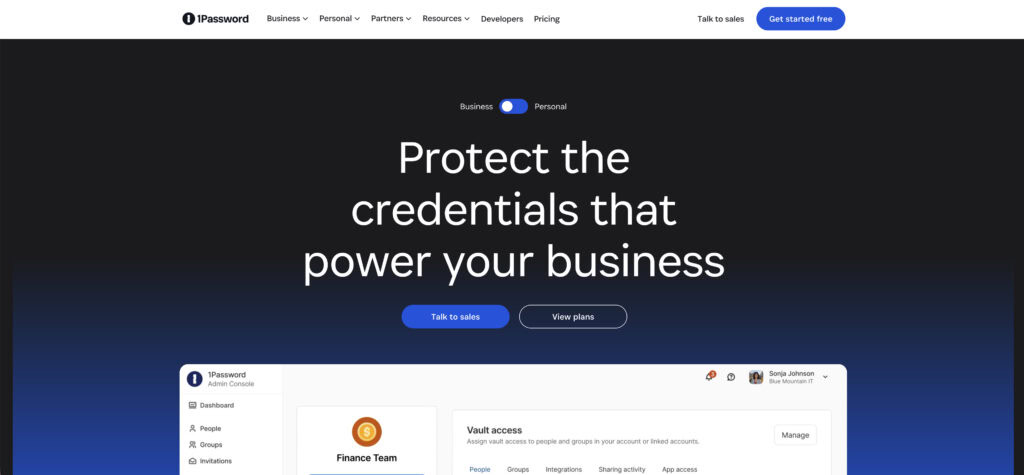
1Password is built on a zero-knowledge architecture. This commitment to website security is why it’s so trusted. Your information is encrypted and decrypted locally on your device, providing a strong defense against phishing scams. What’s stored on their servers is unreadable to them.
It uses AES 256-bit encryption, but the real standout is its two-key system. Your vault is protected by your Master Password and a unique, 34-character Secret Key generated by the app.
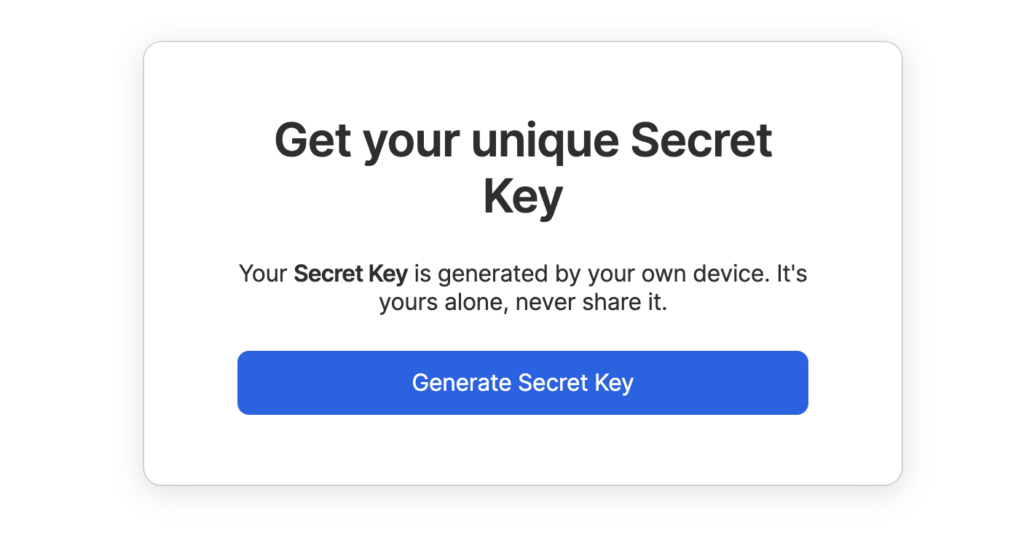
You need both to get in, which makes unauthorized access incredibly difficult. Your data is also protected during transfer by the Secure Remote Password (SRP) protocol.
☄️ Note: Brute-force attacks are a common method for gaining unauthorized access, which this system defends against.
The app supports biometrics, passkeys, and two-factor authentication for layered access. For extra trust, the company undergoes regular third-party security audits and is SOC 2 Type II certified.
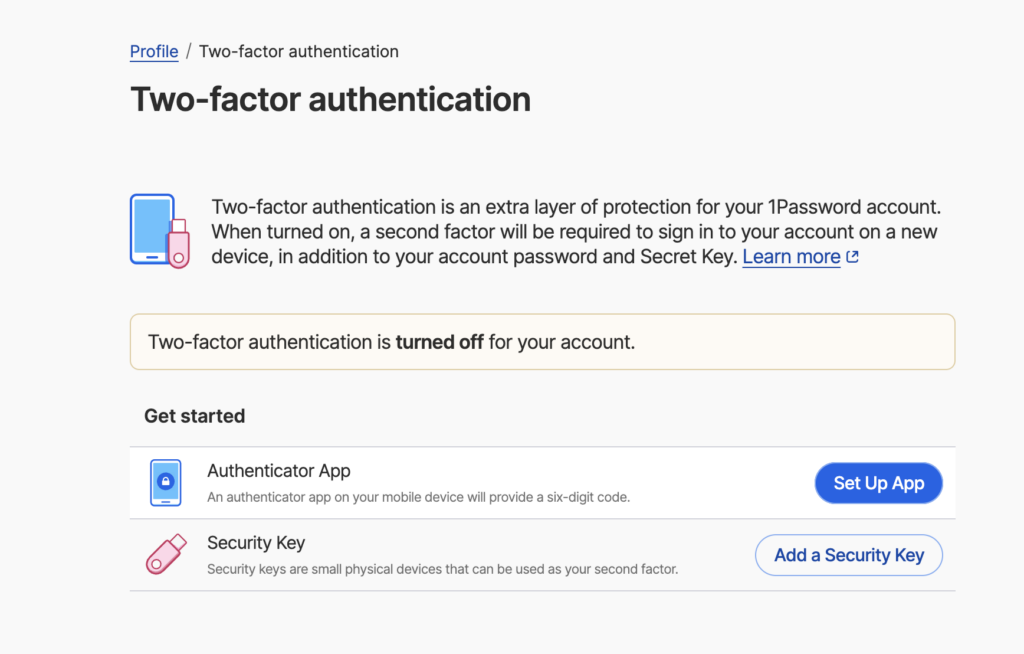
You also get robust offline access, so your vault is always available, syncing automatically when you reconnect.
Features
Alright, so the security is great. But what does 1Password actually do for you every day? It has a few really smart features that you’ll end up using all the time.
Here’s what you’ll actually use:
- Data breach alerts. The Watchtower feature is a big one. It tells you if your passwords show up in public data breaches. It also points out weak or reused passwords so you can fix them.
🔏 Note: Password security is the user’s first and most important line of defense against account takeovers.
- A mode for travel. Travel Mode lets you temporarily hide sensitive information from your devices. This is really useful for border crossings. When you’re safe, you can make it all reappear with one click.
- Secure file storage. You get 1GB of secure storage for more than just passwords. You can save copies of your passport, driver’s license, or important photos right in your vault.
- Support for passkeys. 1Password is ready for passkeys, which are the new, safer way to log into websites without a password. You’ll be set for the future.
🛢️ Note: Two-factor authentication offers a similar, crucial layer of security for website login pages.
- Simple password sharing. You can securely send a single login, like the Wi-Fi password, to someone. They don’t even need to have a 1Password account to receive it.
- Extra privacy tools. It also works with services that create fake email addresses and one-time use credit cards. This helps protect your real information from sketchy websites.
🍡 Note: Website security includes protecting your users’ real information from being harvested or stolen.
- Tools for developers. For those who need it, there are also tools to manage server passwords and secret keys. Most people won’t use this, but it’s a huge plus for businesses.
Usability
The interface is clean and intuitive across Windows, macOS, Linux, and mobile. The browser extensions are especially reliable at credential auto-filling. It just works.
The initial setup is guided by a simple step-by-step onboarding process, and the polished design makes navigation effortless.
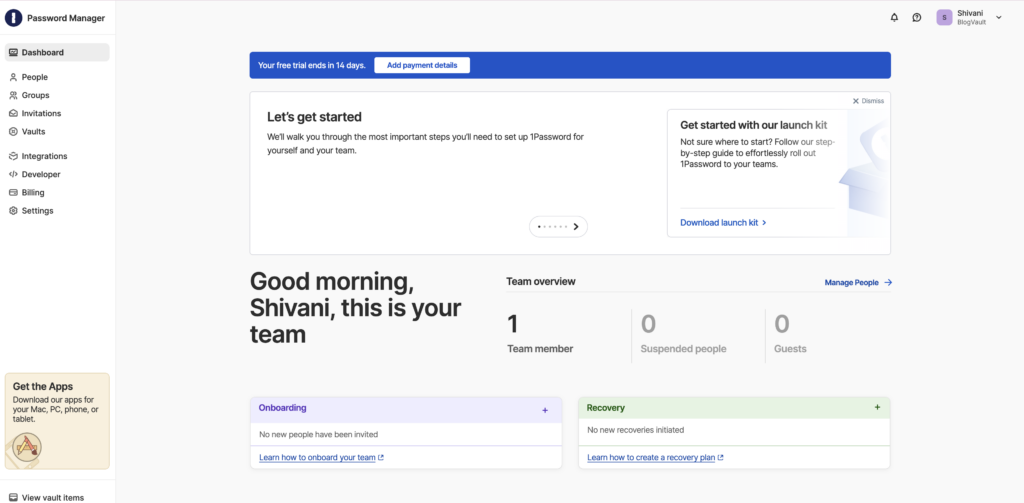
Most importantly, syncing is seamless, keeping your data updated across all platforms without you having to think about it. For larger groups, Teams get a comprehensive launch kit to get everyone started quickly.
Support
Knowing you can get help when you need it is important. For Personal and Family plan users, support is email-only.
While their support team is helpful, the real strength is the extensive documentation. You can find a clear guide for almost any question. For businesses, priority support is available on higher-tier plans.
Account recovery is only possible for Teams and Business plans where an admin can help. If you are an individual user and you lose your Master Password and Secret Key, your account is gone forever. Support cannot help you.
Pricing
1Password is a premium product with no permanent free tier, only a 14-day free trial.
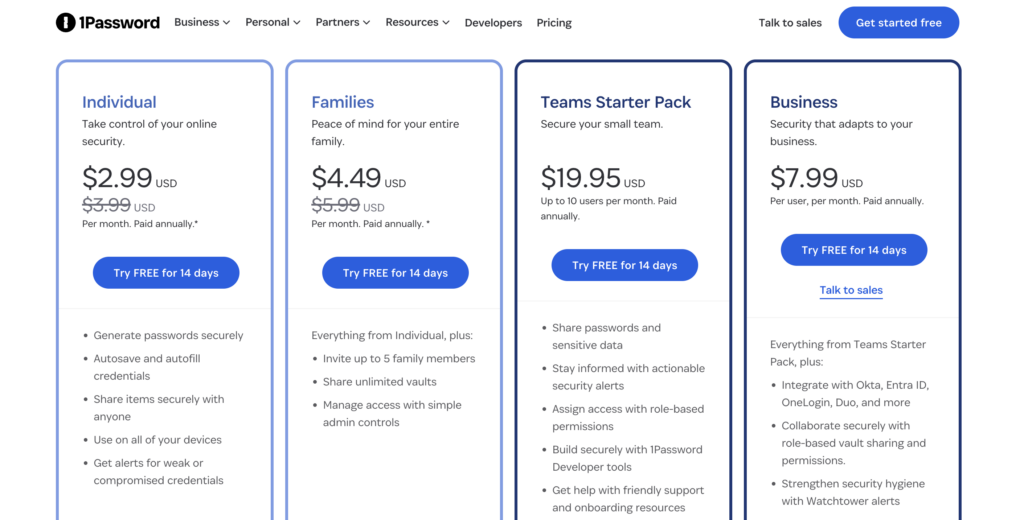
- Individual plans cost around $2.99 per month, billed annually.
- Family plans are a great value, covering 5 users for about $4.49 per month.
- The Teams Starter Pack includes 10 seats at $19.95 and 5 free guest accounts.
- The Business plan starts at $7.99 per user per month, paid annually.
Strengths & weaknesses
No tool is perfect. Here is an honest breakdown.
| Strengths | Weaknesses |
|---|---|
| Unblemished security record with no known breaches. | No “free forever” version, a dealbreaker for some. |
| Secret Key adds superior protection against attacks. | Higher price than some budget-friendly alternatives. |
| Advanced sharing controls and robust family management. | Managing the Secret Key can be challenging for new users. |
Suitable for
So, who is 1Password really for? It’s an excellent choice for a few specific groups:
- Security-conscious individuals who want the best protection available and are willing to pay for it.
- Families who need a simple and secure way to share passwords and manage everyone’s accounts.
- Remote workers and travelers who will find the Travel Mode feature essential for crossing borders.
- Businesses that need to integrate with identity providers like Okta or Entra for managing users.
- Developers who need a secure way to manage API keys, credentials, and other secrets in their workflow.
Competitors
If 1Password isn’t the right fit, consider these strong alternatives.
Bitwarden: The top choice for users who want a capable free version.

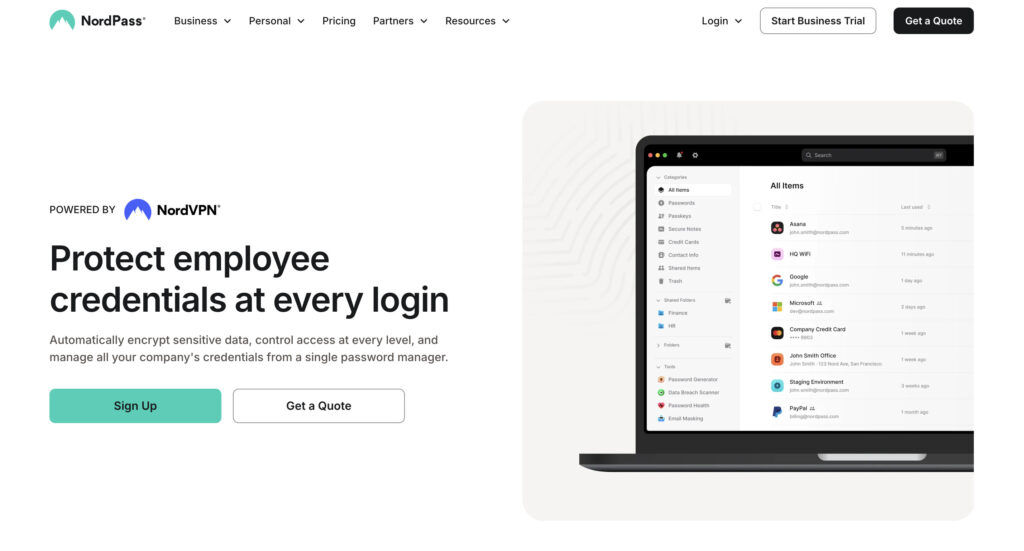
NordPass: A more budget-friendly paid alternative for individuals.
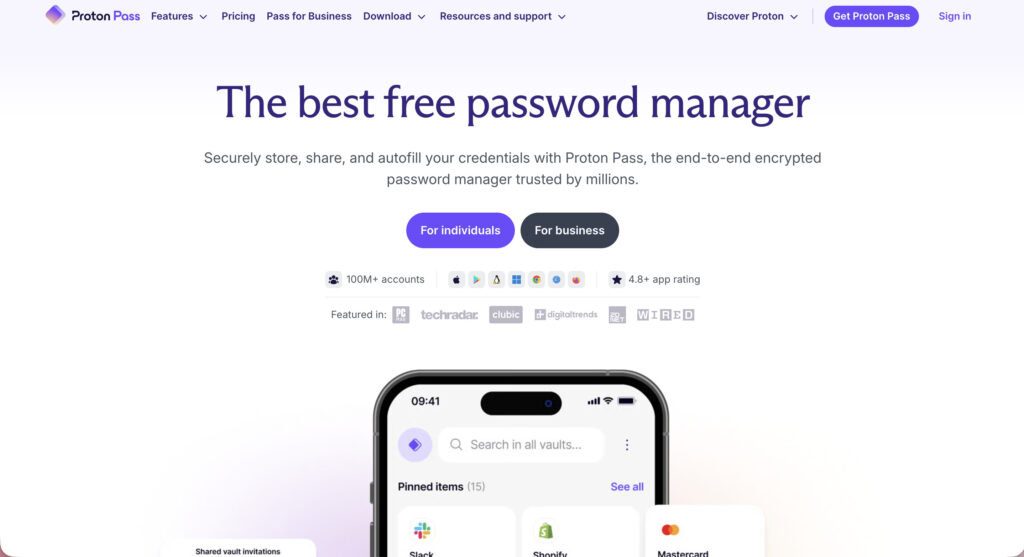
Proton Pass: An integrated option for people in Proton’s privacy ecosystem.
Best practices to follow
If you choose 1Password, these steps are essential for staying secure.
- Securely store your Emergency Kit and Secret Key offline in a safe place.
- Never give your Secret Key to anyone, including 1Password support.
- Enable biometrics for faster daily access on your phone and computer.
- Add a second administrator to a Team account to prevent lockouts.
- Regularly check Watchtower to fix weak or compromised passwords.
- Activate Travel Mode before crossing international borders with your devices.
Parting thoughts
So, is 1Password worth it? Yes. If you worry, “Are password managers safe?“, 1Password is for you. Only you have the keys, protecting your data from a breach on their end.
Just remember, a password manager is safest when you follow best practices. 1Password gives you the right tools to do so. It’s a smart investment in both powerful security and ease of use.
FAQs
Frequently asked questions
Hackers cannot get into 1Password’s servers to steal your data due to its zero-knowledge architecture and your unique Secret Key. The primary risk would come from your own devices being compromised, not from a breach at 1Password.
Yes, 1Password is still considered one of the safest password managers on the market. It maintains its strong security record through regular third-party audits and a robust encryption model.
Yes, 1Password is extremely safe for storing bank account information and other sensitive financial data. Its military-grade encryption is far more secure than saving credentials in a browser or note-taking app.
Yes, if you delete your 1Password account, your encrypted vault and all the data within it will be permanently erased from their servers. Always export your data before closing your account if you wish to keep it.
No, 1Password does not sell your data because their zero-knowledge model means they cannot access or decrypt it in the first place. Their business relies on user subscriptions, not on monetizing personal information.
Yes, 1Password works perfectly fine without an internet connection since your encrypted vault is stored locally on your devices. You only need to be online for your data to sync new changes across your different devices.