You’re serious about secure passwords. That’s why your research led you past the marketing noise and straight to open-source privacy. It’s how you landed here, stuck on the final decision: Proton Pass vs Bitwarden.
Every review seems to pull you in a different direction. It’s frustrating.
Forget the noise. We’re going to compare them on the points that actually matter for daily use. We’ll help you make the final call without any regrets.
Go with Bitwarden if you want the most affordable, rock-solid manager with a long track record. Pick Proton Pass if you value a modern design and want your password manager to be part of a larger privacy ecosystem.
Proton Pass vs Bitwarden at a glance
If you’re short on time, here’s a quick breakdown of how Proton Pass and Bitwarden stack up:
| Feature | Bitwarden | Proton Pass |
|---|---|---|
| Best For | Maximum value, advanced control, and a proven track record. | Modern design, integrated privacy, and users in the Proton ecosystem. |
| Premium Price | ~$10 / year (Excellent Value) | ~$36 / year (Premium) |
| Free Plan | ✅ Yes, unlimited passwords & devices. | ✅ Yes, unlimited passwords & devices (+10 aliases). |
| User Interface | Functional & Utilitarian | Modern & Polished |
| Standout Feature | 🆘 Emergency Access & Secure Send | 🎭 Integrated “Hide-My-Email” Aliases |
| Desktop App | ✅ Native Application | ❌ Web Wrapper |
| Self-Hosting | ✅ Yes | ❌ No |
| Security Audits | ✅ Yes, longer public history. | ✅ Yes, newer but from a trusted company. |
| Ecosystem | Standalone Tool | Integrated Privacy Suite |
Security and trust
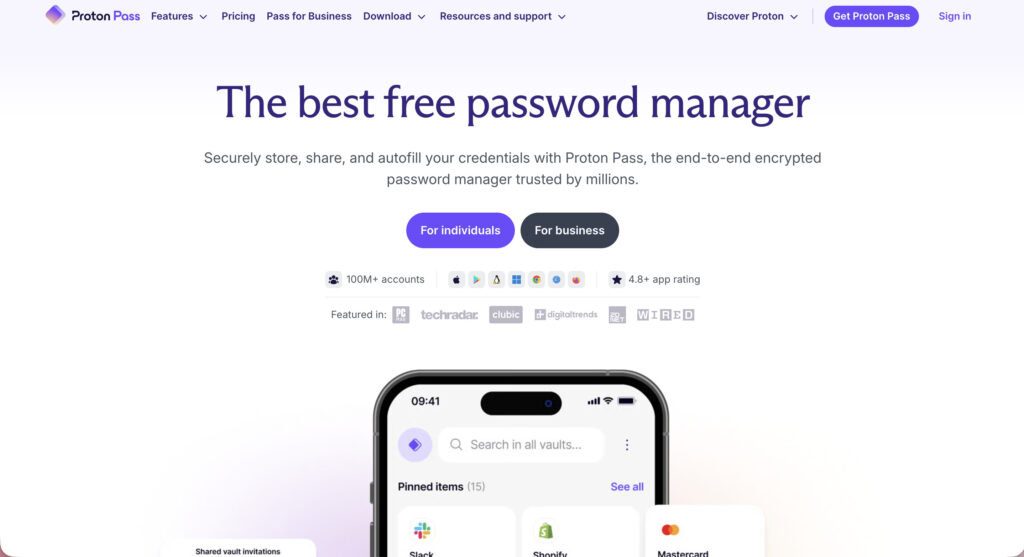
Both Proton Pass and Bitwarden are built on the same non-negotiable principles. They both use end-to-end, zero-knowledge AES-256 encryption. This means your data is scrambled on your device before it’s sent anywhere. Only you have the key. They can’t see your data.
All their code is fully open-source and available on GitHub for public inspection. This transparency is crucial. Both have also passed independent security audits by respected firms like Cure53.

Bitwarden has a longer public history of audits, which provides a certain confidence that comes with years of public testing. For users who want total control, Bitwarden offers a self-hosting option. You can run it on your own server.
Proton leverages its company’s reputation. It uses a hardened Secure Remote Password (SRP) protocol for authentication. This protects your password even if their servers are compromised. Paid Proton users also get Proton Sentinel, an AI-based system that monitors for suspicious account activity.
Both support all the two-factor authentication you’d expect. This includes TOTP apps, physical security keys like YubiKey (FIDO2/U2F), and biometrics on your phone.
🍡 Note: To secure your WordPress site, you’ll first need to install a 2FA plugin like MalCare. Your password manager can then store and auto-fill the six-digit code that the plugin generates.
One critical warning for Proton users: if you lose your master password and your recovery phrase, your data is gone forever. There is no “forgot password” link. This is the price of true zero-knowledge security.
⚖️ The verdict: This is a very close call, but Bitwarden has a slight edge due to its longer public audit history and the self-hosting option. Both are exceptionally secure, but Bitwarden’s track record feels more established.
Pricing plans
The free plans for both are incredibly generous. Seriously. Both Bitwarden and Proton Pass give you unlimited passwords on unlimited devices for free. For most people, either free plan is an amazing starting point.
You can’t make a wrong choice here. Proton’s free plan even includes 10 hide-my-email aliases, a great bonus for shielding high-value accounts. Just like the one tied to your WordPress site from issues like targeted phishing attacks.
The difference becomes clear with the paid plans.
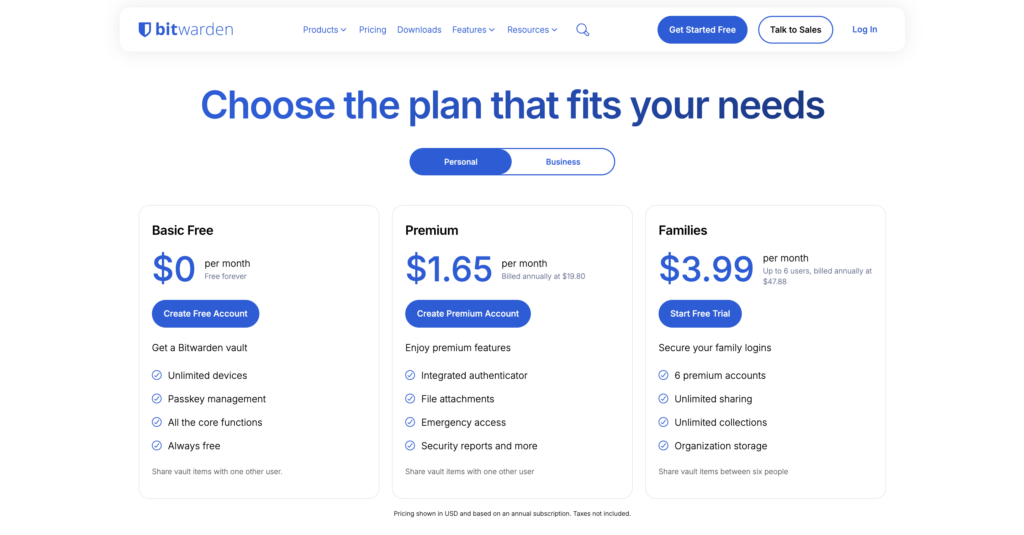
- At just $19.80/year, Bitwarden Premium prevents disasters like hacked sites that start with one bad password. It adds a 2FA authenticator, vault reports, and emergency access for incredible value.
- Proton Pass Plus costs around $35.88 per year (when billed annually). The main reason for the higher price is its star feature: unlimited “hide-my-email” aliases and a built-in 2FA authenticator. It also includes 10GB of encrypted file storage.
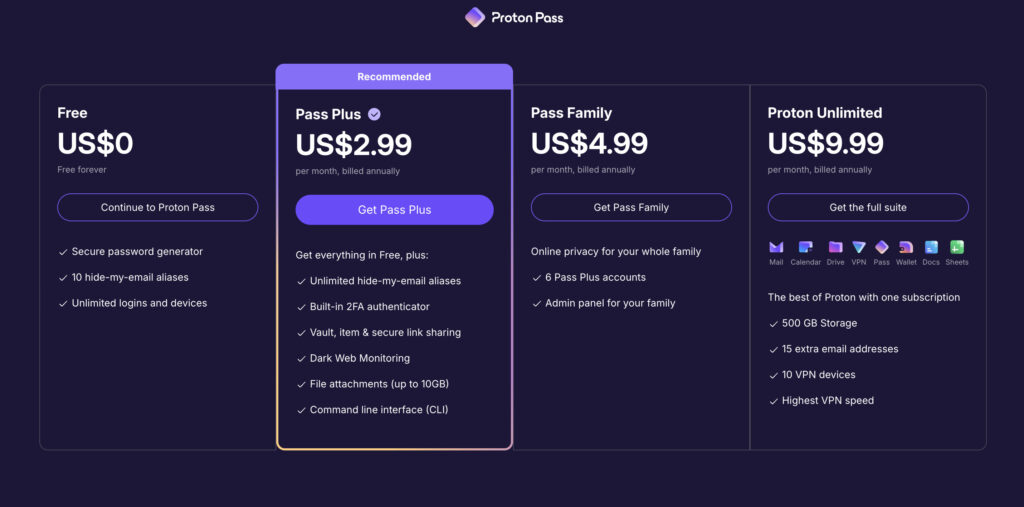
Both also offer family plans that cover up to six users. Proton also bundles Pass into its “Proton Unlimited” plan, which includes its popular Mail, VPN, and Drive services.
⚖️ The verdict: For pure value, Bitwarden is the clear winner. Its affordable premium plan adds core password features, while Proton’s higher price includes its excellent email aliasing tool.
Ease of use
Proton Pass has a clean, polished, and modern user interface. It feels new. The layout is intuitive, and the mobile apps are particularly user-friendly and smooth. If you appreciate good design, you’ll feel right at home.
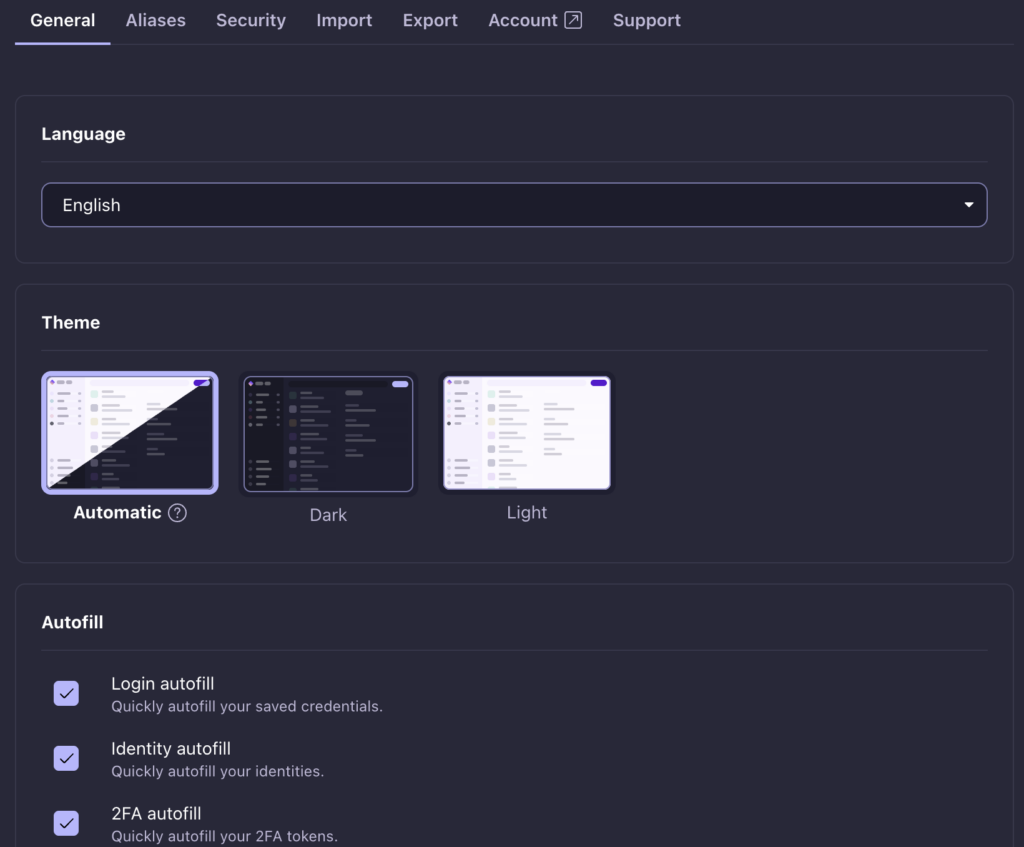
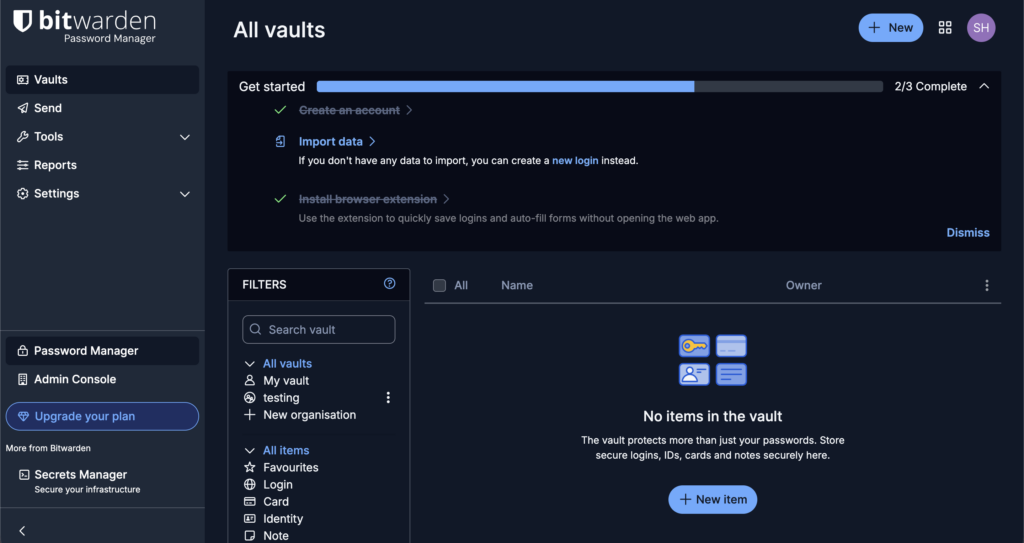
Bitwarden’s interface is functional and utilitarian. It’s not ugly, but its design prioritizes efficiency over aesthetics. It works well, but it doesn’t have the same visual appeal as Proton. That said, it has received significant UI updates and is steadily improving.
🤔 Note: If you’re wondering if password managers are safe, the tool itself is, but their real security depends entirely on how you use it. A strong master password and two-factor authentication are non-negotiable for making your vault truly secure.
Both have reliable browser extensions with useful keyboard shortcuts for quick logins. A key difference is the desktop experience. Bitwarden provides a dedicated, native desktop application.
Proton Pass uses a web app wrapper, which means its security is partly dependent on your browser’s ability to block attacks like cross-site scripting (XSS).
Both sync quickly across devices and support biometric unlocking for easy access. If you’re in the Proton ecosystem, the unified login is a nice touch.
⚖️ The verdict: Proton Pass wins on design and usability. Its interface is more modern and pleasant to use, especially for those who aren’t tech power users.
Core toolset
Both handle the essentials perfectly. They generate secure passwords, support the new passkey standard, and let you store secure notes, identities, and credit cards.
Proton’s standout feature is its integrated SimpleLogin hide-my-email aliases. For any new account, you can create a random forwarding email. If that address gets spam, you just disable it. It’s an incredibly powerful privacy tool.

Bitwarden focuses more on practical management. Its premium plan includes Emergency Access, allowing you to grant a trusted contact access to your vault if something happens to you. It’s a vital feature for long-term planning.
It also has Bitwarden Send for sharing encrypted text or files that expire automatically.
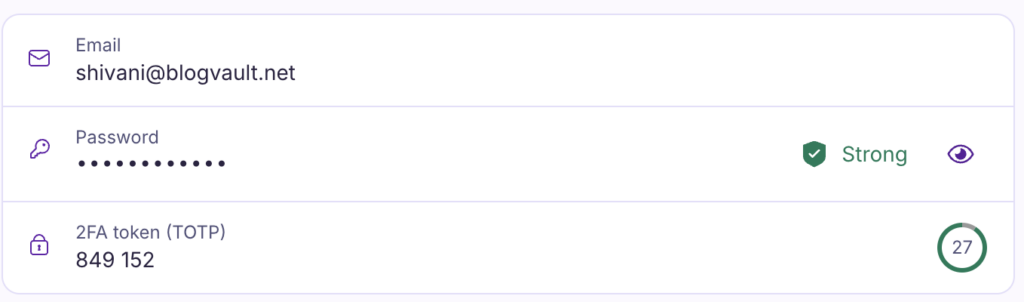
Both premium plans include a built-in TOTP 2FA authenticator, so you don’t need a separate app like Google Authenticator. Both also have password health checkers that warn you about weak or reused credentials.
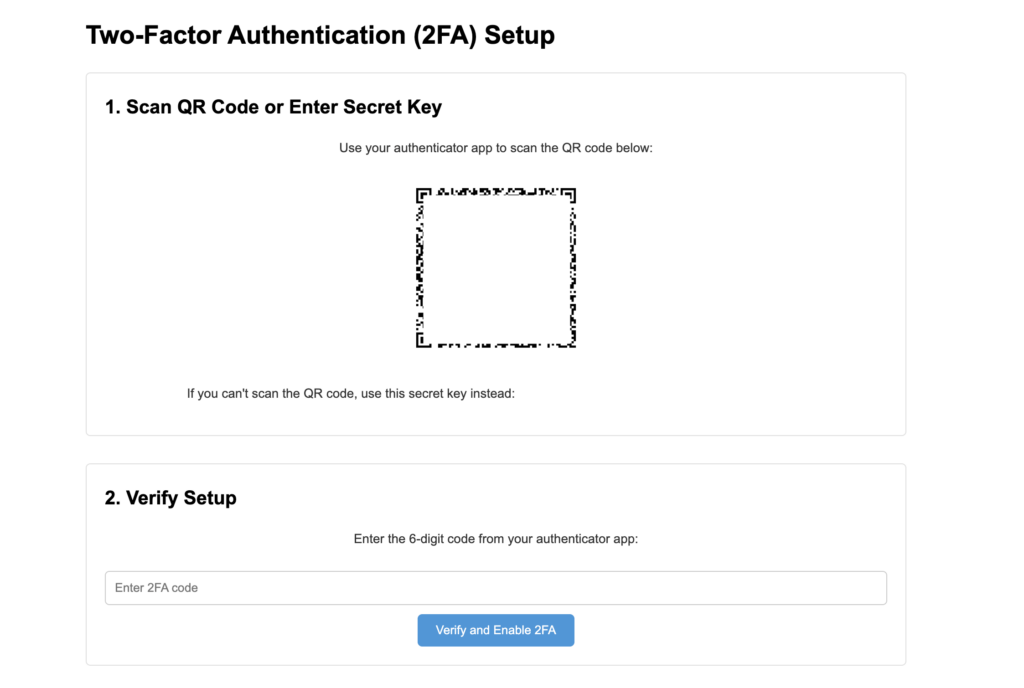
To secure your WordPress site, you’ll need a 2FA plugin to enable this feature. For robust and reliable login protection, MalCare offers one of the best 2FA solutions available.
⚖️ The verdict: This is a tie, depending entirely on your needs. If your priority is protecting your identity and privacy, Proton’s email aliases are a game-changer. If you need practical tools for long-term security planning and sharing, Bitwarden’s Emergency Access is more valuable.
Compatibility and ecosystem
Both tools have apps for all major platforms, but their core philosophies diverge. Bitwarden is a standalone tool, an approach that prioritizes a strong defense against zero-day exploits by keeping its focus narrow. In contrast, Proton Pass integrates into a wider ecosystem.
For advanced users, Bitwarden offers self-hosting, while Proton provides a CLI, and both offer offline access (premium for Proton).
Importing and exporting
Both allow easy import from dozens of other password managers and browsers. The process is straightforward whether you’re coming from LastPass manager, Chrome, or another service. Switching between Proton Pass and Bitwarden is also very easy.
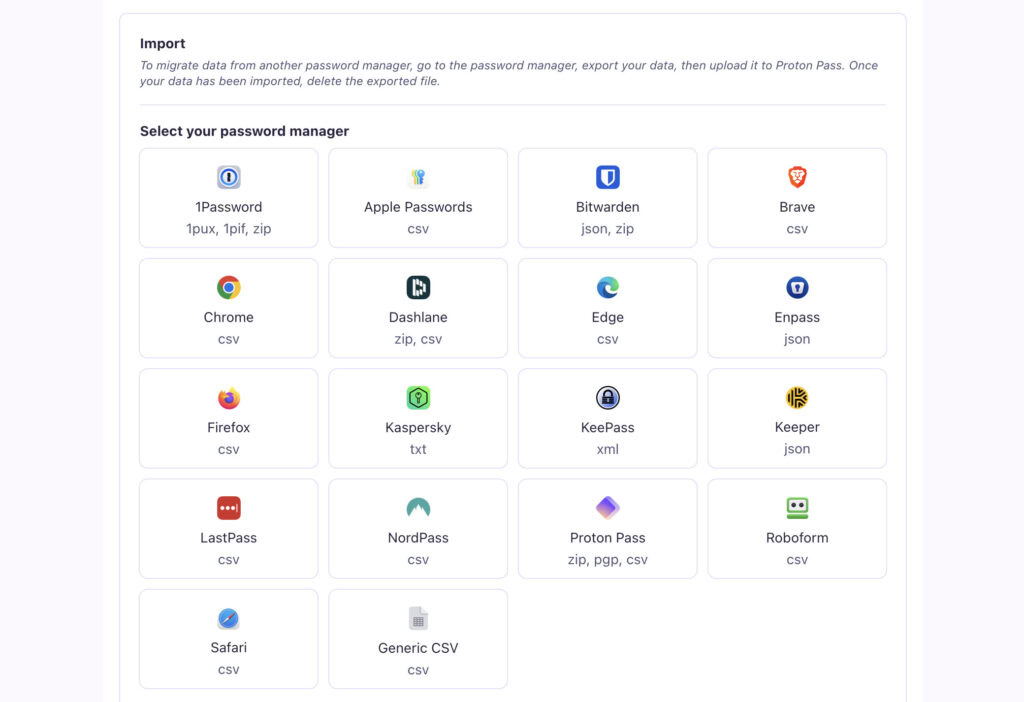
After you import your data, always verify that the number of items matches what you had in your old manager. Don’t delete the old one until you’re sure everything has transferred. It’s also a great security practice to export your vault data as a backup every few months and store it securely offline.
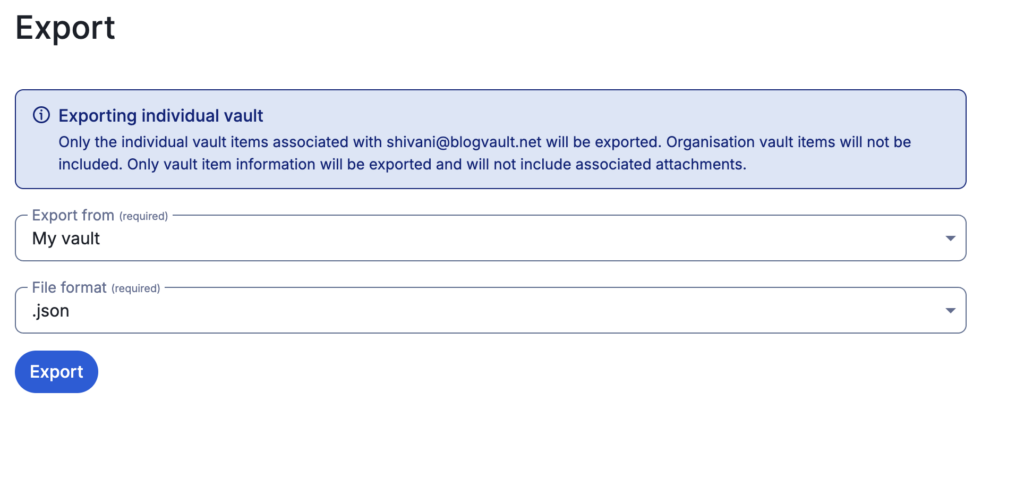
⚡ Note: These great security practices extend far beyond just your password manager. Applying this same careful process of verification and backup is essential for maintaining the integrity and security of your WordPress site.
For teams, Bitwarden’s Organizations feature makes sharing and management much simpler. Proton’s sharing model is done through shared vaults or secure links for premium users.
Help and support
When you need help, you’ll find that Bitwarden has a significant advantage due to its age and user base. It has extensive documentation and a large, active community forum. You can find user-generated guides and troubleshooting for almost any issue.
Proton’s support resources are good and growing, but they are currently smaller. Its knowledge base is integrated with its other products. Both platforms offer email-based customer support for their paid users, but response times for free users can be limited.
Where they falter
No tool is perfect. Here’s an honest look at the downsides.
Proton Pass:
- It is a newer product with a less mature feature set than Bitwarden.
- The premium plan is notably more expensive.
- It lacks a native desktop app, relying on a web wrapper.
- Losing your recovery phrase means your data is permanently lost.
- The ecosystem integration can feel like you’re being locked into one company.
Bitwarden:
- It lacks the powerful, integrated email aliasing that Proton offers.
- Auto-fill can sometimes be inconsistent on certain websites.
- Advanced features like self-hosting require technical knowledge.
Which one is right for you?
Let’s cut right to the chase.
You should choose Proton Pass if…
- You are already invested in the Proton ecosystem (Mail, VPN, Drive).
- Built-in, easy-to-use email aliasing is a top priority for you.
- You value a modern, clean interface and a smooth user experience.
You should choose Bitwarden if…
- You want the best possible value. The free and premium plans are unbeatable.
- You need robust features like Emergency Access or the ability to self-host.
- You prioritize a long, proven track record of security audits and transparency.
Both are built on a supremely secure, open-source, and zero-knowledge foundation. The decision really hinges on whether you prefer an integrated privacy ecosystem or a best-in-class specialized tool.
Alternatives
While these two are top contenders, a few others are worth knowing about.
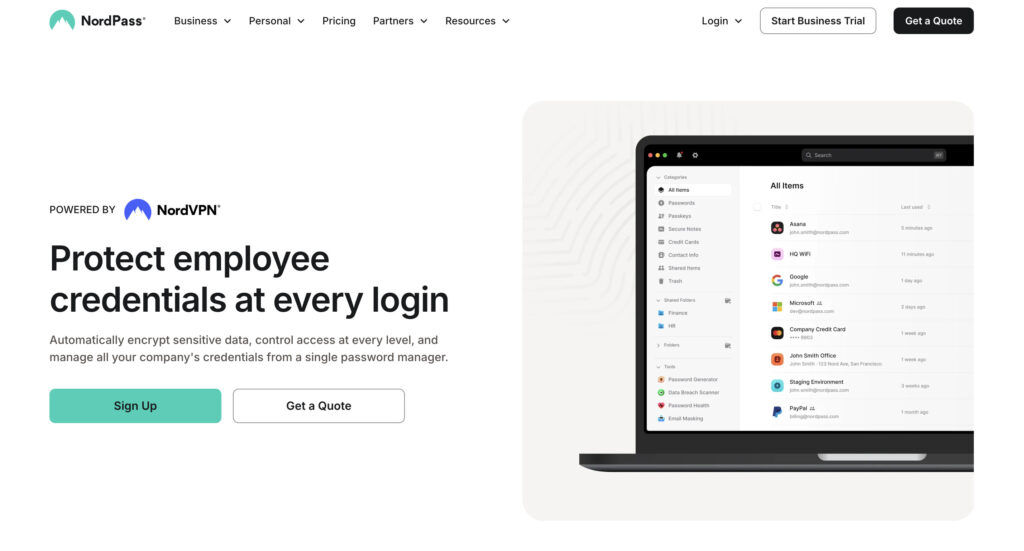
NordPass offers a simple interface and ties into the NordVPN suite of products.
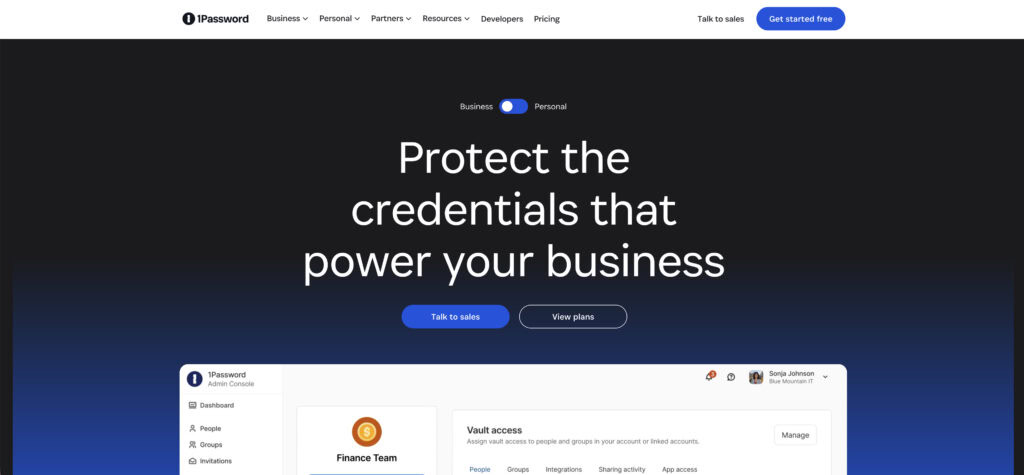
1Password is a very polished, user-friendly leader known for its excellent family-sharing features.
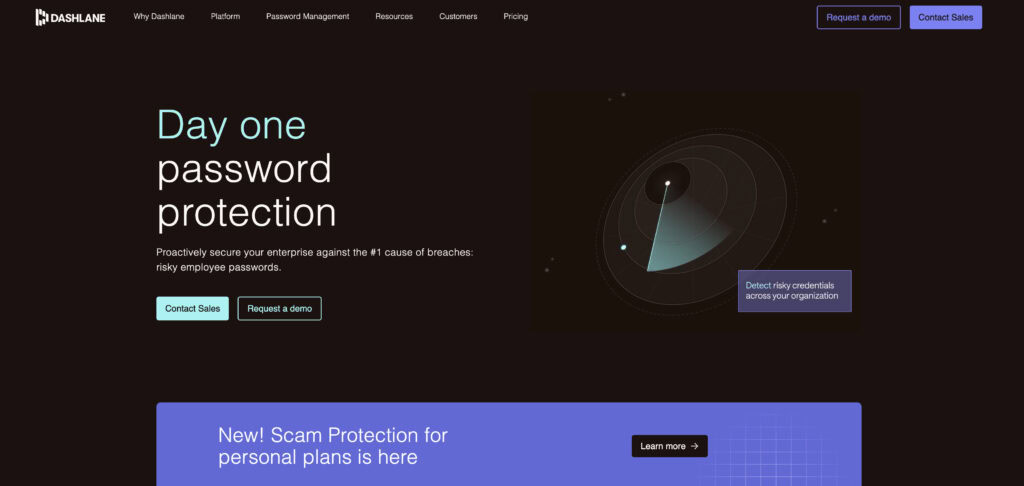
Dashlane is a polished competitor that offers a seamless cloud-sync experience along with extra features like an integrated VPN on its premium plans.
Pro security tips
Choosing a great tool is the first step. Using it safely is the next.
- Activate two-factor authentication (2FA) on your account immediately. Use an authenticator app or a hardware security key.
- Create a strong, unique master password that you have never used anywhere else.
- Securely store your recovery kit or phrase somewhere safe and offline as soon as you sign up.
- Regularly check your vault health reports to find and fix weak or compromised passwords.
- Let the password generator create passwords for every new account you make.
- Never, ever share your master password with anyone.
- Set up biometric unlock on your mobile devices for fast, secure access.
- Be careful with auto-fill on websites that look suspicious. Type your password manually if you’re unsure.
- Remember to log out of your vault when using a shared or public computer.
Parting thoughts
You cannot make a wrong choice between these two.
Proton Pass is the leader in integrated privacy features and modern design. Bitwarden is the leader in affordability, mature features, and ultimate control.
The best tool is the one you will actually use consistently. Pick one, invest an hour to move your password into it, and set up.
FAQs
Frequently asked questions
Yes, Proton Pass is extremely secure, built on end-to-end, zero-knowledge encryption. Its code is fully open-source and has undergone independent security audits for transparency.
Few password managers are definitively “better,” but alternatives like 1Password are often praised for a more polished user interface and family-sharing features. The best tool depends on your specific priorities, such as design or advanced controls.
Yes, the Proton Pass free plan is more than good enough for most people’s essential needs. It provides unlimited passwords across unlimited devices, along with 10 free “hide-my-email” aliases.
While no service is totally infallible, Bitwarden’s zero-knowledge model means your vault stays safe even if its servers are breached. The greatest risk comes from a weak master password or a compromised device, not a direct hack of your encrypted data.
The primary disadvantages of Bitwarden are its functional but dated user interface and its lack of integrated email aliasing. Some users also report that its auto-fill can be inconsistent on complex websites.