Strong passwords are non-negotiable. But choosing the right tool to manage them feels impossible.
You’ve likely narrowed it down to the two heavyweights: Dashlane vs 1Password. And now you’re stuck.
Both are excellent, but the wrong choice for you can be a real headache. Our goal is simple: to help you pick the right one without the confusing tech jargon.
Pick 1Password if you want the most affordable plan for a single person or a full-featured app for your computer. Pick Dashlane if you need to cover a large group of up to 10 people or want the added bonus of a VPN.
Dashlane vs 1Password in a nutshell
A side-by-side look at Dashlane and 1Password’s strengths:
| Feature | Dashlane | 1Password |
|---|---|---|
| Security | Strong, dark web monitoring | Strong, Secret Key |
| Pricing | $2.71/month, 10-user plan | $2.99/month, 14 day trial |
| Experience | Browser-based | Desktop app |
| Unique Features | VPN, auto password changer | Travel Mode, document storage |
Encryption and safety
⚖️ The verdict: Both are exceptionally secure. However, 1Password’s Secret Key gives it a technical edge for those seeking the most robust security architecture available.

Both Dashlane and 1Password are built on a rock-solid security foundation. They use industry-standard AES 256-bit encryption and a zero-knowledge model. This means your data is encrypted on your device, and they can never see your passwords.
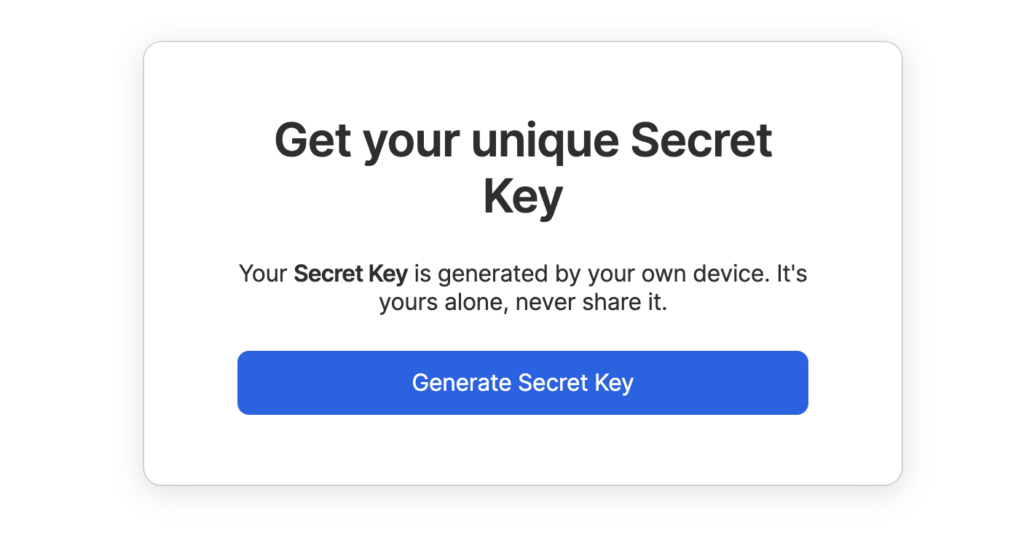
The key difference is 1Password’s unique Secret Key. This 34-character code works alongside your master password to provide an extra layer of protection against remote attacks.
⚠️ A word of warning: you must store this key safely. Losing it can lock you out of your account.
Both have an unblemished security record with no major breaches. For ongoing protection, Dashlane offers real-time dark web monitoring. 1Password’s “Watchtower” performs a similar role, alerting you to compromised passwords. Both also fully support two-factor authentication and modern passkeys.
💡 Quick tip: Don’t forget your website. Enable two-factor authentication on your WordPress with a security plugin like MalCare.
Subscription plans
⚖️ The verdict: For individuals, 1Password is the more affordable choice. For large families or groups, Dashlane’s 10-user plan offers unbeatable coverage.
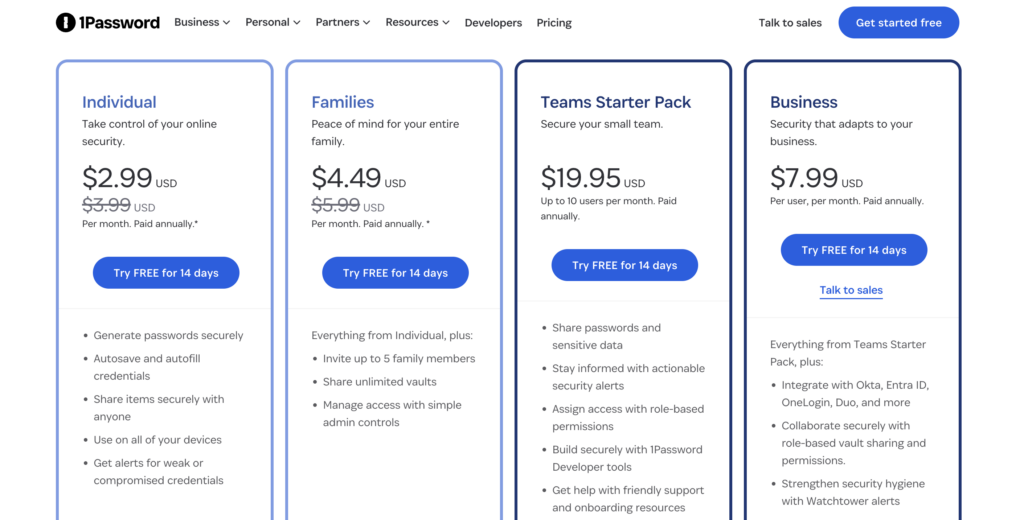
1Password generally has a lower starting price. Its individual plan costs about $2.99 per month when billed annually. For families, their plan covers up to five people for around $4.49 per month.
🤔 Note: If you’re concerned about the safety of password managers, know that they use zero-knowledge encryption. This technology ensures that even the companies themselves cannot access your private vault.
Dashlane’s premium plan for one person costs more at approximately $2.71 per month. The higher price is due to bundled tools. Its Friends & Family plan is a key feature, covering up to 10 users.
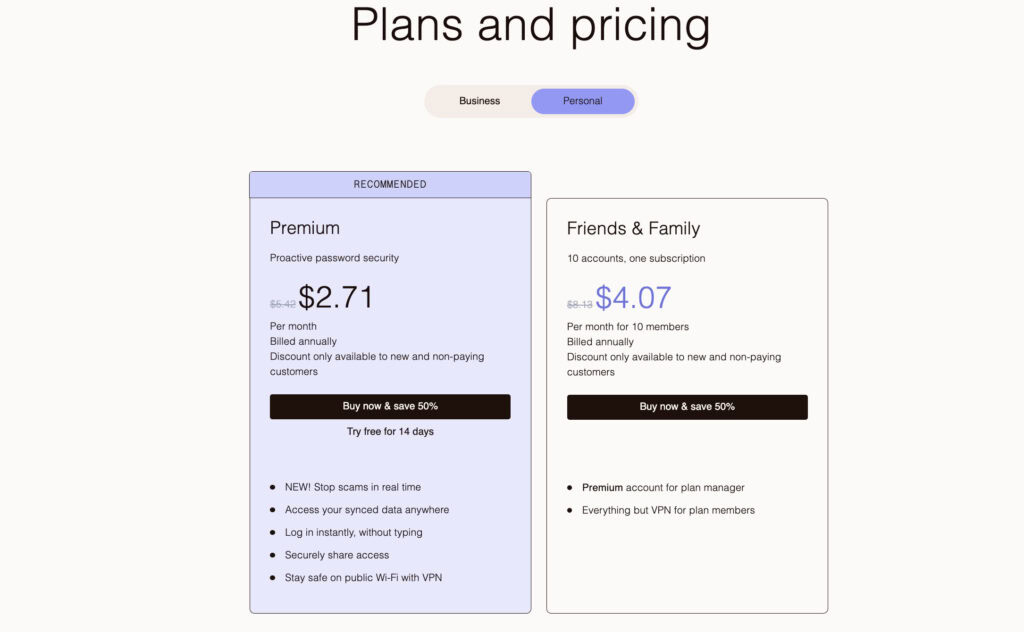
What about free options? Dashlane’s free plan is very limited, working on one device only. 1Password does not offer a permanent free plan. Both services give you a 14-day free trial to test everything.
User experience
⚖️ The verdict: This depends entirely on your workflow. If you want a full desktop program, 1Password is the obvious winner. If you prefer a simple, browser-based system, you will love Dashlane’s design.
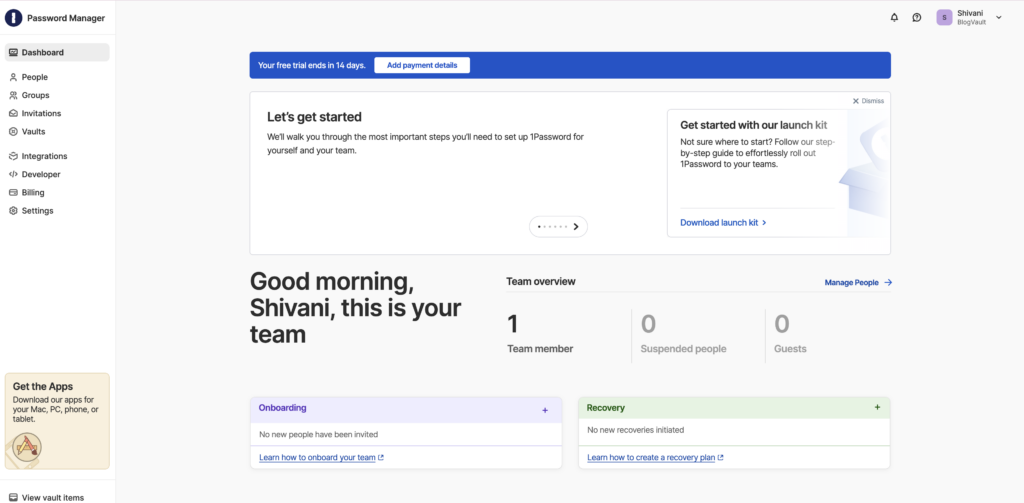
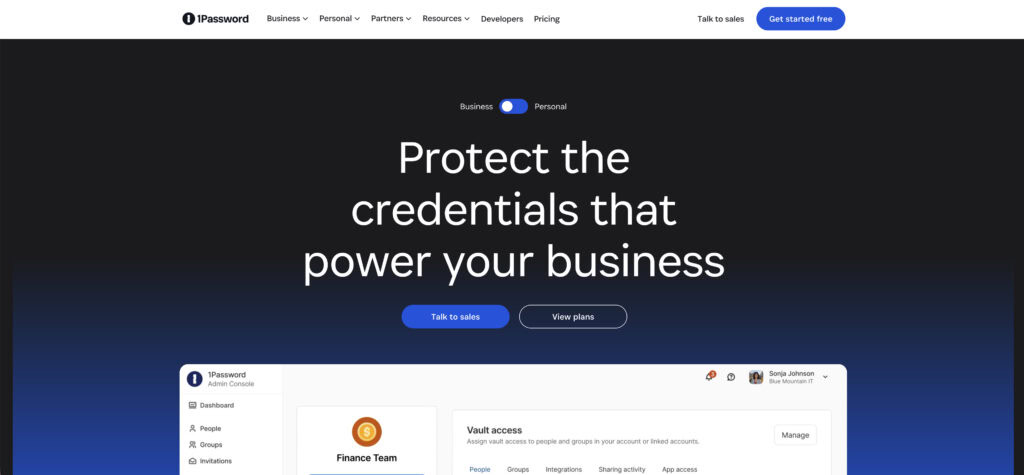
1Password is celebrated for its intuitive, modern native desktop apps. It offers polished applications for Windows, macOS, and even Linux. This is ideal if you prefer having a dedicated program on your computer.
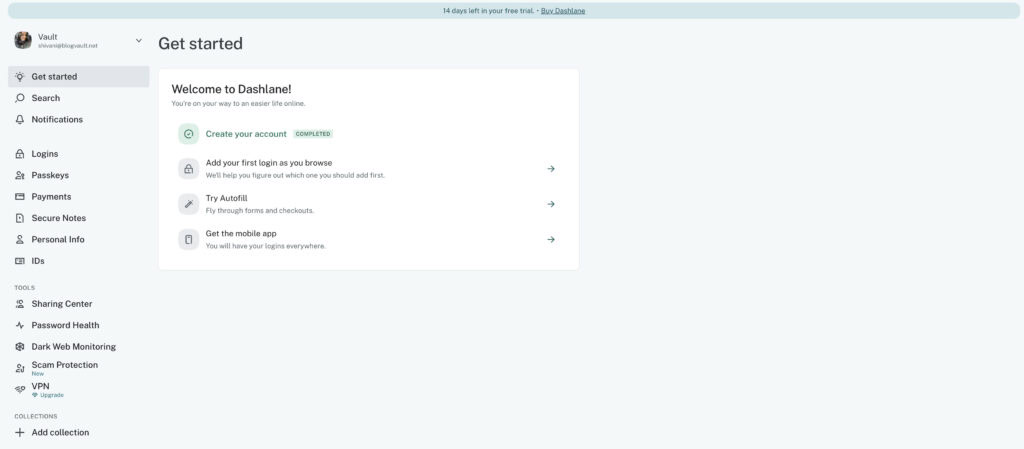
Dashlane, on the other hand, uses a streamlined, web-first approach. Your main interactions are with its browser extension and a web-based app. A major point to consider: Dashlane no longer offers a traditional standalone desktop application.
🎣 Note: A phishing attack often starts with a fake login page. This is a classic web-based scam designed to steal credentials for your WordPress site.
Both have highly rated mobile apps for iOS and Android with reliable autofill. We found 1Password provides a helpful step-by-step onboarding guide. Dashlane is known for its sleek, beginner-friendly interface that gets you started quickly.
Tools and capabilities
Beyond just storing passwords, here’s a look at the extra tools each service offers.
⚖️ The verdict: Dashlane’s bundled VPN is a good value add. But 1Password’s unique features like Travel Mode and more flexible sharing are more powerful for core security management.
Dashlane focuses on bundling several security tools into one package.
- Bundled VPN: Includes a basic VPN (powered by Hotspot Shield). It’s a nice perk for securing your connection on public Wi-Fi at a coffee shop or airport.
- Automatic Password Changer: Features a tool that can automatically change your password for you on some major supported websites.
- Password Health Score: Identifies weak, reused, or compromised credentials in your vault so you know what to fix first.
🎟️ Note: Two-factor authentication is a powerful tool for your WordPress site. It makes a single compromised password almost useless to an attacker.
1Password offers more specialized features focused on control and advanced security.
- Travel Mode: A standout feature that lets you temporarily hide sensitive vaults from your devices when crossing borders. This is a huge plus for privacy-conscious travelers.
- Secure Document Storage: Provides 1GB of encrypted storage for digital copies of passports, wills, contracts, or other important files.
- Developer Tools: Includes advanced tools for managing infrastructure secrets, making it a favorite among tech professionals.
Transferring options
⚖️The verdict: It’s a tie. Both make the switching process painless.
Moving your data from an old manager or browser is simple with either service. Both support importing passwords, and you can export your vault data if you ever decide to leave. The process is straightforward and is a standard feature you should expect from any premium password manager. Just be sure to check the official help documentation for specific guides.
🎺 A quick tip: After you successfully import your data into your new manager, remember to go back and securely delete the exported file (usually a .csv) from your computer.
Help and resources
⚖️ The verdict: For individual support, it’s a tie. For teams, 1Password has a superior recovery system.
Both services have comprehensive online knowledge bases and guides to help you solve most problems on your own. For direct help, 1Password offers email support for personal and family plans. Dashlane provides standard customer support channels as well.
The key difference is in account recovery, which is intentionally difficult due to their security models. If you lose your Dashlane master password and don’t have a recovery code, your encrypted data is permanently gone.
For 1Password business plans, an administrator can help a team member recover their account, which is a vital feature for organizations.
Choosing the right option
Let’s make this simple.
Choose 1Password if:
- You want the strongest security with the added Secret Key.
- You need a native desktop app, especially for Linux.
- You value advanced features like Travel Mode and flexible sharing.
Choose Dashlane if:
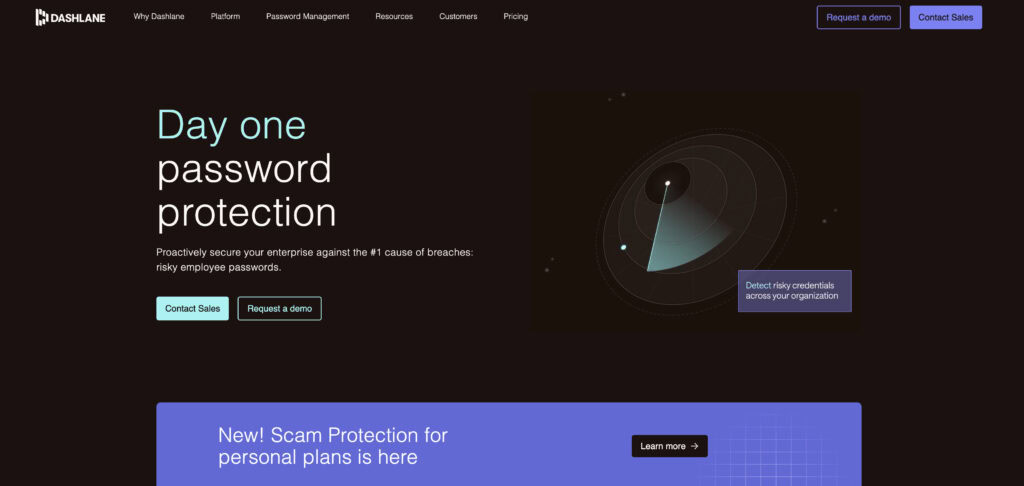
- You want an all-in-one suite with a bundled VPN.
- You need to cover a large family of up to 10 users.
- You prefer a simple, web-browser-focused workflow.
Alternatives
If neither feels like a perfect match, consider these excellent options:
Bitwarden: A top open-source choice that is highly affordable and offers a very capable free tier.

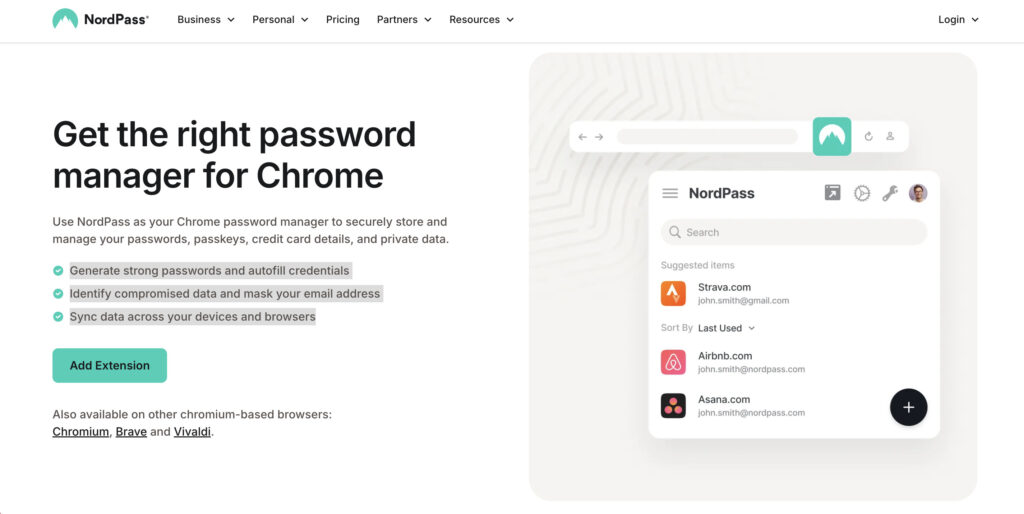
NordPass: A streamlined, secure option from the well-known cybersecurity brand Nord Security.
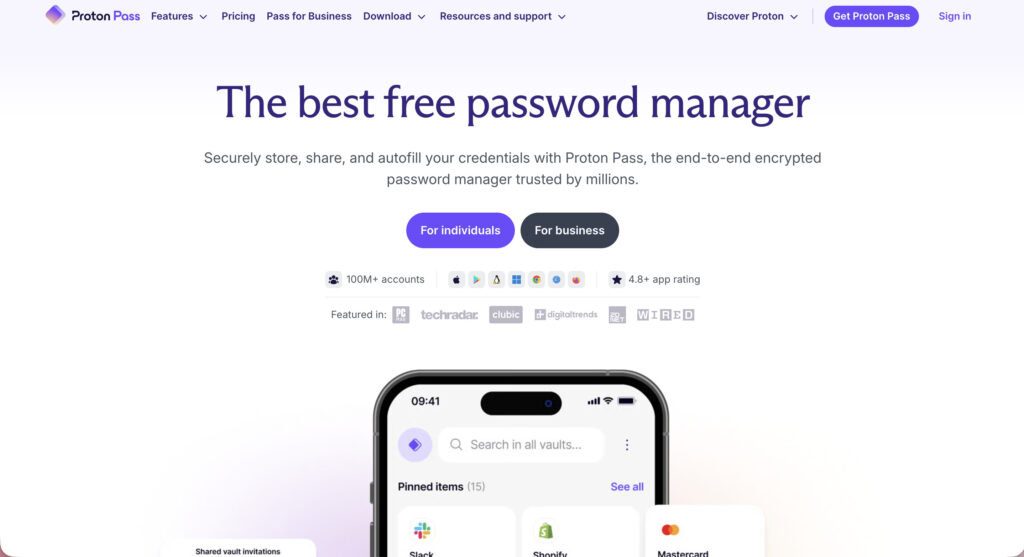
Proton Pass: A privacy-focused alternative from the trusted Proton ecosystem. It integrates with Proton Mail and offers built-in email alias generation.
Best practices for any password manager
No matter which tool you pick, your security is still in your hands. Follow these steps.
- Create a strong, unique master password that you can remember without writing it down everywhere.
- Securely store your recovery codes. This means saving your 1Password Secret Key or Dashlane recovery code offline, perhaps in a safe or with trusted family.
- Enable two-factor authentication on your password manager account right away. This is your most important backup.
🎯 Note: Extend this crucial security habit to your website. A good WordPress 2FA plugin makes it simple to enable this for your admin account.
- Use a password generator for every single new login you create.
- Regularly review your password health using the Watchtower or Password Health reports.
- Set up emergency access or other recovery options before you actually need them.
- Never share your master password or Secret Key with anyone, for any reason.
Parting thoughts
For most people, 1Password is the better choice. Its security architecture with the Secret Key is slightly superior, its native apps are more powerful, and its focus on doing one job perfectly makes it our top recommendation for securely managing your digital life.
That said, choose Dashlane if you value all-in-one convenience above all else. If the idea of a bundled VPN and a simpler, web-focused interface is more appealing than maximum control, then Dashlane is the clear winner for you.
FAQs
Frequently asked questions
The biggest downside of 1Password is its lack of a permanent free plan, requiring a subscription after the trial period. Some users might also find the mandatory Secret Key an extra item to manage, even though it enhances security.
If Dashlane’s servers were hacked, your passwords would remain safe due to its zero-knowledge security model. Attackers would only get scrambled, encrypted data that is useless without your personal master password.
If you need a full desktop application or advanced features like Travel Mode, 1Password is often considered a better choice. However, Dashlane is better if your priority is an all-in-one suite with a bundled VPN and a simple web interface.
For many users and security experts, 1Password is still considered the best due to its superior security architecture and polished apps. It consistently leads the market in design, usability, and innovative features that cater to both individuals and businesses.
You will not lose everything just by deleting the 1Password app from your device, as your vault is stored in the cloud. However, if you actively cancel your subscription and delete your account, your data will be permanently erased.
Yes, Dashlane allows you to see a history of old passwords for any specific login item in your vault. This feature is useful for tracking changes or if you ever need to revert to a previously used password.