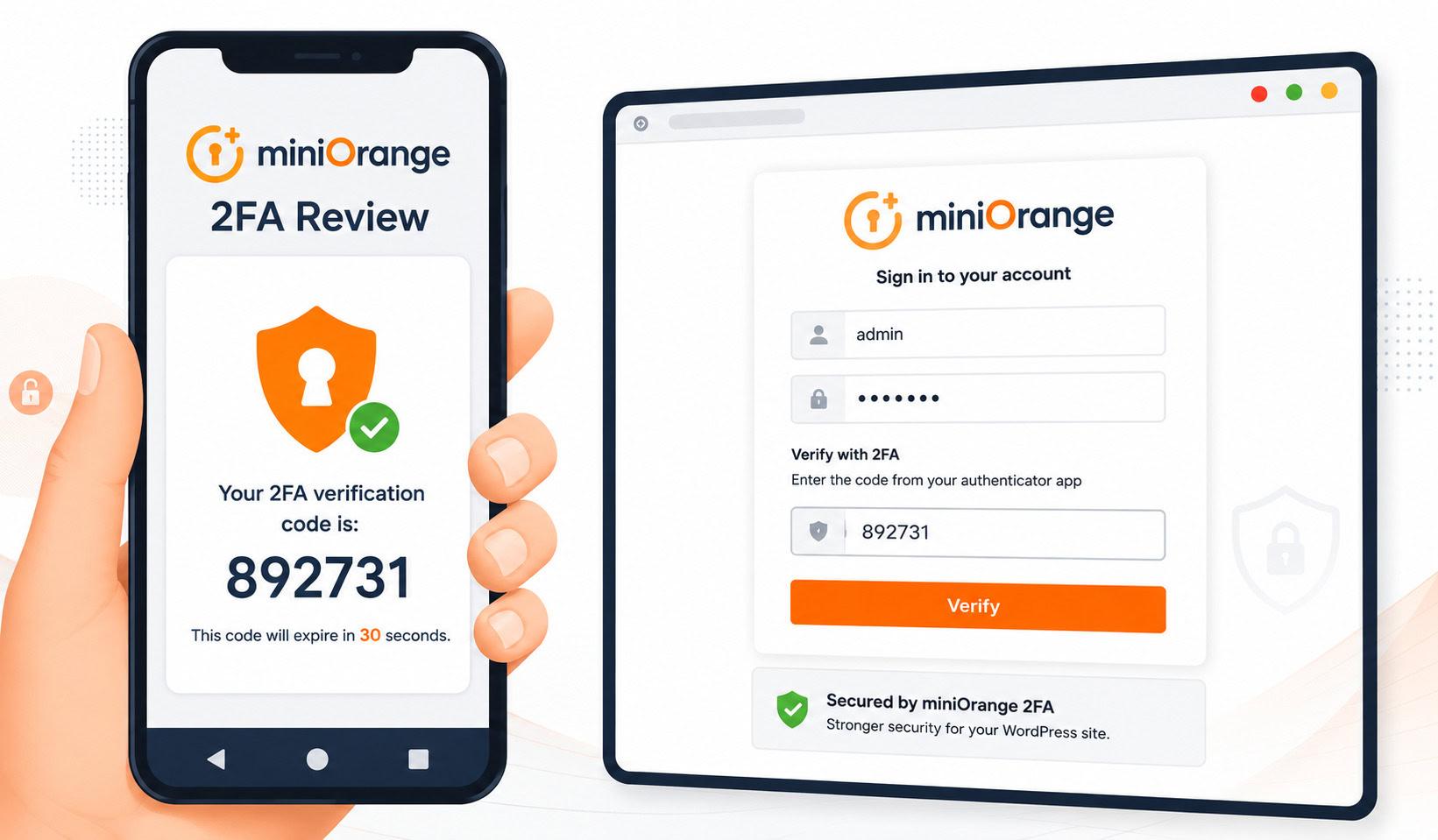
Securing your WordPress login with two-factor authentication should be a quick win. But the process often hits a snag the moment you’re ready to act: you come across another option, MFA.
Suddenly, that simple task becomes a confusing 2FA vs MFA debate. You start asking yourself, “Is what I’m choosing good enough? Am I missing something?”
That hesitation is the only thing standing between you and a more secure site, and it’s the roadblock we’re about to remove.
2FA requires exactly two security factors, while MFA is the broader term for two or more. This means all 2FA is a form of MFA. For implementation, authenticator apps and physical keys are considered the most secure methods, and you should enable this feature using a 2FA plugin on your site.
What is 2FA?
2FA stands for Two-Factor Authentication. The key here is the word “two.” It requires exactly two separate verification factors to prove your identity. It’s designed to block access even if one of those factors is stolen.
🦠 Note: Removing malware should be your last resort, not your primary security plan. Focus on layered security now so you never have to deal with a cleanup later.
This isn’t about using two passwords. True 2FA combines something you know (like your password) with something you have (like your phone). The most common example is entering your password, then typing in a code from an authenticator app.
As a specific type of a broader category, 2FA is a key part of any WordPress security strategy. It has become a standard for securing everything from your bank account to your social media.
What is MFA?
MFA, or Multi-Factor Authentication, is the larger framework that 2FA belongs to. It requires two or more distinct verification factors for access, which is the primary way you secure the wp-admin. Because it’s a broader concept, MFA allows for more complexity.
It can incorporate a third type of factor called biometrics, which is something you are, like your fingerprint or your face.
This flexibility allows for a layered defense that helps stop brute force attacks, which is why MFA is the official security standard for high-risk systems in corporate, government, and financial industries.
Honestly, you’ll often hear the terms used interchangeably, and that’s a big part of the confusion.
2FA vs MFA: The core differences
The main difference is one of scope. 2FA has a fixed scope; it is always and only two factors. MFA has a flexible scope; it can be two, three, or even more factors, a core principle when you harden WordPress.
Here is the single most important sentence in this entire article: All 2FA is MFA, but not all MFA is 2FA.
Since MFA can require three or more layers (like a password, a code, and a fingerprint scan), it goes beyond the strict two-factor definition. Think of MFA as the general category and 2FA as the most common, specific type within it.
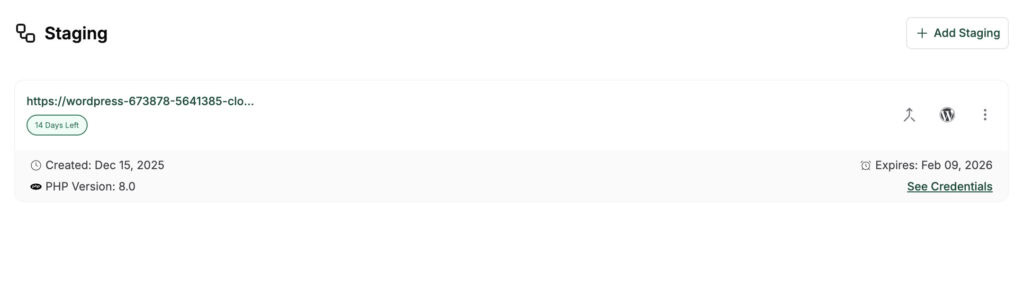
For most situations, 2FA is the most practical implementation of MFA you will ever need, and as a rule, you should always test new security features on a staging site before enforcing them.
The three factors of authentication
For any of this to work correctly, the verification methods must come from different categories. Using two methods from the same category, like a password and a security question, doesn’t offer real protection and is a common reason people end up needing to clean a hacked site.
Here are the three distinct types of authentication factors:
- Knowledge: Something you know. This is your password (so be sure to create strong passwords), a PIN, or the answer to a security question.
- Possession: Something you have. This is a physical item like your smartphone, a smart card, or a hardware security key.
- Inherence: Something you are. This refers to biometrics, such as your fingerprint, facial features, or even your voice pattern.
⚠️ Warning: We’ve seen people use a password and a PIN and think they are secure. They are not. Both are knowledge factors. True security comes from combining factors from different categories, which is why the password (knowledge) and phone code (possession) combination is so effective.
Common 2FA/MFA methods
When you go to set this up as part of your overall WordPress login security, you’ll likely be presented with a few choices. Each has its pros and cons.

- Authenticator apps (TOTP): These smartphone apps, like Google Authenticator or Authy, generate a new Time-based One-Time Password.
MalCare uses this method, generating a fresh code that refreshes every 30 seconds on your authenticator app once you set it up.
- SMS/Text messages: A code is sent to your mobile phone. While convenient, this is vulnerable to an attack called SIM swapping. We’d only recommend this if no other option is available.
- Email codes: A one-time link or code is sent to your email. This is simple, but its security is entirely dependent on the strength of your email account’s password.
- Physical security keys (FIDO2): These are small hardware devices that you plug into your computer’s USB port to verify your identity. They are incredibly secure but require you to have the physical key with you.
- Backup codes: These are single-use codes you should generate and store when you first set up 2FA. They are for emergency access if you lose your primary device.
What this means for your WordPress site
Here’s the bottom line for your website. That “2FA” feature offered by your security plugin? That is your path to enabling MFA. You should absolutely enable it.
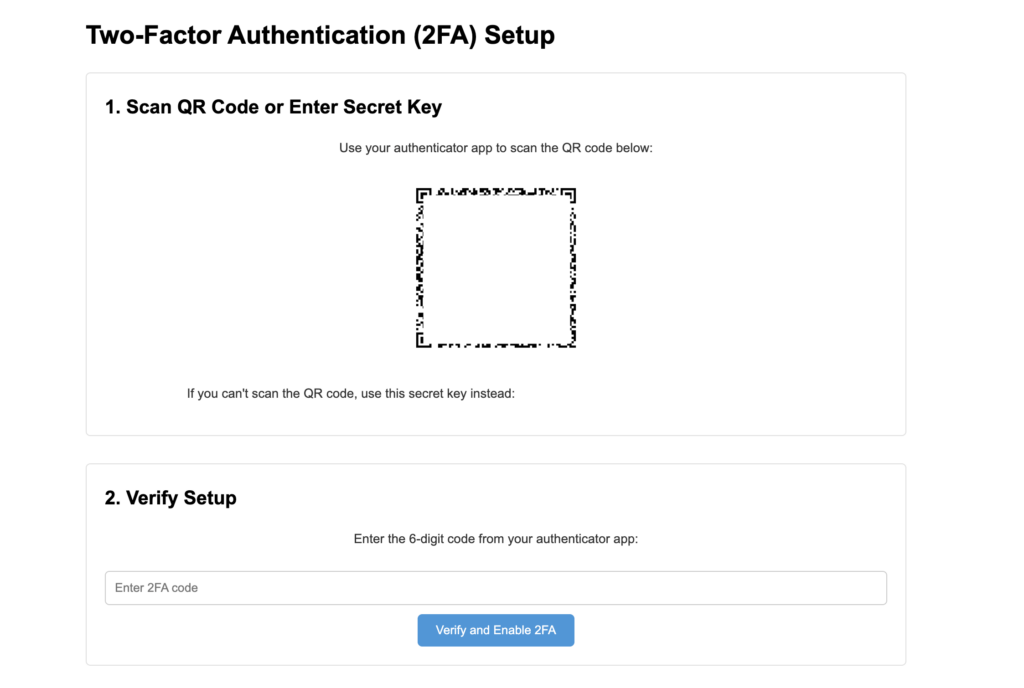
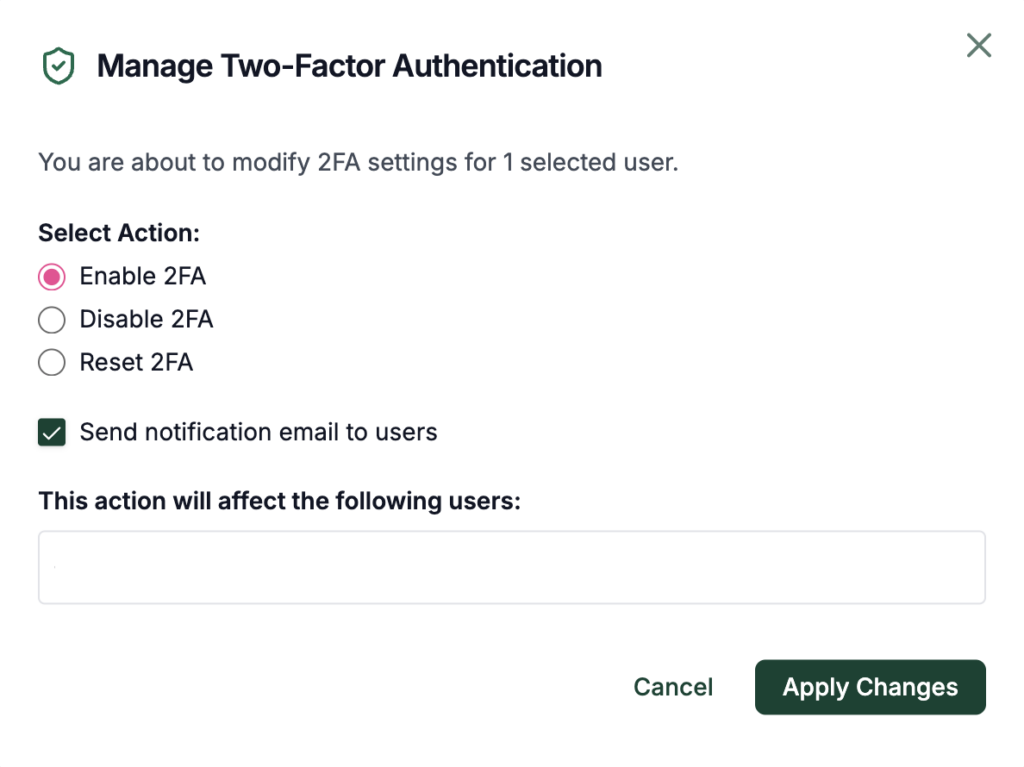
With MalCare’s 2FA feature, your site is protected even if your password is compromised. Unlike standalone 2FA plugins, MalCare bundles its login protection with other essential security features. You don’t just get 2FA; you also get a powerful firewall.
This blocks malicious login attempts before they even reach your site. It’s your primary defense against automated brute force attacks and hackers who may have gotten your password from another data breach. Your first step should be to enforce it for all Administrator accounts immediately.
How to choose the right authentication method
Deciding which method is right for you doesn’t need to be complicated. Here’s a quick breakdown based on your site’s needs.
- For most business websites: An Authenticator App is the ideal choice. It offers a perfect balance of strong security and ease of use, especially when combined with a WordPress firewall.
- For high-security sites: If you handle sensitive customer data or run a major e-commerce store, consider Physical Security Keys for your administrative team. It’s a wise investment for that level of risk and should be paired with a regular vulnerability scan.
And here are a few non-negotiable security habits for everyone:
- Never reuse passwords. Ever.
- Use a password manager to generate and store strong, unique passwords.
- And a serious warning: do not use your notes app for passwords.
Ultimately, the best security method is one your team will actually use. Always test it yourself before enforcing it for all users.
Parting thoughts
The “vs.” in 2FA vs MFA is largely academic. Any multi-factor layer is vastly better than just a password alone, and a key step in preventing a breach that would require malware removal.
When you enable 2FA on your WordPress site**, you are correctly implementing the core principles of MFA.** This single action is a non-negotiable baseline for modern website security and effectively stops the overwhelming majority of unauthorized login attempts.
Combine it with strong, unique passwords and regular updates, and you’ve built a solid defensive wall. You now have the knowledge. The next step is implementation.
FAQs
Frequently asked questions
The main difference is that 2FA requires exactly two authentication factors, while MFA requires two or more. All 2FA is a form of MFA, but MFA is a broader category that can include additional layers like biometrics.
Four common types of MFA methods are authenticator apps, SMS text message codes, physical security keys, and biometrics (like a fingerprint scan). Each method offers a different balance between security and user convenience.
A One-Time Password (OTP) is a method used to implement both 2FA and MFA, not a type of authentication itself. It typically serves as the second factor in a 2FA setup or one of several factors in an MFA system.
Google Authenticator is an application that generates codes used for MFA and 2FA systems. It provides the “something you have” factor, which is combined with your password to complete the login process.
Authenticator apps and physical security keys are better than SMS or email codes for security. For most people, an authenticator app provides the best balance of strong protection and practical convenience.