Strong passwords are the goal, but the journey to finding the right manager is a real headache.
Your search probably led you down a familiar path: you saw a slick YouTube ad for NordPass, then a tech forum praised Bitwarden as the smart choice.
Now you’re stuck, caught between polished design and open-source trust. We get it. This NordPass vs Bitwarden breakdown is here to help you finally make a decision.
Choose NordPass for its polished, beginner-friendly experience and are willing to pay for simplicity and support. Choose Bitwarden for its unbeatable free plan, open-source transparency, and overall best value, despite a more basic interface.
Quick comparison: NordPass vs Bitwarden
For a quick summary, here’s how the two password managers stack up side-by-side:
| Feature | NordPass | Bitwarden |
|---|---|---|
| Trust Model | Proprietary, backed by audits and brand reputation. | Open-source and transparent, community-vetted. |
| Free Plan | Very limited: Only one active device at a time. | Excellent: Unlimited passwords & devices. |
| User Experience | Polished and beginner-friendly. | Functional but more utilitarian. |
| Family Sharing | Clunky, requires individual item sharing. | Superior, with true shared folders. |
| Advanced Features | No (Limited Linux support, no CLI/self-hosting). | Yes (CLI, self-hosting, full Linux support). |
| Customer Support | 24/7 support for all users. | Email and active community forums. |
| Best For | Users prioritizing a simple, polished experience. | Users prioritizing value and open-source trust. |
Security and trust model
Both services are built on a zero-knowledge architecture. This means your data is encrypted and decrypted on your device only. They can never see your passwords. It’s the industry standard for safety, and both nail it.
Their core encryption differs slightly. NordPass uses a modern algorithm called XChaCha20, while Bitwarden uses AES-256, the long-standing gold standard. For you, the end user, both are considered unbreakable.

The real difference is their philosophy.
- Bitwarden is fully open-source. Its code is public, allowing security experts worldwide to inspect it for flaws. This transparency is its biggest strength. You are trusting a community of experts, not just a company.
- NordPass is proprietary software. You are trusting the Nord brand. They back this up with regular, independent security audits from firms like Cure53 and hold a SOC 2 Type 2 certification, a rigorous standard for data security.
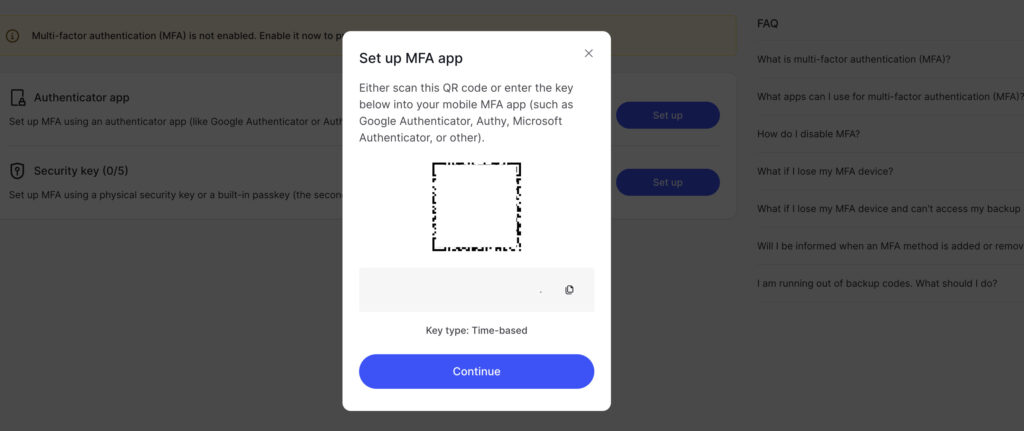
Both have a reliable track record with no major compromises. They also both support multi-factor authentication (2FA/MFA) to protect your vault. We strongly recommend you turn this on immediately.
One small but critical win for NordPass: it provides a recovery code when you sign up. If you forget your master password, this code is your only way back in.
Bitwarden doesn’t offer this, so if you lose your password, your data is gone forever. A crucial tip: store that recovery code somewhere safe offline, like in a physical safe.
Pricing models
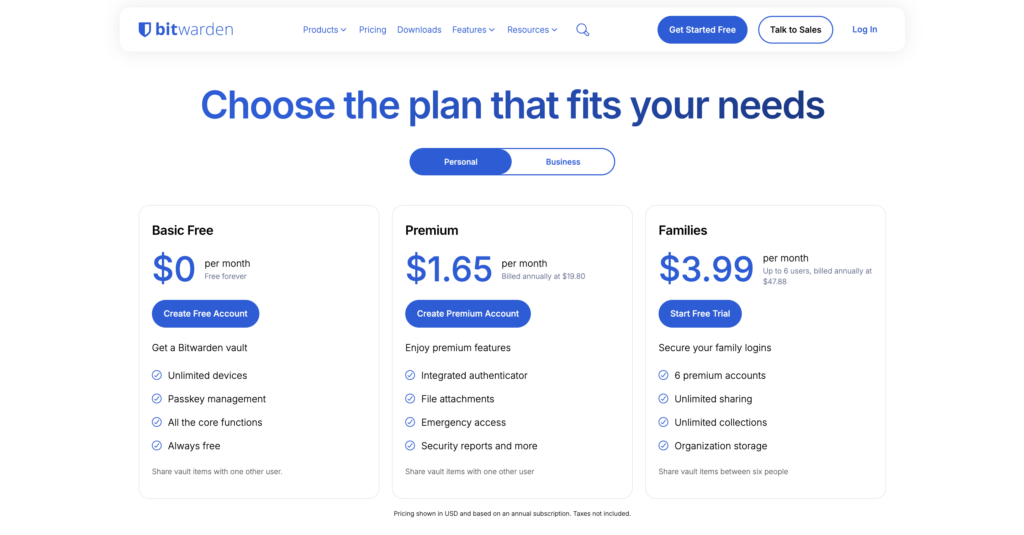
Bitwarden’s free plan is the best in the business. It gives you unlimited passwords and syncing across unlimited devices. For most people, the free version is all you will ever need. It’s incredibly generous.
🤔 Note: It’s fair to ask if password managers are safe. The key is their zero-knowledge architecture; they can’t see your data, so they can’t misuse it, making them far safer than browser-based options.
NordPass’s free plan is highly restrictive, allowing only one active device at a time. This makes it impractical for anyone who uses both a phone and a computer, though they do offer a full 30-day trial of their Premium plan.
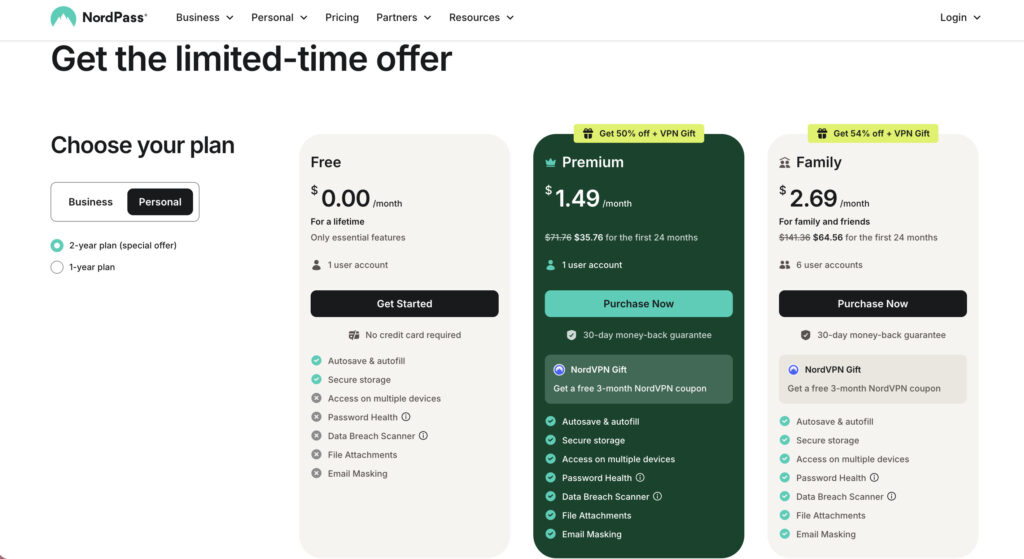
When you look at paid plans, the story changes a bit.
- Bitwarden Premium is very affordable at about $19.80 per year.
- NordPass Premium is more expensive but often has deep discounts. It’s considered a top value when on sale.
- For families, Bitwarden is the clear winner. Its family plan supports six users with truly shared folders. NordPass’s family plan uses a clunky system of sharing individual items, which is not ideal for managing a household.
Ease of use
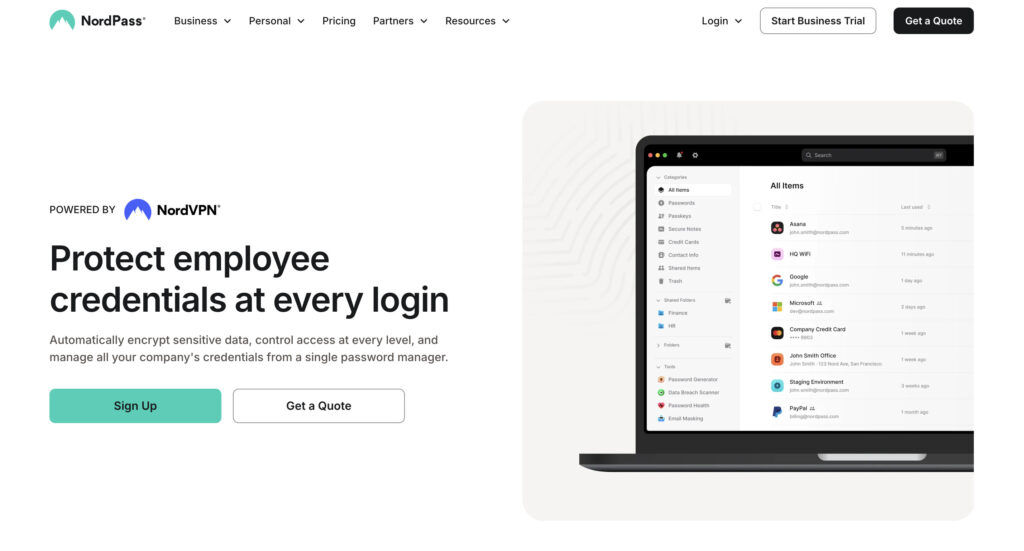
NordPass has a clean, modern, and very intuitive interface. It’s designed for simplicity and follows a “less is more” philosophy.
The setup is easy, and its learning curve is almost flat. We did notice one odd omission: it lacks a master password strength indicator during setup, so you have to judge for yourself if your password is strong enough.
🎯 Note: Enforcing strong passwords for all users on your WordPress site and in general is a basic security step you should never skip.
Bitwarden’s interface is functional and clean, but it feels more utilitarian. It prioritizes function over flashy visuals. The setup is straightforward and guided. While basic use is simple, some of its advanced features are less intuitive to find.
Core features
Beyond the basics, both offer a strong set of features.
- Password generator: Both include excellent, highly customizable generators. It’s a tie.
- Autofill: NordPass autofill works very well but can have occasional inconsistencies. Bitwarden’s can be a bit more glitchy on complex websites, sometimes requiring you to copy and paste manually.
- Breach monitoring: The Premium NordPass plan includes a data breach scanner. Bitwarden’s paid plan offers vault health reports to find weak or reused passwords.
- 2FA and secure notes: Both paid plans can store and generate 2FA codes (TOTP), and both let you store secure notes.
⚙️ Note: Enabling 2FA on your WordPress site is just as crucial; it’s one of the most effective ways to block unauthorized logins.
- Unique perks: NordPass Premium has email masking to create aliases and can automatically clear your clipboard for extra security.
Platform support
Both services work on Windows, macOS, iOS, and Android and have extensions for all major browsers. Syncing across devices is seamless on both.
This is another area where Bitwarden pulls ahead for technical users. It offers:
- Full Linux support (NordPass support is limited).
- A command-line interface (CLI) tool for developers.
- The ability to self-host the software on your own server.
If these terms mean nothing to you, then you can ignore them. But for those who need them, Bitwarden is the only choice.
Import and export
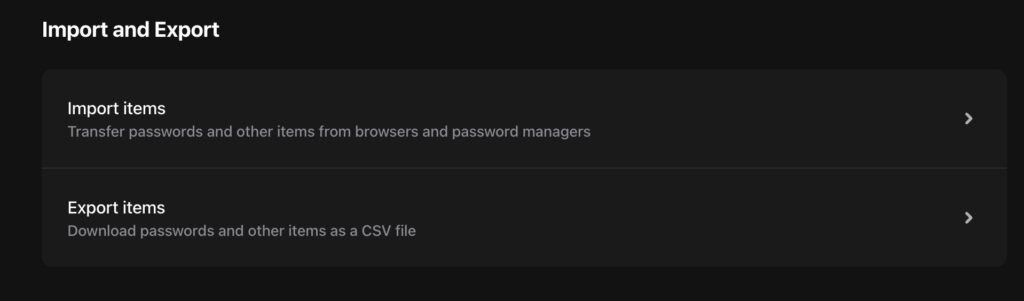
Getting your data in and out is simple on both platforms. Both allow easy importing from other password managers like Proton Pass or Chrome.
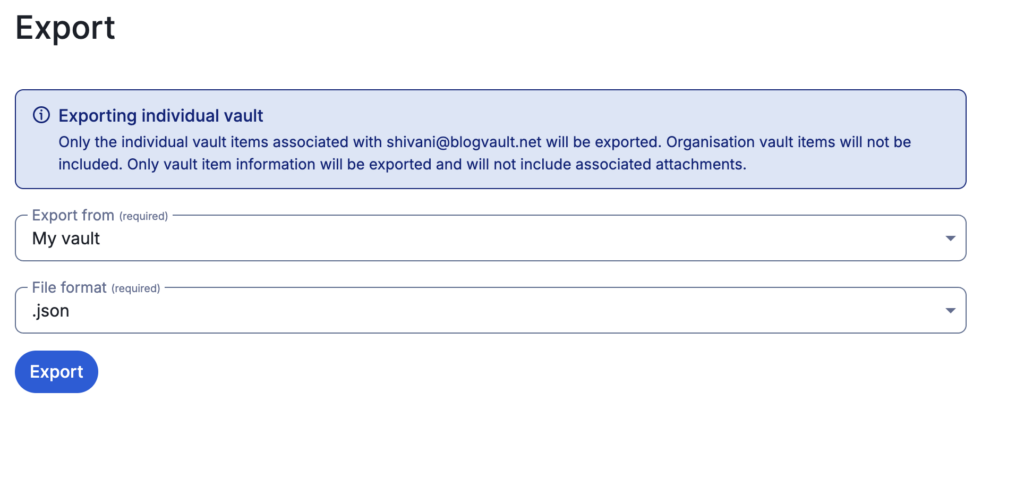
Crucially, both also let you export your data. Bitwarden supports standard CSV and JSON formats. This is important. It means you are never locked into their service and can always take your data with you.
Support and resources
NordPass offers 24/7 customer support for all users, including those on the free plan. This is a huge benefit if you ever run into trouble.
Bitwarden’s support is primarily through email and its very active community forums. The documentation is extensive. However, free users may experience slower response times from official support channels.
Where they fall short
No tool is perfect. Here are the potential dealbreakers we found.
For NordPass:
- Its family plan has no shared folders, making it difficult to manage.
- The free version’s data breach scanner is not included.
For Bitwarden:
- The interface is less intuitive than modern competitors.
- Setting up features like biometric login can be complicated.
Who should choose what?
Let’s make this simple.
Choose NordPass if:
- You want a polished, “set-it-and-forget-it” experience and are willing to pay for it.
- You are a beginner who values a highly intuitive design.
- You want the peace of mind that comes with 24/7 support.
Choose Bitwarden if:
- You want the absolute best free password manager available.
- You prioritize open-source transparency and community trust.
- You are a tech-savvy user who needs Linux, CLI, or self-hosting support.
Other options
If seamless family sharing is your top priority, or if you need a business plan with a more robust free option, you may want to research other alternatives. While NordPass and Bitwarden are fantastic, they don’t cover every single need.
Other popular options worth looking into include:
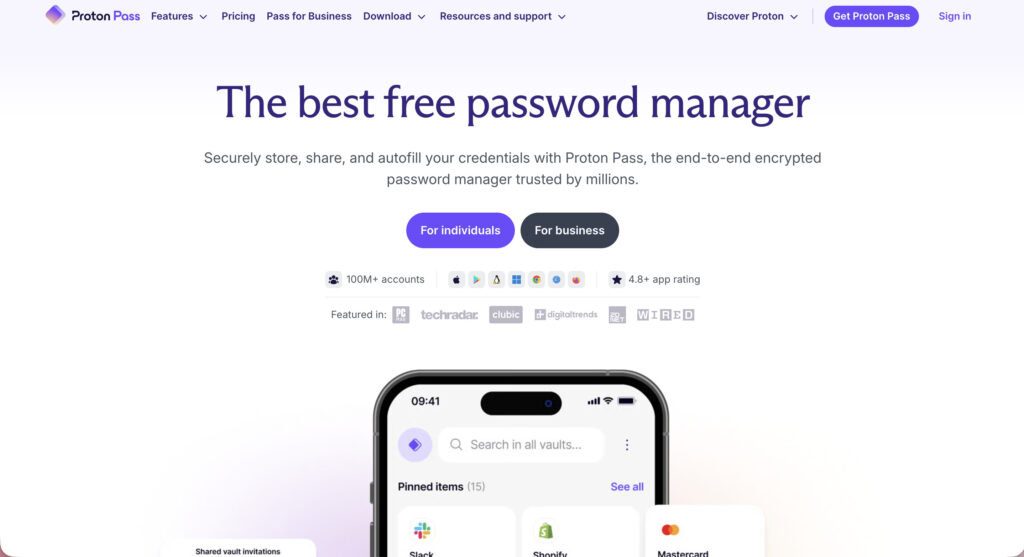
Proton Pass: A newer, open-source option from the privacy-focused team behind Proton Mail.
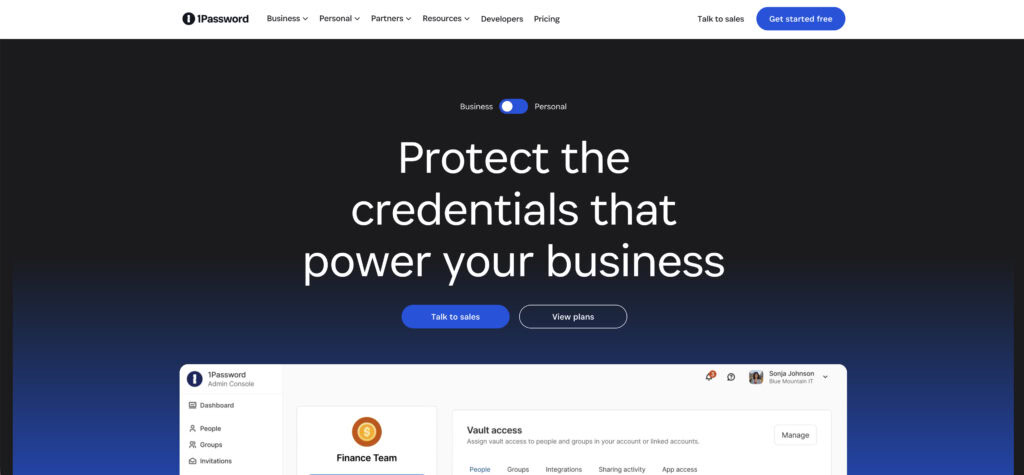
1Password: Often praised for its best-in-class user experience and excellent family sharing plans.
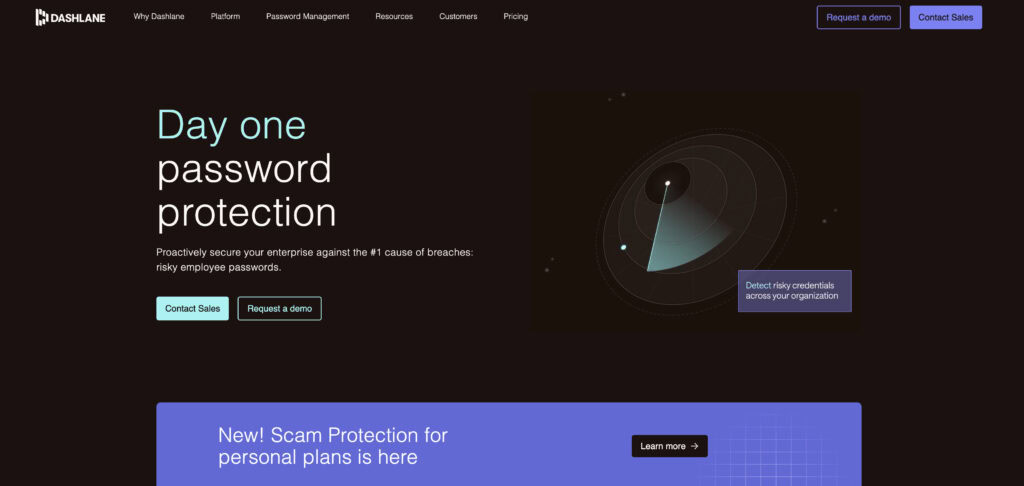
Dashlane: A premium competitor known for its additional features like a VPN and identity theft monitoring.
LastPass: A long-standing name in the industry, though it’s important to research its recent security history before committing.
Security tips
No matter which one you pick, follow these rules.
- Always enable multi-factor authentication (MFA) on your account for a critical layer of security.
- Use the built-in password generator for every new account you create.
- Never reuse passwords across different websites. This is the #1 rule.
- Securely store your emergency access or recovery code somewhere safe and offline.
- Regularly review your vault health reports to find and fix weak or breached passwords.
- Know how to export your data just in case you ever need a backup or want to switch services.
Parting thoughts
This isn’t about good versus bad, but about choosing the right fit for you. NordPass offers polished simplicity and is perfect for beginners. Bitwarden provides transparent, open-source value with an unbeatable free tier.
Both are incredibly secure; you are simply selecting the experience you prefer. The most important step is to stop deliberating and get your data secured today.
FAQs
Frequently asked questions
No, Bitwarden is not inherently safer than NordPass. Both use unbreakable, zero-knowledge encryption and undergo regular security audits. Their main difference is in the trust model. Bitwarden is open-source and transparent, while NordPass is a trusted, certified proprietary brand.
The main downsides of NordPass are its highly restrictive free plan and a clunky family sharing system. The free plan only allows one active device at a time. Additionally, being closed-source can be a negative for users who prefer publicly audited code.
Bitwarden’s primary disadvantages are its less polished user interface and its reliance on community forums for support. Some of its more advanced features can also be less intuitive for beginners to set up.
No, Bitwarden has never had a security breach that compromised user password vaults. Its zero-knowledge architecture keeps your data safe. Even if its servers were breached, your encrypted vault would remain secure and unreadable.
An open-source and regularly audited manager like Bitwarden is often considered the most trustworthy. However, many users place equal trust in reputable companies like NordPass due to their strong security track records.
Bitwarden is so popular because of its generous free tier and its open-source, community-trusted security model. This combination of great value and transparency makes it a top recommendation.
No, Bitwarden does not sell your data. Its business model is based on selling premium subscriptions. Furthermore, its zero-knowledge architecture means the company cannot access your sensitive vault data anyway.