Password security is non-negotiable. And while Dashlane is a solid password manager, sometimes your needs change. You might be looking for a plan with a different price point, a simpler interface, or specific features that better suit your workflow.
Our goal isn’t to knock a good product; it’s to help you find the perfect Dashlane alternative that’s the right fit for you right now.
This guide provides a clear, objective comparison to help you make that choice.
If you’re leaving Dashlane due to cost, Bitwarden is the clear winner for value and transparency. For a superior user interface and family features, 1Password is the best paid upgrade.
Top Dashlane alternative picks
Use this quick comparison to find the best Dashlane alternative for you.
| Password Manager | Best For | Standout Feature | Free Plan |
|---|---|---|---|
| Bitwarden | Value & Transparency | Open-source security | Yes (Excellent) |
| 1Password | A Polished Experience | The unique Secret Key | No (Trial only) |
| Proton Pass | Privacy & Anonymity | Built-in email aliases | Yes (Generous) |
| NordPass | Simplicity & Recovery | Easy account recovery code | Limited |
| LastPass | A Familiar Interface | Very easy to use | Limited |
1. Bitwarden

⭐ 4.5 / 5
If price is a primary factor in your search for a Dashlane alternative, Bitwarden is the best place to begin.
Being open-source means its code is publicly available for security experts to inspect. For a security tool, this builds a significant amount of trust. The most compelling feature, however, is its free plan.
📢 Note: Preventing phishing attacks is crucial, as they are designed to trick users into giving away the very passwords you’re protecting.
You get unlimited passwords on unlimited devices without paying anything. This isn’t a stripped-down trial; for most users, the free version is all they will ever need.
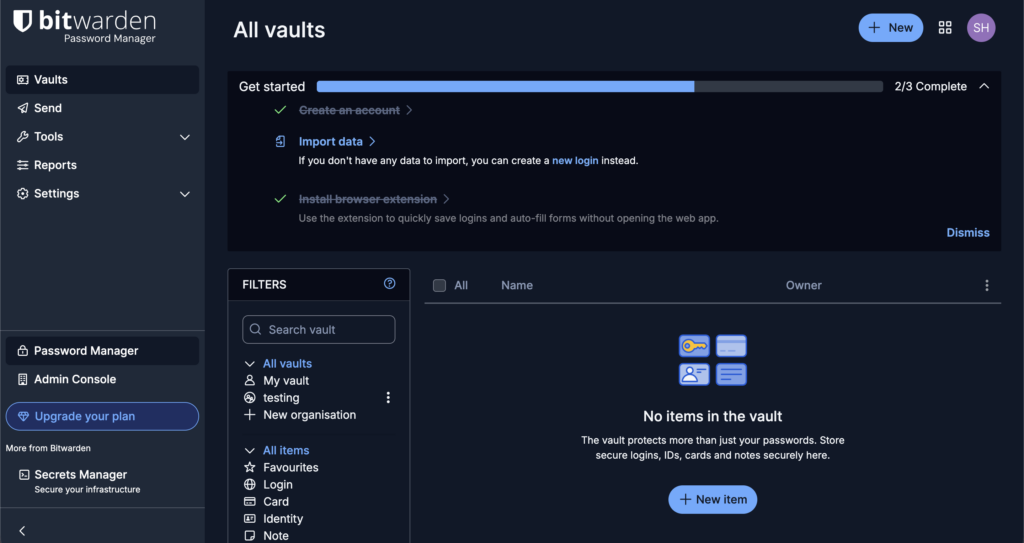
It is important to set expectations for the interface. It prioritizes function over form and is best described as utilitarian. On some websites, its autofill can be inconsistent, occasionally requiring a manual copy and paste.
⚖️ Our verdict: Bitwarden is our top recommendation for anyone who values transparent security and function over aesthetics. It is the most logical and powerful replacement for Dashlane, especially if your goal is to get the best possible features for free.
2. 1Password
⭐ 4.5 / 5
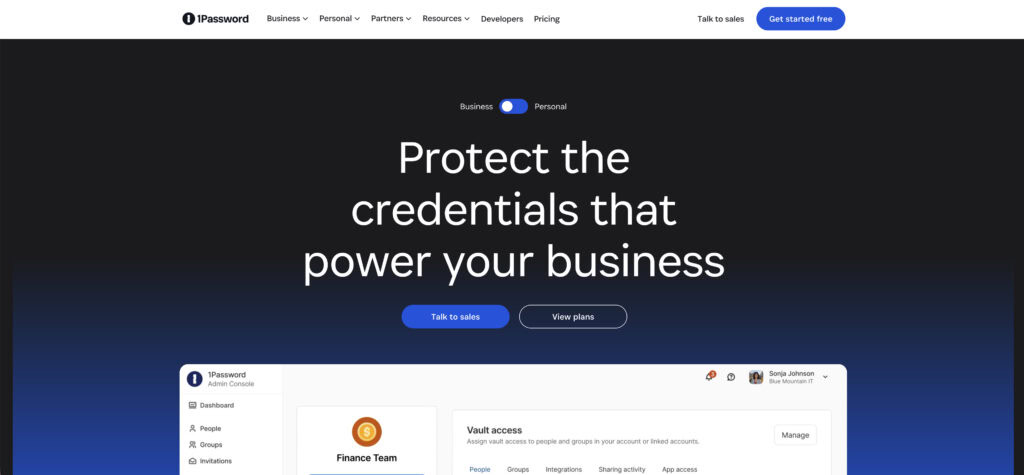
If you appreciated Dashlane’s polished feel and are willing to pay for a true upgrade, 1Password is an excellent choice. The moment you start using it, everything feels smooth, intuitive, and thoughtfully designed.
Its standout feature is the Secret Key. This is a unique code that works with your master password, adding a powerful security layer that makes your vault extremely difficult to compromise.
🔒 Note: Two-factor authentication is another powerful method to protect your site. It stops unauthorized access even if a password is stolen.
Its family sharing is also exceptionally well-designed. A great bonus is Travel Mode, which lets you temporarily hide sensitive vaults when you’re crossing borders.
This security model comes with a significant responsibility: if you lose both your master password and your Secret Key, your data is gone for good. There is no recovery process, and that’s by design. As a premium-only product, it’s an investment from the start.
⚖️ Our verdict: Choose 1Password if you want a beautiful, highly secure experience and are willing to pay for it. It is a fantastic and worthwhile upgrade for anyone who wants top-tier security with an impeccable user experience.
3. Proton Pass
⭐ 4 / 5
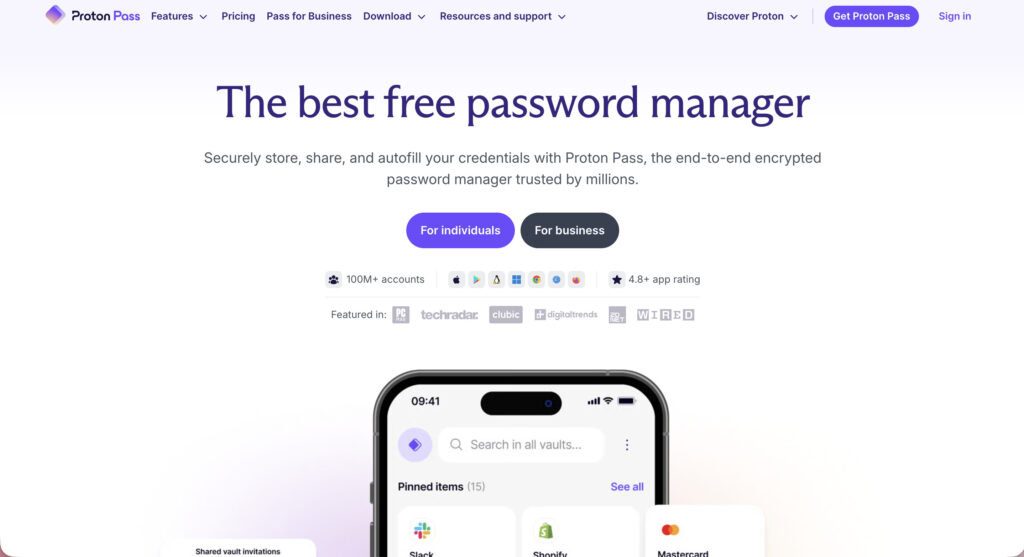
From the team behind Proton Mail, Proton Pass is built entirely around privacy. While it’s a newer tool, it comes from a company with a stellar reputation for protecting user data, so you know it’s solid.
Its free plan is one of the most generous available. It gives you unlimited logins, notes, and credit cards across unlimited devices. You also get core security tools like a password generator, alerts for weak or reused passwords, and full support for passkeys.
🍡 Note: A brute-force attack specifically targets weak and reused passwords. This makes a password generator an essential security tool.
What really sets it apart is the built-in email alias creator. The free plan includes 10 hide-my-email aliases that let you sign up for services without exposing your real email, which is a huge win for fighting spam.
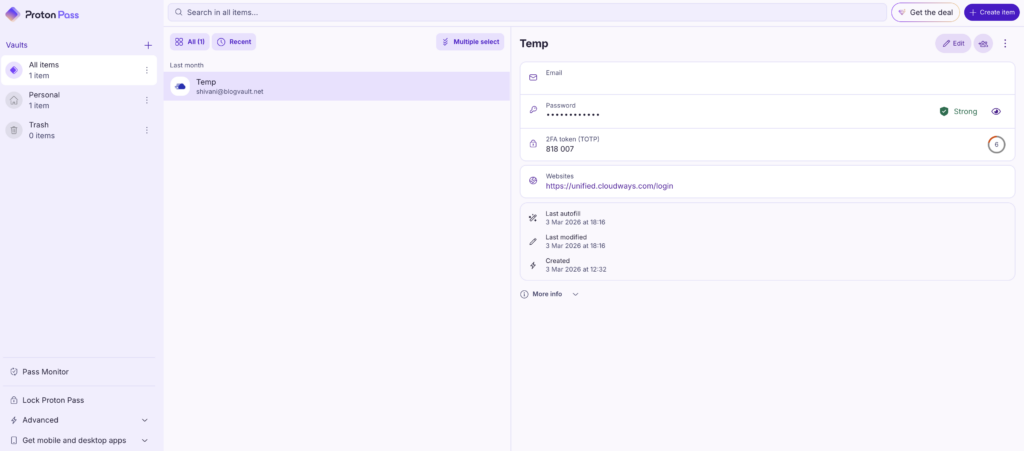
Like the best on this list, it’s fully open-source and independently audited. The main trade-off is that its desktop experience is a web app, not a native program, which might feel less integrated for some.
⚖️ Our verdict: If you already use and trust Proton services, adding Pass is a natural fit. It’s an excellent choice for anyone who puts privacy above all else and wants a clean, modern tool to protect both their passwords and their identity.
4. NordPass
⭐ 4 / 5
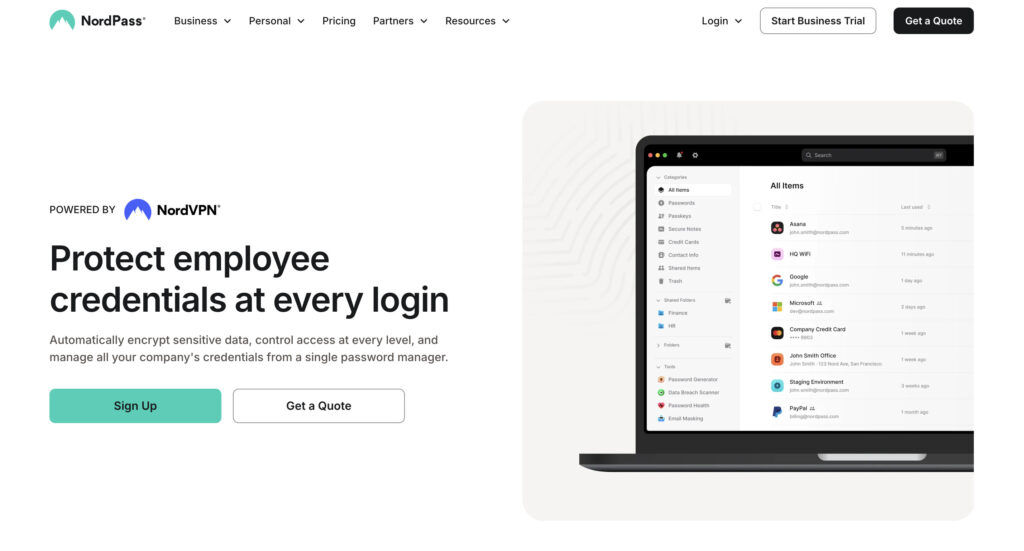
NordPass comes from the well-known company behind NordVPN, and it brings the same focus on being simple and secure. The interface is clean, uncluttered, and very easy to get started with.
It uses top-tier encryption and has a feature that offers real peace of mind: a recovery code. If you ever forget your master password, this code can get you back into your account.
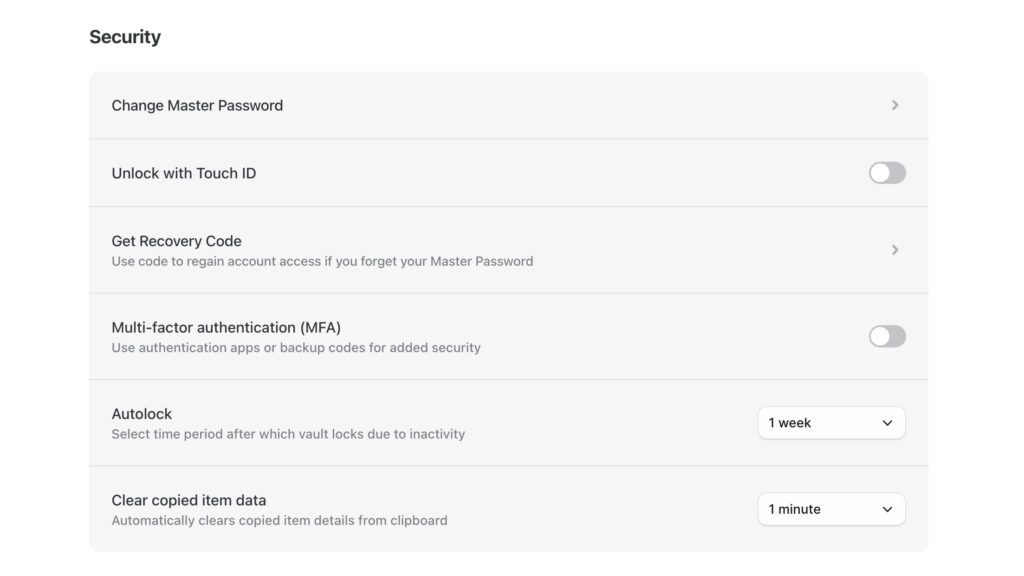
For anyone worried about getting locked out, this is a huge relief. NordPass also offers a full 30-day money back guarantee.
📢 Note: A brute-force attack is a common way hackers lock you out. They use automated bots to guess your password over and over.
The free plan, however, has a major limitation. It only works on one active device at a time. This means you cannot use it on your phone and laptop at the same time without upgrading.
⚖️ Our verdict: NordPass is a strong contender if you want a clean interface from a well-known security brand. It’s a great Dashlane alternative for personal use, especially if the idea of an easy recovery option makes you feel more secure.
5. LastPass
⭐ 3.5 / 5
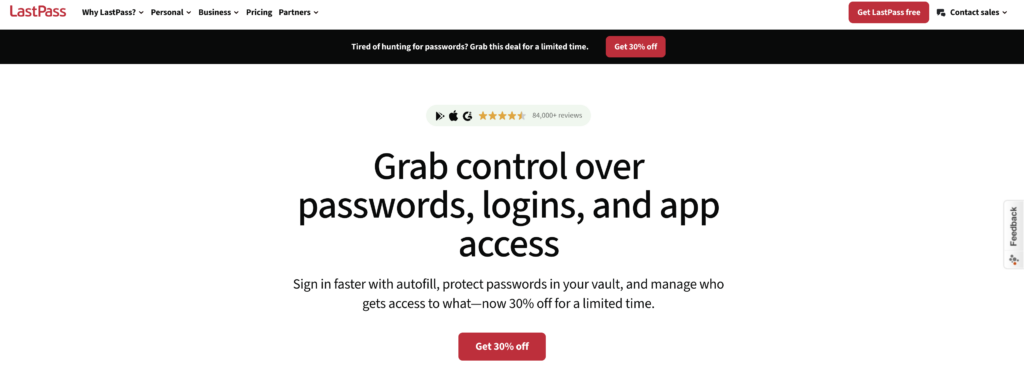
It’s impossible to discuss password managers without mentioning LastPass. For many years, it was a top recommendation and remains a popular tool due to its ease of use.
It is important, however, for potential users to be aware of the company’s recent history. In 2022, LastPass experienced security incidents that resulted in the compromise of customer vault data.
While the data was encrypted, the events prompted a widespread and important conversation about security practices in the industry.
🍡 Note: A strong WordPress security strategy is a non-negotiable practice. It protects your business, your data, and your customers.
The product today is still very functional, and its interface is familiar to many. The core purpose of a password manager is trust, and these past events are a key factor in evaluating the service.
⚖️ Our verdict: LastPass remains a capable and feature-rich manager. We encourage you to research the 2022 security events and decide based on your own comfort level with their response and current security measures.
Which one should you pick?
Every good password manager comes with the essentials, like a strong password generator. Your perfect match comes down to answering three simple questions.
Now, the real questions:
- Budget: Free forever, or is a small monthly fee okay for a better experience?
- Trust: Do you prefer open-source code or a company with a perfect security record?
- Design: Do you want a polished, beautiful app or a simple, functional tool?
Your answers to these three questions will make the right choice obvious.
Parting thoughts
The best Dashlane alternative is the one that fits your workflow, your budget, and your security standards. It’s normal to still wonder, “are password managers safe?” The simple truth is that using a reputable service like the ones we’ve covered is infinitely safer than reusing passwords.
Don’t get stuck trying to find the single “perfect” option. Start with the free plan or trial of the one that feels right. Import a few of your passwords and use it for a day or two. See how it feels.
FAQs
Frequently asked questions
Dashlane still has a free plan, but it is now limited to 25 passwords on a single device. To store more passwords or sync across multiple devices, you must upgrade to a paid plan.
The top 5 password managers are widely considered to be 1Password, Bitwarden, NordPass, Proton Pass, and Dashlane. Each one offers a different balance of security, features, and price.
It depends on your priorities; security experts often favor 1Password for its unique Secret Key architecture. However, Dashlane is highly praised for its user-friendly interface and additional features like a VPN.
LastPass suffered major security breaches in 2022 where attackers stole encrypted customer vault data. This event significantly damaged its reputation for trust and security.
If Dashlane’s servers were breached, your passwords would remain safe due to its zero-knowledge security model. Hackers would only access scrambled, encrypted data without your master password.