WordPress Errors
Troubleshooting site breakage that is not a hack: error messages and their fixes.
97 articles · page 5 of 8

How To Fix “There Has Been A Critical Error On This Website”WordPress
How To Fix “There Has Been A Critical Error On This Website”
9 Ways To Fix The WordPress White Screen Of Death
Fix the WordPress white screen of death safely by restoring a backup, checking logs, updates, plugins, themes, memory, permissions, and cache.
How To Fix The WordPress Fatal Error?
Fix a WordPress fatal error by restoring a backup, enabling safe debugging, isolating conflicts, and checking PHP memory and permissions.
WordPress Display Errors: Here’s How to Activate Them Securely
Display WordPress errors safely with wp-config.php or a debugging plugin, read the resulting logs, and disable public output afterward.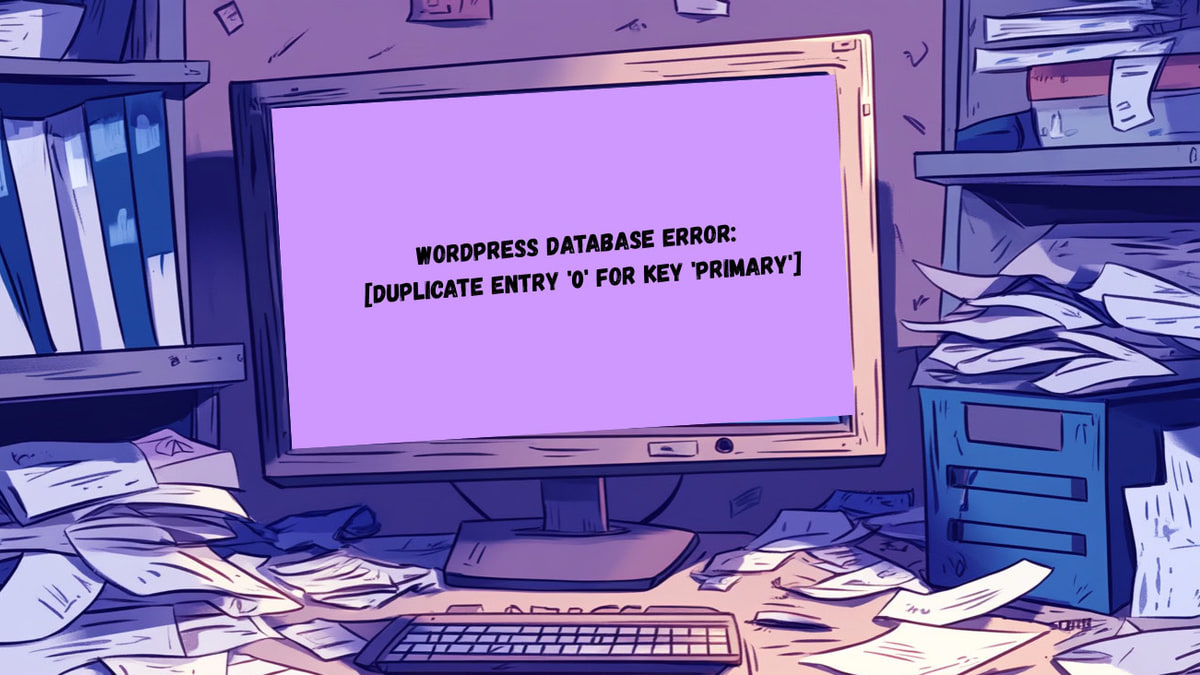
Fix “wordpress database error: [duplicate entry ‘0’ for key ‘primary’]” Error (9 Easy Steps)
Fix the WordPress duplicate entry 0 for key PRIMARY database error by restoring primary keys, auto-increment, and valid records safely.
WordPress pluggable.php Error (4 Easy Fixes)
Fix the WordPress pluggable.php error by finding whitespace, plugin or theme conflicts, and corrupt core files without editing pluggable.php.
5 Fixes For DNS Server Not Responding
When your website shows a "DNS server not responding" error, it’s a clear signal that something needs to be adjusted. Getting your WordPress DNS settings
Easy Guide To WordPress Errors
Identify common WordPress errors by symptom, apply the right fix, and use backups, staging, logging, updates, and monitoring to prevent recurrence.
Beginner’s Guide To Fixing mod_security WordPress Errors
Diagnose and fix mod_security-related WordPress 403 errors safely by identifying blocked requests and working with your host.
Parse Error: Syntax Error Unexpected–3 Simple Methods to Get Your Site Back
Learn what causes the WordPress parse error and use three practical recovery methods to find and repair the unexpected syntax.
How to Fix Fatal Error: Call to Undefined Function WordPress
Installing a new plugin for added features just triggered the fatal error: call to undefined function WordPress. Or maybe a recent theme update logged you out
Quickly Fix The WordPress Database Error Deadlock Found When Trying to Get Lock: 7 Simple Steps
Overcome the WordPress database error deadlock found when trying to get lock with our simple solutions. Get your site back on track in 7 steps!