WordPress Errors
Troubleshooting site breakage that is not a hack: error messages and their fixes.
97 articles · page 4 of 8
10 Easy Ways to Fix the WordPress Admin CSS Not Loading Issue
Waking up to see your WordPress admin CSS not loading is every site admins nightmare. Learn how to fix it in 10 easy ways!
WordPress 403 Forbidden: Troubleshooting
Troubleshoot WordPress 403 Forbidden errors caused by permissions, plugins, .htaccess rules, firewalls, hosting, and server settings.
Tired Of WordPress Loading Slow? Here’s How To Speed It Up
WordPress loading slow can occur due to multiple reasons. With this article learn how to speed up your site and enhance your visitors' experience.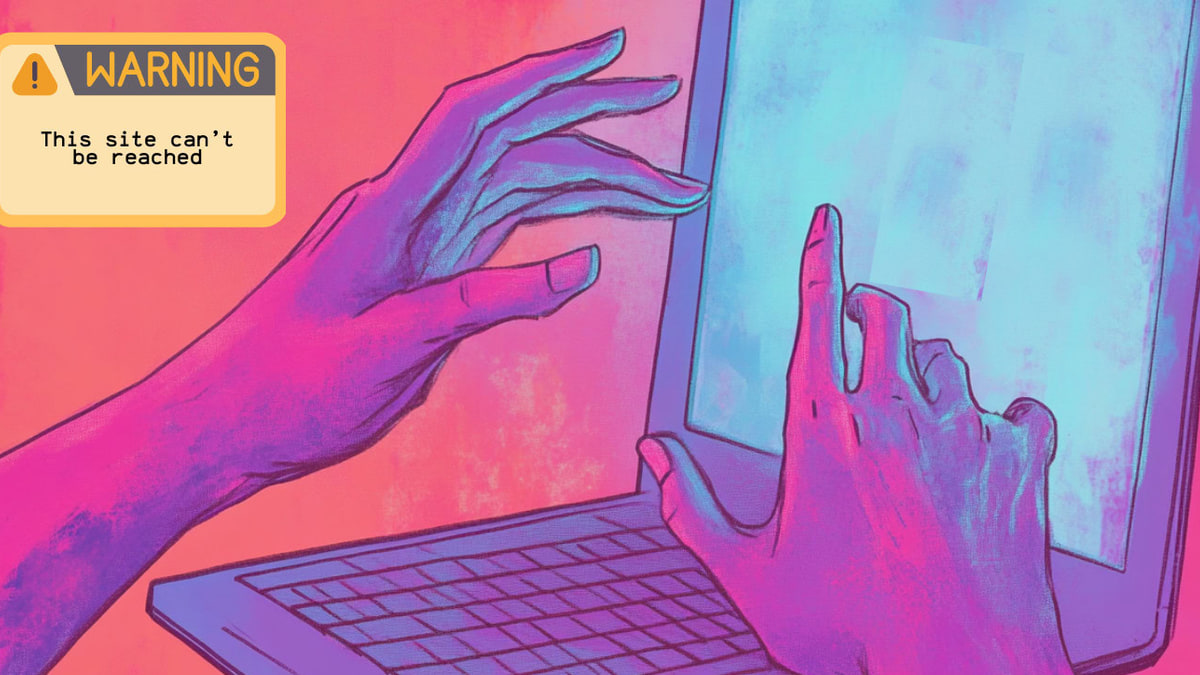
This Site Can’t Be Reached: 10 Ways to Fix This Error Now
Having trouble with the 'This site can't be reached' error in WordPress? Check out this simple guide to find quick fixes and easy tips to keep your site up and running without a hitch.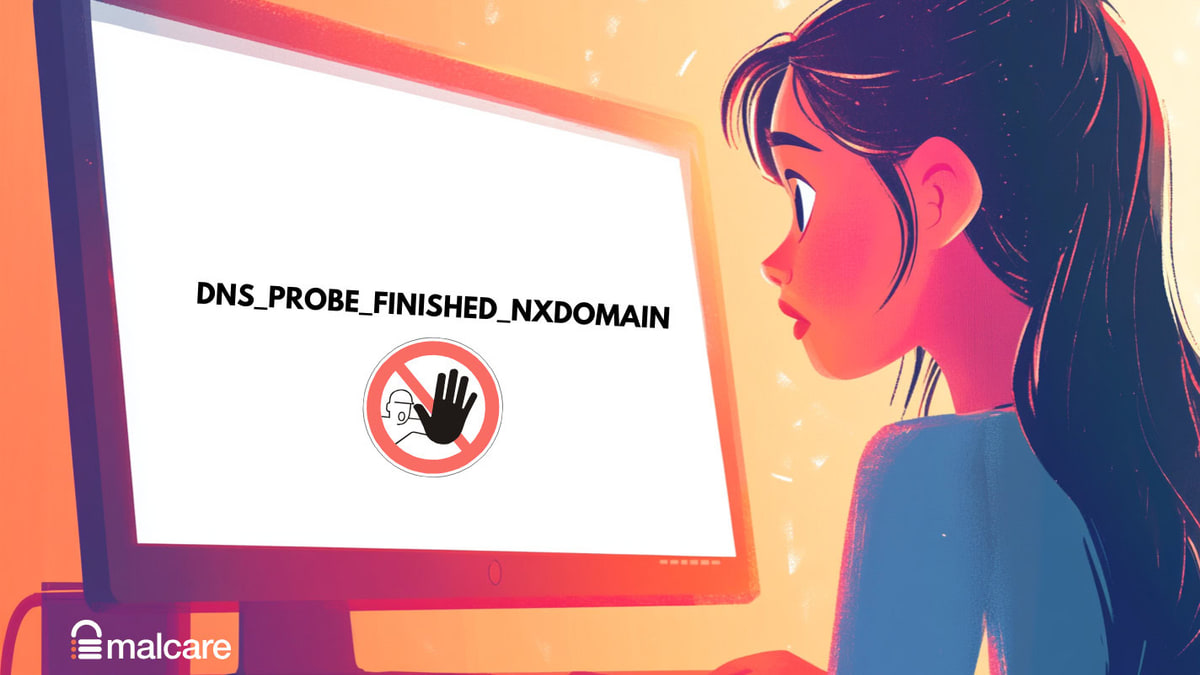
How to Fix dns_probe_finished_nxdomain WordPress Error
When the dns_probe_finished_nxdomain WordPress error pops up on your WordPress site, it's a sign that your site is experiencing technical difficulties,
Easy Fix For WordPress Plugin Conflicts
Identify a WordPress plugin conflict through wp-admin, cPanel, or FTP, isolate the faulty plugin, and prevent the problem recurring.
WordPress Upload Media HTTP Error – 10 Easy Fixes
Fix the WordPress media upload HTTP error by checking file size, permissions, PHP limits, plugins, themes, and image libraries.
WordPress Media Library Not Showing Images – 10 Easy Fixes
Restore images missing from the WordPress Media Library by checking permissions, plugin conflicts, upload paths, cache, thumbnails, and rewrite rules.
“Sorry You Are Not Allowed To Access This Page” – 10 Easy Fixes
But lo and behold! Your screen flashes the dreaded message, “Sorry you are not allowed to access this page.”
7 Easy Fixes for WordPress There Has Been An Error Cropping Your Image
Fix WordPress’s “There has been an error cropping your image” message by checking PHP extensions, memory, permissions, and plugins.
WordPress Add Media Button Not Working? 7 Easy Fixes for this Issue
The pesky WordPress Add Media button not working issue can disrupt your workflow and cause unnecessary stress.
WordPress Featured Image Not Showing? 13 Easy and Comprehensive Fixes
Fix a WordPress featured image that is not showing by checking post settings, theme support, cache, permissions, plugins, and media records.