WordPress Errors
Troubleshooting site breakage that is not a hack: error messages and their fixes.
97 articles · page 6 of 8
Failed to Open Stream? Here Are 5 Easy Fixes to Restore Your Site’s Functionality
Running into the failed to open stream issue can be a real headache Learn 5 easy fixes to quickly get your site back online!
Installation Failed Destination Folder Already Exists: 2 Quick Fixes
The installation failed destination folder already exists error can halt your website maintenance process. Worry not, we have two easy ways to fix it!
6 Solutions for Fixing the WordPress Database Error Commands Out of Sync
Fix the WordPress database commands out of sync error by isolating query, plugin, theme, connection, and server causes safely.
2 Simple Fixes for the ‘WordPress Missing a Temporary Folder’ Error
Fix the WordPress missing a temporary folder error by defining the upload temp directory, creating it safely, and checking permissions and disk space.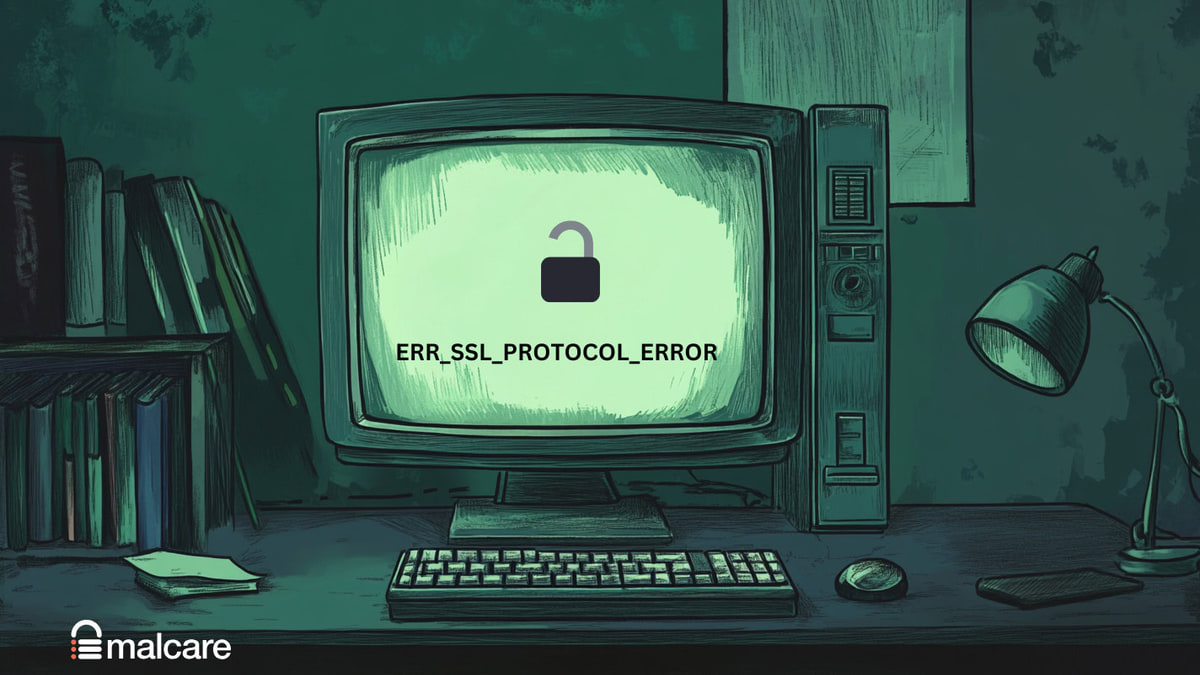
Easy Fix: ERR_SSL_PROTOCOL_ERROR
The ERR_SSL_PROTOCOL_ERROR can have significant negative impacts on your WordPress site and its users. One of the immediate consequences is that it blocks
2 Simple Fixes For index.php File Corrupted on WordPress Site?
Dealing issues with an index.php file corrupted on WordPress site? Learn essential tips and steps to troubleshoot and restore your site's functionality quickly.
How to Fix Fatal Error Maximum Execution Time of 30 Seconds Exceeded in WordPress Error Quickly
Fix the WordPress “maximum execution time of 30 seconds exceeded” error using safe checks for PHP limits, plugins, and hosting.
5 Fixes to Solve the wp-admin/admin-ajax.php 500 (Internal Server Error)
Fix the wp-admin/admin-ajax.php 500 error by checking plugins, themes, PHP memory, file permissions, server logs, and hosting resources.
WordPress CSS Not Loading – 10 Easy Fixes
Fix WordPress CSS that is not loading by checking cache, URLs, HTTPS, updates, theme code, plugin conflicts, and file permissions.
Sorry This File Type Is Not Permitted for Security Reasons WordPress: Here’s How To Fix It
Facing the sorry this file type is not permitted for security reasons wordpress error? Learn how to resolve file upload issues in WordPress with our guide.
3 Easy Ways To Fix “WordPress Another Update Is Currently In Progress”
You're ready to update your WordPress site, but suddenly you see the message—"WordPress another update is currently in progress." This can be frustrating,
Update Failed: Could Not Remove The Old Plugin. WordPress (6 Easy Fixes)
You're trying to keep your WordPress site in tip-top shape, but then you see this frustrating message: "Update failed: could not remove the old plugin."