Session hijacking is an attack where someone takes over a valid logged-in session instead of logging in with the password.
Among common WordPress attacks, this is a unique threat: the login can be correct, and the access can still be wrong.
The website sees a session it recognizes, so the attacker may get treated as the real user until you break that trust. That makes it a strange kind of security problem: the login can be correct, and the access can still be wrong.
Session hijacking abuses the cookie or token that keeps a user signed in. If you run a WordPress site, force users out first, rotate salts, change important passwords, use MalCare to scan and clean malware, and patch the weakness before you assume it’s over.
The unsettling part is how normal it can look. Unlike a loud brute force attack on WordPress, there may be no failed login storm or password reset emails. You might only notice when a new admin appears, a WooCommerce order looks wrong, a customer says their address changed, or a redirect shows up out of nowhere.
And yes, visitors can be targeted. But for WordPress owners, this isn’t only a “teach users not to use public Wi-Fi” problem. Your site can create the opening too. A vulnerable plugin can let a malicious script run. Missing HTTPS can expose traffic. Malware can change how login or checkout behaves. A slow response can leave an attacker sitting inside a session long after the first sign looked suspicious.
That’s the practical view I want you to keep through the whole article: session hijacking is about trust after login. Prevention means making sessions harder to steal or abuse. Recovery means ending trust fast, then removing whatever made the hijack possible.
What a session actually does
Websites don’t remember you by magic. After you log in, the site gives your browser a session token, usually stored in a cookie. On later requests, the browser sends that cookie back, and the server treats the request as yours.
That’s why you don’t have to type your password every time you click into an order, edit a post, or open the WordPress dashboard. The cookie is doing quiet work in the background.
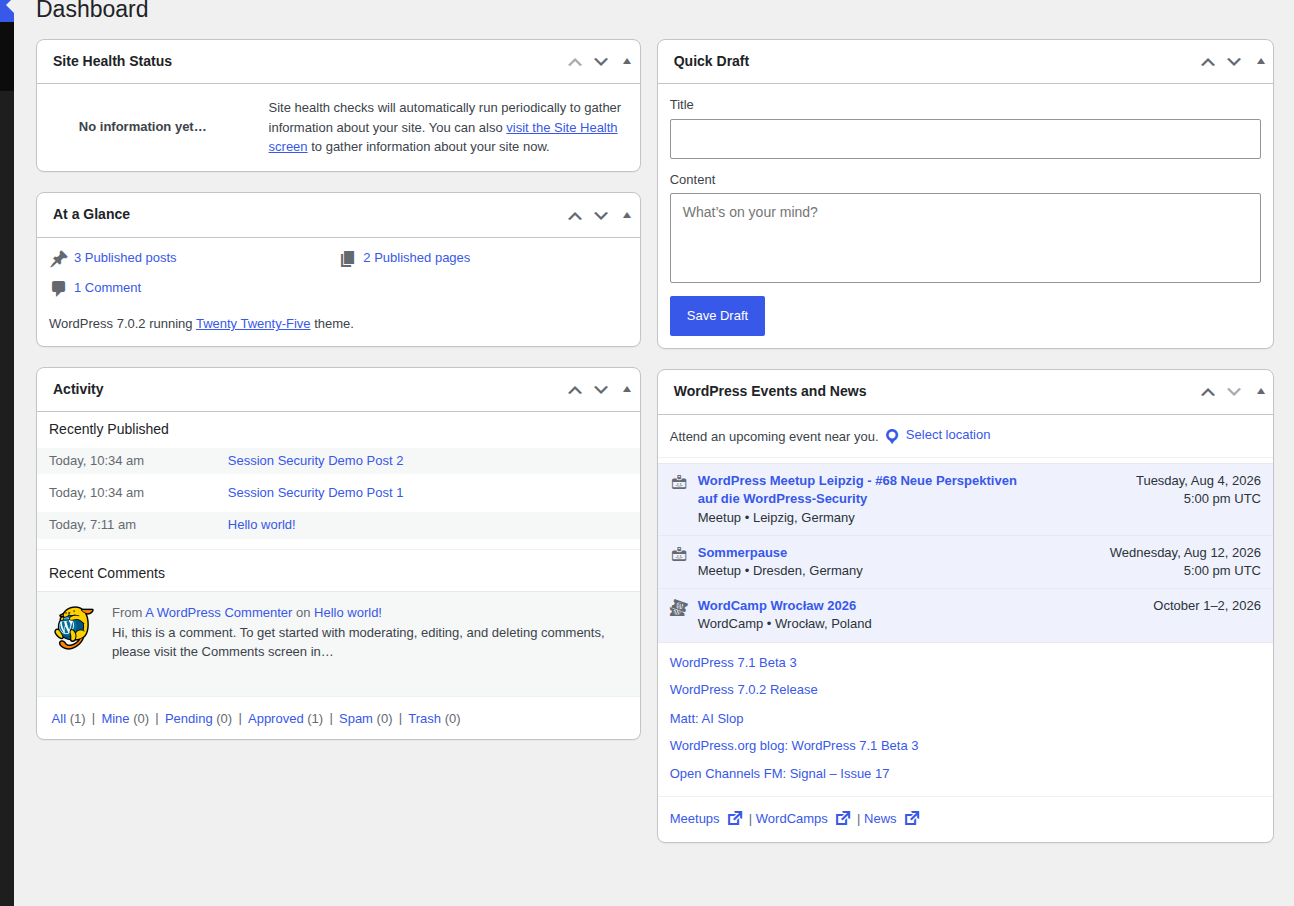
WordPress uses cookies for this. In a clean HTTPS WordPress check, we saw cookies such as wordpress_sec_[hash] for protected areas and wordpress_logged_in_[hash] for the signed-in state. We didn’t record private cookie values, because those are exactly the kind of secrets you don’t want floating around. What mattered was the behavior: the main auth cookies were marked Secure, which limits them to HTTPS, and HttpOnly, which blocks direct JavaScript access to the cookie value.
🔐 Note: Secure and HttpOnly are good signs, not a complete defense. HttpOnly can stop a script from reading the cookie value directly, but it doesn’t make an XSS flaw harmless. A malicious script inside a logged-in browser can still try to perform actions under that user’s session.
Once you see the cookie as the thing the site trusts, session hijacking starts to make sense. If an attacker can steal, force, guess, or abuse that trusted thing, they may not need the password anymore.
What is a session hijacking attack?
A session hijacking attack is when an attacker gets control of a valid user session and uses it to act as that user. They may steal the session cookie, intercept it on an unsafe connection, abuse a script running in the user’s browser, or take advantage of a weak session system.
From the site’s point of view, the request carries a session it recognizes. So the site lets it through.
The damage depends on whose session was taken. A subscriber account might expose profile details or member-only content. A WooCommerce customer account can expose orders, addresses, and saved account data. An editor can change content. An admin session is the one that makes me sit up, because it can let the attacker install plugins, create users, change settings, or plant more persistent access.
Don’t judge the risk only by the role name, though. A shop manager, support user, or membership manager can still do serious damage if they can see orders, reset customer details, approve account changes, or export data.
Session hijacking vs session fixation
Session fixation is one way a hijack can happen. It isn’t the same thing as session hijacking.
In a typical hijacking case, the user logs in first and the attacker steals or abuses the valid session later. In session fixation, the attacker tries to make the user log in with a session ID the attacker already knows. After login, the attacker reuses that same session.
| Term | Meaning | Plain version |
|---|---|---|
| Session hijacking | Taking over a valid session | The attacker gets treated as the logged-in user |
| Session fixation | Planting or forcing a known session before login | The user logs in with a session the attacker can reuse |
For developers, the fixation fix is strict: create a fresh session ID after login and after privilege changes. If you run the site rather than write the session code, your work is more practical: keep HTTPS working, keep software patched, avoid risky custom login flows, watch for suspicious account behavior, and invalidate sessions quickly when something looks wrong.
🧭 Note: If a plugin or custom portal lets session IDs appear in URLs, treat that as a design problem, not a harmless quirk. Those links get saved, shared, screenshotted, and logged in places you don’t control.
How attackers hijack sessions
You don’t need exploit steps to protect your site. You need the usual weak spots in your head, because those are the places worth applying hardening first.
Session fixation
In session fixation, the attacker doesn’t steal the user’s current session. They try to set the session first. That might happen through a crafted link or a weak custom login flow that accepts a session ID too freely.
Once the user logs in, the attacker already knows the session value and can try to reuse it. Well-built systems prevent this by regenerating the session after authentication. WordPress handles its own authentication with cookies, but custom membership systems, portals, and login plugins can still get session behavior wrong.
Cross-site scripting
Cross-site scripting, or XSS, lets malicious JavaScript run on a page where it doesn’t belong. On a WordPress site, the vulnerable spot is often painfully ordinary: a plugin form, a page builder field, a comment-related feature, or a custom snippet that accepts input too freely.
HttpOnly cookies help, but I wouldn’t stop the conversation there. A script running inside a logged-in browser can still send requests while the session is active. If the site doesn’t have the right CSRF protections, that can be enough to change settings, create content, or trigger account actions.
This is why stale extensions matter so much. A small XSS vulnerability can turn into an account problem very quickly.
Sidejacking and man-in-the-middle attacks
Session sidejacking is a form of man-in-the-middle attack. The attacker sits between the browser and the site and tries to capture the session cookie while traffic is moving across the network.
This is the public-Wi-Fi scenario most people picture: someone logs in over an unsafe connection, and another person on the network captures enough to reuse the session. HTTPS makes this much harder because the traffic is encrypted. Without HTTPS, login and account traffic is exposed in a way it simply shouldn’t be.
📶 Note: I wouldn’t do WordPress admin work on public Wi-Fi unless I had to. If you’re stuck with it, use a VPN you trust, check for HTTPS before logging in, and log out as soon as the admin task is done. It’s boring advice, but it prevents very unglamorous incidents.
Session prediction
Session prediction is guessing a valid session ID by studying how the site creates them. Good systems use long, random, high-entropy values, which makes guessing unrealistic. The risky cases are usually older portals or one-off login systems attached to WordPress, where someone wrote their own token logic years ago and no one has looked at it since.
A session ID shouldn’t contain usernames, emails, timestamps, or anything else that hints at a pattern. If a developer is creating custom session tokens, they need a cryptographically secure random generator and enough entropy. “Random-looking” isn’t the bar.
Exposed session data
Session data usually lives on the server, away from public view. The token is different. It has to travel with the request, so cookie stealing can happen through insecure traffic, browser malware, careless logging, or a URL that should never have contained a session ID in the first place.
That last one is worth calling out again because it shows up in real systems. A session token should not appear in a URL. If a custom tool sends people links with session IDs inside them, ask for a safer implementation.
Why session hijacking is dangerous
“Unauthorized access” is technically true, but it sounds too tidy for what can happen.
If a customer session is hijacked, the attacker may see personal data, order history, saved addresses, or member-only content. If the account can make purchases, they may place fraudulent orders or change saved details. If the account belongs to an editor, shop manager, or admin, the attacker may alter the site itself.
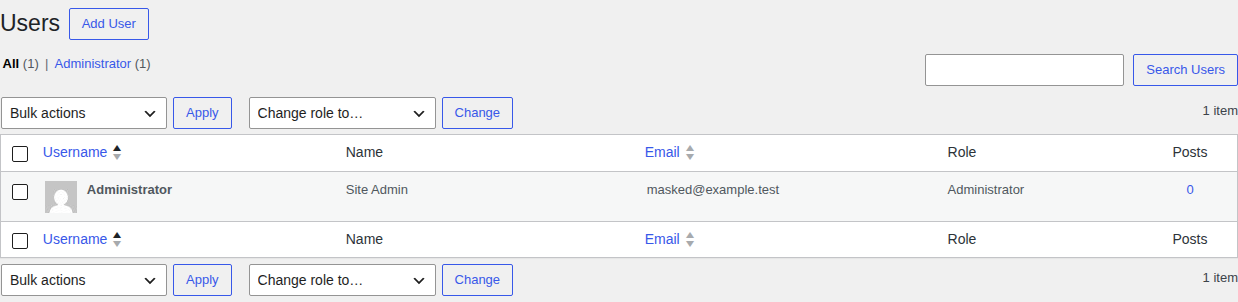
The harder problem is detection. A hijacked session can look like a normal successful visit because the request carries a trusted cookie. The account owner may not know anything happened. You may only find it later in an activity log, payment dispute, changed profile, or support complaint that sounds, at first, like a normal account issue.
I don’t like advice that treats session hijacking as only a user problem. Users should keep browsers updated and avoid risky networks, sure. But a WordPress admin has more control over the site-side risks: vulnerable plugins, malware, HTTPS, firewall rules, and how quickly active sessions can be invalidated.
Signs a session may have been hijacked
One clue is rarely enough. Look for successful actions that don’t fit the account owner.
- Profile email, password, billing, or shipping changes the user didn’t make
- New admin accounts or sudden role changes indicative of WordPress privilege escalation

- Plugin, theme, setting, or file changes no one approved
- Orders, refunds, posts, pages, or form entries created at odd times
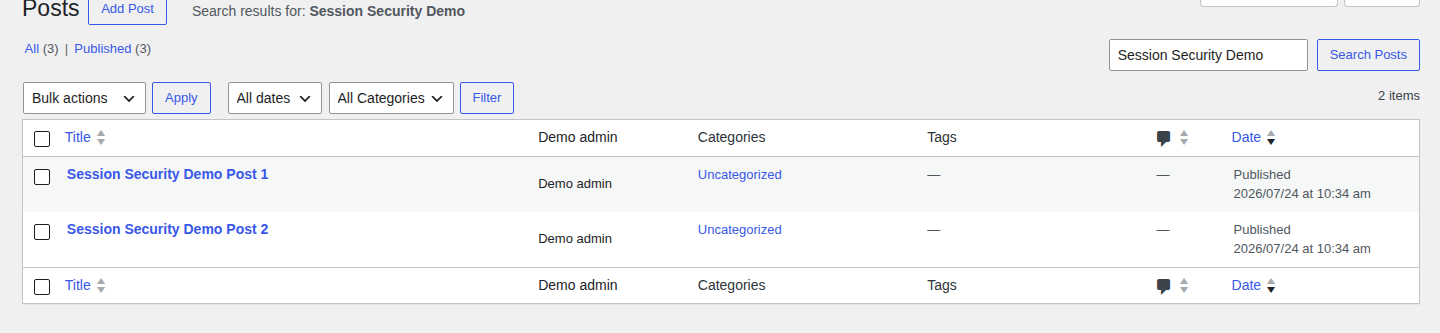
- Multiple active sessions for one user from locations that don’t make sense
- Redirects, unexpected popups, or spam link injection in WordPress across important pages
- Activity log entries where the account owner can clearly say, “I didn’t do that”
📍 Note: Be careful with location by itself. VPNs, mobile networks, business travel, and privacy tools can make normal sessions look strange. Pair location with the action taken before you decide what happened.
On shops and member-only sites, recent account email changes deserve their own look. Attackers often want to turn temporary access into durable access, and account recovery settings are a neat way to do that.
How to recover from a session hijacking attack
Start by ending the access you can’t trust anymore. Don’t begin with a long debate about the exact method. You can investigate after the attacker no longer has an easy path back in.
- Force every active user to sign in again. Revoke active sessions where your setup allows it. On WordPress, rotate the salts in wp-config.php; that invalidates existing login cookies and sends users back through login.
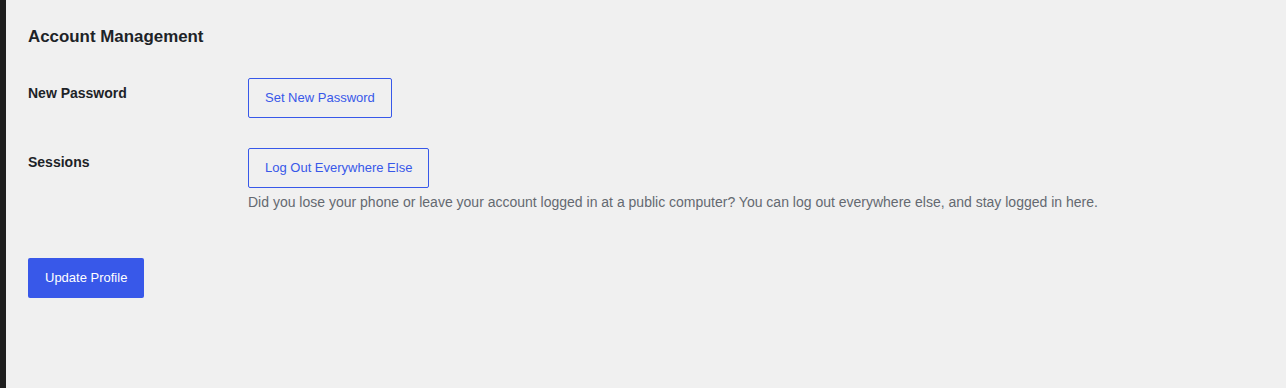
- Change passwords for powerful accounts. Start with WordPress admins and hosting access. Then cover SFTP or SSH, database users, and the email accounts used for password resets. If your site has WooCommerce or memberships, include shop managers, support users, and people with access to customer exports.
- Scan the whole WordPress site for malware. When dealing with a potential WordPress hack, look beyond the initial compromised page. Check the filesystem and database, then review admin users and redirects separately. This is a good moment for MalCare, because WordPress infections often hide in several places at once, and a surface check can miss the part that keeps the attack alive.
- Clean or restore before normal traffic resumes. If malware changed files or database entries, remove it fully. Restoring can help, but only with a backup that predates the compromise.
- Patch the weak spot. Bring core files current, then update the extensions and theme code your site actually uses. Remove abandoned extensions. Pay special attention to forms, page builders, membership plugins, checkout flows, and custom login code, because those are common places for session-related weaknesses to show up.
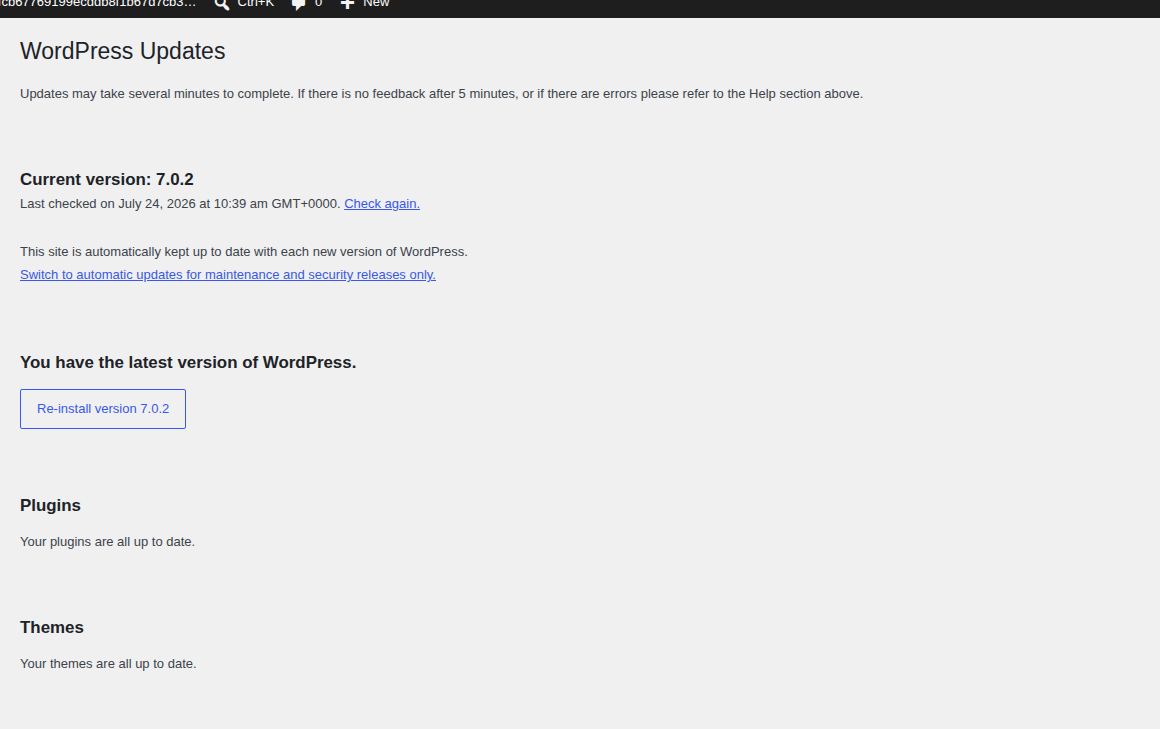
- Review users, logs, and recent changes. Remove unknown admins. Check role changes and plugin installs first. Then review content edits, orders, refunds, and form submissions. If customer data may have been exposed, document what you know and handle notifications according to your legal and business obligations.
- Watch for repeat behavior. Spend the next few days watching user creation and file changes closely. Keep an eye on redirects, failed logins, suspicious account actions, and unexpected plugin activity. If the symptoms come back, assume the first cleanup missed something.
🧯 Note: Rotating salts without cleaning the site is only a pause button. It forces sessions to end, which is important, but malware or a vulnerable plugin can recreate the problem if you leave the cause in place.
If customers can log in to your site, communicate plainly with affected users. Don’t exaggerate what you know, but don’t hide a real account risk either. People can handle clear instructions. They get angry when the story changes three times.
How to prevent session hijacking on WordPress
There isn’t one magic setting. While session management is critical, knowing how to protect your website from broader threats requires a layered approach. Your overall goal is to make sessions harder to steal, harder to reuse, and faster to invalidate.
Run account areas over HTTPS
Your login page and admin area should load over HTTPS. Checkout and account screens should too. Add HSTS if your hosting setup supports it, so browsers return over HTTPS on future visits. HTTPS won’t clean malware or fix weak plugin code. It does remove a basic network-sniffing risk, and that makes it non-negotiable.
For customer accounts, the same rule applies on the front end.

Keep session cookies protected
For cookies that affect login state, the important protections are Secure, HttpOnly, and SameSite. Secure keeps the cookie on HTTPS. HttpOnly blocks direct JavaScript access to the cookie value. SameSite limits some cross-site cookie behavior.
WordPress handles much of this for its own auth cookies when HTTPS is configured correctly. Problems are more likely to appear when plugins, custom code, proxies, caching layers, or unusual hosting setups interfere with cookie behavior.
🧪 Note: In our clean HTTPS WordPress check, the main auth cookies had Secure and HttpOnly set. SameSite was not present in the observed default Set-Cookie headers, so don’t assume every cookie attribute you want is automatically there in every setup.
Update WordPress, plugins, and themes
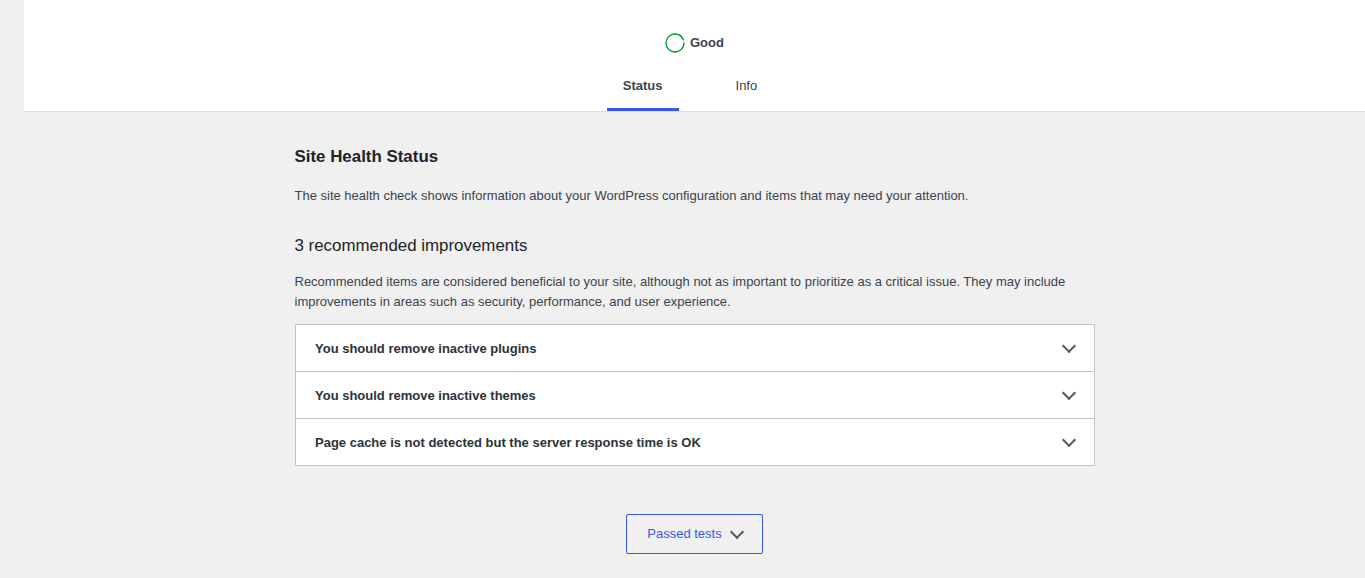
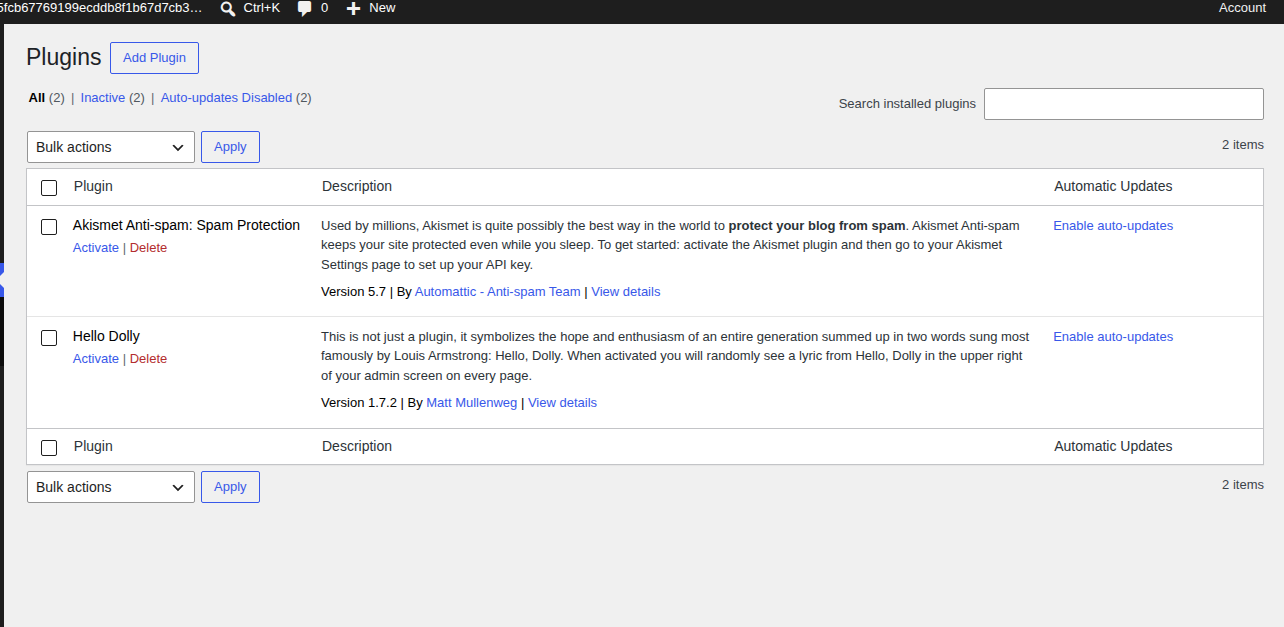
Outdated software is one of the most common ways a normal WordPress site becomes a session risk. XSS vulnerabilities are especially relevant because they can let malicious scripts act inside a user’s browser while that user is logged in.
Update what you use. Remove what you don’t. Be especially strict with abandoned plugins, old themes, and custom snippets around login, forms, checkout, and user roles. MalCare’s vulnerability monitoring can help you spot known plugin and theme risks before they become an incident.
Use a firewall
Firewall protection can block many hostile requests before vulnerable code has to handle them. That matters for session hijacking because a lot of session abuse starts with a site weakness first, such as an XSS flaw or a known plugin vulnerability.
MalCare’s firewall is a useful layer here. It can reduce exploit traffic reaching WordPress before vulnerable code gets a chance to answer.
Use 2FA for important accounts
Two-factor authentication asks for one more proof after the password, usually a short code from an app. A stolen session may already be past the login screen, so 2FA won’t solve every hijack. It still makes a stolen password much less likely to become an admin compromise.
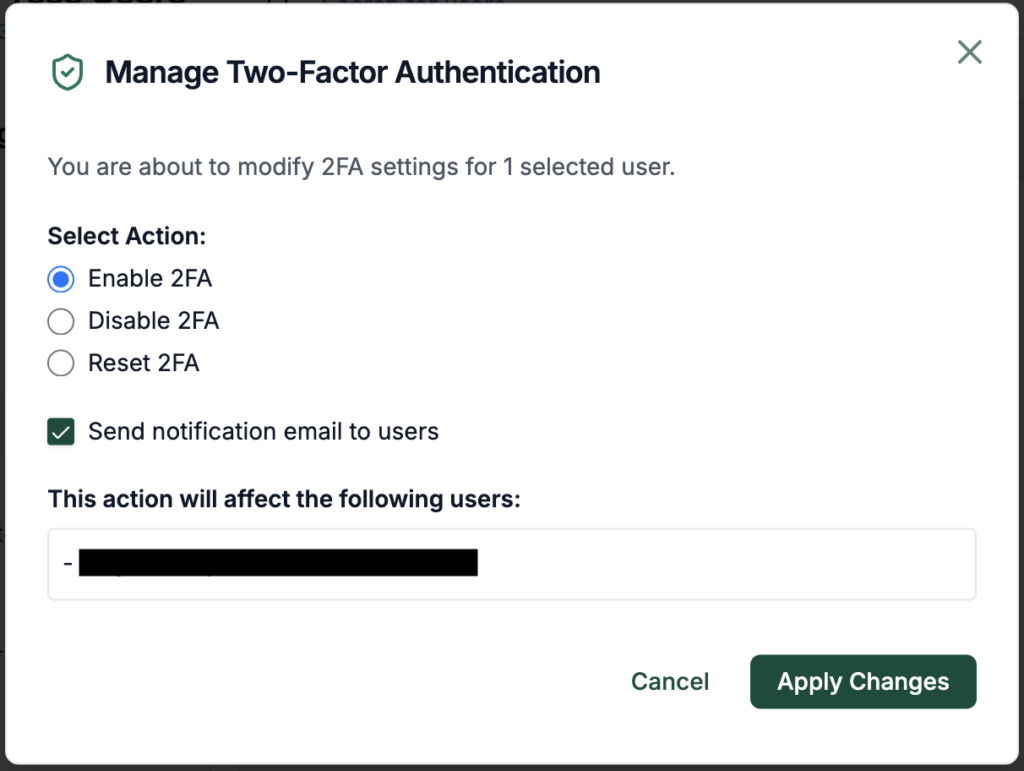
Use 2FA for administrators, developers, shop managers, and anyone who can change money or security settings.
Keep an activity log
An activity log won’t prevent a hijack on its own. It gives you the trail you need when something feels wrong.
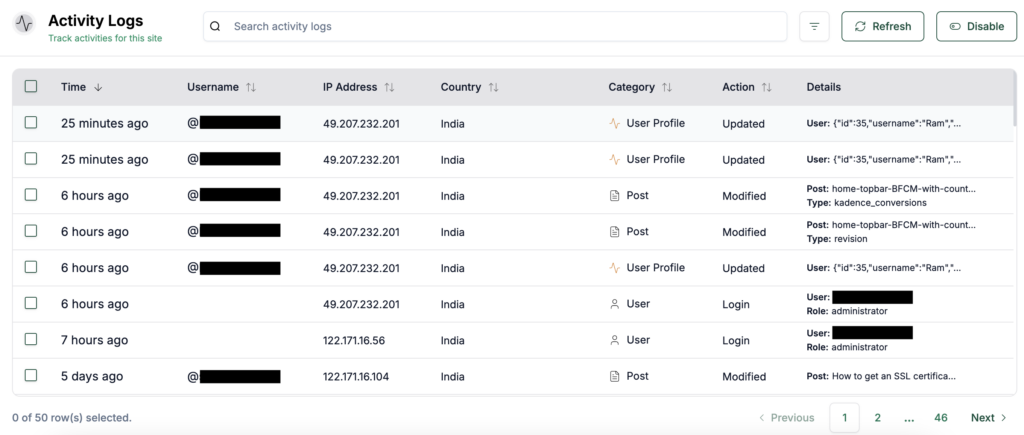
Watch new users and role changes first. Then check plugin installs, file edits, and account updates that don’t match the person who supposedly made them. With MalCare’s activity monitoring, those events are easier to piece together than they are from memory and scattered emails.
Set sensible session timeouts
Shorter sessions reduce the time a stolen token can be useful. The tradeoff is convenience. A customer buying something from your WooCommerce store doesn’t need the same timeout as an administrator with full dashboard access.
I’d be stricter with admins and gentler with normal customers. Security that makes every normal task painful tends to get worked around.
Teach safer admin habits
Do admin work on devices you trust. Log out on shared computers. Keep browsers updated. Be careful with links that send you to a login page from email or chat. Use a trusted VPN when public Wi-Fi is the only option. These habits don’t replace site security. They reduce the easy losses.
What not to do
You may see advice telling you to add this line to .htaccess or php.ini:
php_flag session.use_trans_sid offThat setting is about transparent session IDs, where PHP can pass session IDs through URLs. WordPress uses cookies for its authentication system, not transparent session IDs in URL parameters. On a standard WordPress install, this isn’t the fix for session hijacking.
There are better uses of your time. Rotate salts. Force logout. Run a malware scan. Patch vulnerable extensions. Enforce HTTPS. Remove custom code that puts session tokens in URLs.
FAQs
A common example is an attacker stealing a user’s session cookie on an unsafe connection or through malicious code, then using that cookie to access the user’s account without knowing the password.
Session hijacking is when an attacker takes over a login session the website recognizes as valid. The attacker may not know the password. They use or abuse the session token that keeps the real user signed in.
Session hijacking is the larger account-takeover problem: taking over a trusted session. Session fixation is one method, where the attacker makes the user authenticate with a session ID the attacker already knows.
Use HTTPS and protected cookies. Regenerate sessions after login. Require 2FA for important accounts and keep the site patched. Scan for malware, run a firewall, monitor account activity, and avoid putting session tokens in URLs.
Invalidate active sessions first. Then rotate WordPress salts and change important passwords. Scan and clean malware, patch the vulnerability, review users and logs, and monitor for repeat behavior.
Conclusion
Session hijacking matters because it attacks the trust that begins after login. Once a site accepts a session, the attacker may not need the password to act as that user.
For WordPress, the response is simple in shape and strict in order: end active sessions first, then remove the cause. Rotate salts, change passwords, scan for malware, clean what changed, patch the weak point, and keep watching long enough to know the attacker didn’t come back through a door you missed.