Solid password security is within reach. You’ve done the difficult work of narrowing your options to two contenders: Proton Pass vs 1Password. That final step, however, is often where indecision begins.
To help you move forward, we’ve stripped away the noise. This guide provides the essential comparison you need to select the right tool for your specific needs.
Here’s how they compare on the points that matter most.
Choose 1Password if you value a seamless, mature product and are willing to pay for premium quality. Choose Proton Pass if you are a privacy-focused individual looking for the best free option on the market.
Proton Pass vs 1Password: An overview
Stuck between two of the best password managers? This overview makes the decision easy.
| Feature | Proton Pass | 1Password |
|---|---|---|
| Best For | Privacy enthusiasts & budget users | Families & power users |
| Free Version | Yes (unlimited passwords/devices) | No (14-day trial only) |
| Pricing | ~$2.49–$2.99/month (Individual) | ~$1.99–$2.99/month (Individual) |
| Encryption | AES-256 / XChaCha20 | AES-256 + Secret Key |
| Standout Feature | Integrated Email Aliases | Travel Mode & Watchtower |
Protection and encryption
⚖️ The verdict: This is a tie on raw security, so it comes down to what gives you more confidence. If you value verifiable transparency, Proton Pass has the edge. If you want an extra, ironclad layer of practical protection, 1Password’s Secret Key is a game-changer.
Both services operate on a zero-knowledge model, meaning they can’t see your passwords, ever. Your data is encrypted on your device before it reaches their servers.
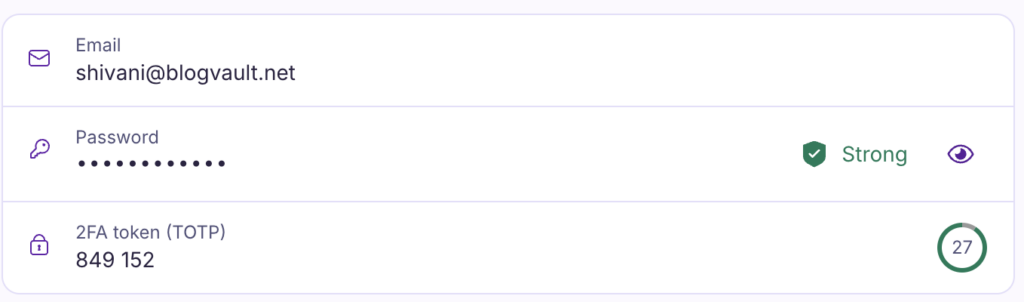
Proton Pass is fully open-source. This means security experts worldwide can inspect its code for flaws. It’s a level of transparency that provides deep trust. On the technical side, it uses proven standards like AES-256-GCM and Argon2 to protect your data.
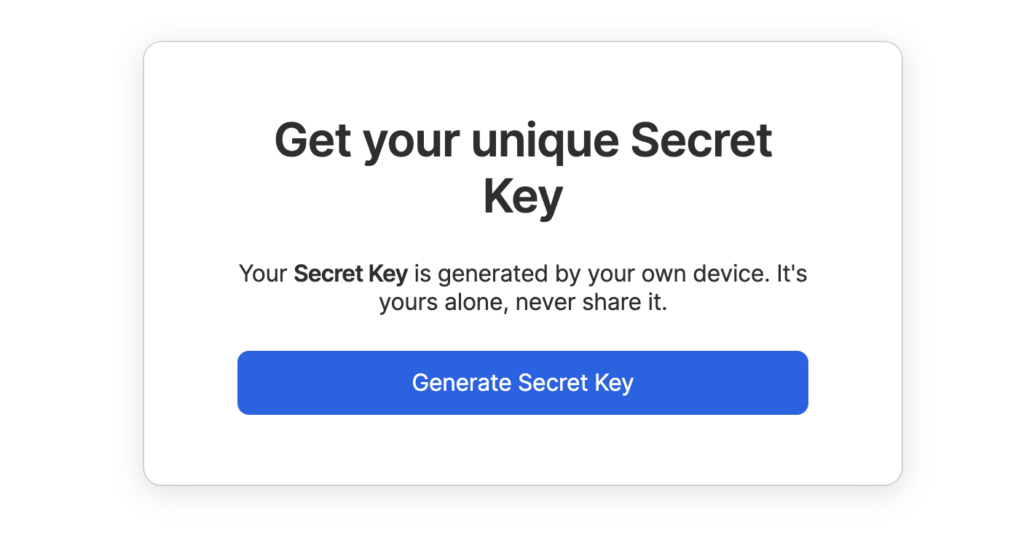
1Password adds a unique Secret Key to your master password. This is a 34-character code stored only on your devices. Even if someone steals your master password, they still cannot access your account without this key. It is a powerful, practical defense against a remote attack. It also uses strong AES-256-bit encryption and a Secure Remote Password protocol.
Both have passed multiple independent security audits from firms like Cure53. Both also fully support modern standards like 2FA, biometrics, and passkeys for secure account access.
🔑 Note: You’ll see 2FA and MFA used interchangeably. Technically, 2FA is a specific type of MFA (Multi-Factor Authentication), but for password managers, both refer to that crucial second layer of security for your account.
Pricing and plans
⚖️ The verdict: If you are a solo user looking for a powerful, no-cost solution, Proton Pass is the clear winner. For families or teams needing structured sharing and great multi-user value, 1Password’s plans are better designed.
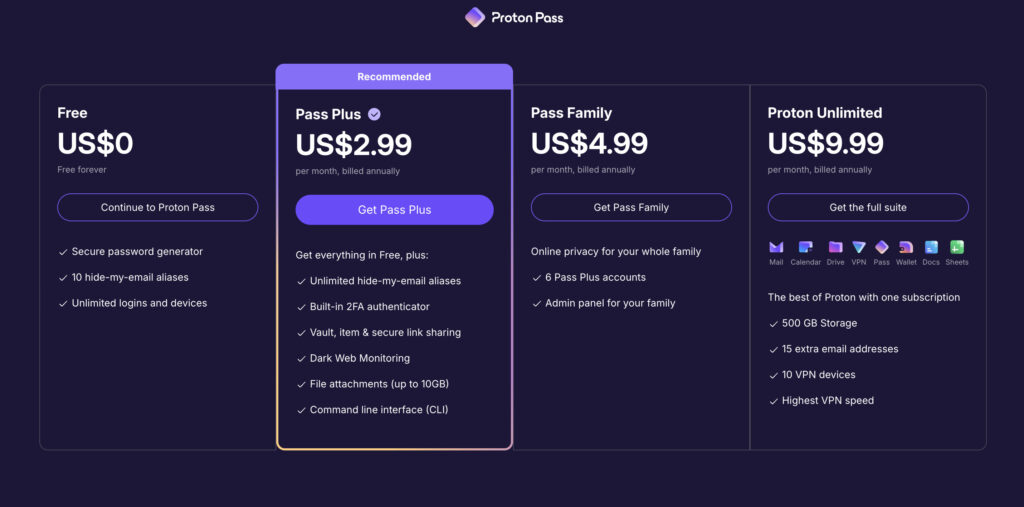
Proton Pass offers one of the best free plans on the market. It is not a limited trial. You get unlimited logins and can use it on unlimited devices, making it a powerful and permanent solution for a single user.
🍱 Note: If you’re worried about centralizing your logins, know that today’s password managers are safe. That said, their security is only as strong as your master password, which is the one key you must protect.
1Password does not have a free plan. It only offers a 14-day free trial. After that, you must subscribe to a plan.
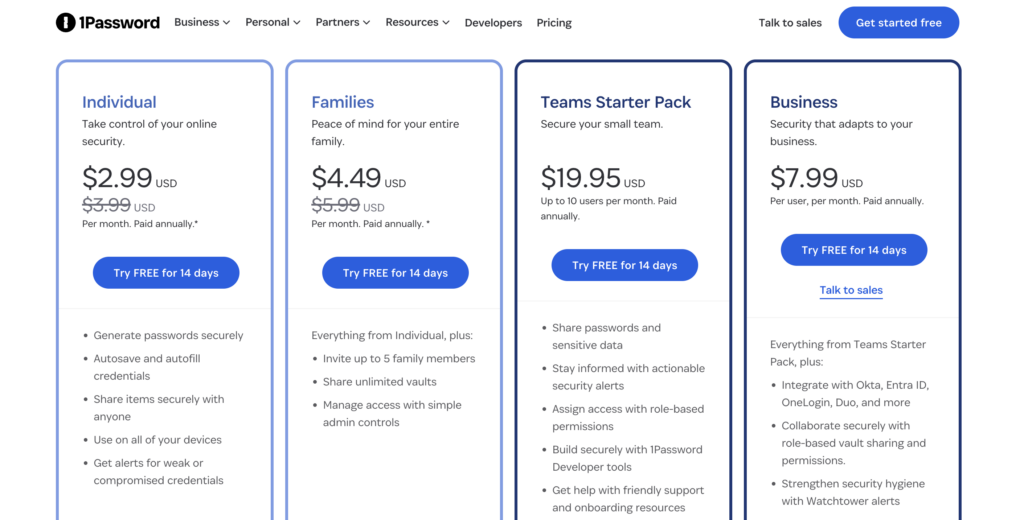
Here’s how their paid plans compare:
- For Individuals: 1Password’s Individual plan starts at about $2.99 per month. The Proton Pass Plus plan is priced similarly and unlocks key features like the built-in 2FA authenticator.
⚡ Note: This feature is a huge security boost. It’s a great reminder that if you have a WordPress site, enabling 2FA on your login is one of the most effective ways to protect it.
- For Families: 1Password often provides better value here. Its family plan covers 5 users for around $4.49 per month, with excellent tools for sharing vaults. Proton’s premium plans can be a great deal if you bundle them with their other services, like Proton Mail or VPN.
- For Businesses: 1Password offers more advanced tools for business plans, including tools for provisioning and managing employee access.
Interface and usability
⚖️ The verdict: If your top priority is a seamless and highly reliable user experience, 1Password wins. If you prefer a simple, minimalist design and do not need deep customization, Proton Pass is perfectly functional.
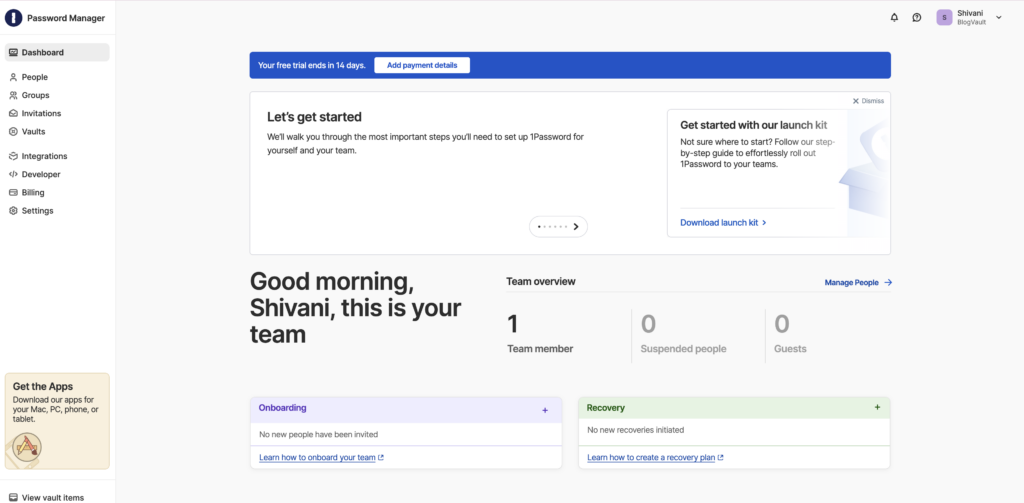
1Password is the benchmark for a polished user experience. The apps are smooth, buttons are where you expect them, and the browser extension is exceptionally reliable. It feels like a mature, premium product. It also offers robust organization with tags and nested folders.
👮 Note: WordPress security should feel just as polished and seamless as the tools you use to access it.
Proton Pass has a clean, modern, and straightforward interface. It is not cluttered and gets the job done well. Its desktop app is a web app wrapper, so it does not feel as native as 1Password’s dedicated applications. Organization is simpler, using a vault-and-item structure.
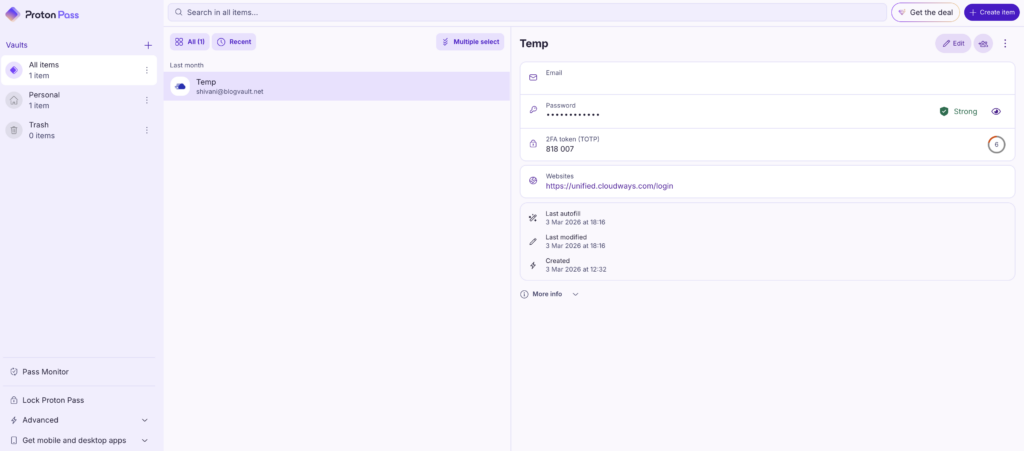
Both services provide smooth mobile apps with biometric unlocking for quick access on the go.
Key features
⚖️ The verdict: This depends entirely on your lifestyle. If protecting your inbox and identity is a major goal, Proton Pass and its email aliases are phenomenal. If you travel frequently, 1Password’s Travel Mode is a unique and essential tool.
Proton’s standout feature is its integrated “hide-my-email” aliases on the premium plan. You can create unique, anonymous email forwarders for every online account. If a service gets breached or sends spam, you just turn off that alias. It is a massive win for privacy.
🔐 Note: A security plugin is a massive win for your website, providing comprehensive protection against threats.
1Password’s killer feature is Travel Mode. Before you cross a border, you can mark certain password vaults as safe for travel. With one click, all other vaults are temporarily removed from your devices. Once you are through, you sign back in to restore them.
Here are other important features:
- 2FA Authenticator: Both offer a built-in authenticator for your 2FA codes as a premium feature.
⭐ Note: Enabling two-factor authentication on WordPress via a 2FA plugin is one of the single most effective security measures you can take.
- Secure Storage: 1Password includes 1GB of secure document storage. Proton Pass Plus offers a much more generous 10GB.
- Breach Monitoring: 1Password’s Watchtower gives excellent alerts if your passwords appear in a data breach.
- Developer Tools: Proton Pass offers a command line interface (CLI) for technical users.
Data transfer
Switching to a new password manager should not be a headache. Thankfully, both services make it easy. Both support seamless importing from other password managers and browsers like Chrome or Safari. The process is well-documented in both of their help centers.
Migrating from 1Password to Proton Pass, or vice-versa, is straightforward. You can also export your data to a standard format like a CSV file if you ever need a backup or decide to switch again.
🚅 Quick tip: After you complete a migration, always verify a small batch of your most important logins. Just check that the username and password for your email and banking site transferred correctly.
Resources and help center
⚖️ The verdict: For self-help, both are great. For direct support and a deeper library of guides, especially for teams, 1Password has a more mature support system.
1Password has extensive, polished documentation with step-by-step guides for almost any issue. For paid individual and family plans, you can get help via email support. Their onboarding launch kits for teams are also superior.
Proton’s resources are solid and growing, centered around a detailed knowledge base. Support relies on a ticket system and a helpful community forum. For most day-to-day questions, you will find what you need in their help articles.
Choosing the ideal solution
The decision is about what you value more: principled privacy or perfected convenience.
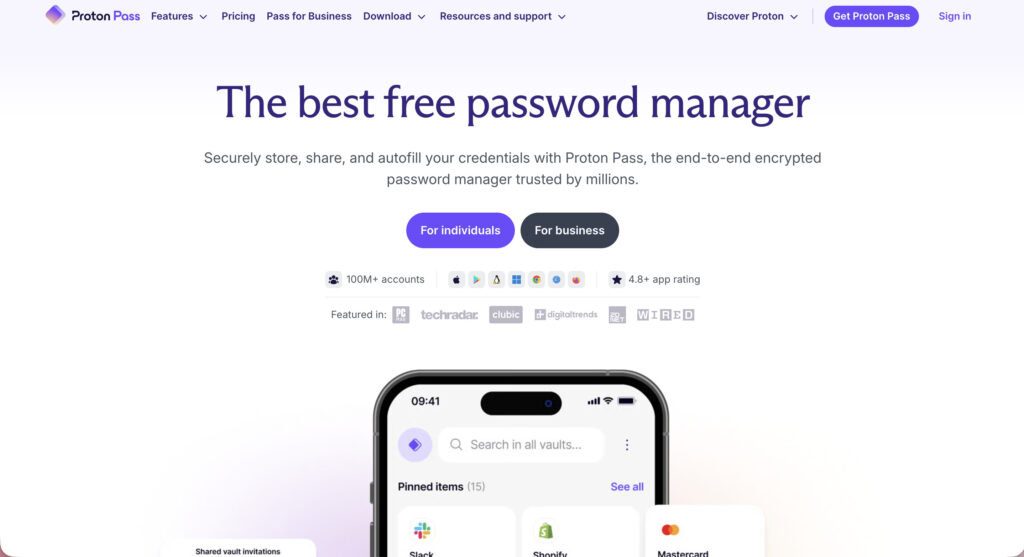
- You want the best free password manager available. Period.
- Your highest priority is privacy and open-source transparency.
- You already use and value the Proton ecosystem (Mail, VPN, Drive).
Choose 1Password if:
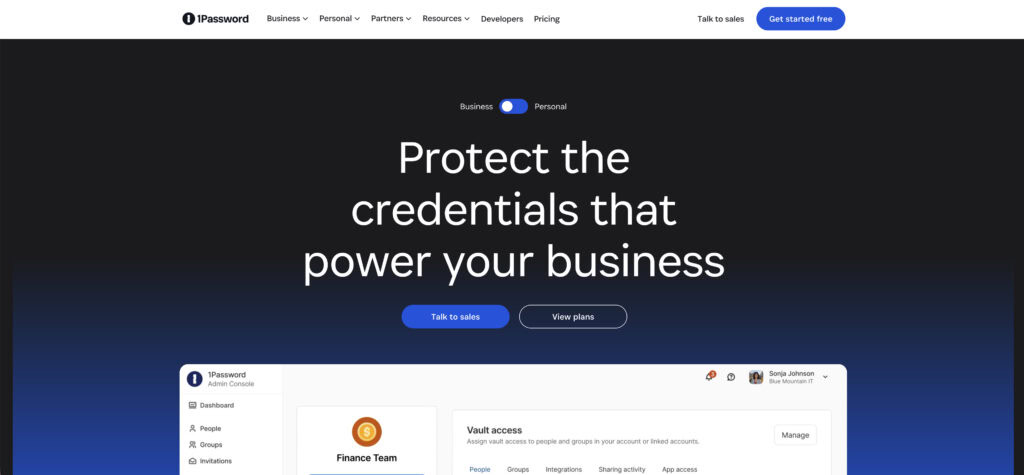
- You want the most polished, reliable user experience on the market.
- You need a robust family or team plan with advanced sharing.
- Features like Travel Mode or the Secret Key are non-negotiable for you.
Other choices
While these two are top contenders, they aren’t the only options.
Bitwarden: A strong, open-source alternative with very fair pricing, ideal for those outside the Proton ecosystem.

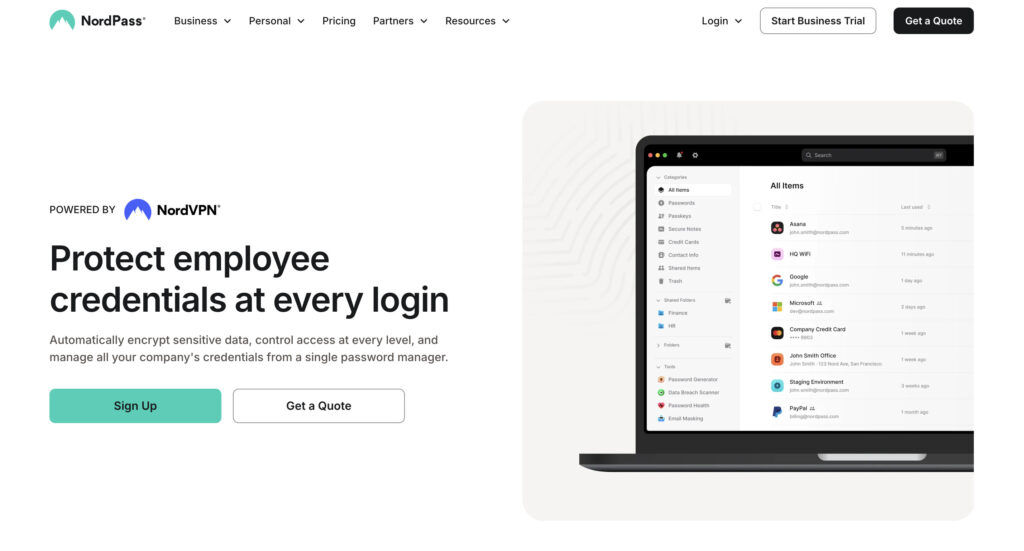
NordPass: From the team behind NordVPN, this option focuses on a clean user experience and modern encryption.
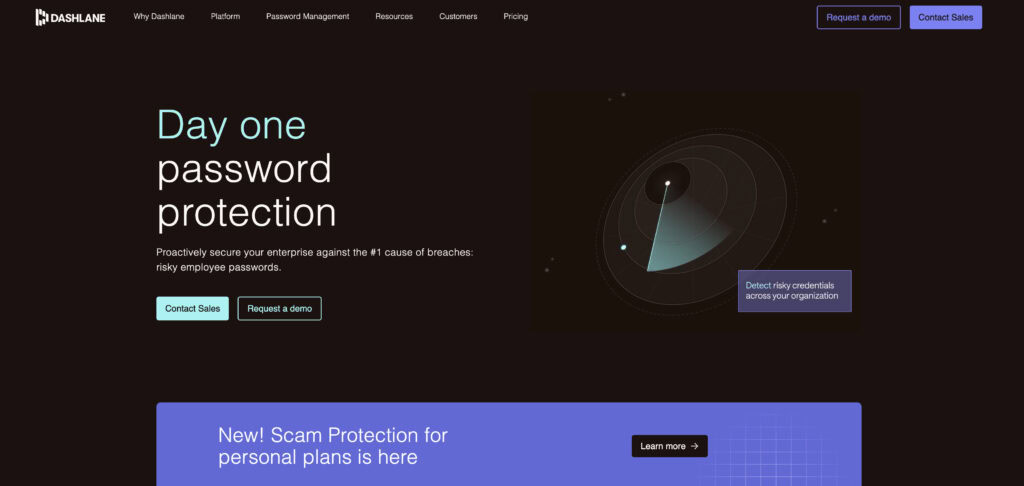
Dashlane: A very feature-rich manager that has historically been one of the more expensive options.
Recommended practices
No matter which tool you choose, your security is only as strong as your habits.
- Always enable two-factor authentication (2FA) on your password manager account itself. This is your most important account to protect.
- Create a strong master password that you have not used anywhere else.
- Securely store your recovery or emergency kit in a safe place offline, like a safe or safety deposit box.
- Regularly audit your passwords using the built-in password health tools to find weak or reused credentials.
- Use the password generator for every new login you create.
- Take full advantage of unique features like email aliases or Travel Mode to match your security needs.
Parting thoughts
Your best choice simply comes down to your top priority. Choose 1Password for its unmatched user experience and robust family features. Choose Proton Pass for its open-source transparency and exceptional free plan.
FAQs
Frequently asked questions
No, neither is definitively more secure than the other; both are considered top-tier in security. The choice comes down to preferring Proton’s open-source transparency or 1Password’s unique Secret Key architecture.
Yes, Proton Pass is extremely secure. It uses end-to-end, zero-knowledge encryption, and its open-source code has been independently audited by security professionals.
No, 1Password has never suffered a breach of its user password vaults. Their security design is built to keep user data safe even if their own servers were compromised.
Yes, Proton Pass offers a powerful and genuinely free plan with no time limit. This free tier includes unlimited logins and use across unlimited devices, making it a complete solution.
Yes, you can access your existing passwords offline on any device where your vault is already synced. You will need an internet connection to sync any new changes or logins across your devices.