MalCare Security Blog
Practical WordPress security guides from the MalCare team: cleaning hacked sites, hardening WordPress, and choosing the right tools.
524 articles · page 4 of 44
Signs That a Website Has Been Hacked: How to Check Safely
Website has been hacked? Learn how to identify the warning signs, secure your WordPress site, and recover it safely.
Remove “This Site Has Been Marked As A Phishing Site” Warning From Website
Remove the ‘This site has been marked as a phishing site’ warning by cleaning the threat, requesting a Google review, and preventing another compromise.
How To Remove The “This Website Has Been Reported As Unsafe” Warning
Remove Microsoft Edge’s ‘This website has been reported as unsafe’ warning by cleaning malware, securing the site, and requesting a SmartScreen review.
How To Remove “This Site May Harm Your Computer” Warning
Remove Google’s ‘This site may harm your computer’ warning by finding and cleaning malware, requesting review, and preventing another infection.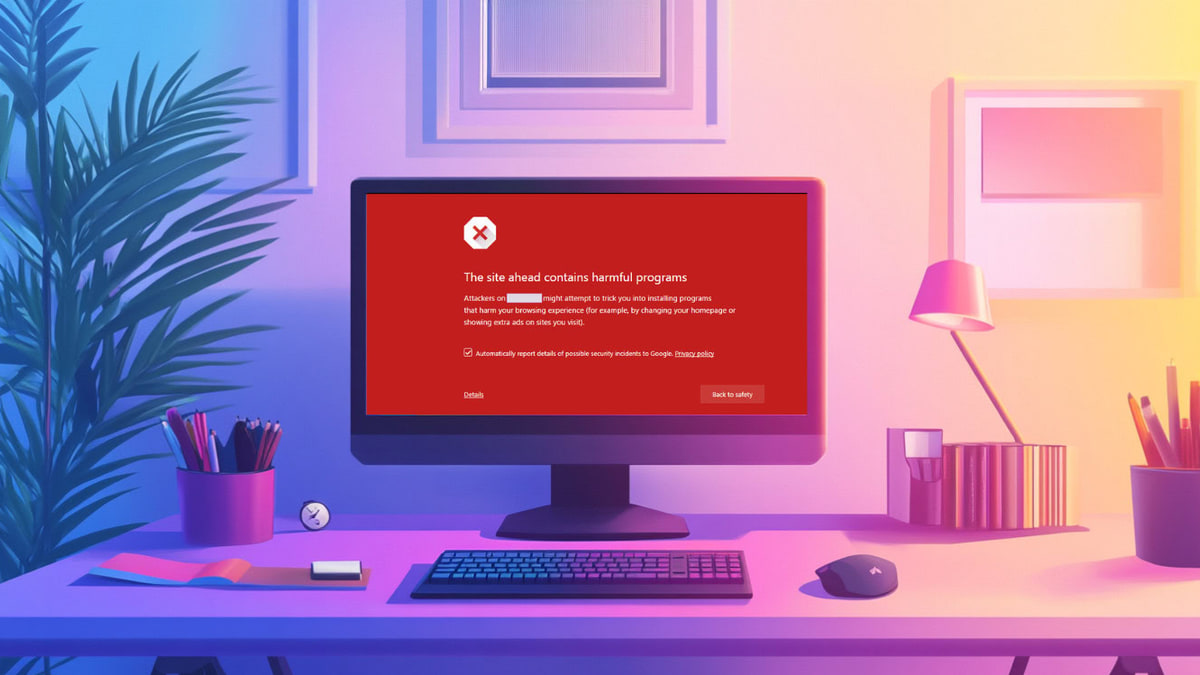
Fix “The Site Ahead Contains Harmful Programs” Warning in Google
Fix Google’s ‘The site ahead contains harmful programs’ warning by removing malware, requesting a review, and securing your WordPress site.
WordPress Backdoor Scanner: Find Hidden Hacks in Minutes
Find hidden WordPress backdoors, remove the malicious access safely, complete post-hack recovery, and prevent attackers from returning.
Website Malware Removal: How to Quickly Scan, Clean & Restore Your Site
Remove website malware by scanning, cleaning files and databases, clearing Google warnings, and closing the vulnerabilities that caused the infection.
How to Protect Your Website from Hackers
Protect your website from hackers with practical firewall, malware scanning, login security, update, backup, hardening, and recovery measures.
WordPress Phishing Hack: Quickly Clean and Secure Your Website
Fix a WordPress phishing hack: find malicious pages, remove the malware safely, clear browser warnings, and prevent another phishing infection.
Sucuri vs. Sitelock: Which is a Better Security Plugin
Compare Sucuri and SiteLock across malware scanning, cleanup, firewall protection, usability, server impact, and pricing based on hands-on testing.
How to Fix a WordPress Defacement & Prevent It From Happening Again
Recover a defaced WordPress site: contain the breach, remove malware and backdoors, restore clean content, and prevent repeat attacks.
Coinhive Malware WordPress: Find It, Remove It, and Stop It From Coming Back
Find and remove Coinhive-style cryptojacking malware from WordPress, close the breach, and prevent the infection from returning.