MalCare Security Blog
Practical WordPress security guides from the MalCare team: cleaning hacked sites, hardening WordPress, and choosing the right tools.
524 articles · page 2 of 44

Spamhaus Blocking My Emails? Causes, Fixes, and WordPress Troubleshooting Steps
Spamhaus blocking my emails can be alarming, especially when a customer is waiting for an order confirmation or a user cannot reset their password.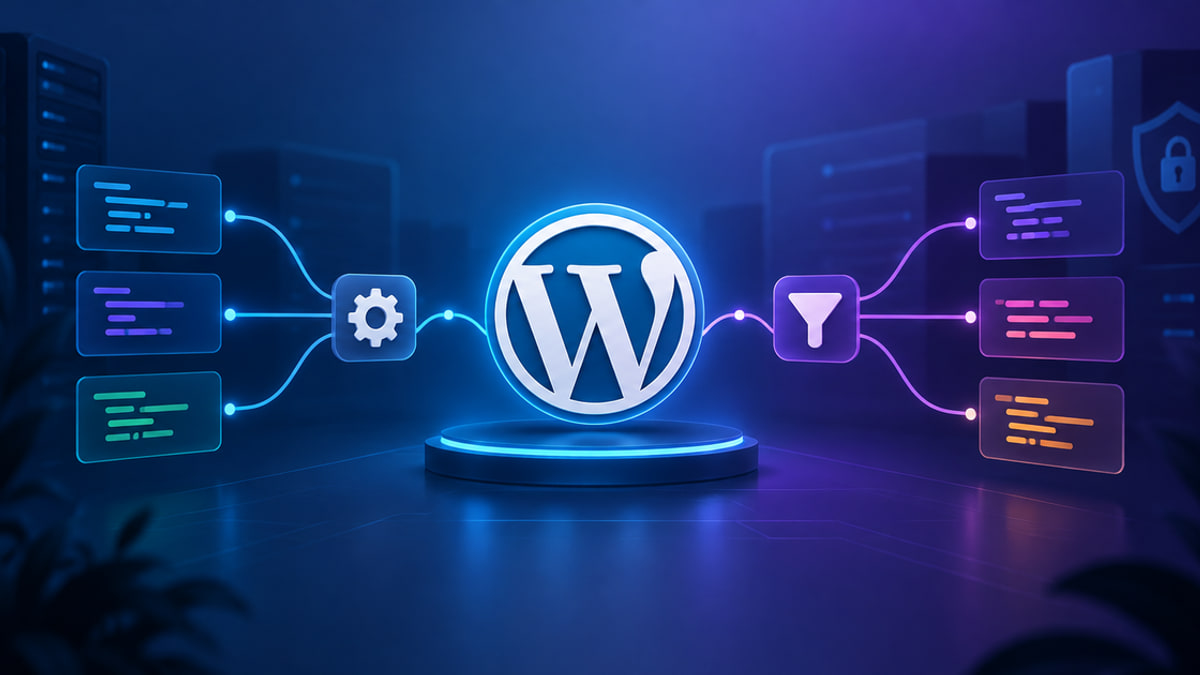
WordPress Actions vs Filters: A Beginner-Friendly Guide to Hooks
If you have searched for what are actions and filters in WordPress, you may be looking at a snippet that starts with addaction or addfilter and wondering which one belongs on your site.
How to Reset WordPress Permalinks When URLs Return 404s
You publish a post, click its link to check your work, and land on a 404 page.
WordPress File Permissions: Safe 644/755 Defaults and How to Fix Errors
You click Update, wait for the usual refresh, and the task stops.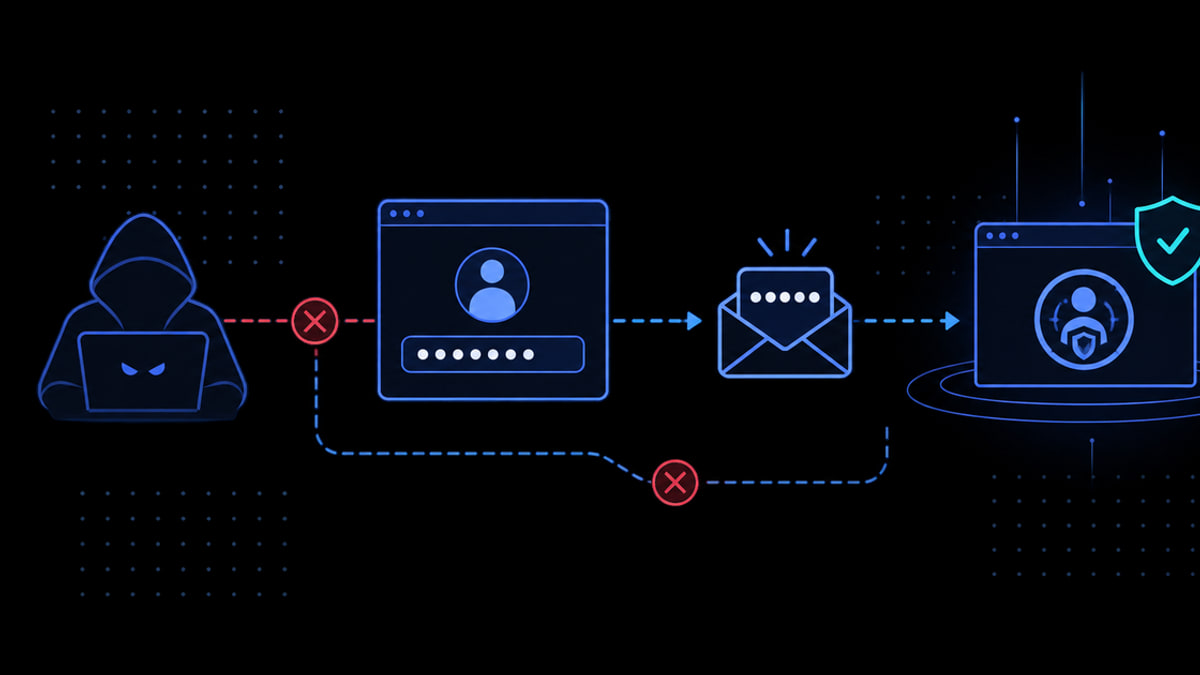
MalCare Launched Email 2FA To Prevent Rising Password Hacks
MalCare launched Email 2FA to add an extra layer of protection against rising password-based attacks and unauthorized WordPress logins.
How Stolen Passwords Are Getting WordPress Sites Hacked
Learn how attackers use stolen WordPress credentials, why malicious plugins can be symptoms rather than entry points, and how 2FA helps stop repeat compromises.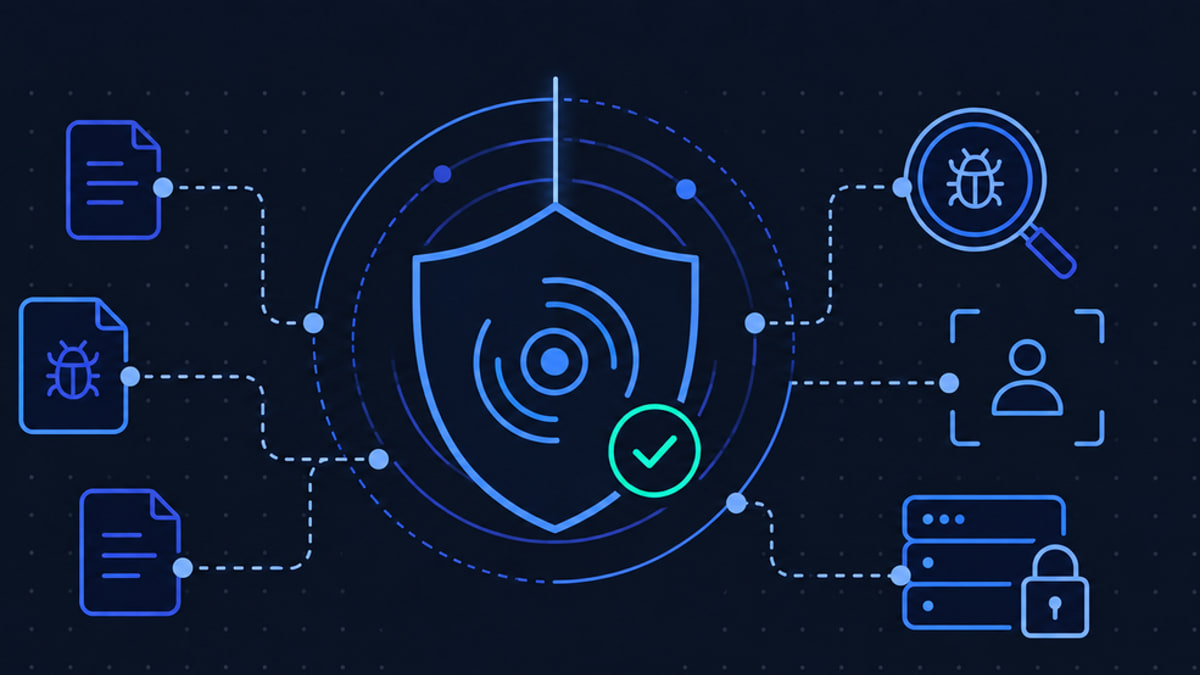
WordPress Security Audit Checklist for Your Site
If you are wondering whether your WordPress site is really secure, a WordPress security audit gives you a practical place to start.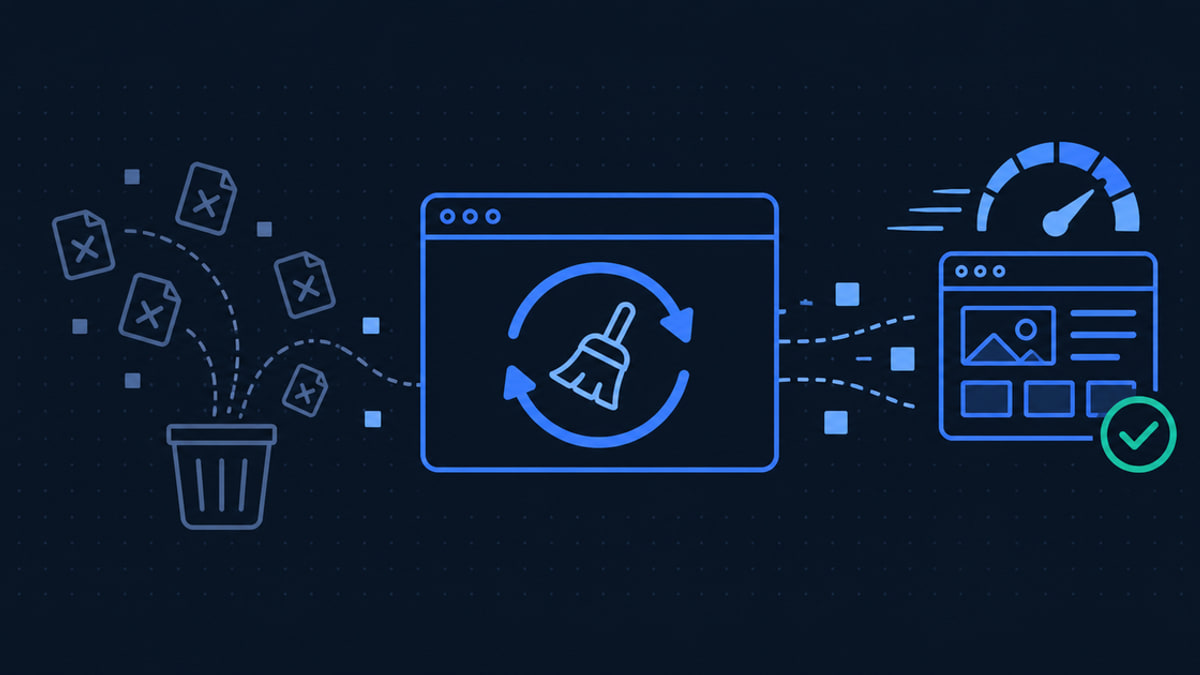
How to Clear WordPress Cache Safely When Changes Aren't Showing
You publish a change in WordPress, open the public page, and still see the old version.
WordPress Security Updates: How to Check, Apply, and Troubleshoot Them
When a notice about WordPress security updates appears, it is easy to wonder whether clicking Update Now will fix a risk or create a new one.
Security Update: Improved Parameter Validation Checks
We have fixed a bug in how the MalCare plugin handles a rare invalid request. We haven't seen it being abused, but it was possible, so we have closed it.
How to Fix “Your Connection Is Not Private” (WordPress and Browser Guide)
You may see your connection is not private when you are trying to log in, check out, open a client site, or reach WordPress admin.
Too Many Redirects in WordPress: How to Fix the Redirect Loop
If you see the too many redirects wordpress error, the browser is caught in a redirect loop: it keeps being told to request another URL and never reaches a final page.