
WordPress Security
Prevention and understanding: hardening, login protection, and attack explainers.
129 articles · page 1 of 11
How to Edit .htaccess in WordPress Without Accidentally Taking Your Site Down
You’ve opened the hidden file, and now you’re stuck between scrolling, copying, and closing the window.
Rising Attacks From Compromised Updates – WordPress 7.1.4, UpdraftPlus and RankMath
WordPress updates are essential, but are they enough? Learn how compromised updates put sites at risk and what it takes to protect yours beyond clicking update.
Website Hacking Techniques We See Attackers Use on WordPress Sites
Your site is redirecting them to a pharmacy spam page, but when you open it in your own browser, everything looks normal.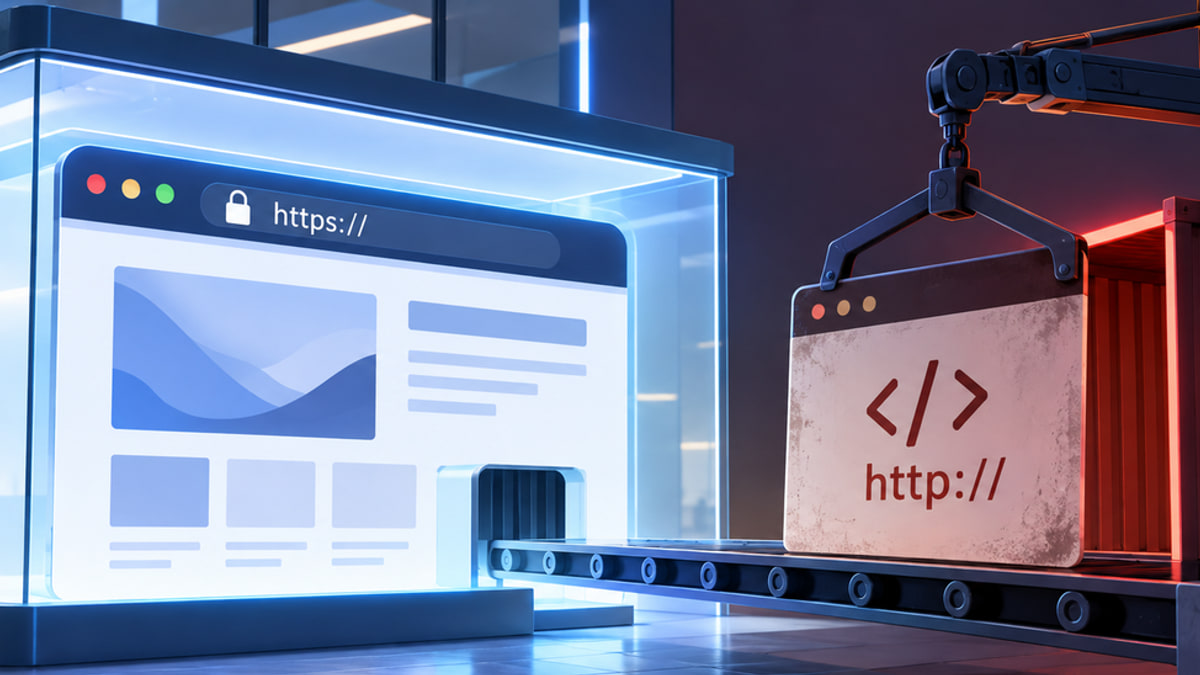
Why Your Page Was Loaded Over HTTPS but Requested an Insecure Script
The padlock shows up, you open a page to admire it, and then Chrome flags it: your page was loaded over HTTPS but requested an insecure script.
Passkeys vs 2FA without the jargon or the lockout risk
You sign in to your email tonight, and a prompt asks, “Create a passkey?” even though the code from your authenticator app has worked fine for years.
How to Restrict Admin Access on WordPress Without Locking Yourself Out
You want to restrict admin access on WordPress, but your collaborator only needs part of what an administrator can do.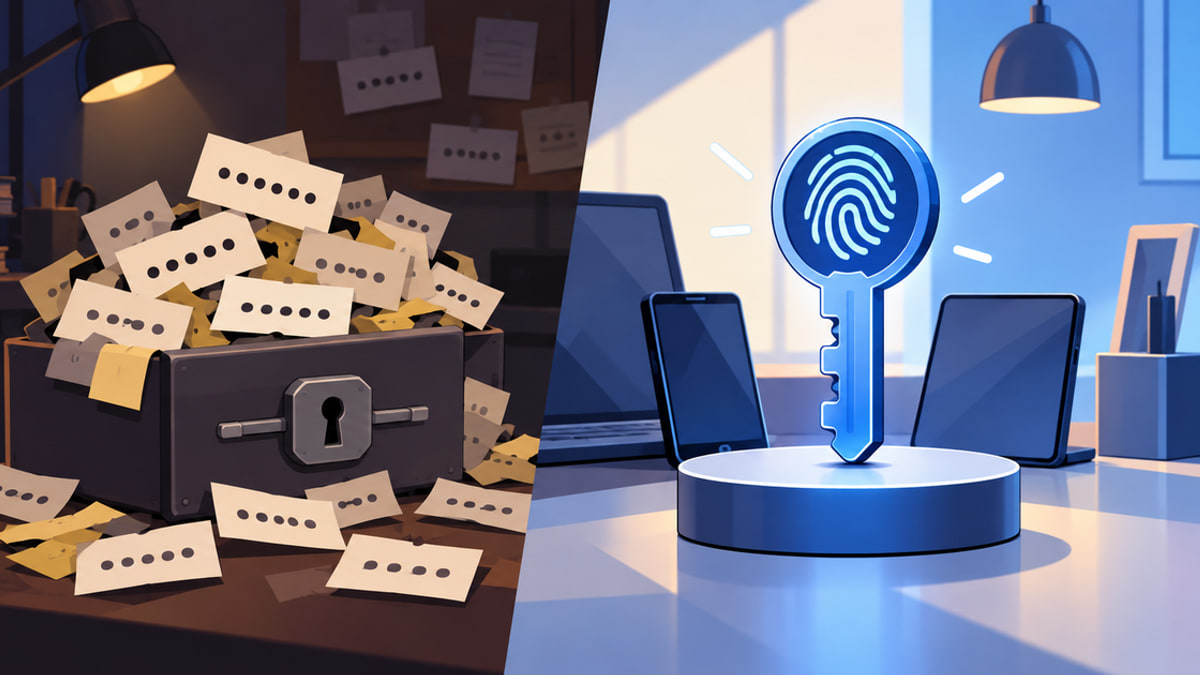
Passkeys vs Passwords: Which Is Safer and What Should You Use?
You are logging in to your WordPress dashboard when your browser offers to create a passkey.
Secure Site With WP Config: How to Harden WordPress Without Breaking It
If you've just been asked to harden the live WordPress site in front of you, and you're wondering how to secure site with wp config without taking it offline, you're in the right place.
WordPress Trackback Spam: Stop the Notifications Without Breaking Your Site
You're staring at another unfamiliar link notification in your moderation queue, and WordPress trackback spam makes you wonder whether your site has been hacked.
How Does Web Hosting Affect Website Security? A Shared-Responsibility Guide
Your WordPress site just went offline, or you've found a file you don't remember creating, and the question on your mind is simple: did my host let this happen?
WordPress Login Not Secure: What the Warning Means and What to Do
You open your WordPress login page to make a quick change and notice “Not Secure” beside the address.
Vulnerability Shield 2.0: Faster Alerts, Faster Patches, Central Dashboard
Vulnerability Shield 2.0 brings faster alerts, rapid virtual patching, and a central dashboard to manage WordPress vulnerabilities across all your sites.