Malware Removal
The site is hacked, flagged, blacklisted, or suspended — detection, cleanup, and recovery.
65 articles · page 2 of 6

Remove “This Site Has Been Marked As A Phishing Site” Warning From Website
Remove the ‘This site has been marked as a phishing site’ warning by cleaning the threat, requesting a Google review, and preventing another compromise.
How To Remove The “This Website Has Been Reported As Unsafe” Warning
Remove Microsoft Edge’s ‘This website has been reported as unsafe’ warning by cleaning malware, securing the site, and requesting a SmartScreen review.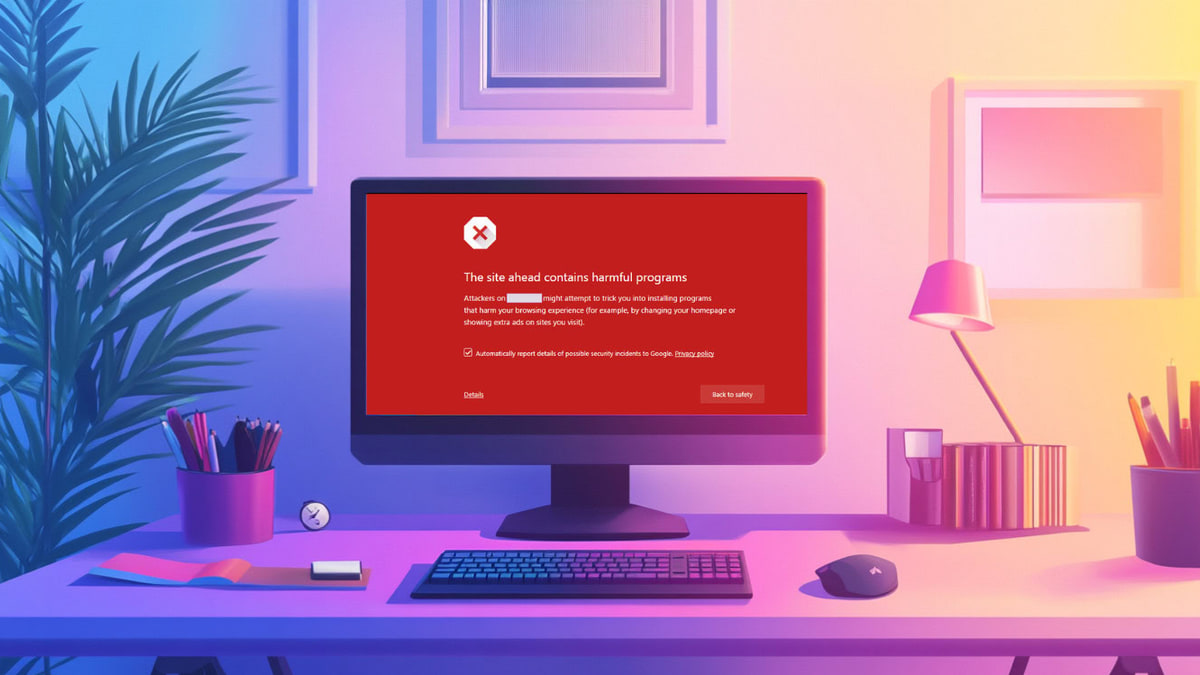
Fix “The Site Ahead Contains Harmful Programs” Warning in Google
Fix Google’s ‘The site ahead contains harmful programs’ warning by removing malware, requesting a review, and securing your WordPress site.
WordPress Backdoor Scanner: Find Hidden Hacks in Minutes
Find hidden WordPress backdoors, remove the malicious access safely, complete post-hack recovery, and prevent attackers from returning.
WordPress Phishing Hack: Quickly Clean and Secure Your Website
Fix a WordPress phishing hack: find malicious pages, remove the malware safely, clear browser warnings, and prevent another phishing infection.
How to Fix a WordPress Defacement & Prevent It From Happening Again
Recover a defaced WordPress site: contain the breach, remove malware and backdoors, restore clean content, and prevent repeat attacks.
Coinhive Malware WordPress: Find It, Remove It, and Stop It From Coming Back
Find and remove Coinhive-style cryptojacking malware from WordPress, close the breach, and prevent the infection from returning.
Fake Chrome Update Hack: How to Find and Remove It from WordPress
Find and remove fake Chrome update malware from WordPress, close the attacker's access, purge caches, and prevent reinfection.
Fix WordPress Redirect Hack: Stop Site Redirecting to Spam
Fix a WordPress redirect hack: scan for malware, remove malicious redirects, repair your site, and prevent reinfection with this step-by-step guide.
How to Fix the Google Blacklist Warning from Your Website
Follow six steps to remove a Google blacklist warning: confirm the warning, scan and clean the site, fix SEO issues, and request a review.
WordPress Malvertising: What It Is and How to Stop It
Identify WordPress malvertising, contain unsafe ads and redirects, remove the underlying malware or ad script, and prevent it from returning.
WordPress Ransomware: Signs, Recovery, and Protection
That is when most site owners search for WordPress ransomware. You need a calm order of operations, not panic and guesswork.