Malware Removal
The site is hacked, flagged, blacklisted, or suspended — detection, cleanup, and recovery.
65 articles · page 3 of 6

How to Scan WordPress Theme For Malicious Code (Plus Cleaning Guide)
Do you want to scan WordPress theme for malicious code embedded in it? In this guide, we’ll show you different methods to check this.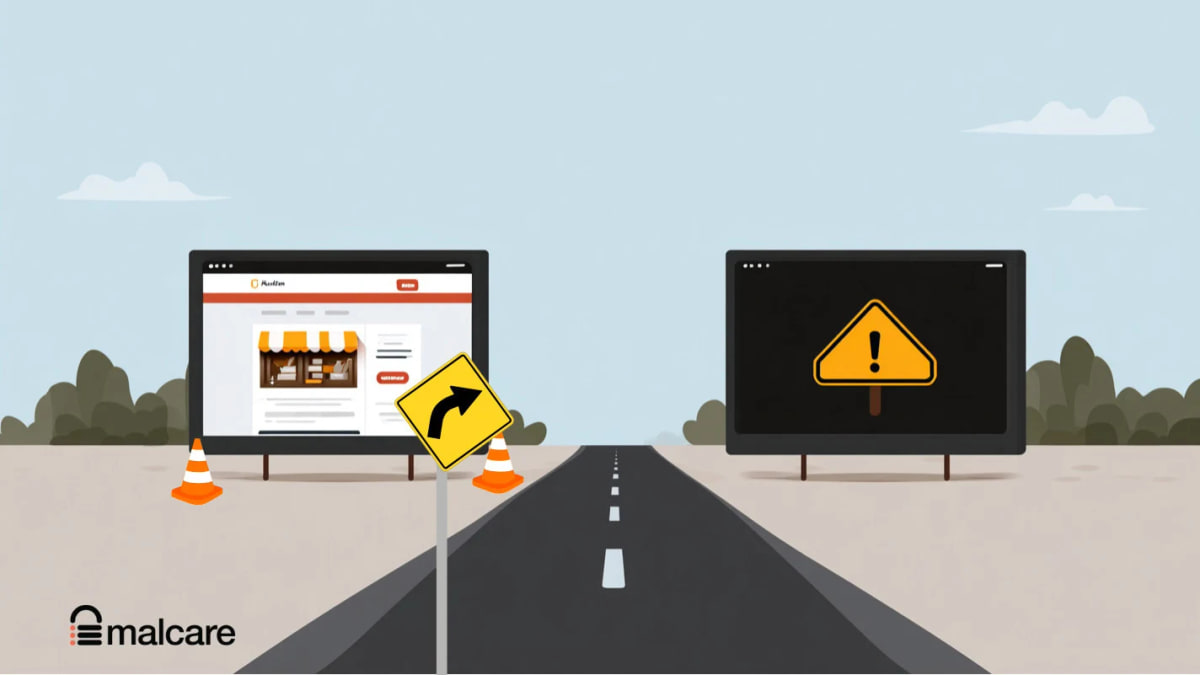
2 Quick Fixes For Google Search Results Redirect To Spam Sites
Identify why Google results redirect visitors to spam, remove the WordPress infection, and stop the redirect from returning.
Oh no! Think You Have a Compromised Website? Here’s How to Fix It
Confirm whether your website is compromised, contain the incident, remove malware, recover safely, and prevent attackers from returning.
Quttera False Positive: Is Your Site Hacked or Misidentified?
Learn how to verify a Quttera warning, distinguish a false positive from a real infection, compare scan evidence, and respond safely.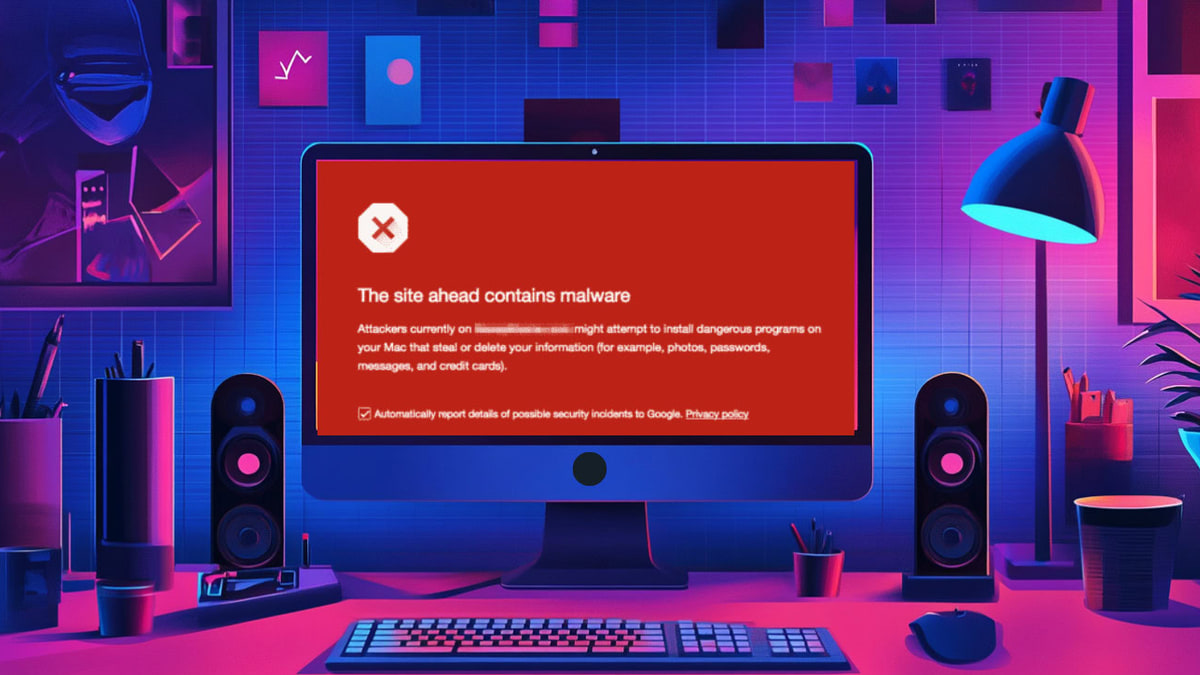
How to Fix ‘The Site Ahead Contains Malware’ Warning in Google
The warning “the Site Ahead Contains Malware” means your site is hacked. Follow our guide to remove the hack and the warning.
How to Recover from SEO Poisoning Attacks
Worried about SEO poisoning or Google poisoning attacks? Discover clear signs, detection tools, and prevention methods to secure your website now.
Website Backdoor Finder: Detect and Remove Hidden Threats
Backdoors can wreck your site without warning. Understand what website backdoors are and the proven steps to clean and protect your site today.
How to Check If Your Website Has Been Hacked
Is my website hacked? Identify warning signs, confirm malware with reliable checks, and take the right steps to restore security.
Hacked Website Repair: Definitive Guide
The bad news is you are in need of hacked website repair. The good news is it can be done. The best news is you’ve found the right place to help you.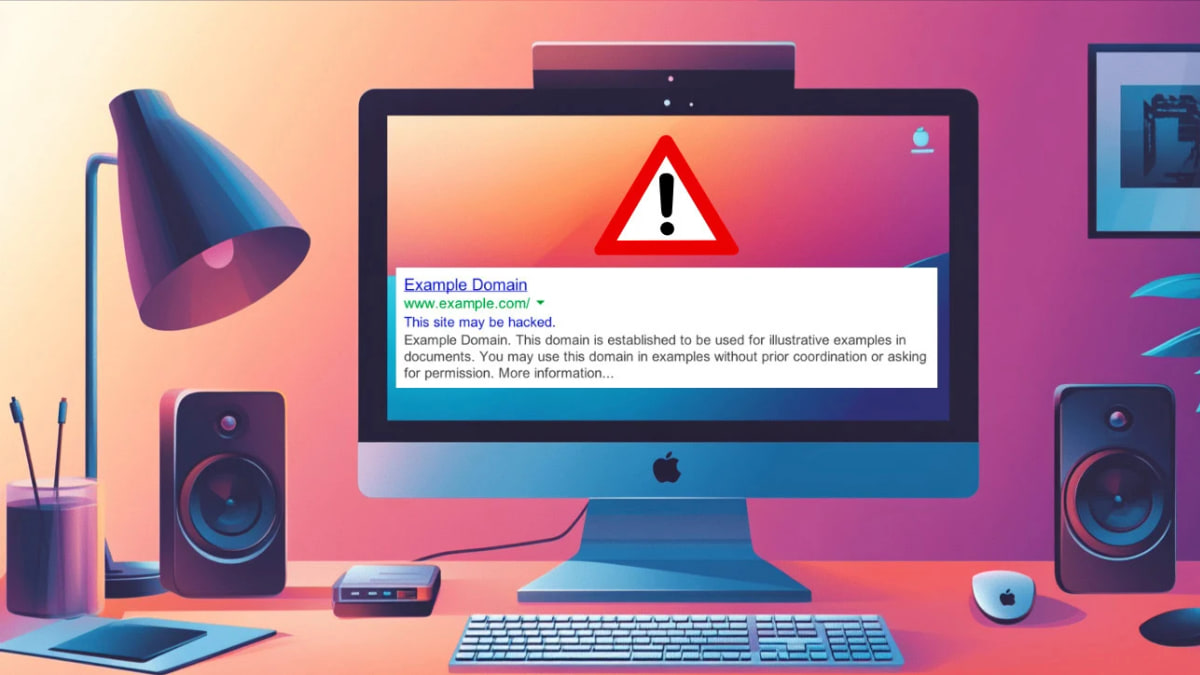
How to Fix Google’s “This Site May Be Hacked” Warning
Google's "This Site May Be Hacked" warning drives visitors away. Remove the malware, request a review, and prevent it from returning.
How to Fix the Deceptive Site Ahead Warning on Your WordPress Site
Are you seeing a “Deceptive Site Ahead” warning? In this guide, we’ll show you the right steps to fix the hack and remove the warning.
5 Steps To Google Safe Browsing Blacklist Removal
Remove a Google Safe Browsing blacklist warning by finding and cleaning malware, securing your site, and requesting a review in Search Console.