WordPress Management
Running a site well: maintenance, performance, updates, and admin how-tos.
58 articles · page 3 of 5
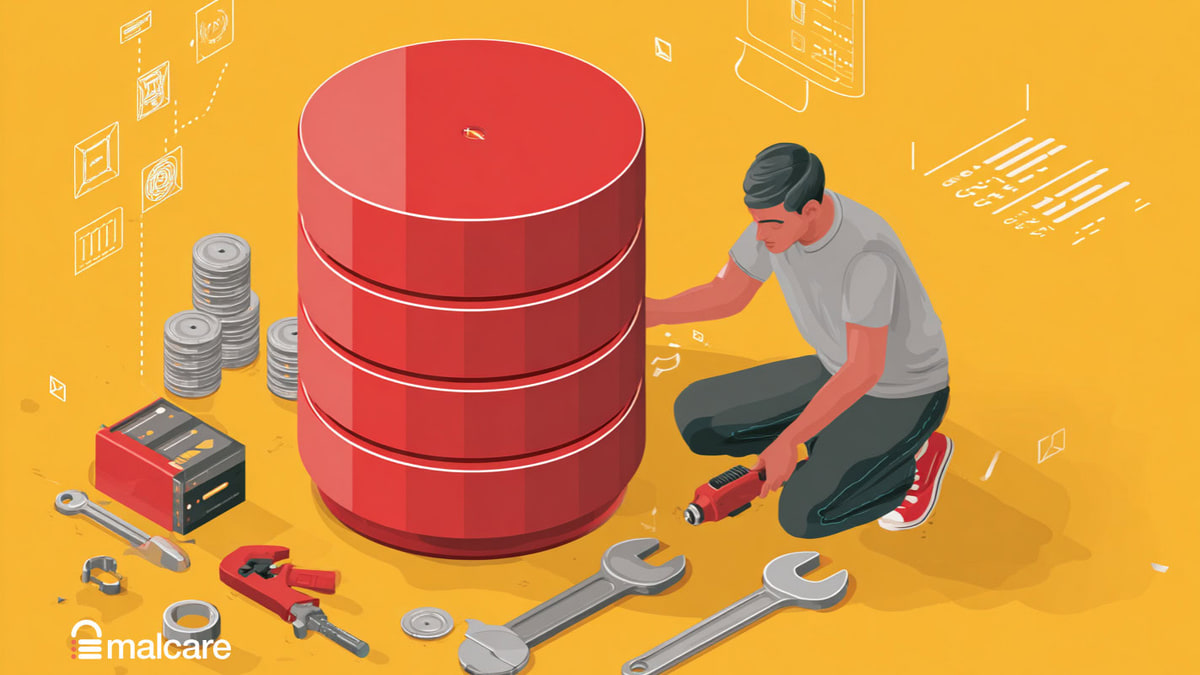
How to Safely Change Database Prefix WordPress (Step-by-Step Guide)
Learn how to change database prefix WordPress to enhance security and optimize your site. Follow this simple guide for a safer WordPress experience
Easy Guide To All Things WordPress DNS
Understand WordPress DNS records, find where they are managed, point a domain to hosting, verify propagation, and troubleshoot changes.
7 WordPress Logs That You Should Know
When it comes to managing a WordPress website, WordPress logs are an indispensable diagnostic tool. They provide a comprehensive record of website activities
The Ultimate Guide To WordPress Databases
Understand the WordPress database, its tables and connection, then access, export, import, migrate, secure, and optimize it safely.
Google Indexing Issues: The What And The What Next?
Diagnose why WordPress pages are missing from Google and work through security, crawl, SSL, content, and sitemap fixes.
WP Content Uploads: A Complete Guide
Having a solid understanding of WordPress file structure is crucial to security your WordPress site—and the wp content uploads folder is a big part of that
WordPress Permalinks: The Definitive Guide to the What, The Why, And The How
Understand WordPress permalinks, choose a search-friendly structure, change URLs safely for posts and taxonomies, and preserve traffic with redirects.
How to Perform WordPress Account Recovery Easily
Learn how to perform WordPress account recovery step-by-step. Recover access to your site with ease using these simple methods.
Complete Guide To WordPress Account Management
Manage WordPress users with practical guidance for roles, registration, activity monitoring, content access, and account security.
4 Ways To Put Your Site In Maintenance Mode
Learn four ways to put WordPress in maintenance mode with a plugin, custom page, .htaccess rules, or a PHP function, then test access safely.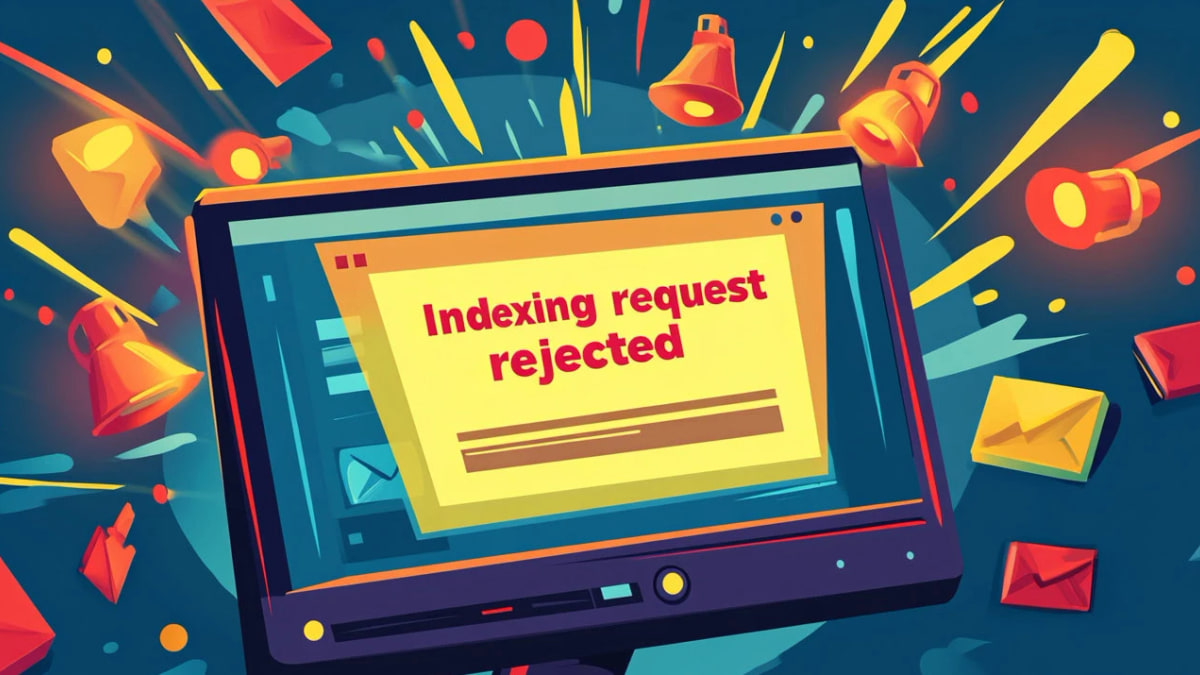
WordPress Indexing Request Rejected–12 Easy Fixes
But instead of a quick approval, you get a message: “Indexing request rejected.” What do you do now?
URL Is Not On Google Indexing Issues–10 Easy Fixes
Find and fix crawl, noindex, canonical, sitemap, quality, and security problems that prevent a URL from appearing in Google Search.