Google flags your site, your ads are down, and visitors encounter spam. These alarming signs point to a compromised website.
The immediate fear of losing revenue and breaking trust is real; every hour your site stays compromised increases the risk.
You suspect a website hack. But you’re not sure. That’s why this guide is essential. It helps you identify the breach, repair the damage, and secure your site for the future.
A compromised website is usually hacked because of weak passwords or outdated software. Use a robust security plugin to scan, clean, and safeguard your site.
What is a compromised website?
A compromised website is one that has been hacked or broken into by cybercriminals. This means hackers gain unauthorized access to your site’s files, its database (where all your content lives), or the administration area you use to manage it.
Once inside, they alter your original content or programming with malicious intent. This means they aim to cause harm.
So, what do hackers do with a compromised site? Their goals are always harmful:
- Sensitive information like emails and passwords might be stolen, risking your visitors.
- Malware can spread, infecting computers with viruses and other threats.
- Visitors might be redirected to spammy or phishing sites .
- Unwanted content, such as hidden spam links or fake ads, could be injected.
- Your site might send spam emails or join attacks on other sites without your knowledge.

The impact of a compromised website is serious, affecting both you and your visitors.
For you, the owner, it directly damages your reputation. Google can flag your site, leading to a loss of visitors and revenue. In severe cases, it can even result in legal issues, especially if customer data is stolen.
For your visitors, the danger is real. They are put at direct risk of their devices getting infected or their data being stolen. This erodes their trust in your brand.
How to detect and confirm a compromise
Detecting a compromised website can be tricky. Hackers often try to hide their presence. Some signs are obvious, while others are sneaky and hard to spot. Identifying if your website has been breached is the critical first step.
The most direct way to check is to run a security scan. Similar to scanning your computer for viruses, specialized tools can scan your website for malicious code.
Beyond a scan, here are other crucial things you can look for:
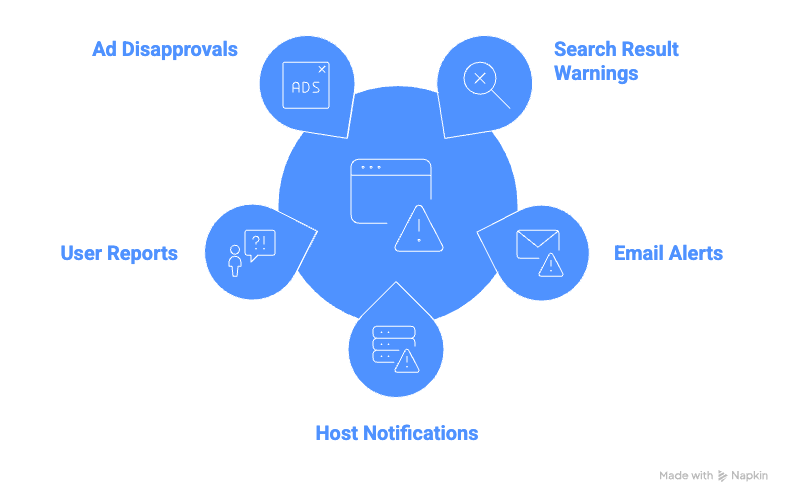
What others (and Google) might see:
- Messages like This site may be hacked appear in search results.
- Email or console warnings from Google about security issues.
- Your web host contacts you about detected malware or site suspension.
- People report strange pop-ups, redirects, or security warnings.
- Google Ads are disapproved with Compromised Site or Malicious Software messages.
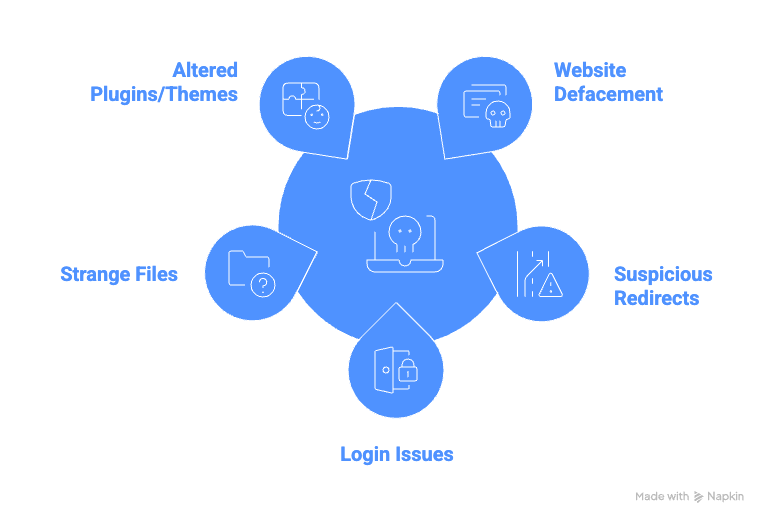
What you might notice on your website itself:
- Website defacement. Your website’s pages have been visibly changed by hackers.
- Visitors are sent to other suspicious websites instead of yours.
- Your usual admin login credentials no longer work, and there are unknown accounts.
- You find strange files in unusual website directories.
- New or altered plugins/themes appear in your dashboard.
If you spot any of these signs, especially multiple ones, your website is very likely compromised. It’s crucial to act immediately.
Immediate emergency actions
Finding out that your website is compromised demands immediate action. These steps prevent further damage and prepare your site for repair.
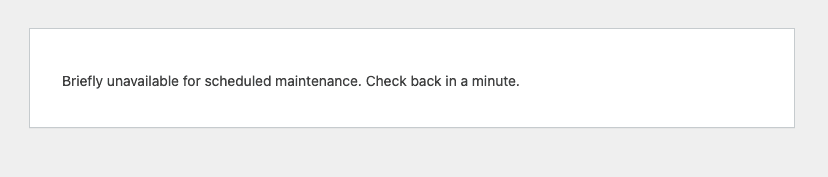
Isolate your website through your hosting account: Log into your hosting control panel (e.g., cPanel). Rename index.php to index_old.php and enable maintenance mode. This stops harm and protects visitors.
Change ALL Passwords: Hackers use compromised passwords. Update your hosting account, all WordPress admin accounts, database, and FTP passwords. Use strong, unique passwords for every account.

Crucial warnings
Avoid deleting random files. You might accidentally erase legitimate content and make the recovery process far more difficult.
Never ignore the problem. Hacks won’t fix themselves and will only get worse, leading to more damage and data loss over time.
Be careful with old backups. Using an outdated backup might not fix the problem if it was already infected, and you’ll lose any recent data.
Repair a compromised website
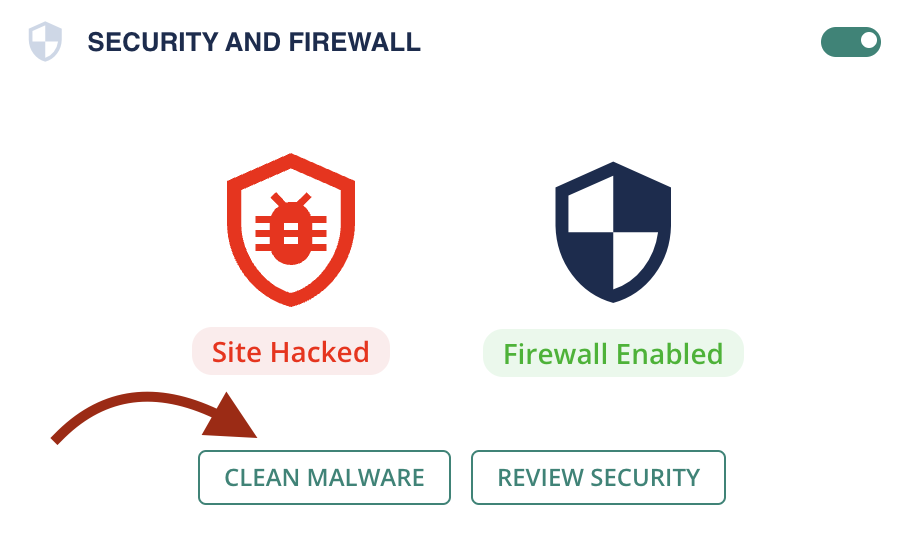
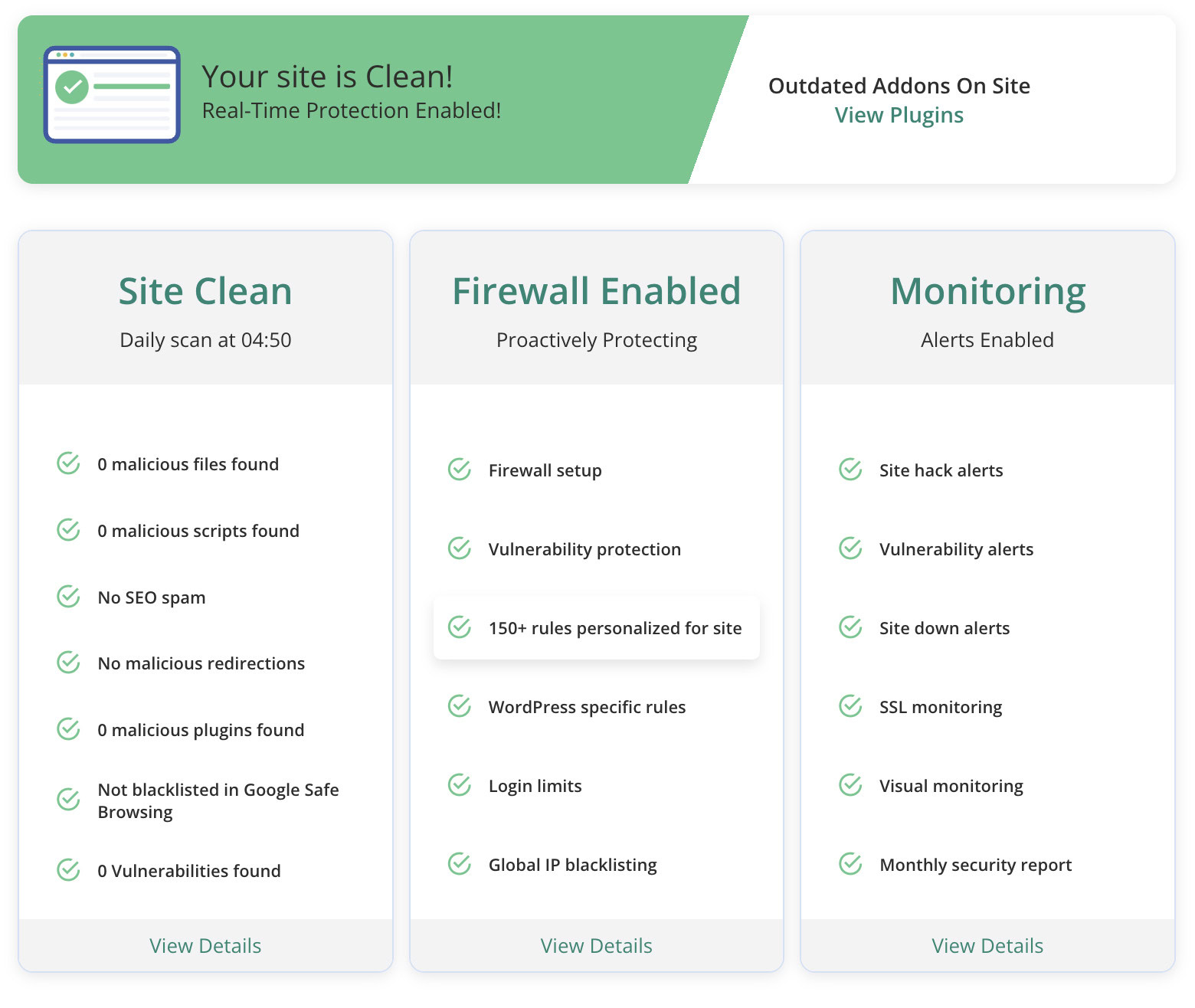
It’s crucial to remove the malware and fix the damage. Efficient cleaning is key. A security plugin is often the safest choice.
We recommend using MalCare. It specializes in one-click malware removal and effectively handles hacks, providing a reliable clean-up service.
Identify how the website was compromised
Your security plugin cleaned the current mess. To truly prevent future hacks, you must understand how hackers gained access. Here are the most common ways websites have been attacked:
Weak or reused passwords: Simple or repeated passwords are easy targets, and phishing attacks can trick you into revealing login details.
Outdated and malicious software: Old WordPress, plugins, or themes have known security flaws that hackers exploit. Additionally, free or pirated software often hides malicious code, and injected vulnerabilities allow attackers to force harmful code into your site.
Infected devices and hosting: If your computer is infected, malware can steal your website logins. Similarly, weak hosting setups can expose your site to attacks.
Lack of security plugins: Without a dedicated security plugin, your website lacks a crucial defense layer, making it an easier target.
Prevent future website compromises
Once your website is clean, building a strong defense is crucial. This keeps hackers out and secures your site long-term.
Here’s how to protect your website:
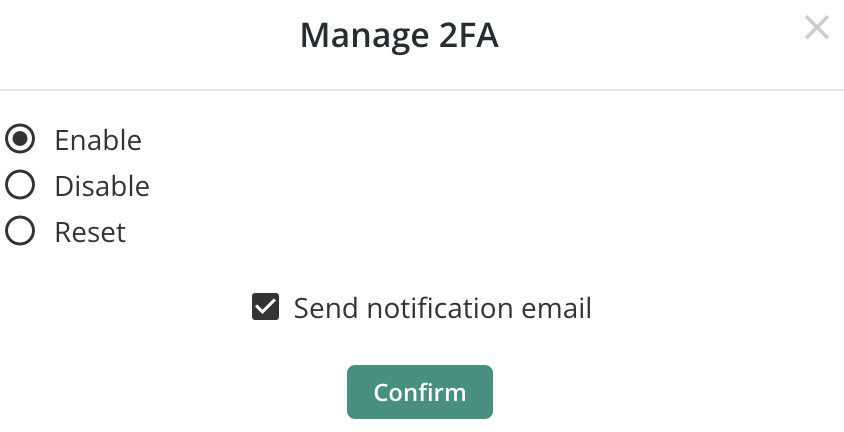
Strong passwords & two-factor authentication. Use unique, complex passwords for all accounts. Enable two-factor authentication for a critical second layer of defense. MalCare offers a simple 2FA setup.
Keep everything updated. Regularly update WordPress core, plugins, and themes. Updates include critical security fixes.

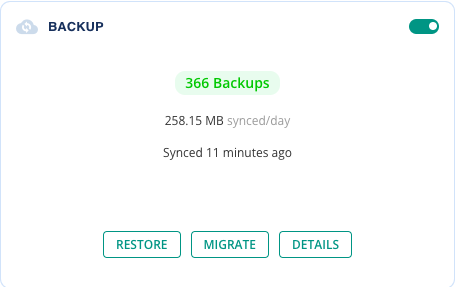
Regular & off-site backups. Set up regular backups of your entire site. Store these off-site (not on your server) for safe, quick restoration.
Remove unused items. Delete inactive plugins, themes, or old files. Inactive components can still be security risks.
Scan your local devices. Regularly scan the computer you use for website management with antivirus software. Infected devices can steal login details.
Use an HTTPS/SSL certificate. Ensure your website uses HTTPS with an SSL certificate. This encrypts connections, protecting sensitive data.
Final advice for recovering a compromised website
You’ve dealt with the chaos of a compromised website and are now equipped to fix the damage. By understanding the threats and using a security checklist, you can keep your site safe.
Stay on top of updates, use strong passwords, grab a good security tool, back everything up, and enable SSL. With these steps, your site will be stronger than ever.
FAQs
Yes, a compromised website is typically hacked. This means unauthorized access has altered or damaged your site. The goal is often to steal data or spread malware.
You can check if a website is safe by using security tools like Google Safe Browsing or security plugins. Look for unusual behaviors like redirects or spammy content. Regular scans help detect issues early.
Google flags sites when it detects malware or phishing threats. This is to protect users from potential harm. Fixing issues promptly can help remove the warning.
Websites are typically compromised through weak passwords, outdated software, or vulnerable plugins. Hackers exploit these weaknesses to gain unauthorized access. Regular maintenance reduces these risks.
Use a security plugin like MalCare for virus removal. It offers malware scanning and cleaning tools. Regular monitoring and updates prevent future infections.