Secure passwords are a must. Finding the right manager, though, is a gut decision. You’re looking at Proton Pass vs Dashlane.
Two of the strongest contenders out there. On the surface, they do the same job.
But we’re here to explore the subtle differences that will help you make a choice that just feels right.
Choose Proton Pass for its unmatched free plan and its deep commitment to open-source privacy. Go with Dashlane for the most polished, beginner-friendly experience and its all-in-one features like a built-in VPN.
Proton Pass vs Dashlane at a glance
Here’s a quick summary of the key differences between Proton Pass and Dashlane.
| Feature | Proton Pass | Dashlane |
|---|---|---|
| Free Plan | Unlimited passwords/devices, 10 email aliases | 25 passwords on one device; trial-like |
| Standout Feature | Built-in email aliasing | Integrated VPN |
| User Experience | Clean design, functional web app | Polished and beginner-friendly, excellent autofill |
| Best For | Privacy-focused users valuing open-source and a robust free plan | Users seeking an all-in-one suite with great UX |
Security
Both services use top-tier AES-256 bit end-to-end encryption. This means only you can ever access your data. But their approaches to proving their security are very different.
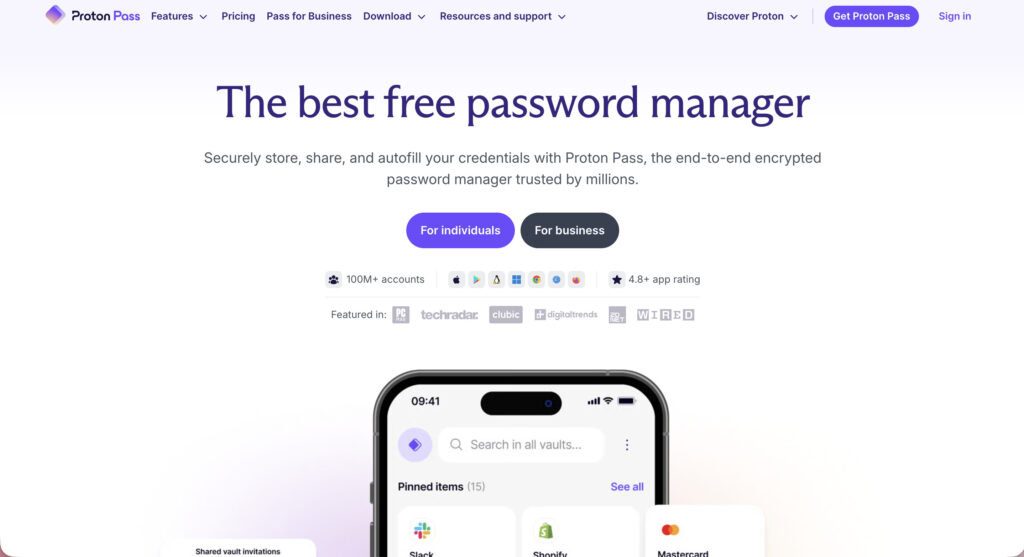
Proton Pass is built on transparency. Its code is open-source and has been independently audited by security firms like Cure53. Being based in Switzerland also means it’s protected by some of the world’s strongest privacy laws.
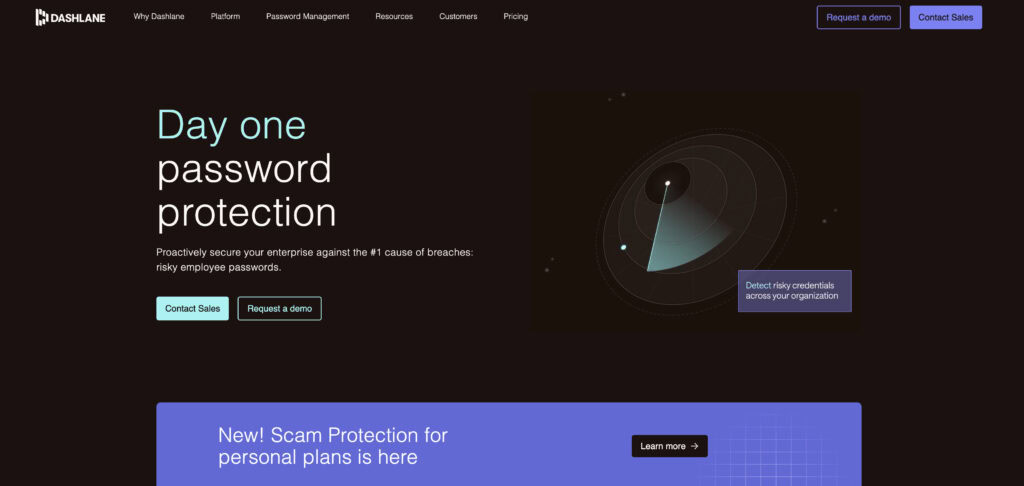
Dashlane is built on a proven track record. Its code is proprietary, but it has never suffered a major security breach. Its US-based, zero-knowledge model means not even their own employees can ever see your passwords.
Both support modern tools like authenticator apps, hardware keys, and biometric unlock. All that security, however, still hinges on having a strong master password.
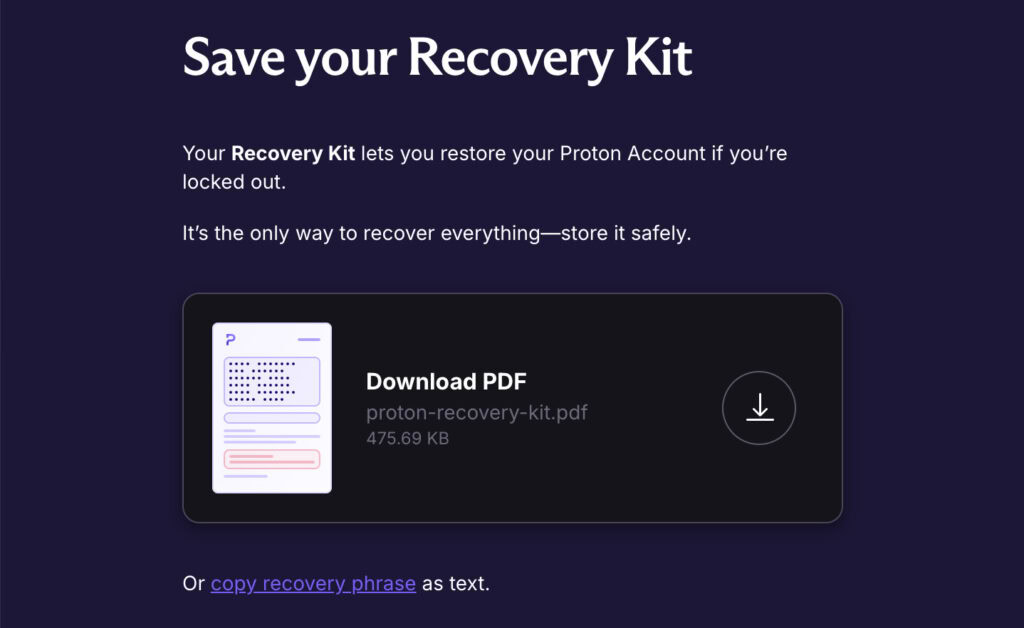
Now, a crucial warning for both: if you lose your master password and recovery phrase, your data is gone forever. This is by design. You must store your recovery info somewhere safe and offline.
Pricing
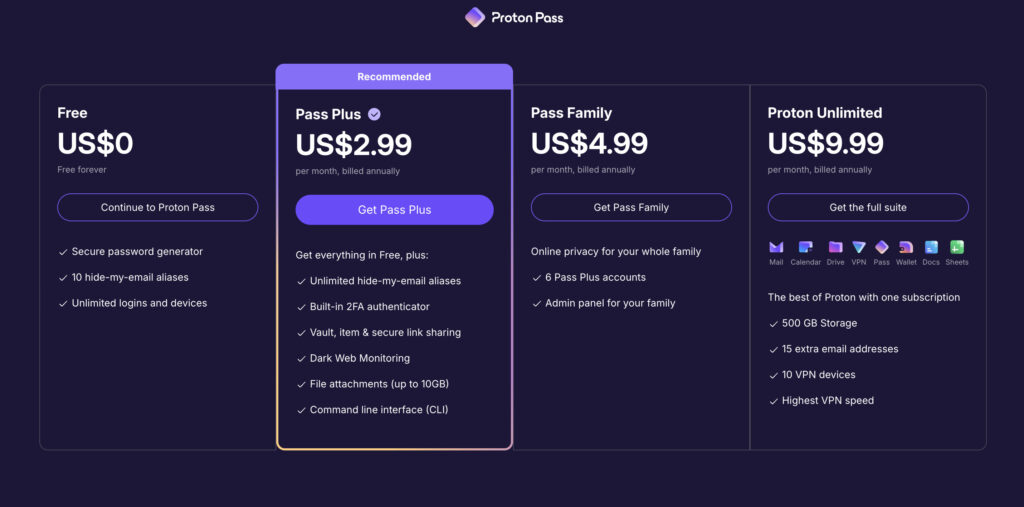
Proton Pass has an incredible free plan. You get unlimited logins on unlimited devices. You also get 10 hide-my-email aliases, a great tool for fighting spam. For many people, the free version of Proton Pass is all they will ever need.
🍂 Note: Phishing attacks often start with a simple spam email, which is why features like this are so valuable.
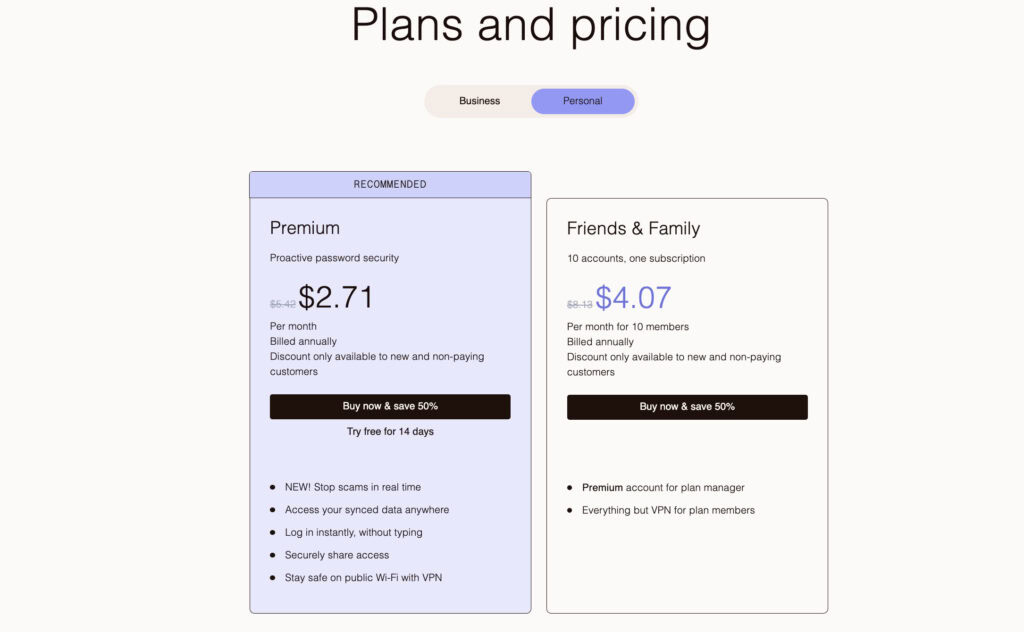
Dashlane’s free plan is not a long-term solution. It limits you to just 25 passwords on one device for 14 days. It works as a trial but isn’t practical for daily use.
When we look at the paid plans, the value proposition changes.
- Proton Pass Plus adds unlimited email aliases, a built-in 2FA authenticator, and 10GB of encrypted file storage.
🎫 Note: Enabling 2FA on your WordPress site is one of the single most effective security measures you can take.
- Dashlane Premium is more expensive but includes an integrated Hotspot Shield VPN and dark web monitoring for 5 emails.
- For families, Proton Family covers 6 users. Dashlane Friends & Family covers up to 10 users, which is great for large households.
You can also get Proton Pass as part of the Proton Unlimited bundle, which includes their Mail, VPN, and Drive services.
Ease of use
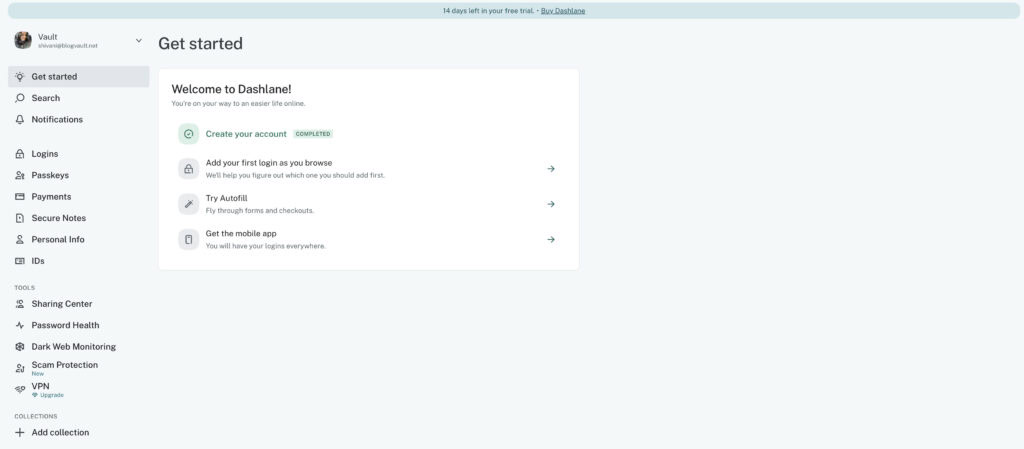
Dashlane is famous for its incredibly smooth, polished experience. The interface is perfect for beginners, and its autofill for logins and payments is best-in-class. The one catch is its lack of a traditional desktop app; you manage everything through its excellent browser extensions and mobile apps.
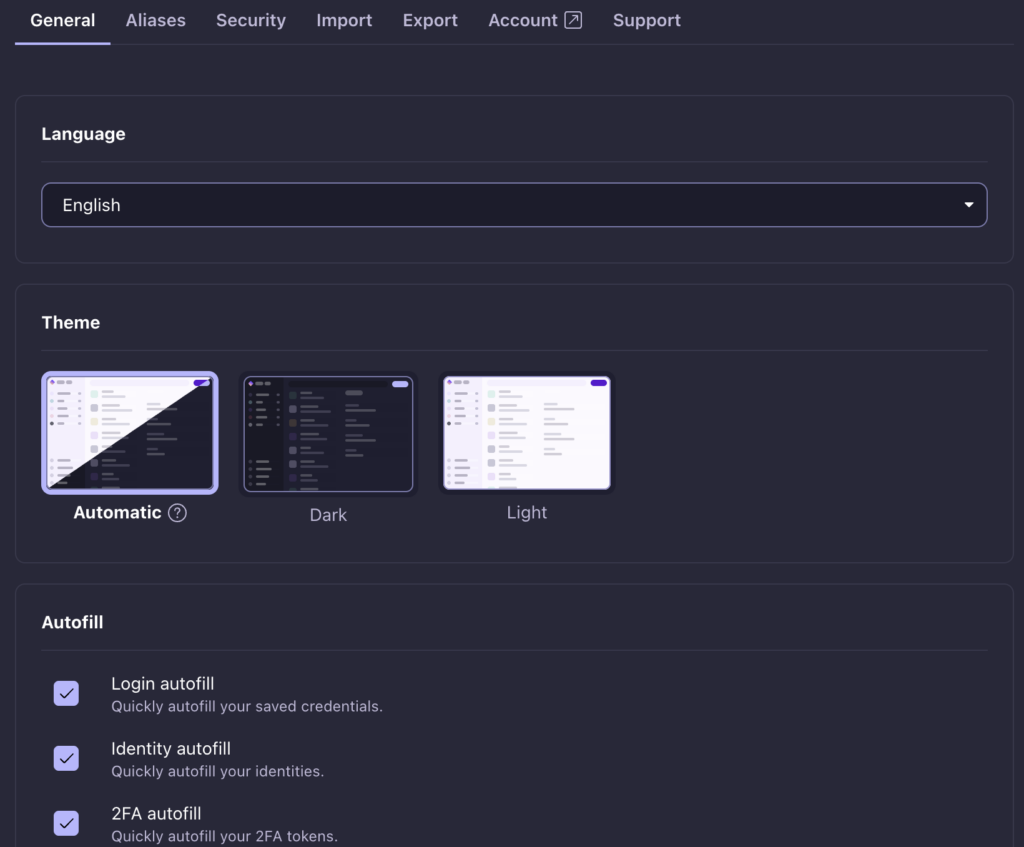
Proton Pass offers a clean, fast, and straightforward design. Its autofill is solid, though not always as flawless as Dashlane’s. A key advantage of Proton is its web app, which functions like a desktop client, and many will prefer it for organizing their vault.
Both services make it simple to get started and import your existing passwords from browsers or other managers like Bitwarden.
Key features
Proton’s best feature is its built-in email aliasing. This lets you create a unique email address for every online account. If that account gets spam, you just turn off the alias.
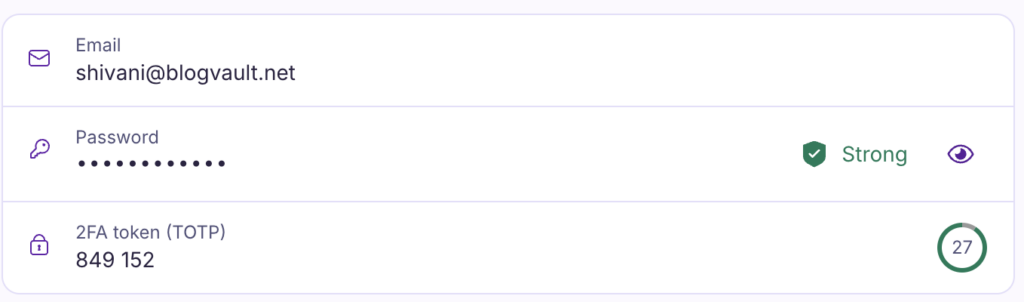
It’s a powerful privacy tool. The paid plan also adds a built-in 2FA authenticator, so you don’t need a separate app.
🍡 Note: Enabling 2FA on your WordPress site is just as crucial and one of the most effective ways to block unauthorized logins.
Dashlane’s main draw is its integrated VPN. This is useful for protecting your browsing on public Wi-Fi. Its premium plan also has a great Password Health score that shows you which passwords are weak or reused.
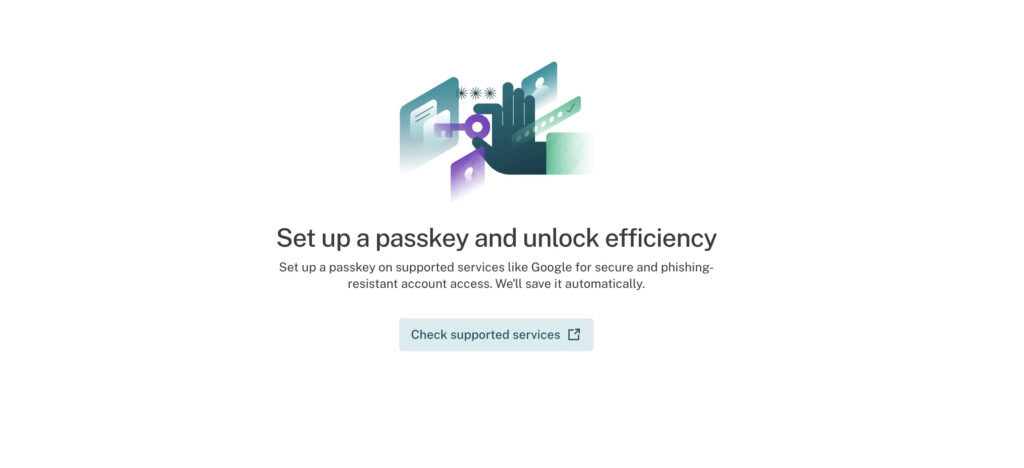
It even has an automatic password changer for hundreds of popular sites, which is very convenient.
Here’s a quick rundown of other features:
- Passkeys: Both fully support creating and using modern, passwordless passkeys.
- Secure notes & sharing: Both let you store secure notes and share items from your vault.
- Dark web monitoring: Proton includes this on its Plus plan. Dashlane monitors 5 emails on its Premium plan.
- Payment info: Dashlane securely stores credit card info and IDs for easy checkout.
- For power users: Proton offers a command-line interface (CLI) tool for technical users.
Import & export
Both managers support seamless import from all major competitors. You can easily bring your data over from browsers or services like Bitwarden and 1Password.
🔑 Note: Changing passwords for all admin accounts is a mandatory step after a site migration or security cleanup.
They also both let you export your data to a standard CSV file. This is great for portability and for keeping your own offline backup.
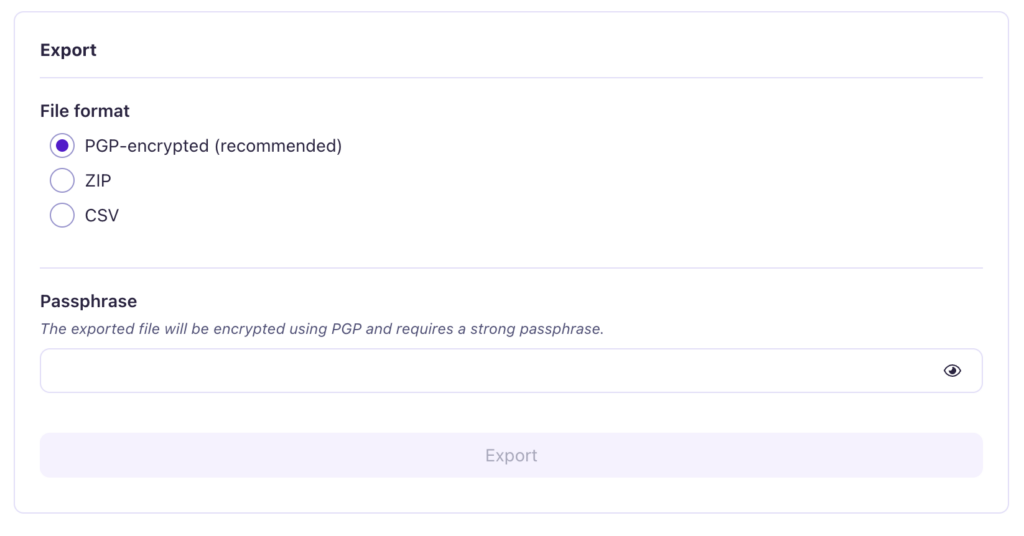
After you import your data into a new manager, always spend a few minutes checking it. Make sure all your important logins are transferred correctly before you delete your old account.
Help & support
Both offer big knowledge bases full of articles and guides. For paying customers, Dashlane offers email support, and Proton offers support through a contact form. A major point to consider is that neither service offers live phone or chat support.
Because Dashlane has been around longer, you can find more third-party user guides and videos online. Proton’s community is smaller but growing.
Potential downsides
No tool is perfect. Let’s be honest about the trade-offs.
- Cost: Both Dashlane and Proton’s premium plans are among the more expensive options on the market.
- Dashlane’s free plan: It is too restrictive to be a viable long-term solution.
- Proton’s offline mode: You need a paid plan to access your vault offline.
- Desktop apps: Dashlane has no true native desktop app at all. Proton’s is a web wrapper.
- Integrations: As a newer product, Proton has fewer niche third-party integrations.
- Recovery: Proton’s strict recovery model means a lost phrase equals permanent data loss. This is a feature, but a harsh one.
Making your choice
This is about what fits your needs, not which one is “better.”
- Privacy and open-source code are your top priorities.
- You want the best free password manager available today.
- You love the idea of using email aliases to fight spam.
- You are already in the Proton ecosystem (Mail, VPN, Drive).
Choose Dashlane if:
- You want an extremely polished, beginner-friendly experience.
- You will actually use the integrated VPN and automatic password changer.
- You have a large family and need to cover up to 10 users.
- A long, trusted reputation is more important to you than open source.
Competing tools
If you like Proton’s open-source model but want a different option, look at Bitwarden. It is a major competitor that also focuses on transparency and offers great value.

If you like Dashlane’s polished design but want native desktop apps, check out 1Password. It is a huge rival known for its exceptional and user-friendly design across all platforms.
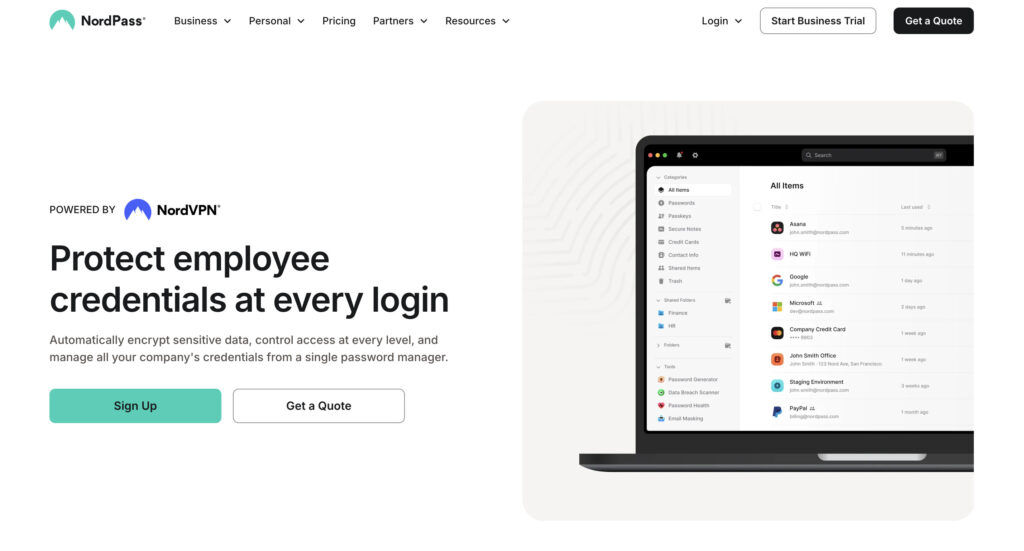
If you value simplicity above all else, consider NordPass. It is another strong contender that focuses on providing a straightforward, secure experience without too many extra features.
Best practices
Whichever tool you choose, make sure you use it correctly.
- Immediately enable two-factor authentication (2FA) on your account. This is your most important security step.
📢 Note: For your WordPress site, this same principle applies. Installing and configuring agood 2FA plugin is one of the most effective ways to secure your login page.
- Securely store your recovery phrase somewhere offline and safe. Do not save it in your email or on your computer.
- Always use the built-in password generator for every new account you create.
- Regularly audit your vault for any weak or reused passwords and update them.
- Take advantage of email aliasing to protect your primary email address from spam and data breaches.
Parting thoughts
The decision comes down to philosophy**. Proton Pass leads with its commitment to privacy** and an unmatched free plan. Dashlane leads with a polished user experience and its all-in-one security suite.
Both are excellent choices. Start with Proton’s free plan first to see what you value most.
FAQs
Frequently asked questions
No, Proton Pass is not inherently more secure than Dashlane; both are considered top-tier options. Their security philosophies differ, with Proton emphasizing open-source transparency while Dashlane relies on a long, proven track record.
Dashlane is not discontinuing its free plan, but it has made it much more limited to function as a trial. This change encourages users to upgrade to their premium security suite, which is their core business model.
No, the Proton Pass app itself does not include a built-in VPN. However, Proton offers a separate, highly-regarded VPN service that can be bundled with Pass in their Proton Unlimited plan.
You migrate by exporting your entire Dashlane vault as a standard CSV file and then importing that file directly into Proton Pass. Both services provide clear, step-by-step guides in their help centers to make this process simple.
Yes, Proton Pass’s applications are fully open-source, allowing anyone to independently audit the code for security flaws. In contrast, Dashlane uses a proprietary, closed-source model, so its code is not publicly available for inspection.