Getting a strong and secure password setup is the goal. For many, that journey ends with a tough choice. For you, it is NordPass vs Proton Pass.
It’s a frustrating decision because both are fantastic options. Let’s get you past it. Forget the marketing hype.
We’re going to translate what each service truly stands for, making your decision simple and based on what matters most: your trust.
NordPass is our top pick for its seamless interface and excellent value if you are paying for a premium subscription. Proton Pass is the best choice for its unbeatable free plan and its commitment to open-source trust and privacy.
NordPass vs Proton Pass in a nutshell
Here’s the quick, at-a-glance comparison of NordPass and Proton Pass:
| Feature | NordPass | Proton Pass |
|---|---|---|
| Security Model | Closed-source, audited by security experts (XChaCha20). | Open-source, verifiable by the public (AES-256). |
| Free Plan | Very Limited: Only allows one active device at a time. | Excellent: Unlimited passwords on unlimited devices. |
| Premium Value | Often cheaper, especially with long-term subscription deals. | More expensive, but offers value in bundles with Mail, VPN, etc. |
| User Experience | Highly Polished: Mature, reliable autofill and a native desktop app. | Clean and simple, but less refined with a web-based desktop app. |
| Standout Feature | Emergency Access and a Data Breach Scanner. | Built-in Email Aliases and a 2FA Authenticator. |
| Account Recovery | A simple Recovery Code for regaining access. | A Recovery Phrase which, if lost, results in permanent data loss. |
| Support | 24/7 Live Chat and email. | Email/ticket-based support and a strong open-source community. |
| Best For… | Users wanting the most polished app, best premium value, and emergency access. | Users who prioritize open-source trust, need a powerful free plan, and use email aliases. |
Privacy and protection
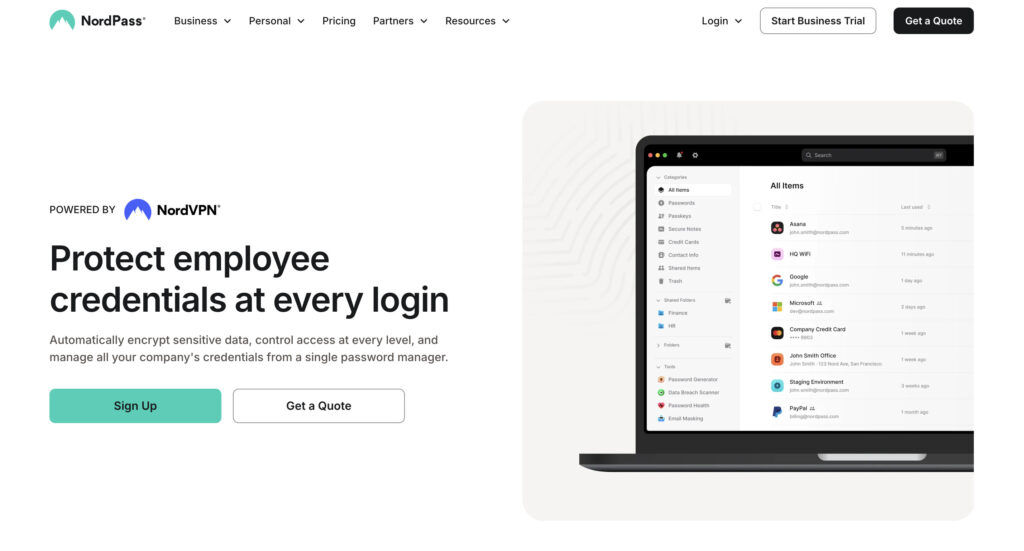
NordPass uses a modern encryption called XChaCha20. It’s extremely secure and has been verified by independent auditors like Cure53. The code is closed-source. This means you put your trust in Nord’s strong reputation and the experts who have audited their system.
Proton Pass uses the industry-standard AES-256 encryption. Its code is open-source. This is a huge deal for some people. It means anyone can examine the code to check for weaknesses. You are not just trusting Proton.
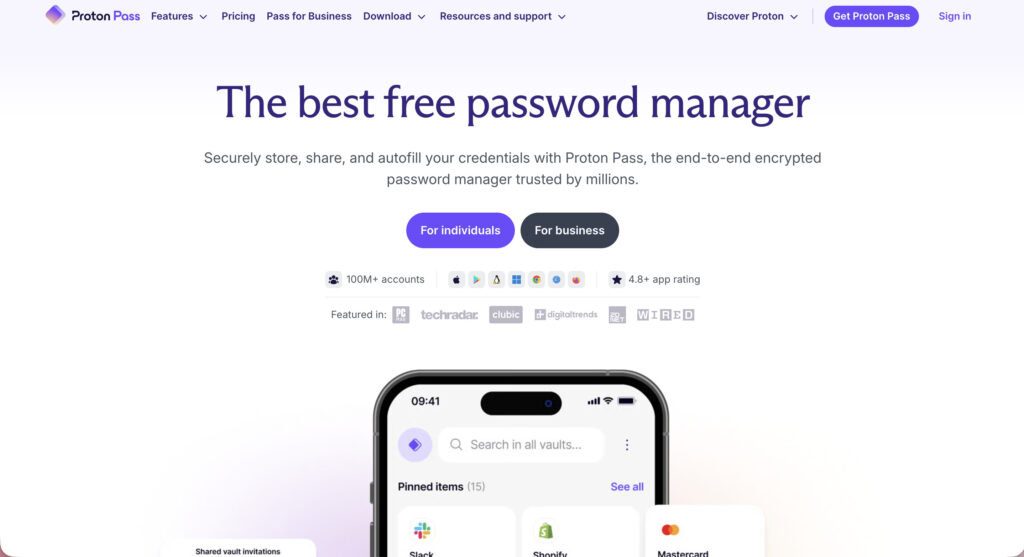
You are trusting a worldwide community of security experts. Proton’s design even hides your vault’s metadata, which is an extra layer of privacy.
Both use a zero-knowledge architecture. It means neither company can ever see your passwords. Both are also based in countries with strong privacy laws. Both also support two-factor authentication (2FA) to protect your account. Honestly, you should have 2FA enabled on all your most important logins, WordPress sites included.
🌽 Our take: On security, it’s a tie. But your comfort level matters. If you value complete transparency and the ability for anyone to check the code, Proton Pass has the edge.
Subscription plans
Proton Pass offers one of the best free plans available. You get unlimited passwords on unlimited devices. You also get 10 free hide-my-email aliases. It’s a fully functional password manager you could use forever without paying.
NordPass’s free plan is very limited. You get unlimited passwords, but you can only use it on one device at a time. This makes it feel more like a trial than a permanent free option.
When it comes to paid plans, things get more competitive.
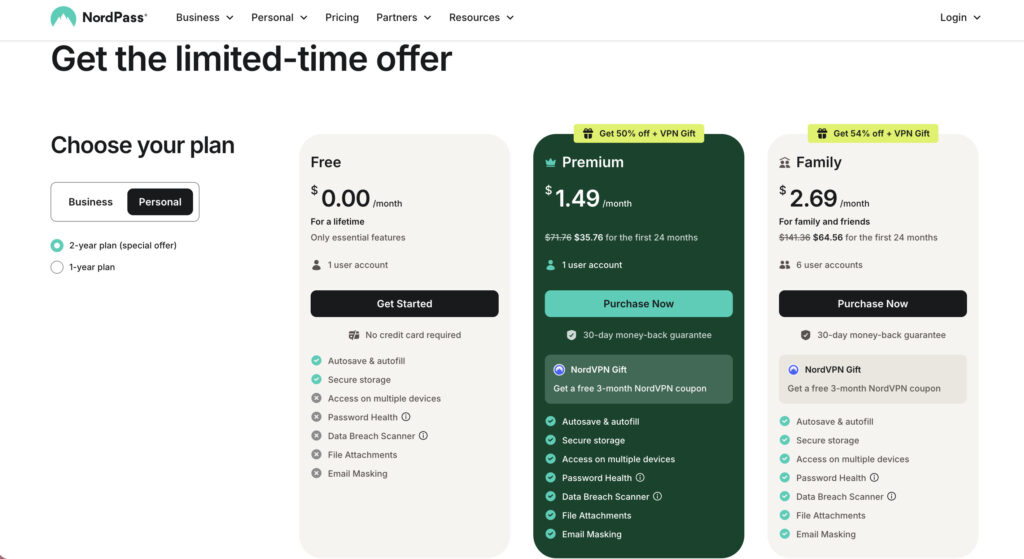
NordPass Premium is often cheaper, especially on two-year plans. It unlocks multi-device sync and a data breach scanner, which acts like a WordPress vulnerability scanner for your personal data.
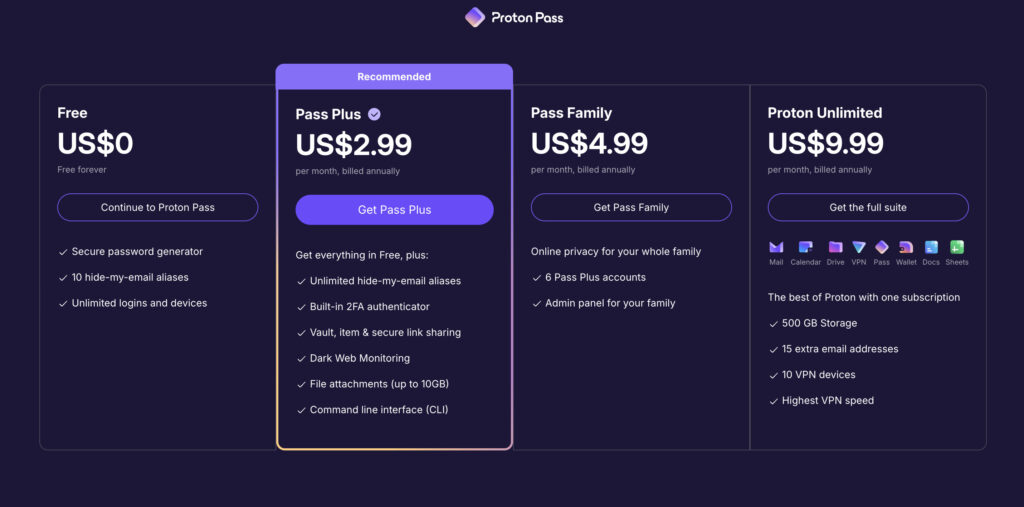
Proton Pass Plus costs a bit more per month. It adds unlimited email aliases and a built-in 2FA authenticator. Proton also offers its Unlimited plan, which bundles its excellent Mail, VPN, and Drive services.
Both also offer family plans. A key thing to know is that NordPass does not have a free version for its business plans.
🌽 Our take: For a free service, Proton Pass wins easily. If you are paying for just a password manager and want the best price, NordPass often has the better deal.
The everyday experience
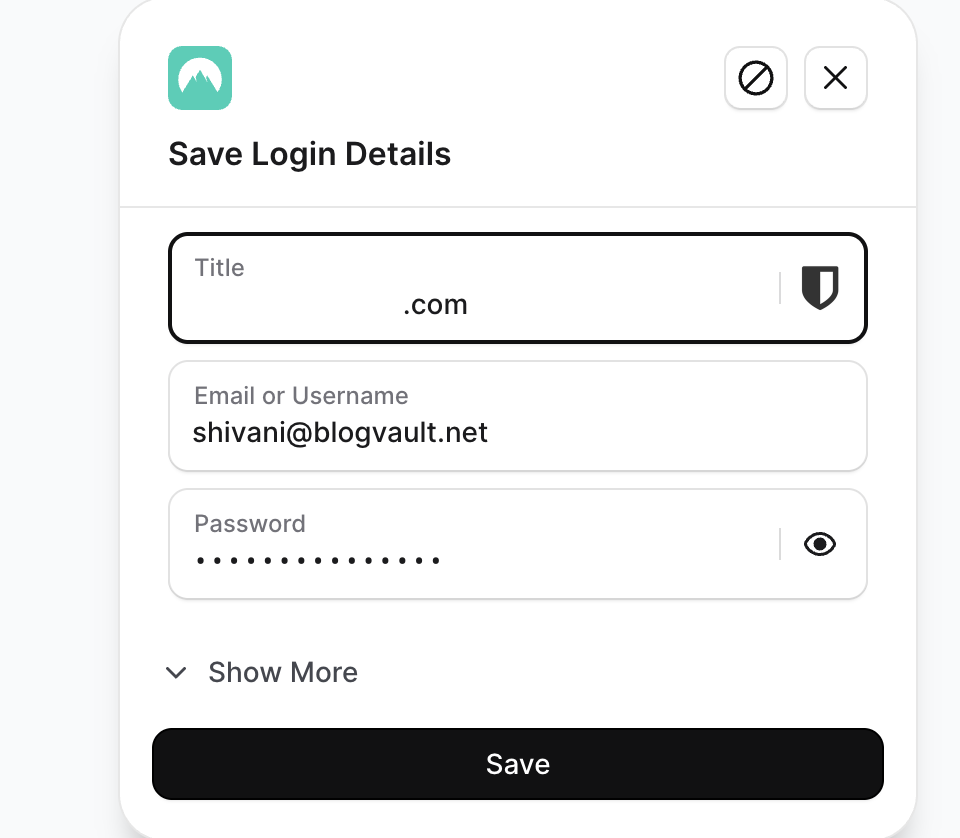
NordPass is more polished. The apps are clean and intuitive. Autofill is incredibly reliable across different websites and browsers. This helps you prevent brute-force attacks, something that is very useful for your WordPress site. The whole experience just feels mature. The desktop app feels native and well-integrated into your computer.
Proton Pass has a clean, simple design. It works well. But it lacks the same level of refinement. We noticed the browser extension sometimes requires you to log back in. The desktop app is also a web wrapper, meaning it is basically the website packaged as an app. It does not feel as native as NordPass.
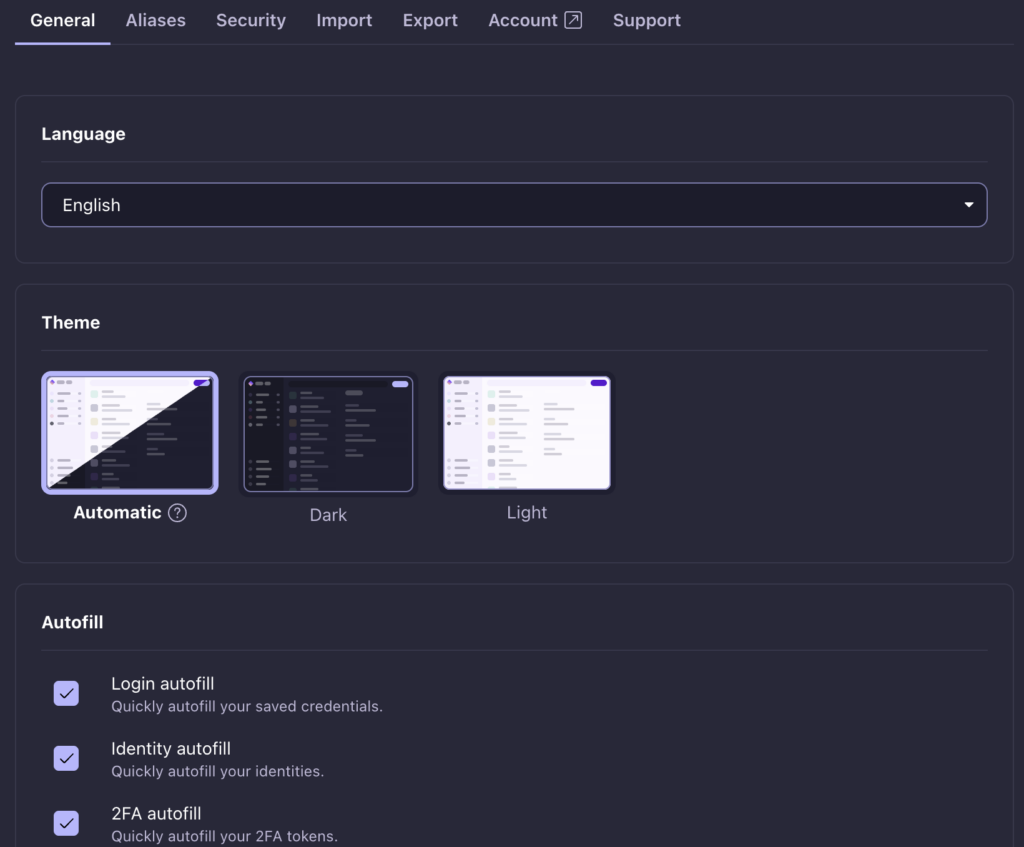
Both services offer browser extensions for Chrome, Firefox, and others. Both mobile apps also support biometric unlock with Touch ID or Face ID, which is a must-have feature.
🌽 Our take: For the smoothest and most reliable daily use, NordPass is the winner.
Core tools and functions
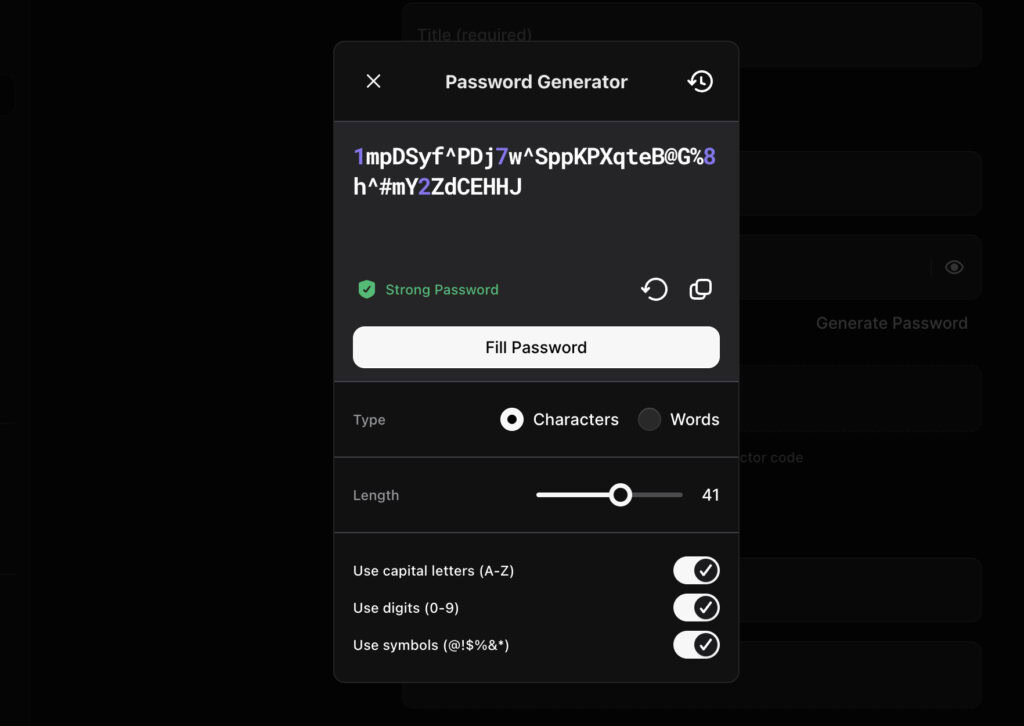
Both have strong password generators and password health checkers to find weak logins. Both also allow for the secure sharing of items with others. But they each have unique strengths.
Proton Pass’s best feature is its built-in email aliases. It uses SimpleLogin to create a new email for every service you sign up for. This protects your real email from spam and breaches. Its paid plan also includes a 2FA authenticator.
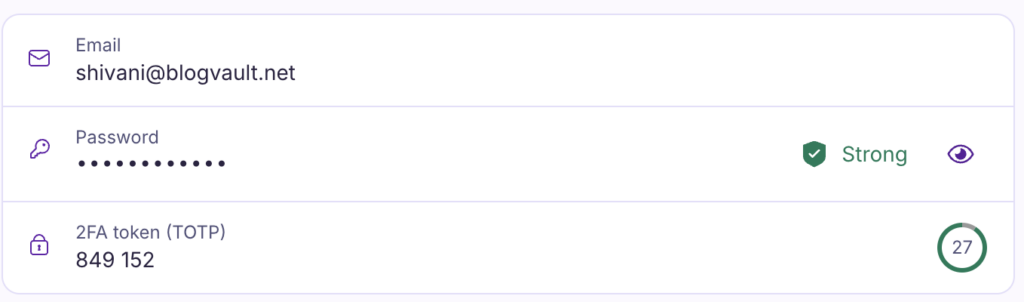
NordPass has its own great features. Its data breach scanner checks if your information has been exposed online. The most important feature for many is emergency access. This lets a trusted person access your vault if you are unable to.
🌳 Note: If you suspect a data breach, immediately check your WordPress site for malware. A compromised password manager puts all your credentials at risk, including the login for your website and other critical services.
To regain access to your account, NordPass provides a recovery code if you are locked out. Proton Pass gives you a recovery kit that has your recovery phrase. If that is lost, you risk losing your account.
🌽 Our take: This depends entirely on your priorities. If protecting your email identity is most important, Proton Pass is better. If emergency access and breach scanning are more valuable to you, choose NordPass.
Data portability
Both NordPass and Proton Pass do a great job here. You can easily import your data from other managers like Bitwarden, 1Password, or even directly from your Chrome browser.
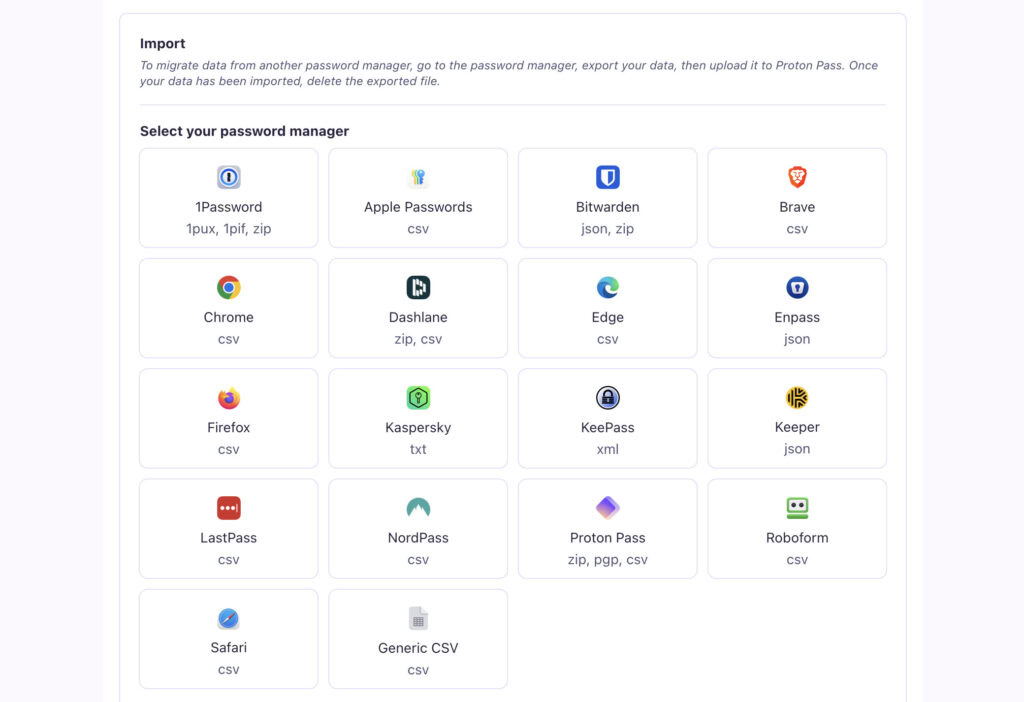
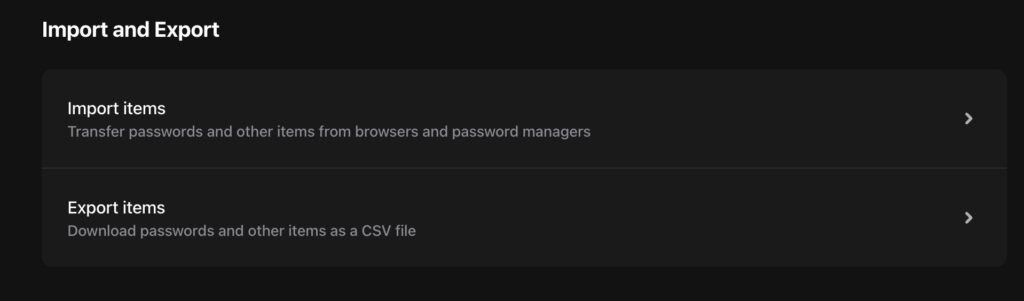
Exporting all your data is also straightforward if you ever decide to switch.
One quick tip: after you import your passwords, always check a few important logins to make sure everything transferred correctly before you delete your old manager.
🌽 Our take: It’s a tie. Both make moving your data simple and painless.
Help resources
NordPass offers 24/7 live chat and email support. This is a huge advantage if you need help immediately. They have been around longer and have a large community.
Proton Pass offers support mainly through email and help tickets. They are responsive, but it is not as instant as live chat. Because Proton is open-source, there is also a strong community of users who can often help with problems.
Considerations and compromises
No service is perfect. Here are the trade-offs you should know about.
NordPass
- The free plan is extremely limited. With its single-device limit, it’s almost unusable for most people and serves more as a trial than a permanent free option.
- It lacks a master password strength indicator. During setup, you have to guess whether your main password is a good one, which is a surprising omission.
- The family plan needs improvement. It’s a decent offering but lacks a true shared folder system, which can make organizing credentials for a family a bit clunky.
Proton Pass
- The premium plan is more expensive. Compared to NordPass’s long-term deals, Proton Pass Premium generally costs more per month.
- The desktop app isn’t native. It’s a “web wrapper,” which means it’s basically the website packaged as an app. It can feel less integrated and slightly clunkier than a true native application.
- It’s a newer product. While excellent, Proton Pass currently has fewer advanced or niche features than some of its more established competitors.
- Warning: If you lose your Proton Recovery Phrase, your data is gone forever. There is absolutely no way to get it back, so you must store it with extreme care.
🌽 Our take: Both have clear compromises. Nord’s free plan is a big one. Proton’s higher price and younger status are also important factors.
Deciding based on your needs
Let’s make this simple. Here is who should choose which service.
- You value open-source transparency above all else.
- You need a powerful free password manager for all your devices.
- You plan to use email aliases to protect your privacy.
Choose NordPass if:
- You want the most polished and user-friendly interface.
- You want the best price on a premium plan.
- Emergency account recovery is a critical feature for you.
- You prefer a company with a long, proven, and audited security history.
Exploring other choices
NordPass and Proton Pass are not the only options. If neither feels quite right, consider these.
Bitwarden: The best alternative for many. It is open-source like Proton but very affordable.

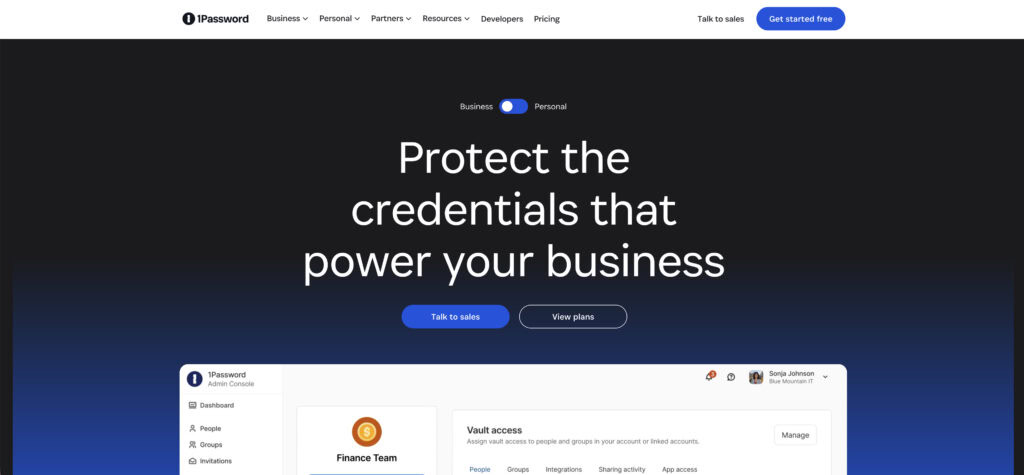
1Password: Excellent for families and teams. It has unique features like a “Travel Mode” to hide sensitive data.
Essential security habits
Whichever tool you choose, your security depends on good habits.
- Make sure you enable two-factor authentication (2FA). This is the single most important step to protect your vault.
🎟️ Note: To enable this feature on your WordPress site (which you should consider doing if you weren’t already), you will need a 2fa plugin.
- Create a very strong master password. Make it long, unique, and something you have never used anywhere else.
- Safely store your recovery phrase or code. Keep it offline in a secure place. Losing this could mean losing access to everything.
- Always use the password generator. Let the tool create strong, random passwords for every new account you create.
- Regularly review your password health. Use the built-in checker to find and update weak or reused passwords.
Parting thoughts
The decision is about your personal trust model and your daily needs. Proton Pass wins on its open-source ideals and its incredibly generous free plan. NordPass wins on its day-to-day polish and the great value of its premium plans. Your workflow and budget should guide your final choice.
FAQs
Frequently asked questions
Yes, Proton Pass is extremely secure, using audited, end-to-end AES-256 encryption and a zero-knowledge architecture. Its open-source code allows for public scrutiny, adding a powerful layer of trust and transparency to its security claims.
The biggest downside of NordPass is its highly restrictive free plan, which only allows you to use it on one active device. Additionally, its code is not open-source, which can be a concern for users who prefer publicly verifiable security.
Yes, the paid version of Proton Pass includes a built-in one-time password (OTP) authenticator for managing your 2FA codes. This lets you store and generate time-based codes directly within the app, simplifying your logins.
Hacking NordPass’s servers is nearly impossible, but your individual account can be compromised if you use a weak master password or fall for a phishing attack. This is why enabling two-factor authentication on your account is absolutely critical for security.
Yes, Proton Pass works offline by using a locally cached and encrypted copy of your vault on your device. You can access all your existing data, but you will need an internet connection to sync any new passwords or changes.
Yes, for most individual users, Proton Pass’s free plan is more than enough, as it offers unlimited passwords across unlimited devices. It is one of the most generous free password managers available and a completely viable long-term option.