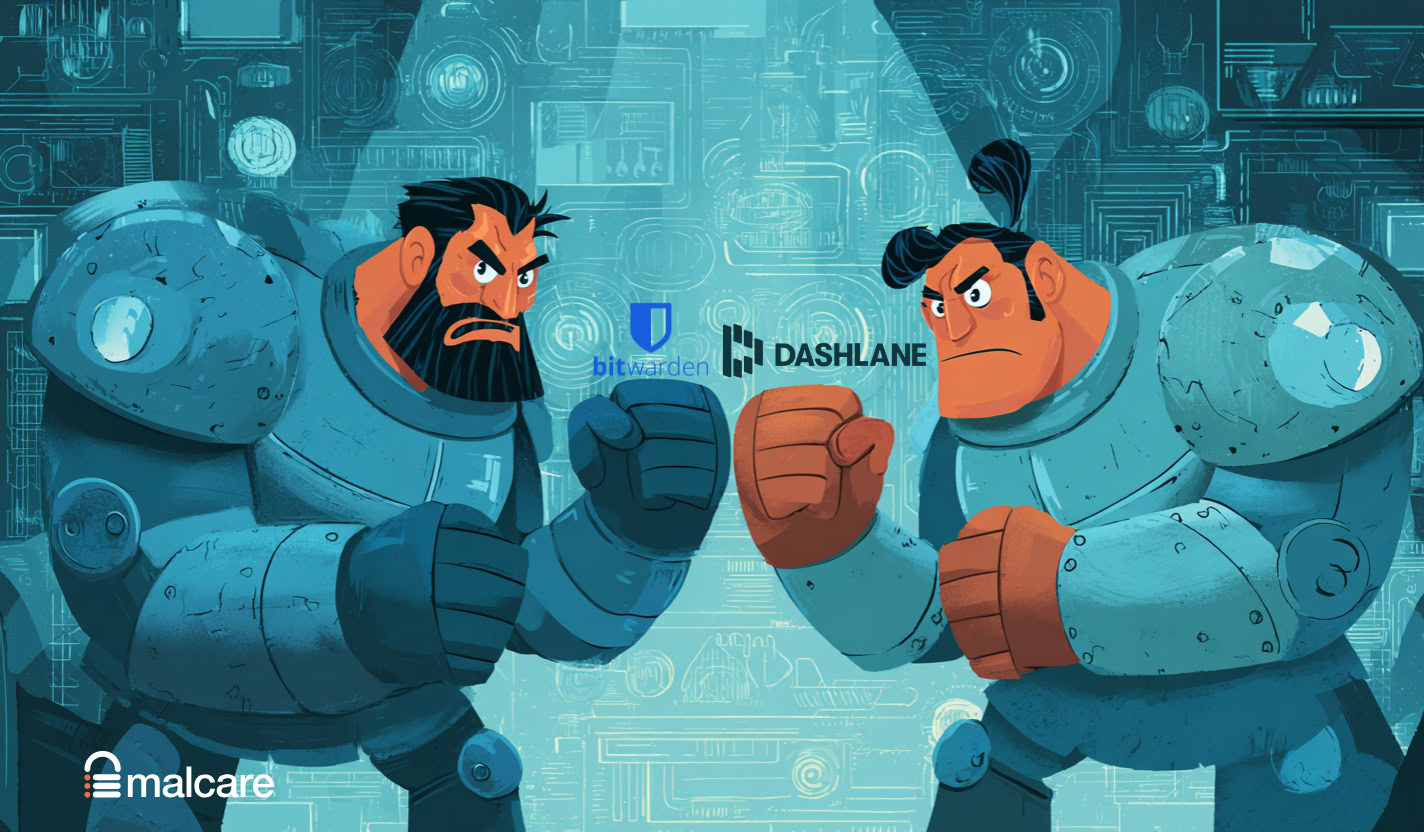
Strong and secure passwords shouldn’t be complicated. Yet here you are, trying to choose between Bitwarden vs Dashlane.
They’re both excellent, but they serve different people. Our job is to skip the marketing talk and lay out the real-world trade-offs in plain English.
We’ll help you make a final decision today.
Bitwarden is the best choice for budget-conscious and tech-savvy users who prioritize function, value, and open-source principles. Dashlane is ideal for users who prioritize a seamless, premium user experience and want an all-in-one security tool, despite the higher cost.
Bitwarden vs Dashlane at a glance
Here’s a brief comparison of Bitwarden vs Dashlane:
| Category | Bitwarden | Dashlane |
|---|---|---|
| Security | Open-source, AES 256-bit, independent audits | Closed-source, AES 256-bit, dark web monitoring |
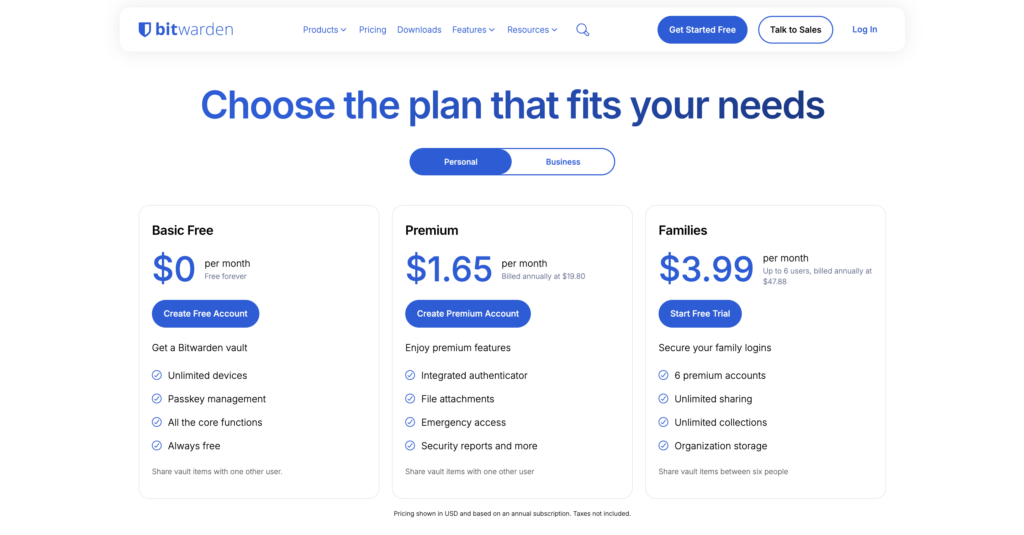
| Pricing | Free unlimited plan, Premium ~$10/year | Free limited plan, Premium ~$60/year |
| Usability | Functional UI, native desktop apps | Sleek UI, browser extensions, web app only |
| Features | TOTP authenticator, self-hosting | VPN, Password Health score, Auto password changer |
| Support | Community forums, email | Extensive options, live chat/phone for business plans |
Both offer unique advantages, from open-source transparency to an all-in-one security experience.
Security
Both tools are built on industry-standard AES 256-bit encryption. They also operate on a zero-knowledge architecture. In plain English, your data is scrambled with military-grade security, and neither company can ever see your passwords.

Bitwarden’s code is completely open-source, so anyone can look for flaws. It also undergoes regular independent security audits.
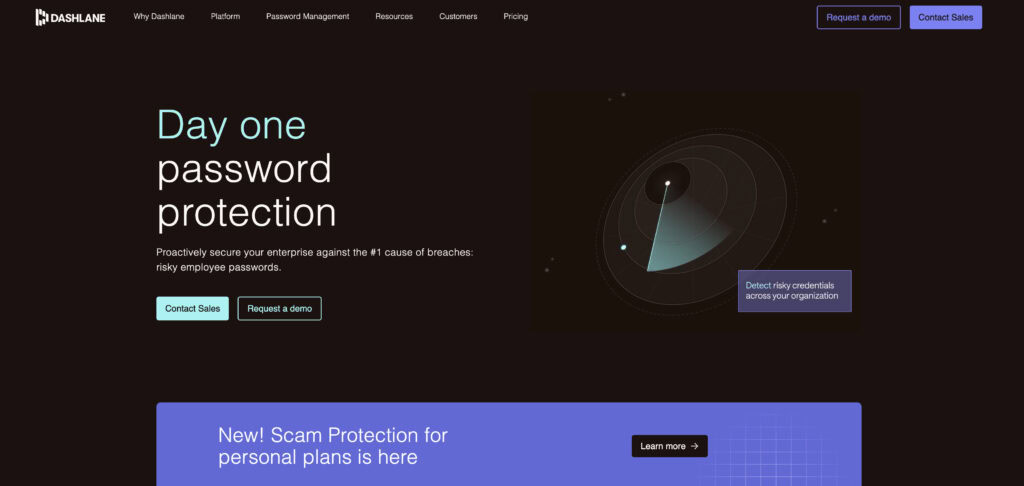
Dashlane is closed-source but has a spotless record with no major breaches. Its premium plan also includes live dark web monitoring, which alerts you if your emails appear in a data leak. Both fully support two-factor authentication (2FA) and biometric unlocks.
⚖️ The verdict: Your data is safe with either one. This is a tie. The choice is about what you trust more: public code or a private company’s perfect track record.
Pricing
Bitwarden’s free plan offers unlimited passwords on unlimited devices. For most people, this is all you will ever need. Dashlane’s free plan is very limited. It only allows 25 passwords on one device and its trial lasts only 14 days. It’s not a realistic long-term solution.
⚡ Note: Brute-force attacks specifically target weak login credentials. A password manager helps, but your site needs its own defense.
Dashlane’s Friends & Family plan covers up to 10 users and offers better value for groups, its individual plan is one of the more expensive options available.
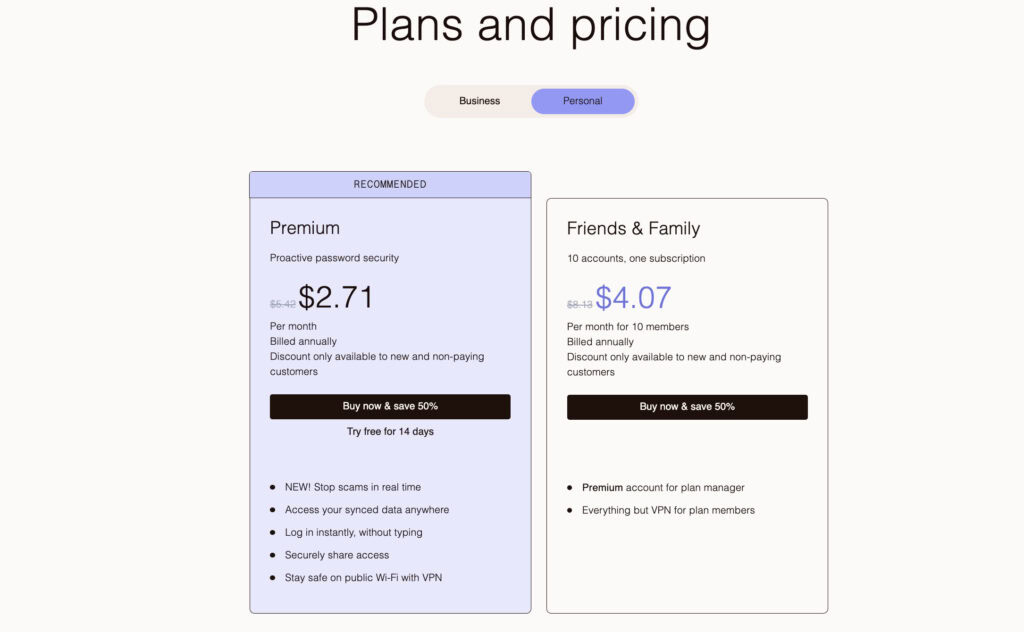
⚖️ The verdict: If your decision is based on value, Bitwarden wins decisively. It provides the core functions for a fraction of the cost, and its free plan is a fully usable tool.
Usability
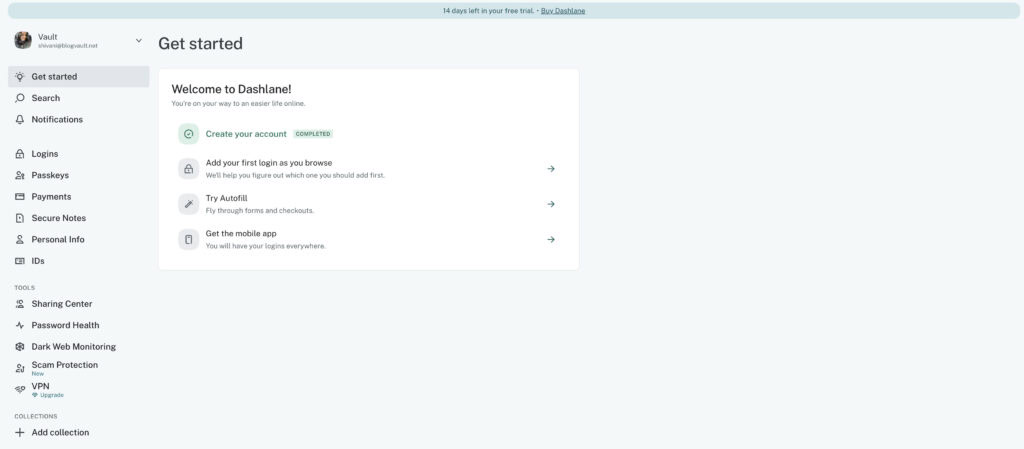
Dashlane is known for its sleek, modern, and intuitive interface. Its onboarding process is very beginner-friendly. We found its autofill to be one of the smartest and most reliable available.
🌼 Note: Login page security for your WordPress site is its first line of defense. Reliable protection here is just as important as reliable autofill.
Dashlane now operates through its browser extensions and a web app. It no longer offers a traditional standalone desktop application.
Bitwarden’s interface is clean and functional, but it feels more utilitarian. It gets the job done without any extra flair. Unlike Dashlane, Bitwarden provides native desktop applications for all major operating systems. Both have highly competent mobile apps for iOS and Android.
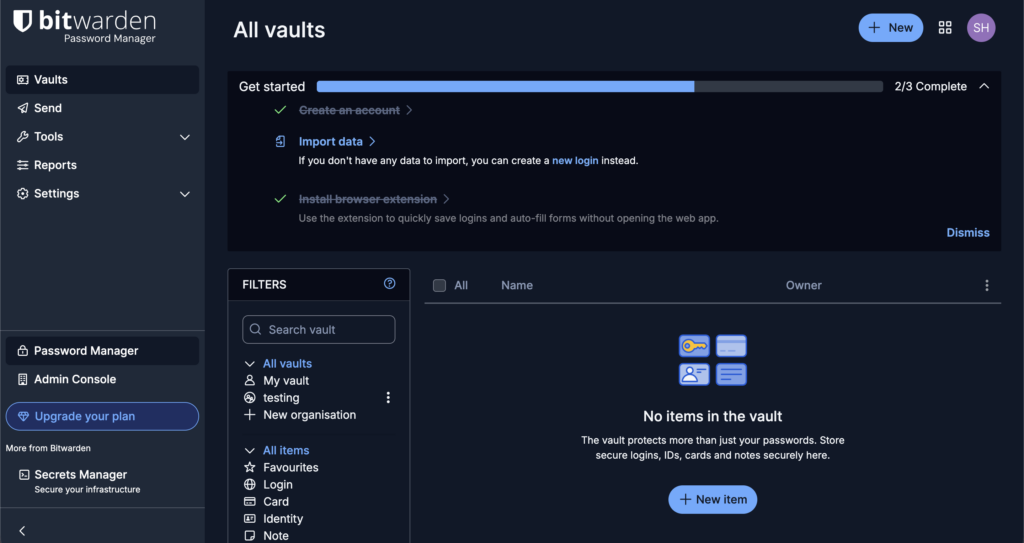
⚖️ The verdict: If you want a polished, beginner-friendly experience, Dashlane has the clear edge. If you need a native desktop app and prefer function over form, Bitwarden is excellent.
Features
Dashlane aims for an all-in-one security experience. Its premium plan includes a built-in Hotspot Shield VPN and a detailed Password Health score. It even has an automatic password changer for some supported sites.
Bitwarden’s features cater more to technical users. Its premium plan includes an integrated TOTP authenticator, which can handle your 2FA codes. Its biggest unique feature is the ability to self-host your own server, giving you total control over your data.

🐦🔥 Note: A 2fa plugin adds a crucial layer of defense to your WordPress admin area, stopping attackers even if they steal your password.
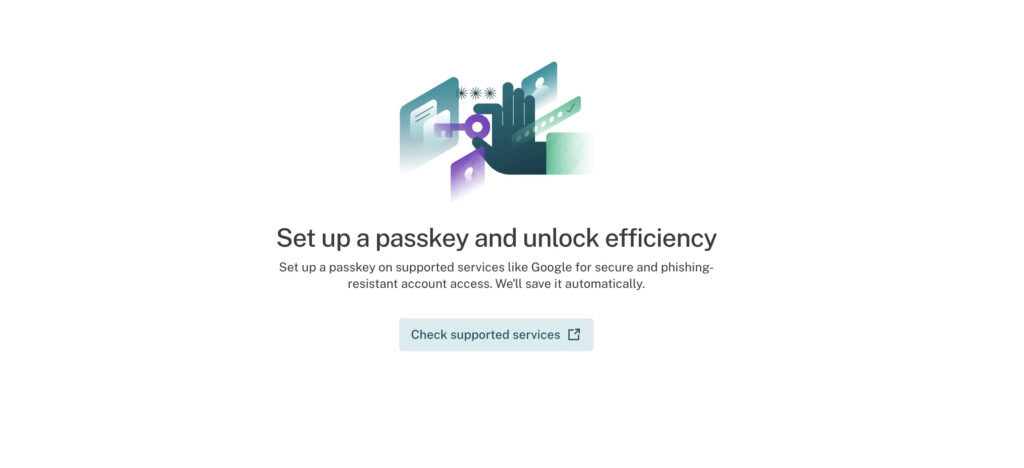
Both support secure sharing, can store payment info and notes, and are fully compatible with modern passkeys.
⚖️ The verdict: This is a personal choice. If you’ll use the VPN, Dashlane’s bundle is compelling. If you value control and want to manage 2FA codes in one place, Bitwarden’s features are more practical.
Import/export
Switching to a new password manager can feel daunting. Luckily, both services make it easy. Both support easy import from dozens of other managers, including browsers.
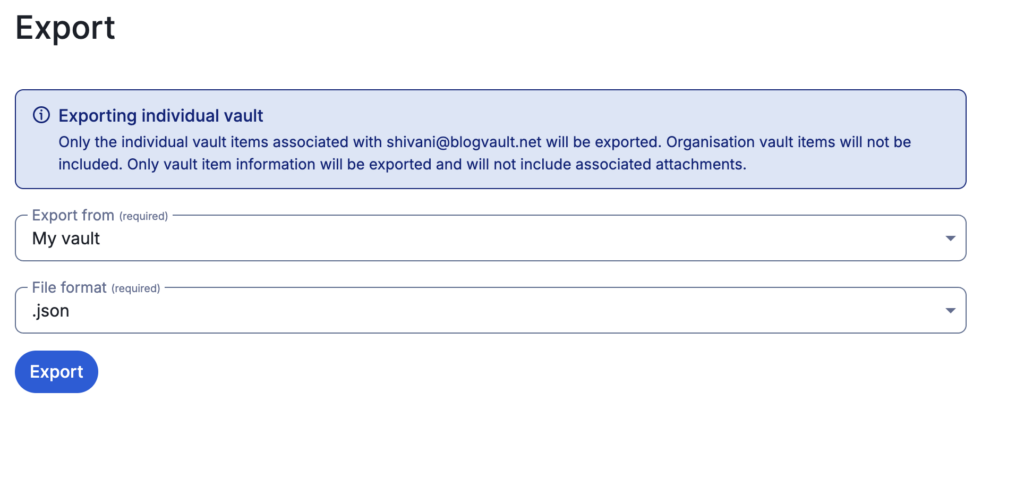
You can also export your entire vault in standard CSV or JSON files. A quick tip: always keep a secure, offline backup of your vault export just in case.
Migration between either service is a straightforward process. For those who want more granular control, Bitwarden’s self-hosting ability offers an unmatched level of data management.
Support
Bitwarden’s support is primarily through its community forums and email tickets. It’s effective, but you might have to wait.
Dashlane provides more extensive support options for its paid users. Its business plans even include live chat and phone support. Both maintain comprehensive online knowledge bases full of guides and documentation.
Downsides
No tool is perfect. Here’s what you need to know.
- Bitwarden: The interface can feel a bit clunky. Its autofill can also be inconsistent on complex web pages.
- Dashlane: It is significantly more expensive. The free version is not a viable long-term solution. It no longer provides a traditional standalone desktop app.
For both tools, advanced features like secure sharing can have a bit of a learning curve at first.
Which one to pick?
It all comes down to a simple trade-off: value and transparency versus premium features and polish.
Choose Bitwarden if you:
- Prioritize exceptional value and open-source transparency.
- Need a powerful, unlimited free plan for personal use.
- Are a tech-savvy user who might consider self-hosting.
Choose Dashlane if you:
- Want a premium, all-in-one security suite experience.
- Will use the integrated VPN and dark web monitoring.
- Prioritize a polished, beginner-friendly interface above cost.
Competitors
If neither Bitwarden nor Dashlane feels quite right, here are a few other great options to consider.
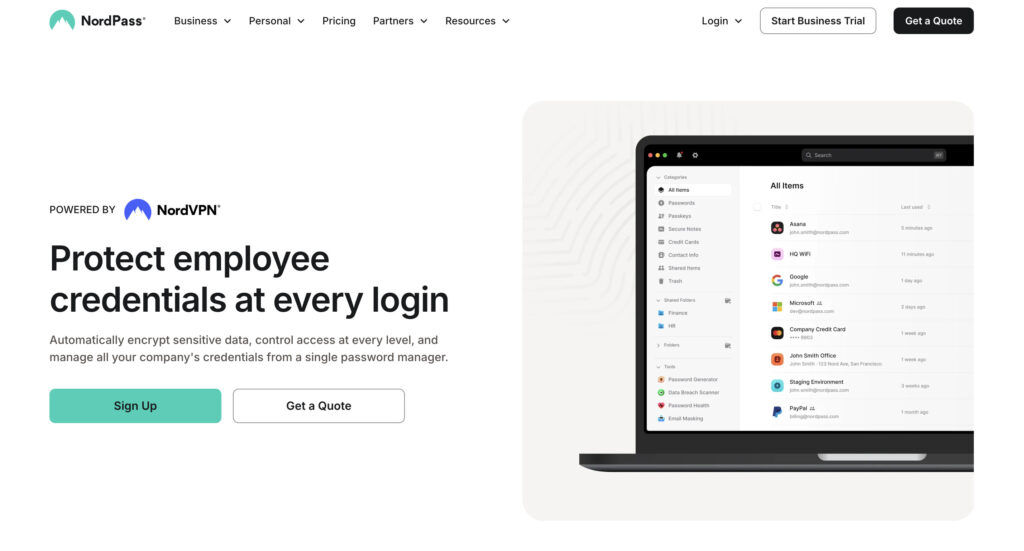
NordPass: A modern and straightforward choice from the trusted Nord brand, focusing on simplicity and security with a clean interface.
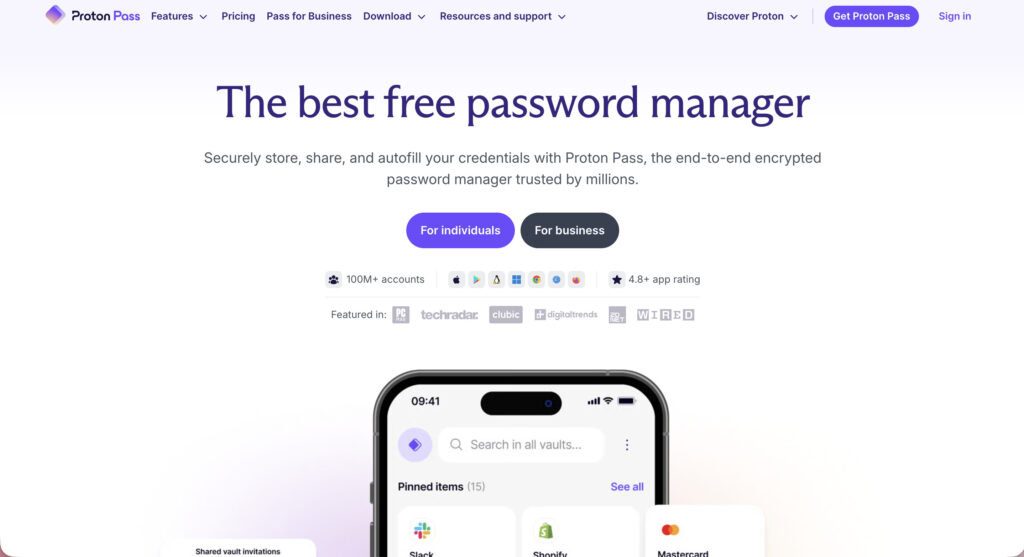
Proton Pass: A privacy-focused option from the makers of Proton Mail, featuring unique tools like email aliases to hide your real address.
1Password: A top-tier competitor famous for its beautiful design, excellent user experience, and strong family plans.
Best practices
Your password manager is only as strong as how you use it.
- Create and memorize a strong master password. Make it long, unique, and something you can recall without writing it down.
- Enable two-factor authentication on your vault. This is your single most important security step after your master password.
🔐 Note: Enable two-factor authentication for your WordPress login to block attackers. This critical step ensures your site stays secure even if your admin password is compromised.
- Use the password generator for all new logins. Stop reusing passwords immediately. Let the tool do the work.
- Set up and securely store your emergency recovery code. This is your only lifeline if you forget your master password.
- Regularly audit your vault health. Both tools offer reports to find and update weak or reused passwords.
- Keep a complete, current backup of your vault. Export your vault to a secure, offline location every few months.
Parting thoughts
Are password managers safe? Yes. But their security depends on you. Both Bitwarden and Dashlane are elite**. They are only as strong as the master password you create.** Your choice isn’t about security.
It’s Bitwarden for value versus Dashlane for polish. The best tool is the one you use consistently.
FAQs
Frequently asked questions
Bitwarden’s main disadvantages are its user interface, which can feel less polished than competitors, and its autofill, which can be inconsistent on complex websites. Its support also relies on community forums and email, which may be slower than the live support offered by pricier alternatives.
While Bitwarden’s servers could be targeted, your vault is protected by zero-knowledge encryption, meaning hackers would only get scrambled data without your master password. The most significant risk comes from your own device being compromised, not from a direct breach of their encrypted vaults.
Yes, if your device is infected with malware like a keylogger, it could capture your master password as you type it. This is a threat to any password manager, which is why using two-factor authentication (2FA) is crucial to protect your vault.
No, Bitwarden is not considered risky and is widely regarded as one of the most secure password managers due to its open-source code and strong encryption. The primary risks are user-related, like choosing a weak master password, rather than flaws in the software itself.
No, Bitwarden does not sell your data, and its privacy policy is very clear on this point. Due to its zero-knowledge design, the company cannot access the contents of your vault, so it has no personal password data to sell.
Bitwarden will never intentionally lock you out, but you will lock yourself out permanently if you forget your master password. Because of its security model, the company has no way to recover or reset your master password for you.