Website security policies might sound like corporate jargon. But they’re actually your first line of defense against hackers who see your “simple” site as an easy target.
Website security is very important because the reality is sobering. Even basic websites are potential targets because they collect user data. When hackers succeed, you’re looking at potential legal penalties.
This guide breaks down essential security policies into actionable steps that don’t require coding skills or technical expertise. We’ll show you exactly how to protect your site using practical measures you can implement today.
Install a security plugin like MalCare that will enable automatic malware scanning, quick cleanups, reliable firewall, good login security and automatic backups. Couple that with other security measures like enabling HTTPS.
Think of website security policies as your site’s rulebook for staying safe online. These are specific guidelines that define how your website handles threats, protects user data, and responds to security incidents..
5 Essential Policies You Can’t Ignore
Website security issues sneak in through overlooked vulnerabilities and weak configurations. In this article we are going to show you how to protect your website well. They form the foundation of any secure website
1. Content Security Policy (CSP) Setup
Content Security Policy acts like a bouncer for your website, deciding which scripts and resources are allowed to run. This policy prevents malicious code from executing even if it somehow gets onto your site.
CSP stops cross-site scripting (XSS) attacks by blocking unauthorized scripts from running. When hackers try to inject malicious code into your forms or comments, CSP shuts them down before they can steal user data or redirect visitors to phishing sites.

🛠️Easy fix: Use the HTTP Headers plugin
2. Access Control
Access control determines who can do what on your website. Poor access control is like giving house keys to everyone who asks—eventually, someone with bad intentions will walk through your door.
WordPress comes with built-in use management, but many site owners don’t configure them properly. Only give enough control that is necessary for a certain role. For example, contributors shouldn’t be able to install plugins, and subscribers definitely shouldn’t have admin access.
Limiting login attempts and enforcing 2FA can also help you with bot protection. Combine that with good passwords and you’re pretty much set.
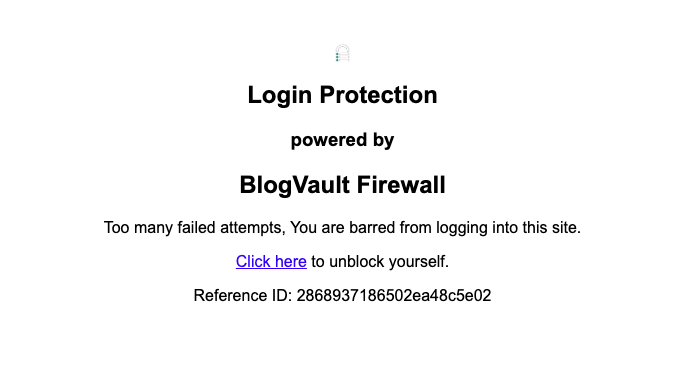
🛠️Easy fix: Install MalCare to enable 2FA, login attempt limits and bot protection.
3. Data Protection for Websites
Data protection ensures that sensitive information stays secure both in storage and during transmission. This includes everything from user passwords to credit card information and personal details submitted through contact forms.
Installing an SSL certificate is the first step to data encryption. Without SSL encryption, data travels between your site and visitors in plain text, making it easy for attackers to intercept. Quality hosts provide SSL protection and additional things like DDoS protection and isolated environments.
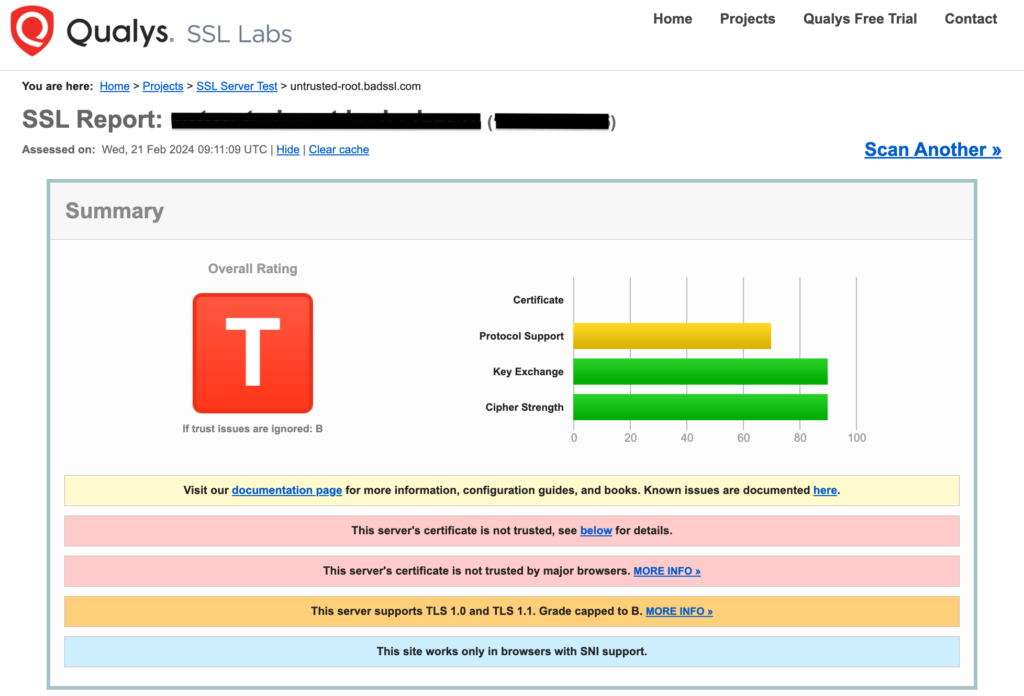
Another aspect of data protections is cookies. Secure cookie flags prevent session hijacking by ensuring cookies only transmit over HTTPS and blocking JavaScript access.
Lastly, install a really good malware scanner. It will conduct daily automated scans that catch malware and vulnerabilities early. Tools like MalCare detect and fix common issues automatically.
🛠️Easy fix: Combine a good scanner and an SSL certificate to protect your data.
4. Incident Response Plan
How do you fix a website hack? An incident response plan is your emergency playbook for when things go wrong.
Most website owners panic when they discover their site has been compromised. It doesn’t help that there is a lot of bad advice out there.
Expert advice: Restoring a backup after a hack is a bad idea. You run the risk of re-introducing the malware that caused havoc in the first place.
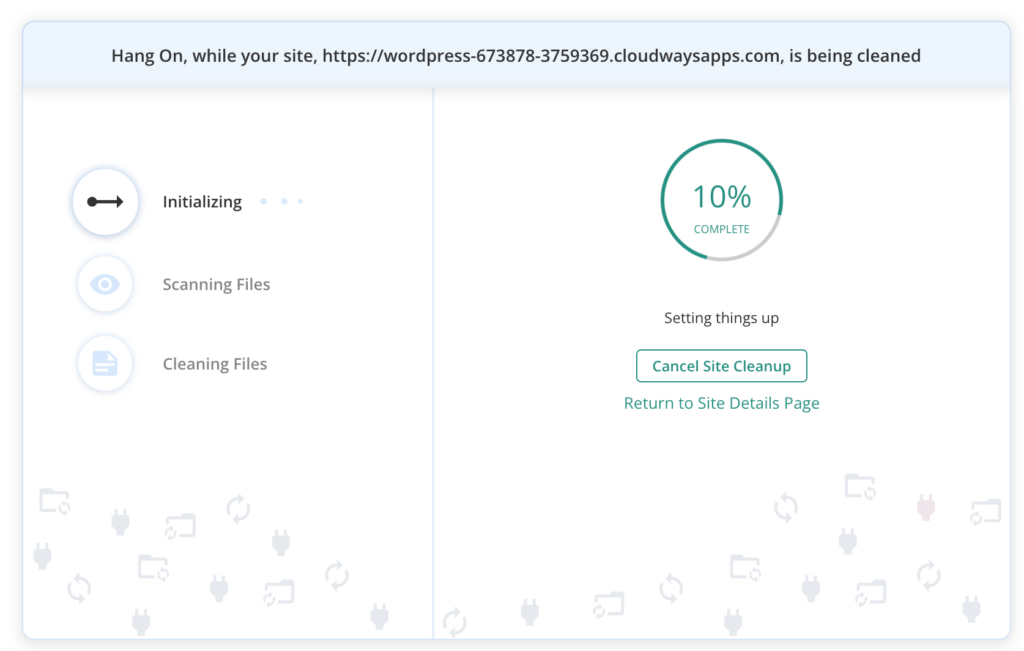
Automated malware removal plugins eliminate guesswork and prevent accidental damage. MalCare identifies and removes infections without breaking your site. Once you’re done, change all your passwords and install a firewall.
🛠️Easy fix: Install Malcare and clean your site in one-click.
5. Update and Patch Management
Website updates aren’t just about new features—they’re critical security patches that fix newly discovered vulnerabilities. Hackers actively target sites running outdated software because these vulnerabilities are publicly documented.
WordPress releases security updates regularly, and plugin developers do the same. When you delay updates, you’re essentially leaving known security holes open for attackers to exploit.
🛠️Easy fix: Use MalCare to safely update your website regularly.
3-Step Policy Implementation
Implementing website security policies doesn’t have to be overwhelming. This three-step process breaks down the work into manageable phases, ensuring you don’t miss critical security measures while avoiding analysis paralysis.
Step 1: Audit Your Site
A security audit reveals existing vulnerabilities, outdated software, and potential entry points that hackers could exploit.
Most site owners are surprised by what security scans uncover. You might discover forgotten admin accounts, outdated plugins you thought were disabled, or misconfigured settings that expose sensitive information.

Conduct a thorough security audit:
- Run complete vulnerability scans
- Review user accounts
- Check file permissions
- Analyze login attempts
- Test backup integrity
Step 2: Configure Core Policies
Once you understand your security baseline, it’s time to implement the essential policies. This step involves installing security tools and configuring them to work together effectively.
The key is choosing security solutions that complement each other rather than conflict. Set up your security infrastructure:
- Install comprehensive security plugin
- Configure firewall rules
- Set up automated backups
- Enable monitoring alerts
- Implement access controls
Step 3: Train Your Team
Security policies only work if everyone follows them. If you have multiple people managing your website, they need to understand proper security practices and their role in maintaining them.
Human error remains one of the biggest security risks. A team member using a weak password or falling for a phishing email can undo all your technical security measures.
Establish security protocols:
- Create password requirements
- Install a 2FA plugin
- Document security procedures
- Establish communication channels
Final Thoughts
Website security policies aren’t just for large corporations with dedicated IT teams. They’re essential for any site that collects user information, processes payments, or simply wants to avoid the headache of dealing with security breaches.
The good thing is that you don’t need to become a cybersecurity expert overnight. Start with the fundamentals: enable HTTPS, install a comprehensive security plugin like MalCare, set up automated backups, and keep your software updated. These steps alone will put you ahead of most websites in terms of security.
FAQs
What is the security policy of a website?
A website security policy is a comprehensive set of rules and procedures designed to protect your site from cyber threats. It includes guidelines for access control, data protection, incident response, and regular maintenance activities. The policy defines who can access different parts of your website, how sensitive data should be handled, and what steps to take when security incidents occur.
What are the four types of security policies?
The four main types of security policies for websites are:
- Access Control Policies: Define who can access what resources and with which permissions
- Data Protection Policies: Establish how sensitive information is stored, transmitted, and processed
- Incident Response Policies: Outline procedures for handling security breaches and attacks
- Operational Security Policies: Cover routine activities like software updates, monitoring, and maintenance
What are the 5 key elements of a security policy?
The five essential elements of an effective website security policy include:
- Authentication and Authorization: Strong passwords, two-factor authentication, and proper user roles
- Data Encryption: HTTPS implementation and secure data transmission protocols
- Regular Updates: Systematic approach to keeping software current and patched
- Backup and Recovery: Automated backup systems and tested restoration procedures
- Monitoring and Response: Continuous threat detection and documented incident response plans
What are the 4 types of security?
Website security typically encompasses four main types:
- Network Security: Firewalls, intrusion detection systems, and secure communication protocols
- Application Security: Code security, input validation, and protection against common web vulnerabilities
- Data Security: Encryption, secure storage, and privacy protection measures
- Operational Security: User training, access management, and security maintenance procedures