
wp-config.php
Every MalCare article covering wp-config.php, newest updates first.
14 articles · page 1 of 2

WordPress PHP Error Logs: Find the Right Log and Fix the Problem Safely
> TL;DR: Check the host's PHP or web-server log first, then use WordPress's WPDEBUGLOG settings as a temporary, hidden diagnostic path.
How to Check WordPress Error Logs: Find the Right Log Without Exposing Errors
When a WordPress page suddenly goes blank, shows a critical error, or returns a 500 response, it is natural to assume the site is down for good.
WordPress Salts 101: Everything You Need to Know
Learn when and how to change WordPress salts and security keys safely, what rotation affects, and what to test afterward.
How to Edit wp-config.php Without Causing Errors or Downtime
Learn how to edit wp config php file to manage your WordPress settings effectively. Follow this step-by-step guide to update configurations like database details, debug mode, and more.
WordPress Multisite Setup – 7 Easy Steps to Get One Up and Running
Set up WordPress Multisite safely by backing up, enabling the network, updating configuration files, configuring settings, and adding sites and users.
WordPress Display Errors: Here’s How to Activate Them Securely
Display WordPress errors safely with wp-config.php or a debugging plugin, read the resulting logs, and disable public output afterward.
2 Simple Fixes for the ‘WordPress Missing a Temporary Folder’ Error
Fix the WordPress missing a temporary folder error by defining the upload temp directory, creating it safely, and checking permissions and disk space.
Tired of Seeing ‘Fatal Error Allowed Memory Size Exhausted’? Here Are 3 Ways To Fix It
Fix the fatal error allowed memory size exhausted message by increasing WordPress memory safely and checking plugins and server limits.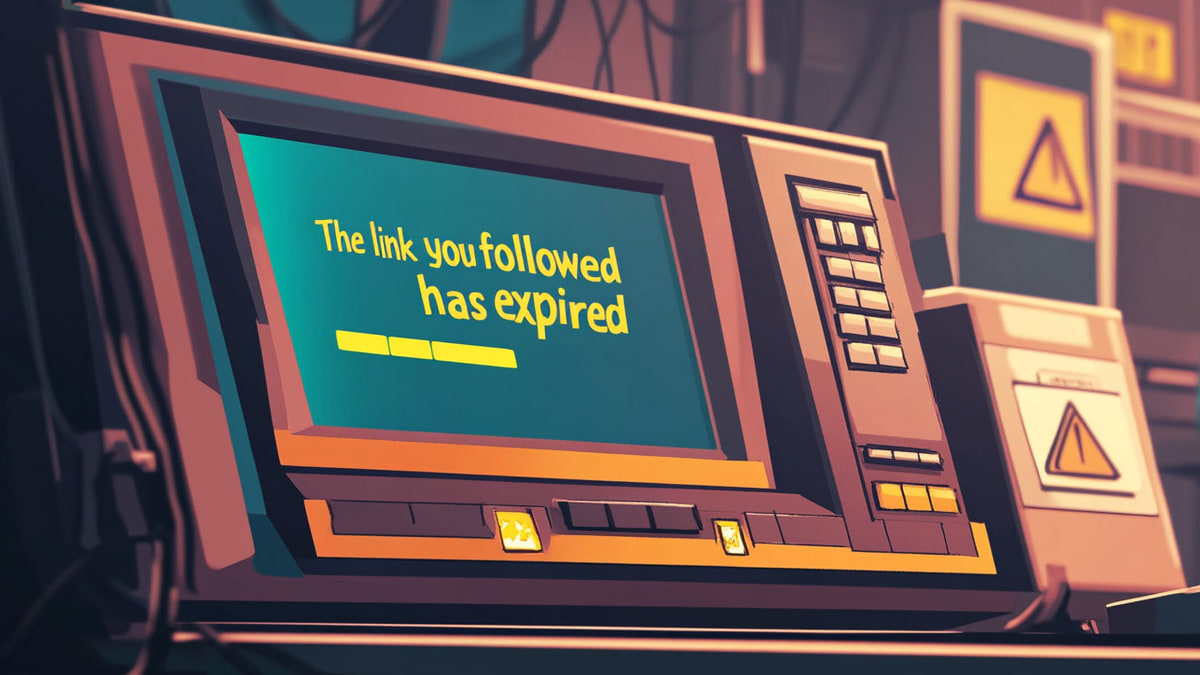
How to Fix ‘The Link You Followed Has Expired’ WordPress Error in 5 Easy Ways?
The moment you click Upload, you hit a wall with the message, 'The link you followed has expired'. Frustrating, right?
Stuck With A WordPress Memory Exhausted Error? Here Are 5 Ways To Fix It
Fix the WordPress memory exhausted error by confirming the limit, increasing PHP memory safely, checking plugins, and escalating server limits when needed.
Beginner’s Guide to Understanding WordPress File Structure & Database
Knowing the WordPress file structure will help you understand how WordPress works. These informations are handy for anyone running WP sites.
How To Install and Setup WordPress Multisite Network?
Install and configure a WordPress Multisite network by meeting prerequisites, enabling the feature, updating server files, and managing network sites.