Adding a new theme to your WordPress site is usually easy. But you can hit a wall when you run into WordPress errors like the stylesheet is missing.
We know, it’s frustrating when you’re so close to finishing your site. You are probably wondering what went wrong and how you will have to fix it.
You can rest easy knowing that the fix will take you no more than 5 minutes. We’ll guide you through the steps to resolve it, so you can get back to setting up your site.
The stylesheet is missing error occurs when WordPress can’t find the essential style.css file, preventing theme installation. To avoid it, always download themes from trusted sources and ensure proper file structure.
Understanding the stylesheet is missing error
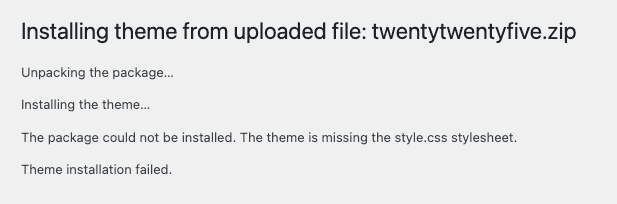
The stylesheet is missing error occurs when WordPress can’t find the vital style.css file, which is crucial for your theme’s design. Without it, the theme won’t install, leaving your site incomplete.
Here are a few common reasons this might happen:
style.css file missing: The style.css file might not be located in the main theme folder, where WordPress looks for it.
Wrong file upload: You might be trying to upload a non-WordPress file or a zip meant for plugins or other media.
Thankfully, this is an easy fix. With some adjustments, you can correctly install your theme and achieve the look you want. Let’s walk through the solution together.
Troubleshooting the stylesheet is missing error
To resolve the stylesheet is missing error on your WordPress site, follow these steps:
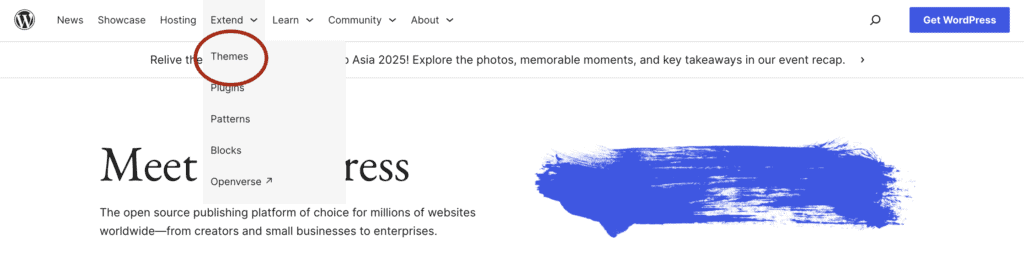
Verify your file: Make sure you have the correct WordPress theme file, including the style.css file. If in doubt, download a fresh version from a reliable source like WordPress.org.
Decide on upload method: You can use the WordPress dashboard or FTP to upload your theme. Choose the method you’re comfortable with.
If you use FTP, remember to backup your site. This ensures you can restore any essential files if you accidentally delete them.
Locate the downloaded file: Find the theme’s zip file in your downloads folder.
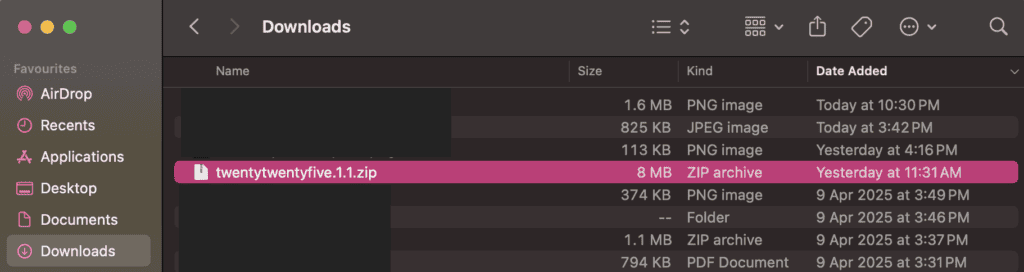
Unzip the file: Extract the contents to check what’s inside. On a Mac, double-click the file; on Windows, right-click and select Extract.
Check for style.css: Open the extracted folder to ensure the style.css file is present. This file is necessary for the theme to function properly.
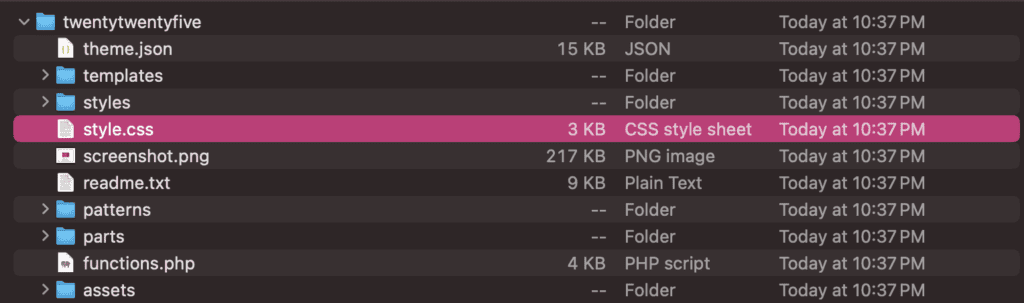
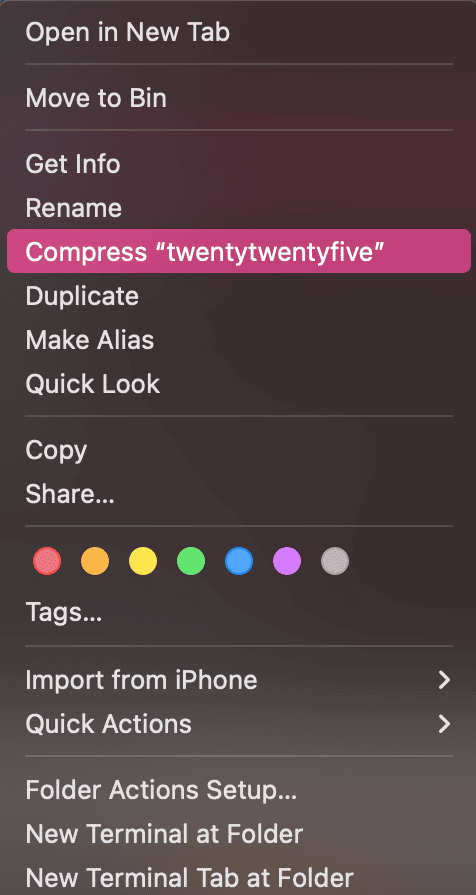
Re-compress the folder: Once verified, compress the folder back into a zip file. This prepares it for upload to WordPress.
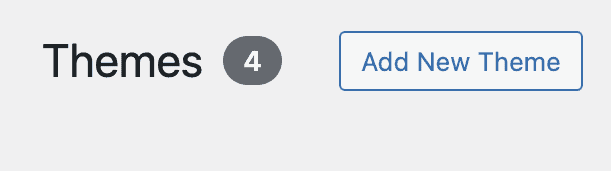
Upload via WordPress dashboard: Navigate to your WordPress dashboard, go to Appearance > Themes, and upload the newly zipped file in the Add new theme section.
Why is the stylesheet important?
A stylesheet is fundamental in shaping your website’s visual design, managing everything from layouts to colors and fonts to ensure a unified look that aligns with your brand.
Having a consistent design is crucial for presenting a professional appearance and achieving your site’s goals. The stylesheet also helps make your site responsive, so it adjusts well on various devices, providing everyone with easy access.
Beyond enhancing the visual appeal, a stylesheet helps search engines better comprehend your site, potentially improving its search visibility. Furthermore, it plays a significant role in ensuring accessibility for all users, including those with disabilities.
Tips to prevent the stylesheet is missing error
Avoiding the stylesheet is missing error can be simple if you keep these tips in mind:
Download from trusted sources: Opt for themes from well-known sites like WordPress.org to ensure you get a complete and secure package.
Check for compatibility: Before installation, make sure the theme works with your current WordPress version. Testing on a staging site can be helpful.
Ensure proper file structure: Verify that the style.css file is directly in the main theme folder before uploading. This file is key for proper theme function.
Avoid suspicious downloads: Be cautious with themes from unknown websites, as they might contain incomplete files or malicious code.
Wrapping up
Though the stylesheet is missing error is a common hiccup, it’s typically easy to fix. By keeping your file structures correct and sourcing themes from reputable places, you can often avoid this issue.
Routine maintenance and updates are vital for keeping your site running efficiently. Always choose trusted sources to reduce the risk of errors.
FAQs
A stylesheet is a file that dictates your website’s visual aspects, such as layout, colors, and fonts, ensuring uniformity across all pages.
CSS styles might not appear if file paths are incorrect or if there are conflicts with other styles. Make sure the stylesheet is correctly linked in your HTML.
To recover a corrupted CSS file, restore it from a backup. If you don’t have one, manually recreate the styles according to your design requirements.
To fix corrupted files, try restoring from a backup or downloading a fresh version from WordPress.org if possible.
In a CSS stylesheet, organized code, descriptive comments, and consistent style definitions are key for easy updates and maintenance.
You can edit a stylesheet using a text or code editor. Remember to save your changes and refresh your browser to apply them.