When we clean up a hacked WordPress site, we know what we’re about to find before we’ve finished reading the logs.
Sometimes the entry point is a plugin with a known vulnerability. Other times a bot hammers the login page for days before it finally guesses the right password.
We’ve seen those stories so many times that working out how someone got in rarely takes long.
Over the last four months, though, we kept running into cases where none of that was there. The site was definitely hacked, but every plugin was patched, and the login logs showed nothing resembling a brute-force attempt.
Whoever got in already had the password, and they weren’t the only ones.
Stolen passwords are opening the door to more attacks than ever. Across the sites we monitor, we have observed a 130% jump in hacks linked to stolen WordPress passwords.
One case in particular shows why this matters, and why the usual advice about strong passwords only takes you so far.
A plugin nobody had installed
We flagged a site belonging to an agency client as hacked. When our team looked into it, they found a plugin called Admin Security Tools sitting in the plugin list. It sounded harmless enough, except nobody at the agency had installed it, and nobody recognised it.
So we went back through the firewall and activity logs to work out where it came from.
Most of the previous two months looked exactly as you’d expect: the usual admins logging in from the usual places, and the agency’s management tools making their normal background requests.
One IP address stood out.
It was in Frankfurt, which is nowhere near anyone on the team, and it belonged to a data-centre range rather than a home or office connection.
What really caught our attention was this: that IP logged into an existing administrator account and got in on the first try. Here’s the sanitised firewall entry:
49.12.203.77 - - [18/Jul/2026:02:14:36 +0000] "POST /wp-login.php HTTP/1.1" 302 - "https://example.com/wp-login.php" "Mozilla/5.0 (Windows NT 10.0; Win64; x64) AppleWebKit/537.36 (KHTML, like Gecko) Chrome/150.0.0.0 Safari/537.36"There were no failed attempts and no password guessing anywhere in the logs, just a correct username, a correct password, and a successful login.
A few minutes later, that same admin account installed Admin Security Tools. Soon after, a brand-new administrator account appeared.
49.12.203.77 - - [18/Jul/2026:02:17:19 +0000] "POST /wp-admin/update.php?action=upload-plugin HTTP/1.1" 200 11283 "https://example.com/wp-admin/plugin-install.php?tab=upload" "Mozilla/5.0 (Windows NT 10.0; Win64; x64) AppleWebKit/537.36 (KHTML, like Gecko) Chrome/150.0.0.0 Safari/537.36"

49.12.203.77 - - [18/Jul/2026:02:22:03 +0000] "POST /wp-admin/user-new.php HTTP/1.1" 302 - "https://example.com/wp-admin/user-new.php" "Mozilla/5.0 (Windows NT 10.0; Win64; x64) AppleWebKit/537.36 (KHTML, like Gecko) Chrome/150.0.0.0 Safari/537.36"
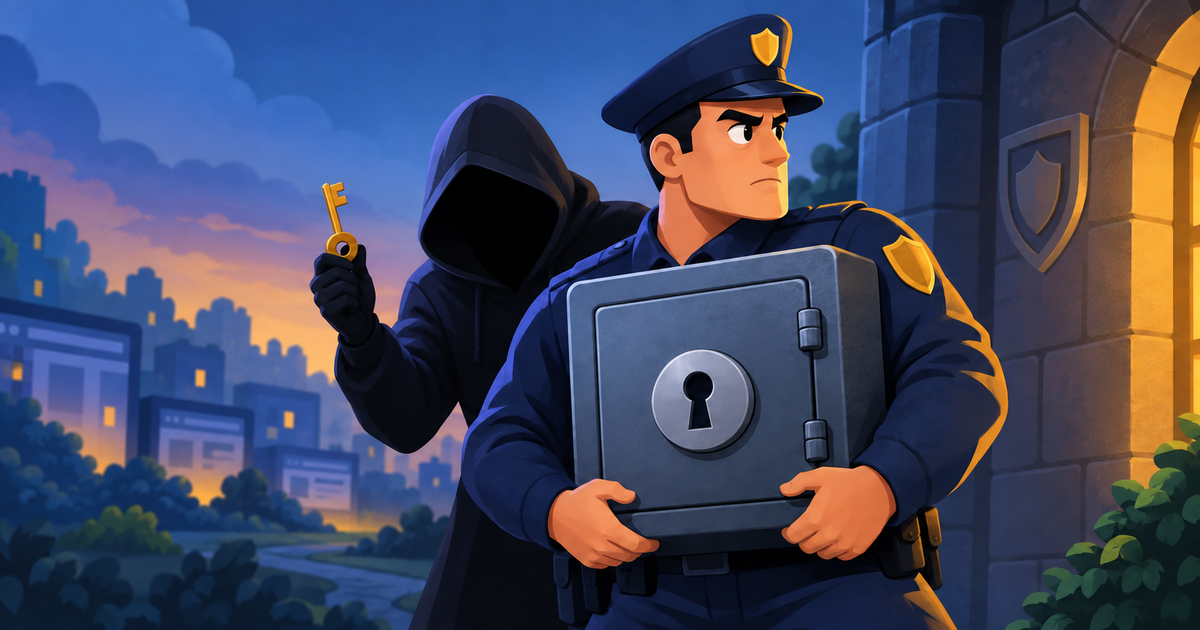
That changed the shape of the whole investigation. Nobody had broken in, but someone had walked in with a key that worked.
The plugin was the symptom
It’s tempting to look at a malicious plugin and think, “there’s the problem, remove it, done.” And we did remove it, along with the other malicious files that came with it.
But the timeline told a different story. The attacker was already logged in as an admin when the plugin was installed, so the plugin was what they did after getting in, and it had nothing to do with how they got in.
That makes sense if you think like an attacker. If you’ve got access to a site and you’re worried it will be taken away, you leave yourself a spare way back in. A plugin with a backdoor, an extra admin account, whatever works. Then if the original password gets changed, you’re still fine.
So cleaning the malware only solved half the problem. The bigger question was still open: how did this person have a valid admin password in the first place?
Then it turned up on other sites
The agency managed a bunch of WordPress sites, so we checked the others, and several of them showed the same thing. The Frankfurt IP was there too, logging cleanly into admin accounts without a single failed attempt.
The obvious explanation is password reuse. One leaked password gives an attacker access to everything, and we have seen this happen many times.
That was not the case here. The agency used 1Password and gave every site its own long, randomly generated password. We also had them check the credentials against known breach databases, and there were no signs of exposure.
Yet somebody had their hands on the passwords, and that is what makes stolen credentials so awkward to deal with.
From WordPress’s point of view, nothing is wrong. Someone types in the credentials, WordPress checks them, they match, and the door opens. WordPress had nothing to block because nothing looked like an attack.
A correct password tells you that whoever typed it knows the password. It doesn’t tell you that they’re the person you gave it to.
Where the passwords actually came from
We couldn’t say for certain, and we’d rather tell you that than make something up.
The WordPress logs showed us that the attacker had valid credentials. They couldn’t show us how those credentials were obtained, because that happened somewhere other than WordPress.
Several explanations fit the evidence: malware that reads saved passwords, a hijacked browser session, a convincing phishing email, or another compromised system somewhere in the chain. Without evidence from those systems, we had no way to know which path the attacker took.
What we did know was that resetting the passwords on its own wasn’t enough. If the original leak was still happening, new passwords would leak the same way.
So after cleaning the sites, we reset every credential and had the agency enable two-factor authentication on every site those accounts could reach.
That changed the attacker’s requirements. A password alone was no longer enough to get in, and none of those sites have been compromised since.
Strong passwords still matter, but they don’t cover this
None of this is an argument against strong, unique passwords; please keep using them. They stop password reuse attacks, credential stuffing, guessing, and a long list of other avoidable problems.
But there’s a difference between a weak password and a stolen one. A password manager fixes the first and does nothing about the second. If someone gets hold of your actual password, WordPress needs some other way to tell them apart from you, and that is exactly what 2FA is for.
Given what we’re seeing across hacked sites right now, if you manage WordPress sites, and especially if you manage them for clients, stop treating 2FA as a nice-to-have. It’s the one thing standing between a stolen password and a hacked site.
Your password protects you for as long as you’re the only one who knows it. Once that stops being true, 2FA is all you have left.