MalCare Security Blog
Practical WordPress security guides from the MalCare team: cleaning hacked sites, hardening WordPress, and choosing the right tools.
527 articles · page 25 of 44

How to Fix”WordPress briefly unavailable for scheduled maintenance. Check back in a minute.”
Seeing the "Briefly unavailable for scheduled maintenance. Check back in a minute" message on your WordPress site can be stressful. It's especially
How to Fix dns_probe_finished_nxdomain WordPress Error
When the dns_probe_finished_nxdomain WordPress error pops up on your WordPress site, it's a sign that your site is experiencing technical difficulties,
MalCare Blocks 11000+ Attacks on Royal Elementor Plugin v1.3.78 RCE Vulnerability Before Patch Release
MalCare blocked more than 11000 attempts to exploit the recently discovered Royal Elementor plugin vulnerability. Our firewall protected sites for over a week
2FA vs MFA: Your Quick No-Jargon Guide
Suddenly, that simple task becomes a confusing 2FA vs MFA debate. You start asking yourself, "Is what I'm choosing good enough? Am I missing something?"
Easy Fix For WordPress Plugin Conflicts
Identify a WordPress plugin conflict through wp-admin, cPanel, or FTP, isolate the faulty plugin, and prevent the problem recurring.
Introducing Atomic Security: The Future of WordPress
It is our belief that WordPress sites should never get hacked.
How to Stop a WordPress DDoS Attack
Recognize a WordPress DDoS attack, reduce its impact with hosting and firewall controls, and harden the site against repeat floods.
WordPress Upload Media HTTP Error – 10 Easy Fixes
Fix the WordPress media upload HTTP error by checking file size, permissions, PHP limits, plugins, themes, and image libraries.
WordPress Media Library Not Showing Images – 10 Easy Fixes
Restore images missing from the WordPress Media Library by checking permissions, plugin conflicts, upload paths, cache, thumbnails, and rewrite rules.
“Sorry You Are Not Allowed To Access This Page” – 10 Easy Fixes
But lo and behold! Your screen flashes the dreaded message, “Sorry you are not allowed to access this page.”
WordPress Multisite Setup – 7 Easy Steps to Get One Up and Running
Set up WordPress Multisite safely by backing up, enabling the network, updating configuration files, configuring settings, and adding sites and users.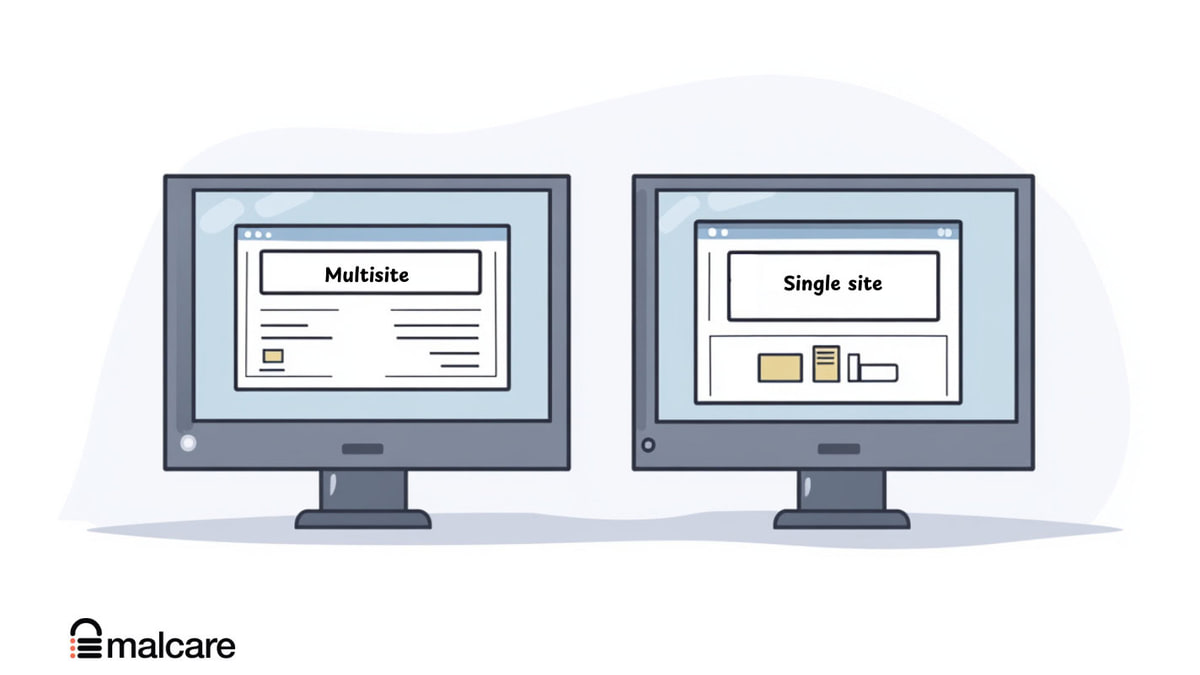
WordPress Multisite vs Single Site: Which One To Choose And When?
Compare WordPress Multisite and single-site installations by management, cost, control, performance, compatibility, security, and ideal use cases.