MalCare Security Blog
Practical WordPress security guides from the MalCare team: cleaning hacked sites, hardening WordPress, and choosing the right tools.
527 articles · page 36 of 44
Sorry This File Type Is Not Permitted for Security Reasons WordPress: Here’s How To Fix It
Facing the sorry this file type is not permitted for security reasons wordpress error? Learn how to resolve file upload issues in WordPress with our guide.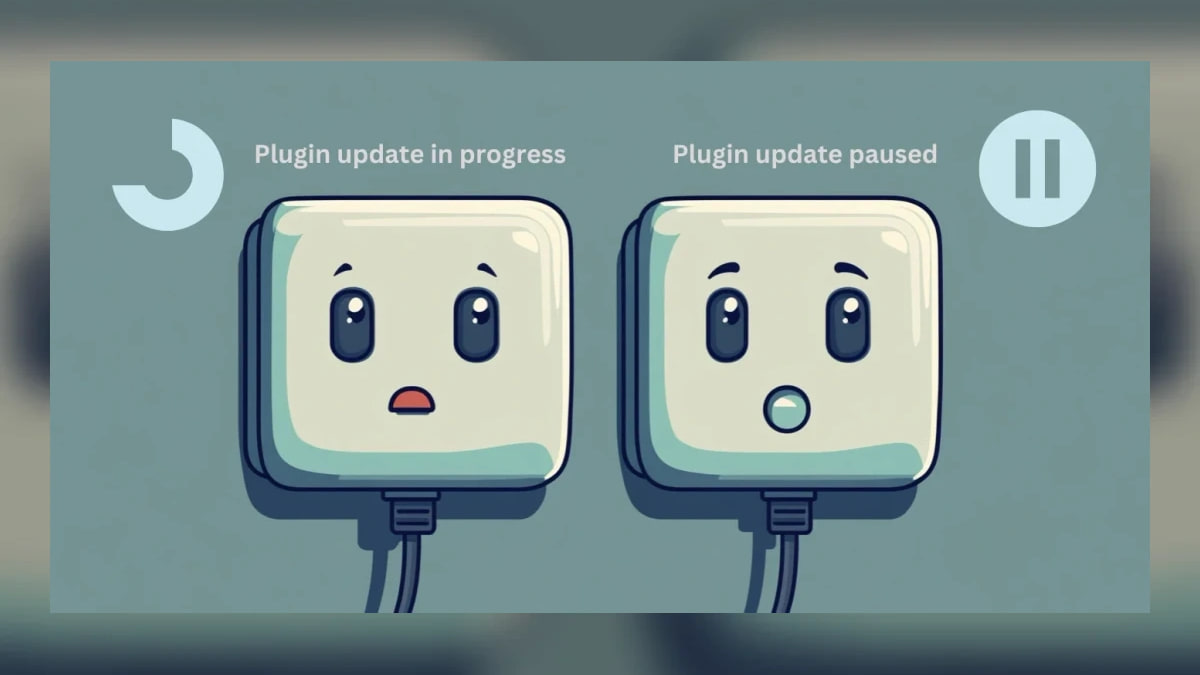
3 Easy Ways To Fix “WordPress Another Update Is Currently In Progress”
You're ready to update your WordPress site, but suddenly you see the message—"WordPress another update is currently in progress." This can be frustrating,
Update Failed: Could Not Remove The Old Plugin. WordPress (6 Easy Fixes)
You're trying to keep your WordPress site in tip-top shape, but then you see this frustrating message: "Update failed: could not remove the old plugin."
Tired of Seeing ‘Fatal Error Allowed Memory Size Exhausted’? Here Are 3 Ways To Fix It
Fix the fatal error allowed memory size exhausted message by increasing WordPress memory safely and checking plugins and server limits.
8 Quick Fixes for WordPress Images Not Loading
One of the most common WordPress errors is WordPress images not loading. Its reasons vary from simple browser problems to more complex site issues.
MalCare’s Bot Protection for WordPress: Why Your Site needs it?
Learn how malicious bots create crawl spam, brute-force traffic, and server load, and how WordPress bot protection blocks abusive requests.
Troubleshooting The WordPress 502 Bad Gateway Error: A Step-by-Step Guide
Troubleshoot WordPress 502 Bad Gateway errors caused by overloaded servers, firewalls, PHP timeouts, DNS, plugins, hosting, or network issues.
Corrupted .htaccess File WordPress: Troubleshooting Made Easy
Get solutions for handling a corrupted .htaccess file WordPress to ensure your site's optimal performance and security."
9 Easy Fixes For WordPress Failed To Load Resource
Fix WordPress failed to load resource errors by finding the missing file and checking URLs, permissions, cache, plugins, themes, and .htaccess.
Hit by an Organic Traffic Drop? Here’s How to Address It
Diagnose a sudden organic traffic drop, identify SEO and technical causes, and use practical recovery and prevention steps.
3 Easy Fixes for “WordPress Failed To Write File To Disk” Error
Fix the WordPress failed to write file to disk error by checking permissions, free storage, and the server temporary upload directory.
Stuck With ‘Are You Sure You Want To Do This’ In WordPress? Here are 7 Ways To Fix It Fast!
Seeing the Are you sure you want to do this error in WordPress? Fix it easily with this guide.