A WordPress cookie plugin is an easy way to add cookie consent popups to your website. It’s abn important part of building a trustworthy website and necessary WordPress compliance.
But navigating the legal rules and technical options can feel confusing when you’re trying to run a business. That’s why we’ve broken it down into a simple, actionable guide. We’ll walk you through exactly what you need to do, without the complicated jargon.
Verdict: Compliance related tasks like generating a privacy policy can be made easier with Complianz. It is our top recommendation for a cookie plugin because its setup wizard is brilliant for non-technical users. It will automatically generate legal documents and configure your website. Most importantly, it handles critical tasks like blocking tracking scripts before consent is given.
Privacy laws like the GDPR in Europe and CCPA in California require you to get a visitor’s permission before using most cookies. These laws apply even if your business is located elsewhere. But, more importantly, a clear and honest banner shows visitors that you respect their privacy, building trust and credibility.
Key Features to Look for in a WordPress Cookie Plugin
A cookie banner is useless if it doesn’t actually stop tracking scripts from running. Many plugins create a false sense of security by only showing a notice. To make sure your choice provides true compliance, it must have these key features:
- Automatic Cookie Scanning: Finds all the cookies your site uses so you know exactly what you’re asking permission for.
- Granular Consent Control: Gives visitors clear choices like “Accept All,” “Reject All,” and “Customize,” not just a simple “OK” button.
- Automatic Policy Documentation: Generates a professional Cookie Policy for you based on the cookies it finds, saving you from writing it yourself.
- Customizable Banner Design: Lets you change the colors, text, and position of the banner so it matches your website’s design.
- Script Blocking (Before Consent): This is the most critical feature. It stops tracking scripts like Google Analytics from loading until a user gives their permission. Without this, your banner is just for show.
1. Complianz – GDPR/CCPA Cookie Consent
Complianz acts less like a simple banner plugin and more like an automated compliance officer for your website. A legal expert would analyze your site, identify data-collecting tools, draft legal policies, and configure consent based on visitor location. Complianz does exactly this, using a simple wizard to ask you questions about your site and business.
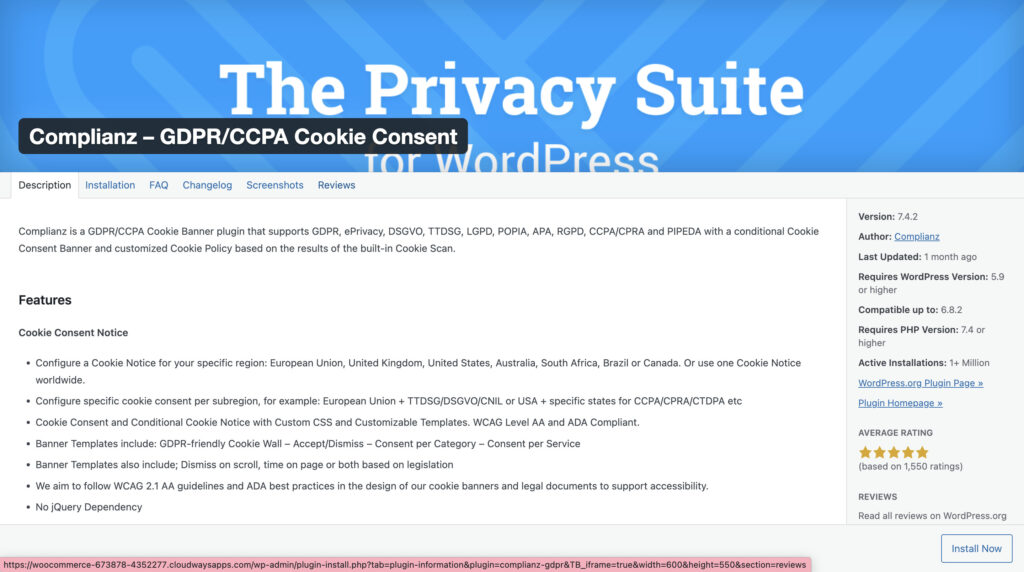
Based on your answers, it automatically discovers the cookies and scripts your site uses, generates the necessary legal documents like a Cookie Policy, and configures the banner to block scripts before a user gives consent. This ensures you are genuinely compliant, not just showing a notice. It constantly scans for changes, keeping your policies and consent mechanisms up-to-date.
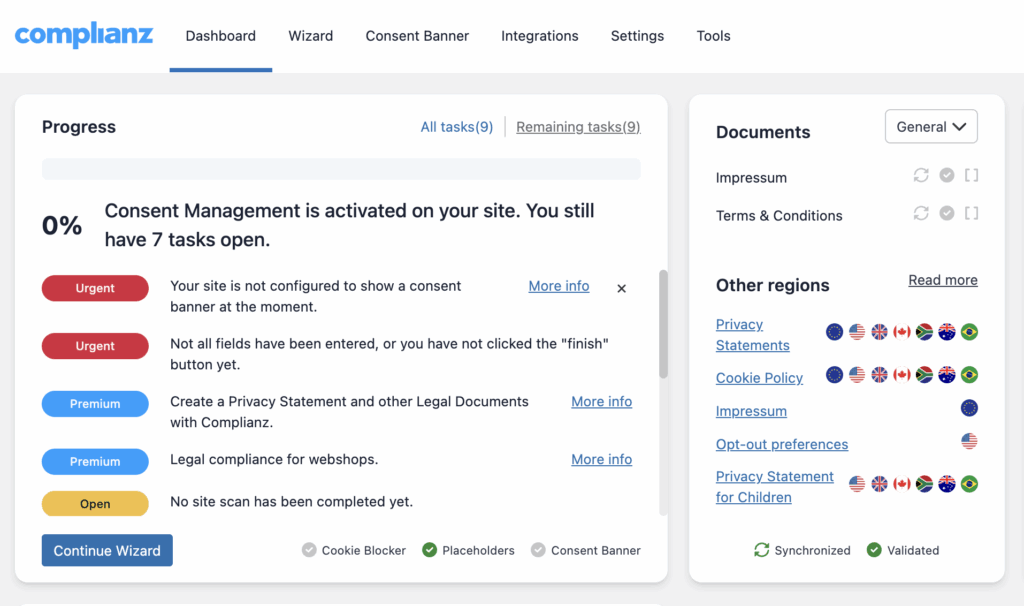
Key Features
- Guides you through a simple question-and-answer setup wizard.
- Automatically scans for cookies and generates a professional Cookie Policy.
- Blocks tracking scripts from loading before a user gives explicit consent.
- Detects visitor location to show the correct notice (e.g., GDPR for EU, CCPA for California).
Price: It has a powerful free plan that is sufficient for most websites. Premium plans start at $49 per year and add features like A/B testing, GeoIP, and more detailed legal document templates.
🏆 Verdict
Complianz is our top choice because it delivers true, automated legal compliance in a set-and-forget package. Its free version is the most robust on the market, handling the critical task of script blocking right out of the box. It’s perfect for any business owner who wants total peace of mind without needing to be a legal expert.
2. CookieYes | GDPR Cookie Consent
CookieYes is designed for users who prioritize a clean, user-friendly interface and a banner that perfectly matches their brand’s aesthetic. It focuses on making the front-end experience seamless for both the visitor and the site owner, offering one of the most intuitive and visually flexible setups available.
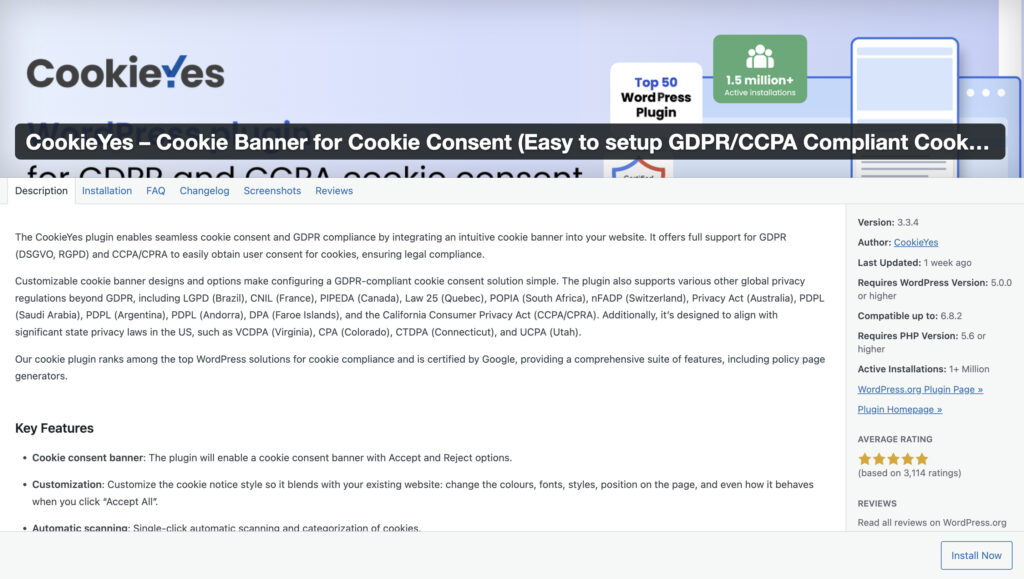
You can customize nearly every aspect of the banner’s appearance directly from the WordPress dashboard, from colors and fonts to layouts and buttons. It also provides a clear and accessible log of user consents, which is helpful for demonstrating compliance if ever needed. While it makes setup easy, its core focus is on the look, feel, and usability of the consent banner itself.
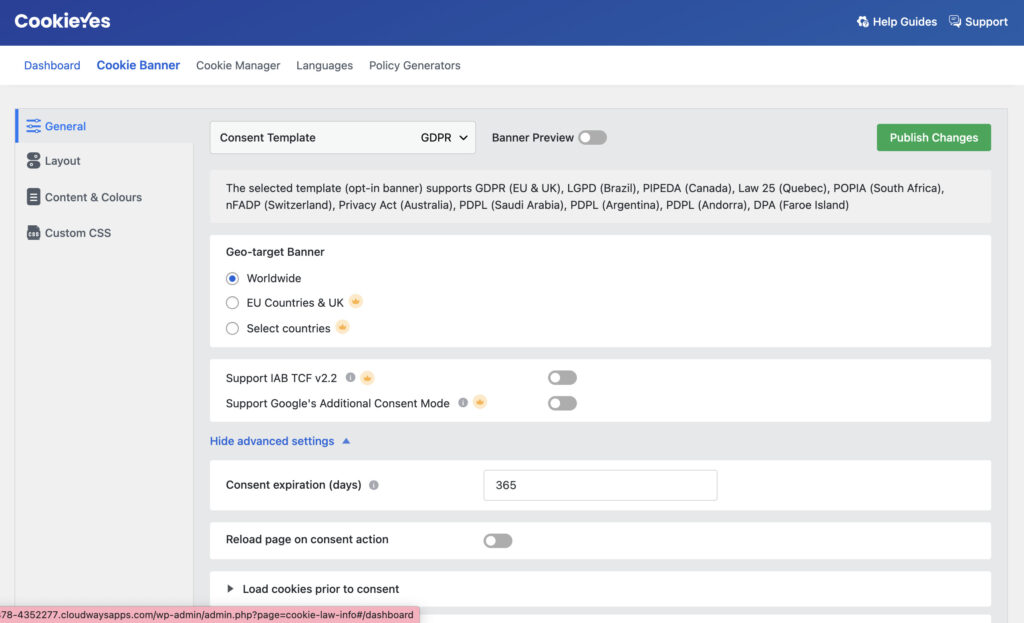
Key Features
- Powerful visual customizer to design a banner that fits your brand.
- Supports multiple languages and major privacy regulations (GDPR, CCPA).
- Keeps a detailed log of user consents for your records.
- Automatically scans your site for cookies to populate your cookie list.
Price: There’s a free plan that includes the banner customizer and consent log but displays a “Powered by CookieYes” link. To unlock essential compliance features like script blocking, you need a paid plan, which starts at around $100 per year.
🏆 Verdict
CookieYes is an excellent choice if your main goal is a beautifully designed, highly customizable banner that is simple to configure. However, to achieve genuine GDPR compliance, the premium version is a must-have for its script-blocking capabilities.
3. iubenda | Cookie Solution and Consent Management
iubenda is less of a simple plugin and more of a professional, all-in-one compliance suite for your entire business. It operates from a central dashboard where you can manage legally-sound policies not just for one WordPress site, but for multiple websites and apps. It’s built for businesses, agencies, and freelancers who need a scalable, enterprise-grade solution.
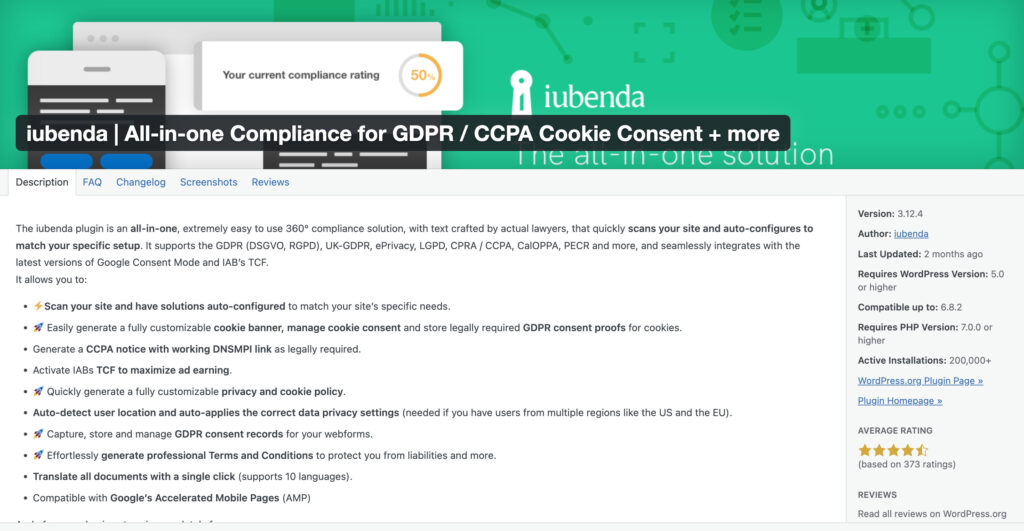
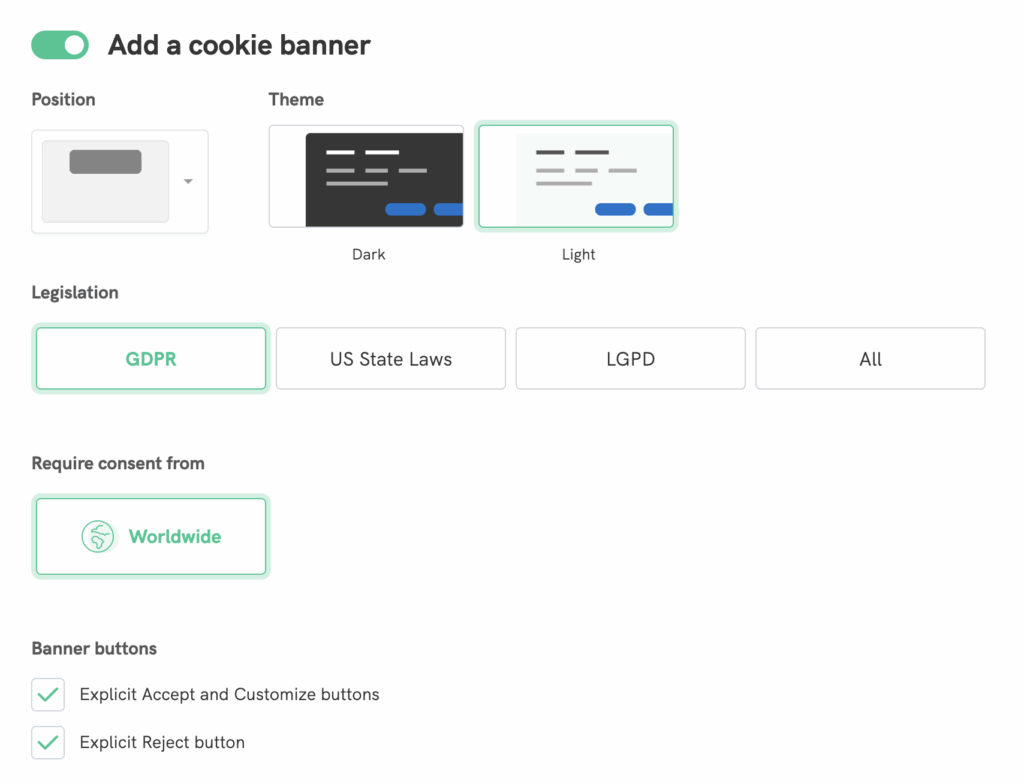
The WordPress plugin acts as a connector, syncing your site with the powerful iubenda dashboard. From there, you can generate attorney-level Privacy Policies, Cookie Policies, and Terms and Conditions. The system keeps these documents updated with international law changes and provides advanced consent management tools, like differentiating between visitors from different countries.
Key Features:
- Generates and hosts professionally crafted legal documents.
- Manages consent for multiple sites and apps from a single dashboard.
- Advanced features like geotargeting to show different banners based on local laws.
- Integrates with a full suite of compliance tools, including Terms and Conditions.
Price: iubenda is a subscription service (SaaS). There is a limited free plan, but its power is unlocked with paid plans that start at around $29 per year for basic features and go up based on your needs.
🏆 Verdict
For agencies, multi-site owners, or businesses that require a robust and legally sound compliance framework, iubenda is the industry standard. It’s more than a simple cookie plugin; it’s a comprehensive legal toolkit.
4. GDPR Cookie Consent Banner
GDPR Cookie Consent Banner by WebToffee is the go-to plugin for simplicity and speed. It’s designed for website owners who don’t need a complex suite of features and just want to get a straightforward, clean consent notice up and running in minutes. It avoids the overwhelming settings of more advanced plugins.
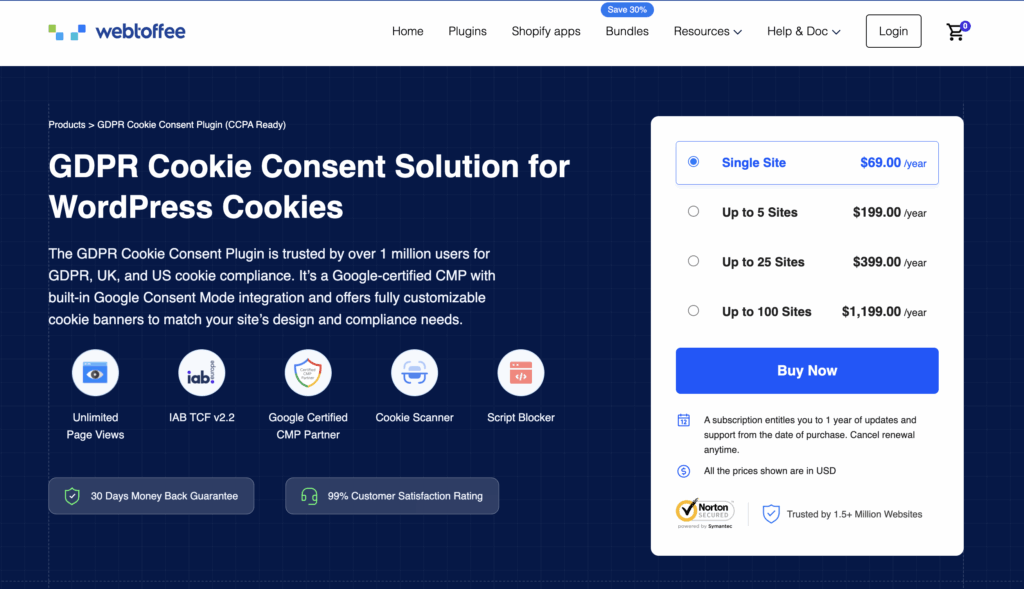
Its core function is to display a simple, customizable banner. The setup is incredibly quick, allowing you to change the text and colors and be done. It does its one job well without adding any unnecessary weight or complexity to your website, making it a reliable and lightweight choice for basic needs.
Key Features
- Extremely simple and fast setup process.
- Lightweight and performance-friendly, with no unnecessary bloat.
- Includes a basic cookie scanner to help you get started with your policy.
- Offers options to customize banner colors and text.
Price: The free version provides the essential banner functionality. A premium version is available for those who need more advanced features like script blocking, a detailed consent log, and more design options.
🏆 Verdict
This plugin is perfect for beginners or small blogs that need a simple, no-fuss cookie notice. It’s incredibly easy to use, but keep in mind that the free version lacks the automatic script blocking required for full GDPR compliance.
5. Cookie Notice & Compliance for GDPR / CCPA
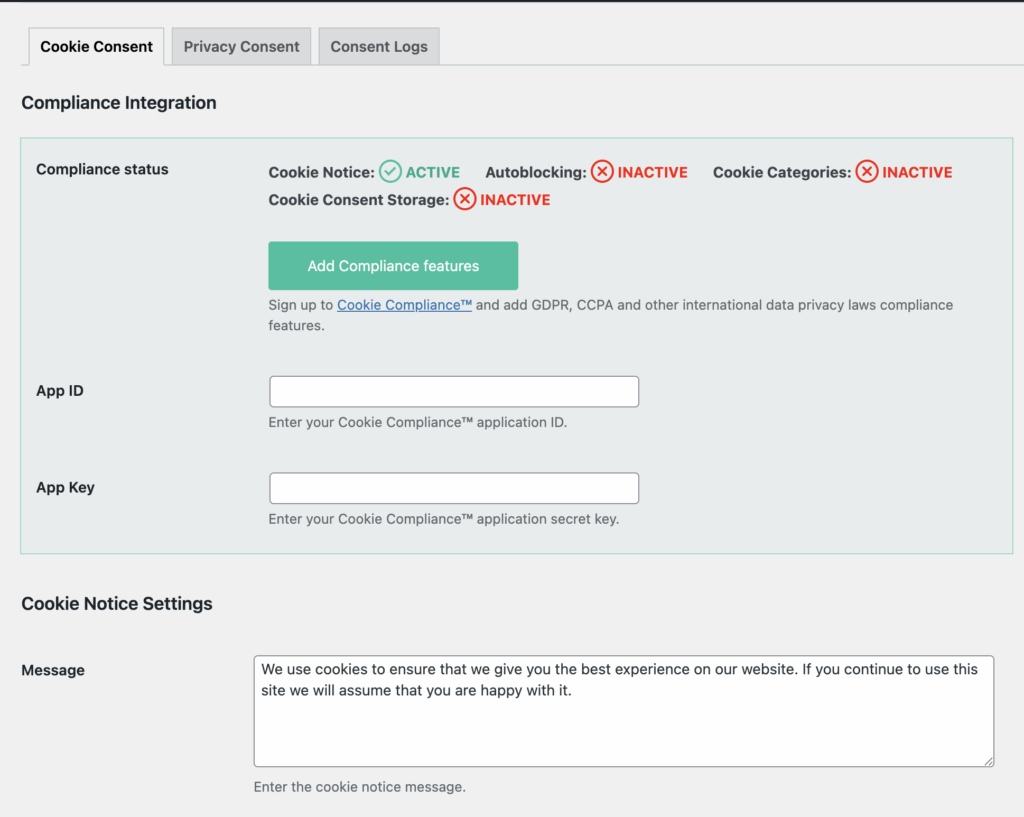
TheCookie Notice and Compliance for GDPR/CCPA plugin takes a unique, user-centric approach to privacy. Developed by Hu-manity.co, its standout feature is the “Consent Receipt,” which gives visitors a standardized record of the privacy choices they’ve made on your site. This positions your website as a transparent and trustworthy partner in data privacy.
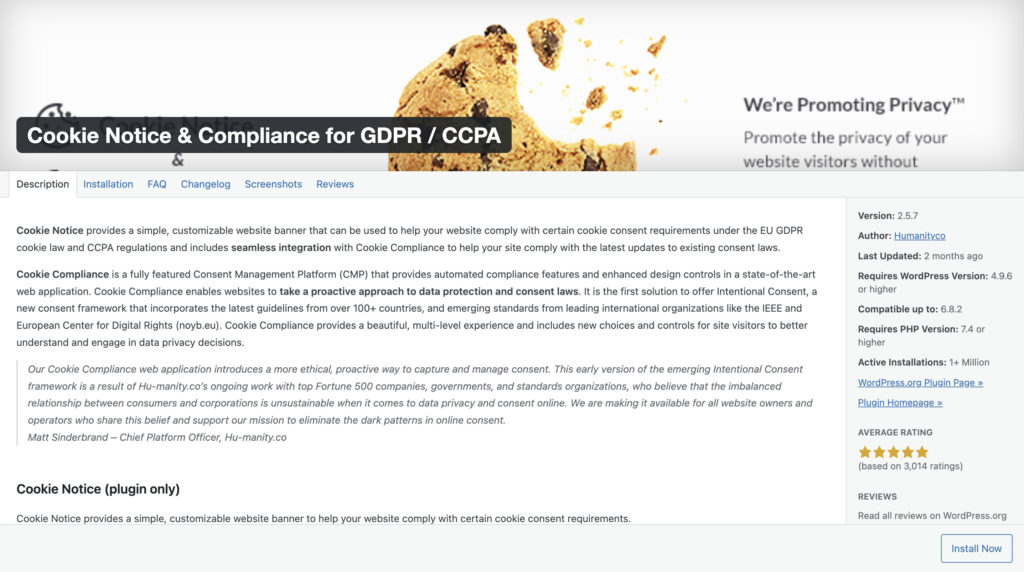
Instead of just logging consent on your end, it empowers the user with proof of their decision. The setup is straightforward, focusing on configuring the banner and enabling the consent receipt functionality. It’s a great choice for brands that want to build their identity around a strong commitment to user privacy and data rights.
Key Features
- Issues users a unique “#My31 Consent Receipt” as a record of their choices.
- Easily configurable for both opt-in (GDPR) and opt-out (CCPA) privacy models.
- Provides simple customization options for the banner’s text, colors, and position.
- Focuses on a clear, principles-based approach to consent.
Price: The plugin is free and offers its core consent receipt functionality without a subscription.
🏆 Verdict
An excellent and innovative choice for privacy-conscious websites that want to go beyond basic compliance and actively demonstrate their respect for user data. While it lacks the automated scanning of other plugins, its unique consent receipt feature makes a powerful statement.
How to Set Up a Cookie Plugin on WordPress?
Getting a GDPR compliant cookie banner wordpress setup is much faster than you think. I’ve seen people put this off for months, worried it’s a technical nightmare. It’s not. The key is letting a good plugin do the heavy lifting. We’ll use Complianz as our example because its setup wizard makes the process nearly foolproof, getting you from zero to compliant in the time it takes to make a coffee.
Step 1: Install the Plugin:
From your WordPress dashboard, navigate to Plugins > Add New. Search for “Complianz,” then click “Install Now” and “Activate.” That’s the hardest part done.
Step 2: Run the Setup Wizard:
Once activated, Complianz will prompt you to start its configuration wizard. This is where the magic happens. It won’t ask you for code or complex settings. Instead, it asks simple questions like, “Do you have visitors from the EU?” and “Do you use Google Analytics?” Just answer them honestly.
Step 3: Let the Wizard Configure Everything:
Based on your answers, the plugin automatically detects your site’s cookies, generates a legal policy, and configures the banner for the correct regulations (like opt-in for GDPR). You don’t have to figure out the legal details yourself; the wizard does it for you.
Step 4: Customize the Look and Feel:
The wizard will take you to a screen where you can adjust the banner’s colors and text. My advice is to match it to your site’s branding but keep the text clear and simple. The goal is clarity, not a design award. There are plenty of cookie consent banner examples online, but a simple footer banner is usually best.
Step 5: Publish and Test.
Save your settings. Now, open a new private or incognito browser window and visit your website. The banner should appear. Click the “Accept” and “Reject” buttons to ensure they work. If you see the banner and it functions correctly, you’re all set.
Common WordPress Cookie Plugin Mistakes to Avoid
Simply having a banner on your site does not guarantee wordpress cookie compliance. Here are the common mistakes that website owners make and how to avoid them..
- Thinking a Basic Notice is Enough:. A banner that just says, “This site uses cookies” with an “OK” button is a relic from the past. Laws like GDPR require prior and explicit consent. This means visitors must make a clear, active choice before you load any non-essential tracking scripts on their browser.
- Not Blocking Scripts Before Consent:. This is the single biggest mistake people make. If your Google Analytics or Facebook Pixel script fires the moment a visitor lands—before they’ve clicked “Accept”—your banner is useless theater. A proper plugin must hold back these scripts until consent is given. This is non-negotiable for real compliance.
- Making the Banner Disappear on Scroll: Many sites are configured to make the cookie banner vanish if the user starts scrolling down the page. This is often interpreted as “implied consent,” which is no longer a valid legal basis under GDPR. Consent must be a deliberate action, like clicking a button.
- Forgetting to Link to Your Cookie Policy: Your banner must provide a link to your Cookie Policy or Privacy Policy. This document needs to explain what cookies you use, why you use them, and how users can change their preferences. The best plugins help generate this page for you automatically.
Final Thoughts
Adding a cookie compliance popup to a website isn’t just a legal checkbox; it’s a fundamental part of respecting your visitors’ privacy. While there are many great free options available, your best choice depends on your specific needs for simplicity versus control.
For a solution that offers powerful compliance features like automatic cookie scanning, script blocking, and policy generation right out of the box, Complianz is an excellent free plugin for WordPress cookie that grows with your needs. Start with a plugin to ensure compliance today, and you can always upgrade to more advanced features later.
To protect your customers data from hackers, we recommend that you use a security plugin like MalCare. This is to make sure that a firewall will help protect your visitors.
FAQs
Frequently asked questions
You need it for three reasons: to comply with privacy laws like GDPR and CCPA, to avoid potentially large fines, and to build trust with your visitors by showing you respect their data privacy.
It means your website does not load any non-essential cookies or tracking scripts (like those for analytics or advertising) until a visitor has given you clear, active permission. It’s an explicit opt-in, not a passive notice.
The best and safest way is to use a dedicated compliance plugin like Complianz or CookieYes. These tools automate the entire process, from scanning for cookies and generating policies to correctly blocking scripts until consent is given—a task that is very difficult and risky to do manually.
Here are some best practises for WordPress cookies:
Block first, ask later. Always prevent scripts from running until the user agrees.
Give clear choices. Provide simple “Accept” and “Reject” options.
No pre-ticked boxes. Consent must be an active choice, so all optional categories should be unchecked by default.
Make it easy to say no. The option to reject cookies should be as easy to find as the option to accept them.
Link to your policy. Always include a link to your Cookie Policy for transparency.