A serious security flaw was found in the Ally WordPress plugin, a tool running on more than 400,000 websites. This wasn’t a minor bug.
It was a vulnerability that let attackers steal sensitive database information, like user password hashes, without ever logging in.
For websites running MalCare, this threat was already handled. Our firewall was blocking the specific attack method long before the vulnerability was ever made public.
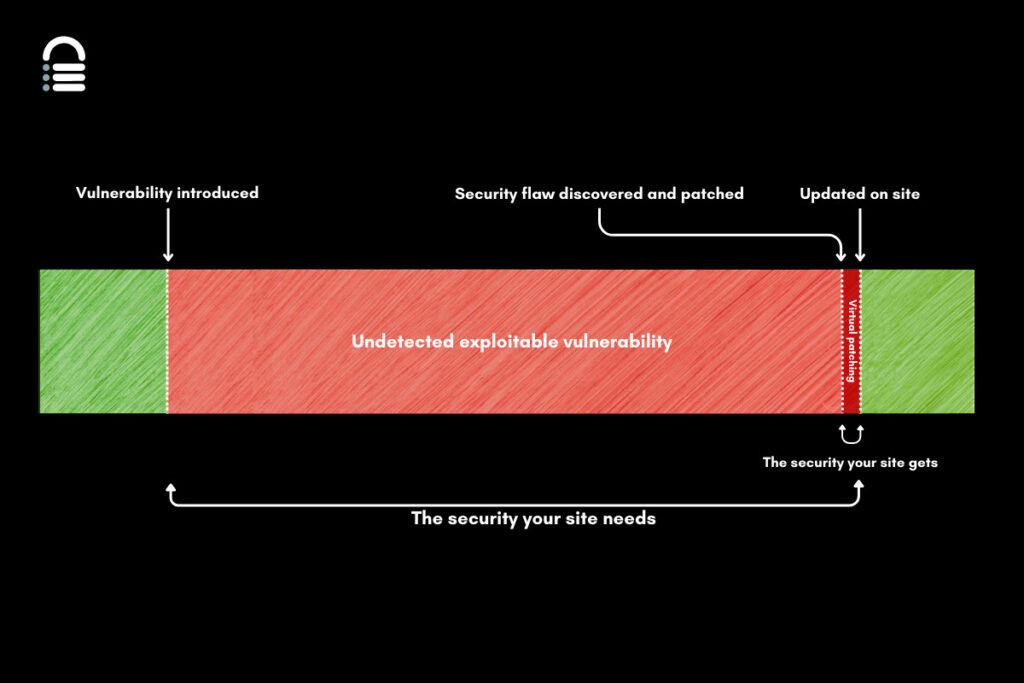
📋 Note: The average vulnerability sits on your site for 14 months before it’s ever found. This silent window is when hackers strike, and a period where simply updating plugins can’t protect you.
What is the vulnerability?
If your website uses the Ally – Web Accessibility & Usability plugin, you need to understand this security issue. It’s an Unauthenticated SQL Injection vulnerability. This flaw affects all versions of the plugin up to and including version 4.0.3.
This allows an attacker, anyone on the internet, to steal data directly from your website’s database. They could extract user details and even the scrambled versions of passwords, known as password hashes.
Should you be worried?
Yes, you should be worried. This SQL Injection vulnerability in the Ally plugin is critical, with a CVSS score of 7.5, which is rated as a High security threat.

The risk is straightforward: data theft. An attacker needs no password, making any vulnerable site an easy target. The flaw was discovered by security researcher Drew Webber. Now that the details of his findings are public, attacks are likely to escalate.
Updating the plugin to the patched version, 4.1.0, is not optional—it’s essential.
What you must do immediately
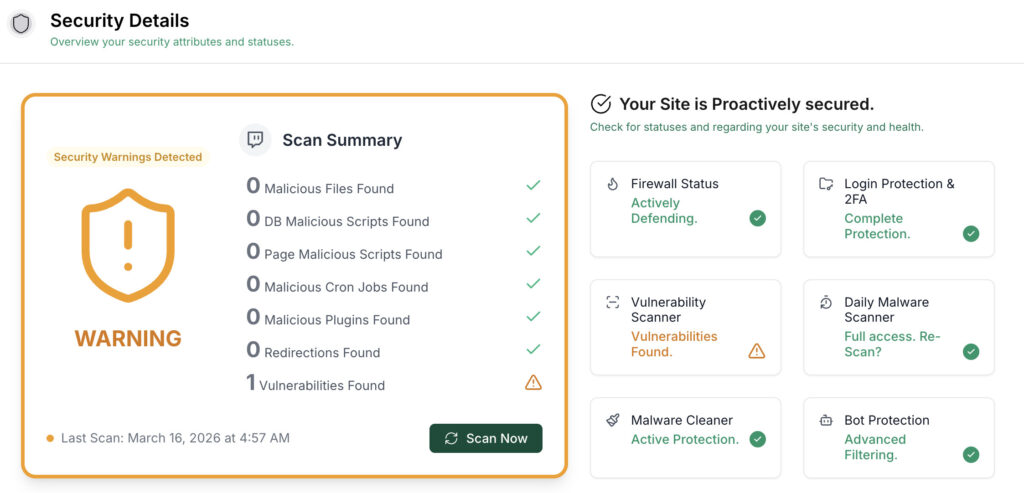
Your priority is to determine if your site has already been compromised. Given that this vulnerability was actively exploited, you must assume your site could be infected and act accordingly.
Perform a deep security scan. You must use a tool like MalCare that checks every file and database table. A surface-level scan will absolutely miss the hidden malicious code that attackers plant to maintain access. If the scan finds an infection, follow the cleanup instructions precisely.
With a clean site, immediately reset all admin, database, and FTP/SFTP passwords. An attacker may have your old credentials, so create a new, strong password for everything.
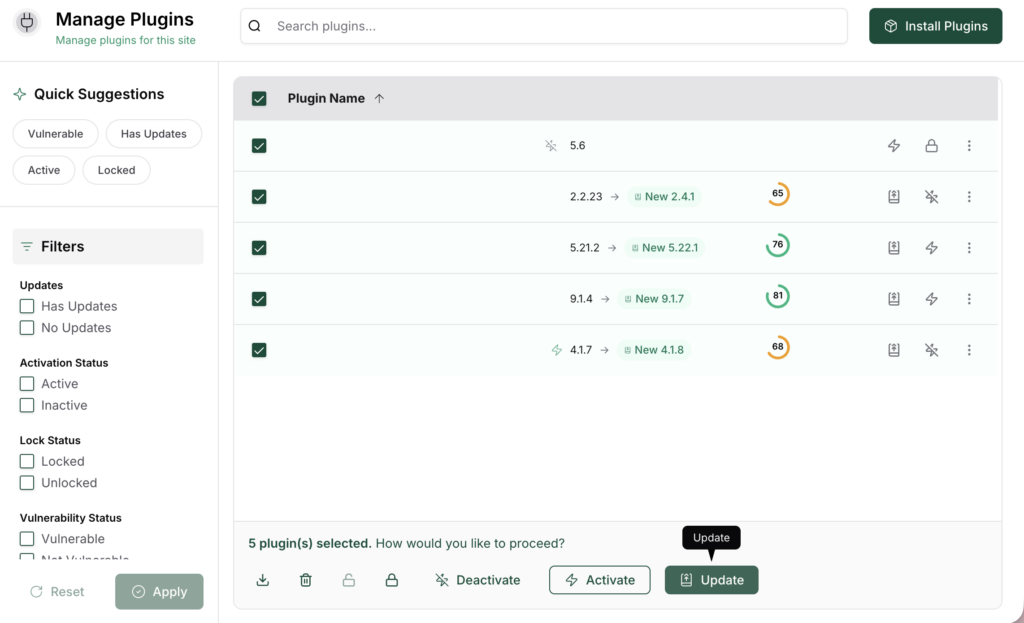
Update all your software, starting with the Ally plugin. With a clean and secured site, you can now safely update your software. Update the Ally – Web Accessibility & Usability plugin to version 4.1.0 or newer. Then, ensure your WordPress core, theme, and all other plugins are also on their latest versions.
⚠️ A critical warning: Remember, an update only fixes the plugin’s flaw; it will not remove malicious code if your site is already hacked. Following these steps in order is the only way to ensure your website is truly secure.
Technical details
Issue: The Ally plugin had a critical Unauthenticated SQL Injection vulnerability. This allowed any user on the internet to execute malicious commands on the website’s database. The primary risk was the extraction of sensitive data, including password hashes, through time-based blind SQL injection.
Root cause: The problem was in the get_global_remediations() function. This code took a URL from a visitor and inserted it directly into a raw SQL query. The code used esc_url_raw() to try to clean the input, but this function is not designed to prevent SQL injection.
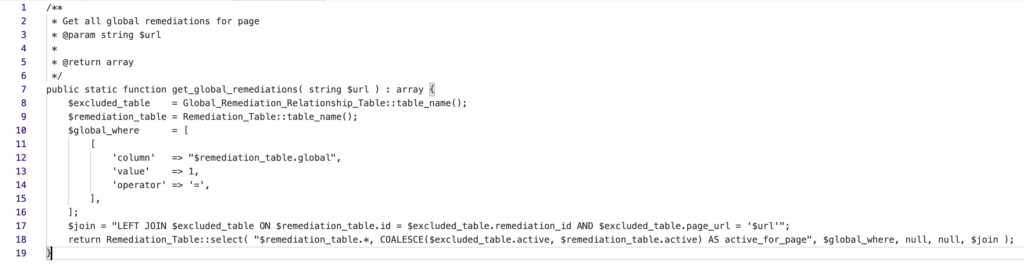
It fails to remove key characters like single quotes (‘) and parentheses (()), which are exactly what attackers use to break a database command and add their own.
Timeline
- February 4, 2026: The vulnerability was discovered and responsibly reported.
- February 13, 2026: The report was validated, and the details were sent to the developers.
- February 15, 2026: The developers acknowledged the report and began working on a fix.
- February 23, 2026: A fully patched version of the plugin, 4.1.0, was released.
How MalCare protects your site
If you are a MalCare user, your site was already safeguarded against this vulnerability. Our Atomic Security firewall is built to shield your site from these risks automatically.
- Your site is protected from unknown threats. MalCare’s firewall analyzes suspicious behavior. It doesn’t need to know about a threat beforehand.
- Your site’s defenses are always being checked. MalCare runs continuous, deep scans for vulnerabilities. This process identifies security weaknesses so you can fix them before hackers find them.
How to prevent these attacks
Security isn’t a one-time fix. These are the fundamental habits that will keep your site protected from future threats.
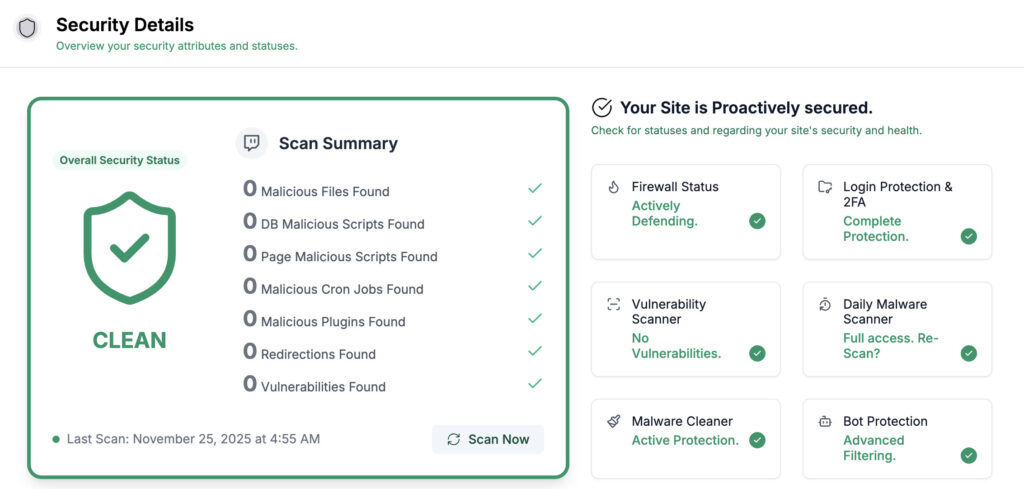
Have a security plugin installed. A reliable plugin like MalCare is your first line of defense. It should provide a firewall, malware scanning, and login protection all in one place.
Keep everything updated. Developers release updates to fix security flaws. Applying these patches for your WordPress core, themes, and plugins as soon as they are available is critical.
Have strong, unique passwords. Set complex passwords for all accounts, including admin, FTP, and your database. A password manager is the best tool for this.

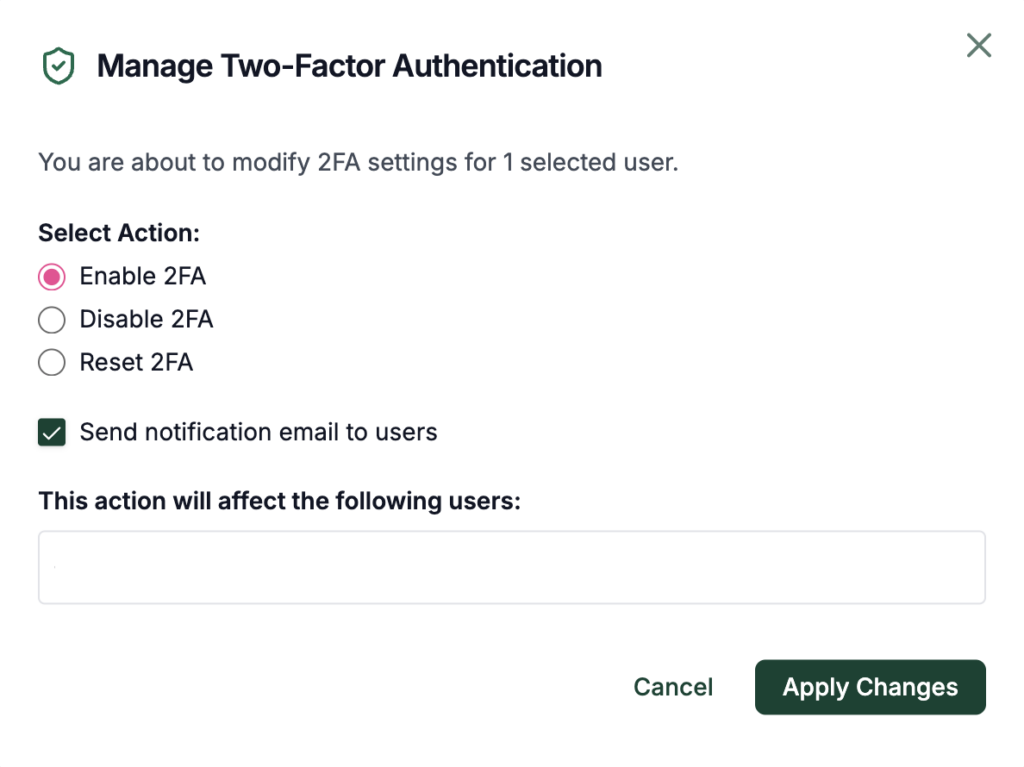
Enable two-factor authentication. This adds a powerful layer of security to your login page. It requires a second code, usually from your phone, and is one of the most effective ways to block unauthorized access.
Automate your backups. Regular, automated backups of your files and database are non-negotiable. They are your safety net, allowing for a quick restoration if the worst happens.