Activity Log tracks every changemade to your site.

Posts get edited, plugins get installed, people log in — your site changes all day. MalCare keeps a record of every change, so when something looks wrong or breaks, you can see exactly what happened and who did it.


EVERY CHANGE RECORDED / NO SITE SLOWDOWN / INCLUDED WITH MALCARE
Trusted by 400,000+ sites · 120 countries
One night

Hacks don't look like hacks. They look like changes.

A break-in is a run of small, ordinary-looking changes — a login, a new user, a plugin, an edited post. On its own, each one looks routine. In the record, the sequence is unmistakable.

  • THE SCANNERReads your codeIt finds malware once the malware exists — that's its job.
  • THE LOGReads your changesIt shows the break-in as events, from the first login — not the first symptom.
  • THE FIREWALLDoes the blockingThe log doesn't block attacks. It's how you see who got past every other layer, and how.
The detail

Every event answers four questions: who, what, when, and from where.

Each entry records who made a change, what they did, when it happened, and where they were — the user's location and IP address.

  • 2.1WhoThe user account and its role. A change by a two-year-old editor account reads very differently from one by an admin account created minutes ago.
  • 2.2WhatThe exact action and the item it affected — such as a page edit, plugin installation, login, or file change.
  • 2.3WhenThe exact date and timestamp of the change.
  • 2.4From whereThe user's location and IP address at the time of the change.
Four instruments reading one activity-log eventA ruled two-by-two field of instruments wired to a central junction plate. A credential plate carries a profile silhouette, the account's role and an account-age scale; an engraved plate names the action; a 24-hour clock reads the time against a shaded night window; and a map plate places the origin against the site's usual range. Against a routine event the silhouette is solid and marked editor, the age scale runs nearly full at two years, the clock reads 08:52 in daylight, and the pin sits inside the usual range. Against a flagged event the silhouette becomes a dashed outline with nobody in it and is marked administrator, the age scale collapses to eight minutes, the clock swings to 03:12 inside the night window, and the pin travels to a first-seen address in Germany — while the action itself, a plugin install, stays unremarkable.2.1WHOIDENTITY · ROLEEDITORADMINISTRATORNEW1 mo2 yr +sarah_k · editorsupport_tmp · administratoraccount created 12 Mar 2024account created 03:04 — 8 minutes earlier2.2WHATACTION · OBJECTPAGE EDITEDPLUGIN INSTALLED“Pricing”“wp-compat” v1.0POST 118 · REVISION SAVEDLISTED IN NO REPOSITORY1 paragraph replaced4 files written42 words changed in the bodyinto /wp-content/plugins/wp-compat/2.3WHEN24-HOUR DIAL00061218NIGHT08:52:07 · Tue 22 Jul03:12:41 · Sun 27 Julinside working hoursinside the night window2.4FROM WHEREORIGIN · IPUSUAL RANGEPune, IN · 49.36.x.xFrankfurt, DE · 185.220.x.xsame city as the last 340 sign-insfirst seen · outside every usual rangeONE EVENT#4417#4482
A two-year-old editor edited a page at 08:52 from the city she always works from. Four readings, nothing to look at.
The coverage

Eight kinds of change. One record.

MalCare records changes across content, users, site code, and WooCommerce in one activity log.

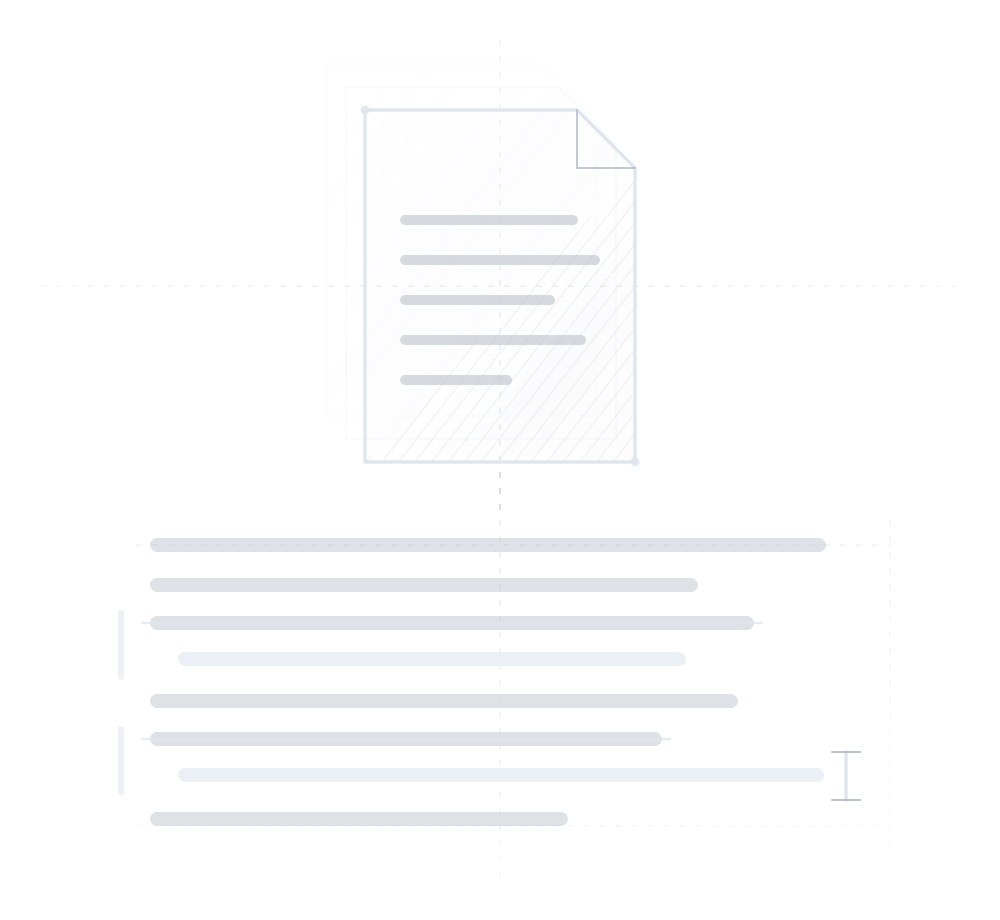
A document plate stacked over two earlier revisions, above the article's body text. Two lines are struck out and rewritten as brighter replacements, each marked in the margin by a change bar, with an edit caret resting at the end of the last rewrite.
Tracked · 01
Posts

Every edit to an article — including the paragraph that quietly changed.
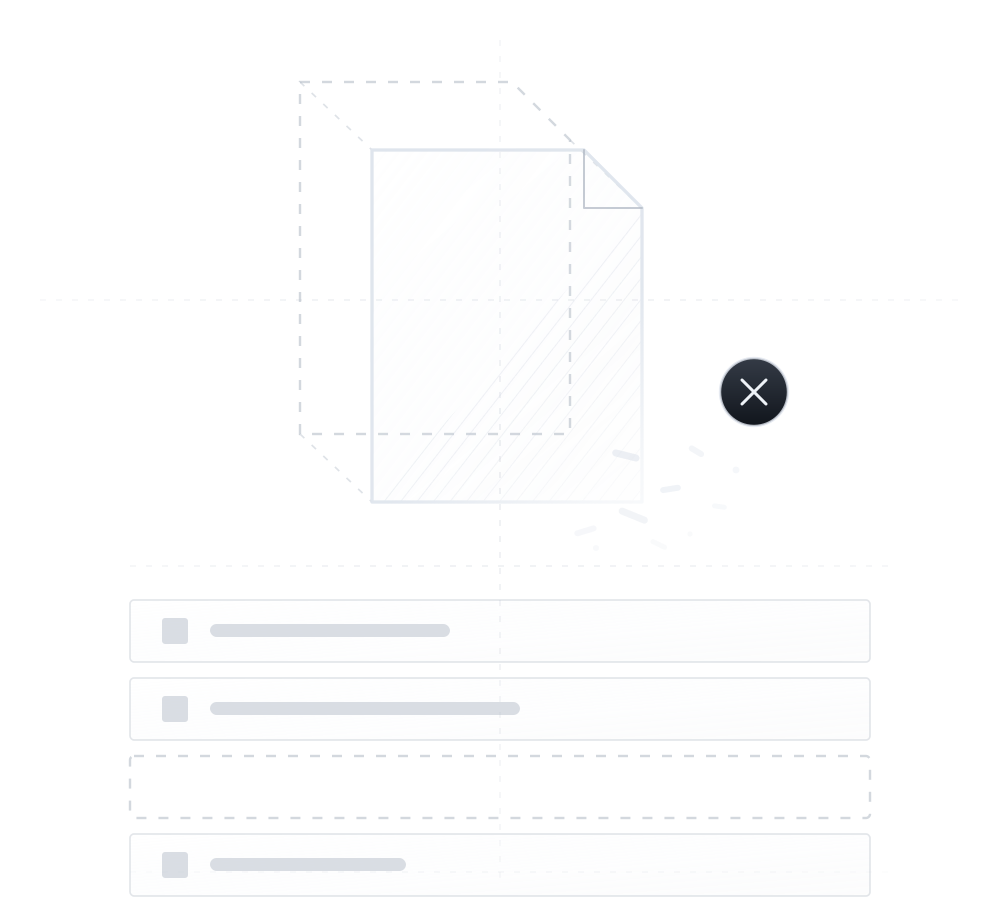
An empty page plate breaking apart into fragments and marked with a cross, having lifted away from the dashed outline of where it stood. Below, a list of pages holds three intact rows and one dashed, empty row where the deleted page used to be.
Tracked · 02
Pages

Every page edit, and every page that stops existing.
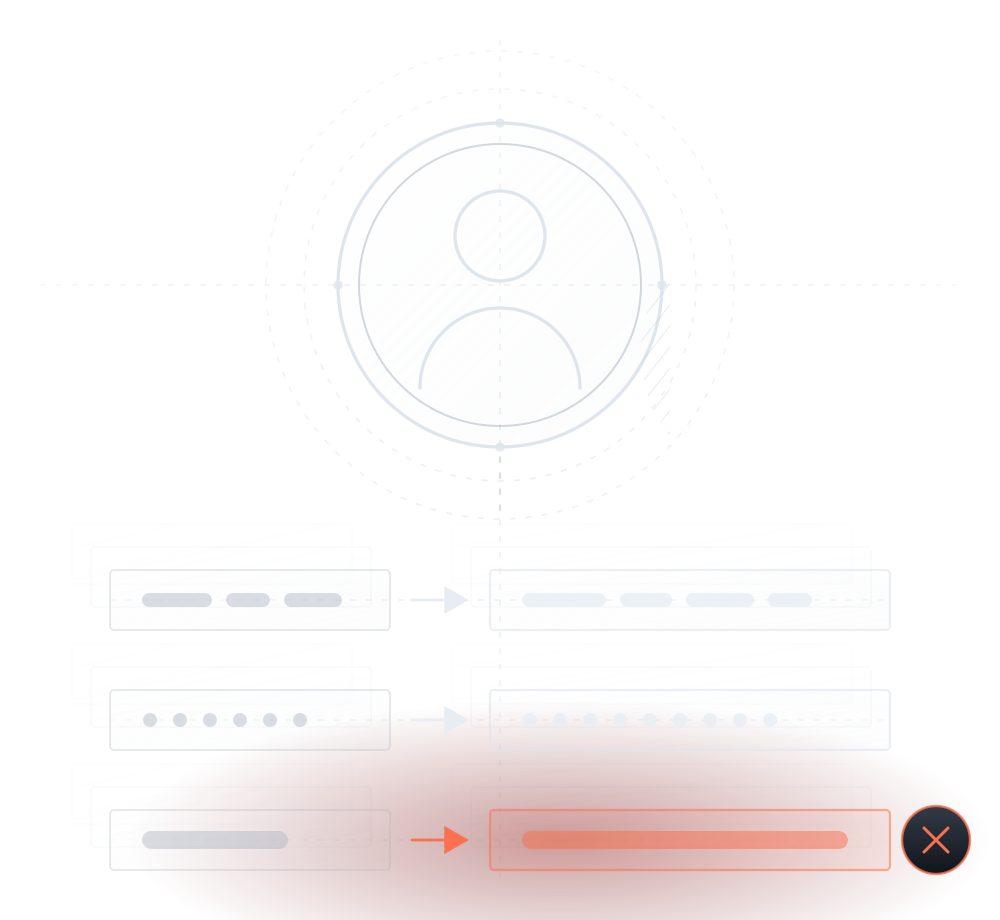
A profile medallion above three account fields: two change from an old value to a new one, while the role changes to a longer value marked in red and struck with a cross. Earlier recorded versions sit ghosted behind.
Tracked · 03
Users

Logins, new accounts, and role changes — including the ones nobody announced.
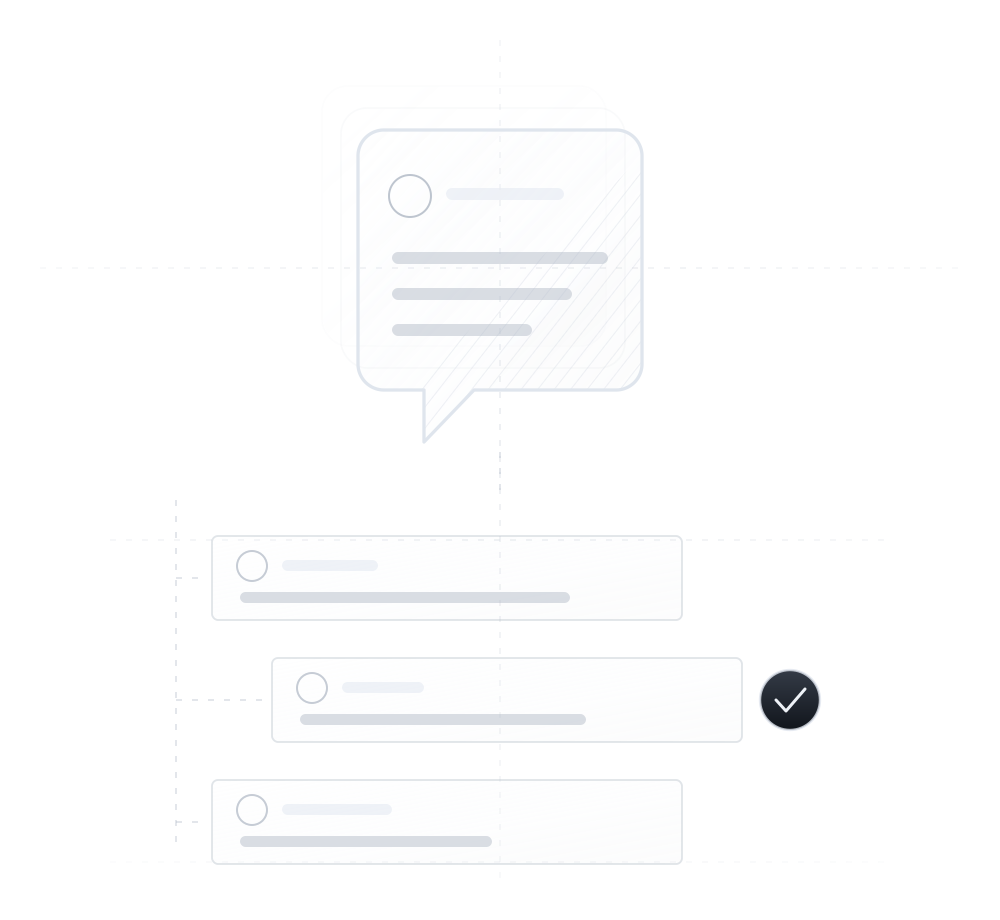
A speech-bubble plate stacked over two earlier ones, above a tidy thread. Three comment cards hang off a dashed spine, one indented as a reply, and the middle card carries a dark coin marked with a tick to show it was approved.
Tracked · 04
Comments

An event for every comment — posted, approved, edited, or deleted.
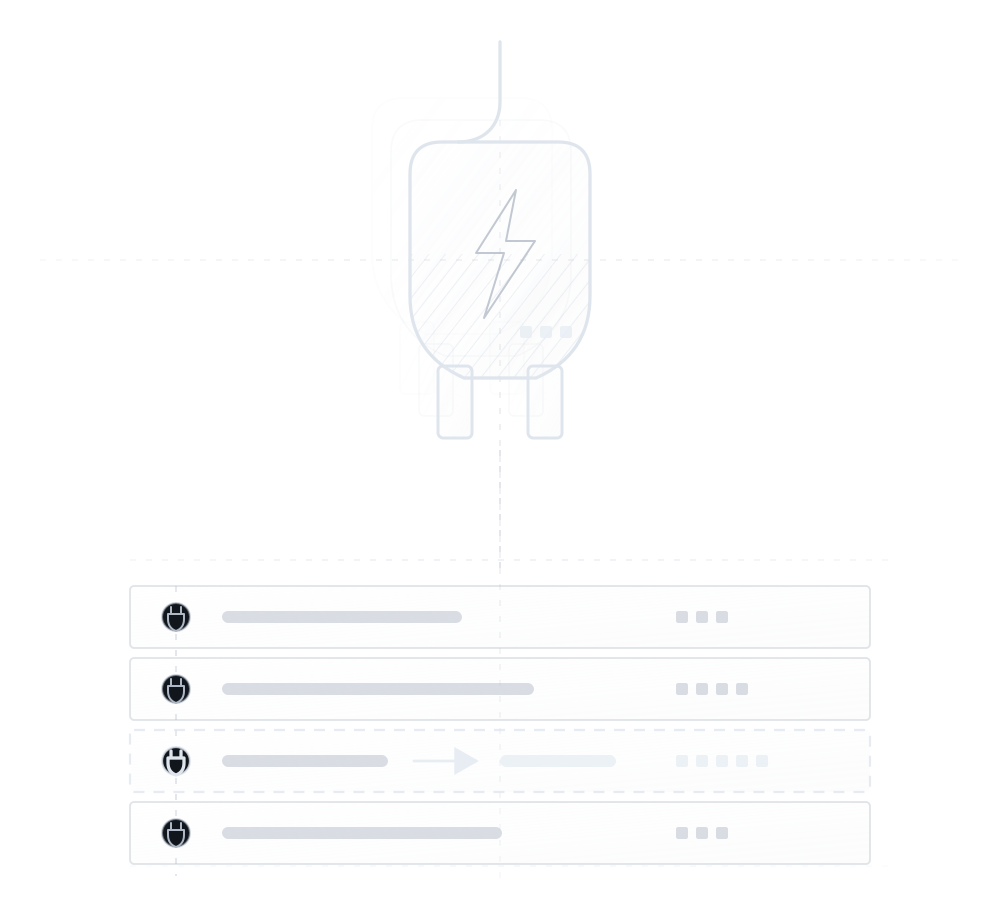
An electrical plug icon above a four-event plugin history. The highlighted event changes from an older version to a newly installed version with one more version marker.
Tracked · 05
Plugins

Installs, updates, activations — and anything that arrives without a version behind it.
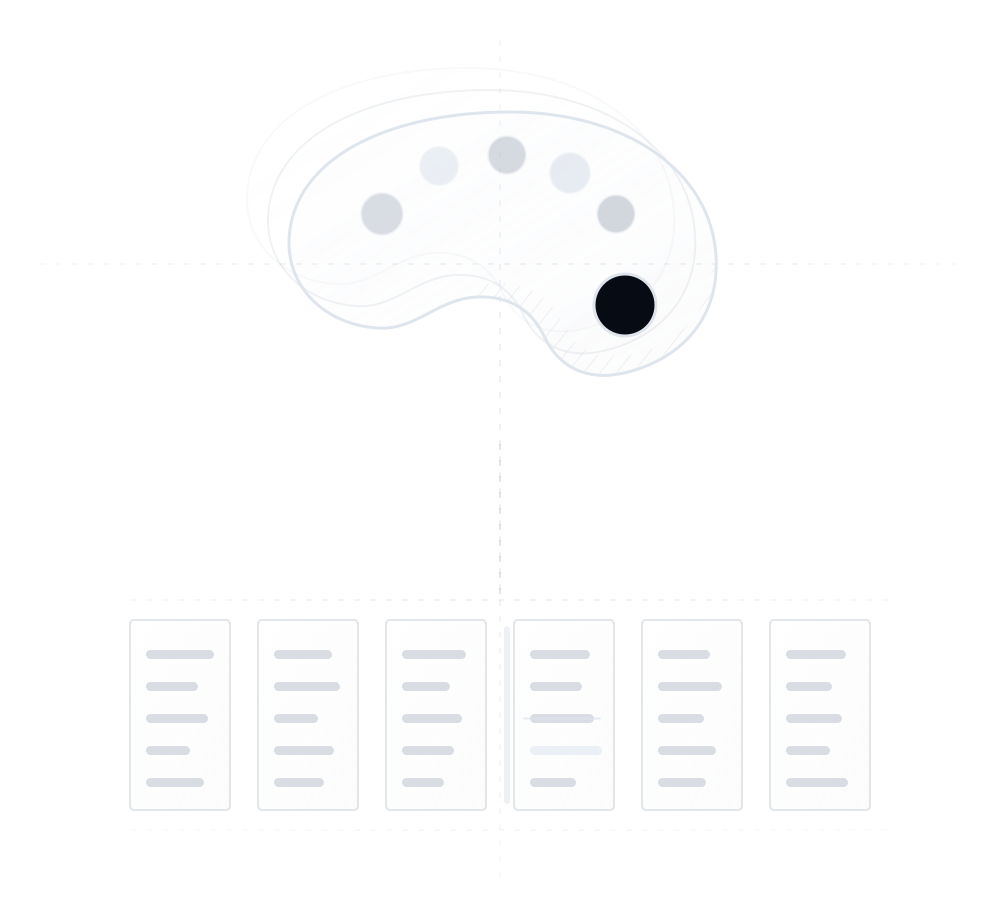
A monochrome artist's paint palette above six theme files. Five files are quiet, while one is marked with a change bar and contains a struck-out rule with a brighter rewrite.
Tracked · 06
Themes

Theme switches, and edits down to the individual template file.
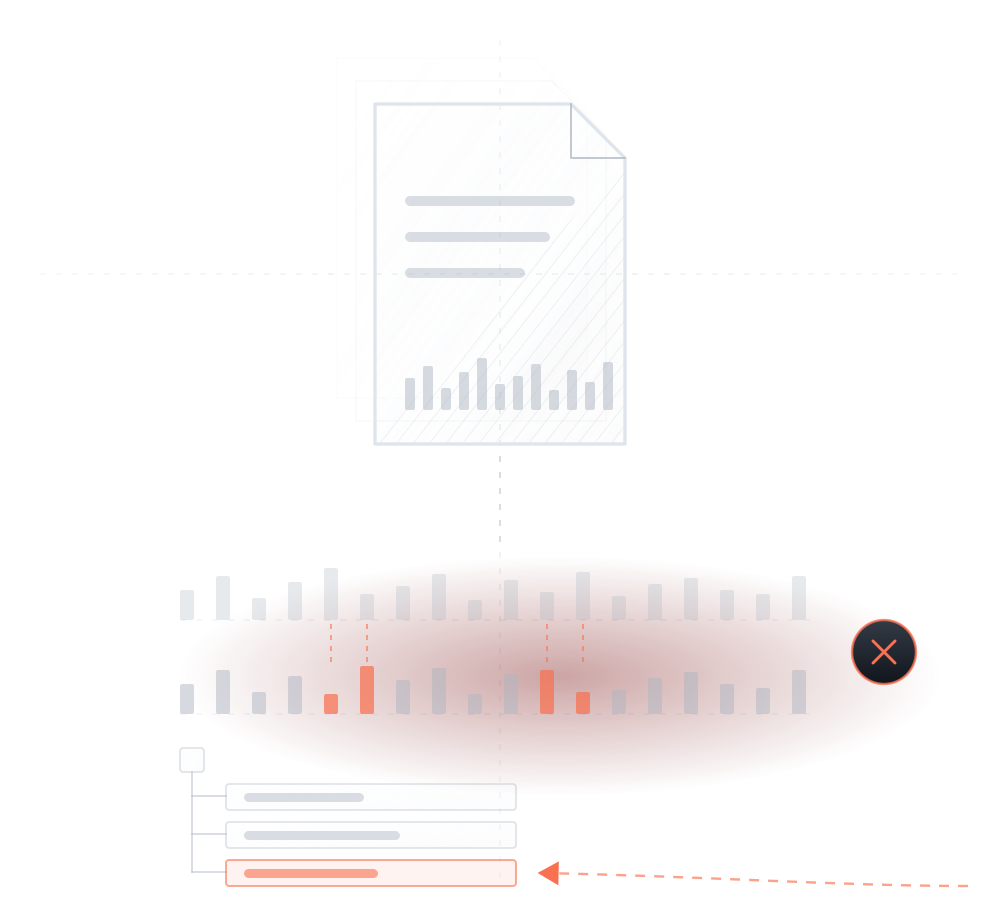
A file plate carrying a checksum fingerprint. Below, the known-good fingerprint is compared against the current one: four bars no longer match and are drawn in red, marked by a red cross. A directory tree singles out the changed file, reached by a dashed path entering from outside the tree entirely.
Tracked · 07
Files

File changes on the server — including the ones made outside wp-admin, where no other trail exists.

A shopping cart with a small monochrome Woo logo at its upper-right above a ledger of four orders. Each row shows its items and amount, while the highlighted live order receives another item.
Tracked · 08
WooCommerce

Orders, items, refunds, and product changes — store events are changes too.

No trade-off

Millions of events. Zero load on your site.

Activity logs on a busy site grow into millions of entries. Plugins that store them in your WordPress database slow your site down over time. MalCare stores everything in your MalCare account instead — your site stays fast, and the full history stays searchable.

  • STORAGENothing added to your databaseno new tables, no growth
  • SPEEDNothing to read backyour server never queries the log
  • HISTORYFull history, searchablefrom your MalCare dashboard
  • SAFETYOff your server entirelya hacked site can't erase it
Where a WordPress activity log is stored, and what it costsA large window representing a WordPress site, with its activity log scrolling continuously — posts edited, plugins activated, roles changed, orders created. A stamp across the window names which plugin is doing the logging, and the figure alternates between two. Stamped “a normal activity log plugin”, a database sits inside the site's own window storing the log locally, and a load gauge on the window's bottom corner climbs to 82 percent into its red zone. Stamped “MalCare activity log”, the same events still scroll at the same rate, but the store has left the window entirely — a server off to the right, joined by a dotted line — nothing is written to the database, and the gauge reads zero.WordPress siteactivity logPost Content Changed“About Us” content and title were updated2m agoPlugin ActivatedWooCommerce 8.4 was activated4m agoUser Role ChangedSarah changed from Editor to Administrator11m agoMedia Uploadedhero-banner.jpg added to the library14m agoSetting Updatedpermalink structure was changed19m agoPost Published“Summer Sale” went live23m agoOrder Created#10428 · three items26m agoTheme File Editedfunctions.php was modified31m agoUser Signed Inmaya@ signed in from Pune, IN38m agoCron Event Addeda scheduled task was registered44m agoPost Content Changed“About Us” content and title were updated2m agoPlugin ActivatedWooCommerce 8.4 was activated4m agoUser Role ChangedSarah changed from Editor to Administrator11m agoMedia Uploadedhero-banner.jpg added to the library14m agoSetting Updatedpermalink structure was changed19m agoPost Published“Summer Sale” went live23m agoOrder Created#10428 · three items26m agoTheme File Editedfunctions.php was modified31m agoUser Signed Inmaya@ signed in from Pune, IN38m agoCron Event Addeda scheduled task was registered44m agowp_options · 2,482,041 rows and growingnothing written to your databasedata stored locallystored off-site82%0%LOAD ADDED TO YOUR SITEA NORMALMALCAREACTIVITY LOG PLUGINACTIVITY LOG
After a hack

Find out how they got in — so it doesn't happen again.

You can't fix what you can't explain. Work backwards through the log — from whatever you found to the change that caused it — and fix the cause, not the symptom.

Tracing a hack back from the damage to the way inA horizontal spine with two opposed axes: time runs left to right along the bottom, while a trace-back arrow runs right to left along the top. At the right sits the damage as it was found — a dense cluster of red marks labelled malware, a redirect and forty hidden links, discovered on Monday at 09:14. Walking left, the log resolves that cluster into four separate changes: a file change at 03:26, a post edit at 03:19, a plugin install at 03:12 and a new administrator account at 03:04. A dashed line separates cause from effect, and past it the chain stops at a single event — a 02:58 login from an IP the site had never seen, drawn as a plate with a hole in it. Before that point the record is quiet. The hole is then sealed and every change it caused is resolved.TRACE BACKWHAT YOU FOUNDmalware · redirect · 40 hidden linksfound Mon 09:14 — thirty hours laterfile changed.htaccess · redirectpost modified“Home” · +40 linksplugin installed“wp-compat” v1.0user created“support_tmp” · adminTHE WAY INlogin · administratorIP never seen · 185.220.x.xnothing unusual before thisTHE CAUSEclose itEVERY STEP AFTER ITthe damage to undoTIME02:5803:2603:1903:1203:04Mon 09:14

The way in was a 2:58 AM login. Password rotated, the account deleted, the hole closed — and because the log named every change it caused, nothing was left behind to bring it back.

Day to day

Most days, it's not hackers. It's your own team.

Teammates, freelancers, agencies, old contractors — more people can change your site than you probably realize. Most problems are honest mistakes, and the log settles them in minutes instead of a blame game.

A month of changes, separated by who made themFour hundred and twenty seven changes over thirty days, drawn as a field of small marks. They begin gathered into one undifferentiated mass, then separate into the logins behind them. Three large blue clusters are your own team — a teammate with 148 changes, you with 96, and a freelancer with 62. One amber cluster of 118 changes is an agency login shared by four people. A single cluster of just three marks, in red, was not your team: it happened in one night. Two amber rings sit empty — a contractor's login with no changes in fourteen months and an ex-employee's with none since March. Both logins still work. Nine people hold six logins.Everyone with a keyMALCARE ACTIVITY LOG9 people · 6 logins · 427 changes in 30 daysyou 96 changesfreelancer 62 changesteammate 148 changesagency 118 changes · one login, four peoplenot your team 3 changes, one nightcontractor 0 changes in 14 monthsex-employee 0 changes since Marchyour teamshared, or forgotten and still livenot your team

Most problems are honest mistakes. The log settles them in minutes instead of a blame game.

Search, filter, find any change in seconds.

Filter by user, event type, or date range — or search the whole history. Questions like “which plugins were installed last month?” or “what did the freelancer change on Tuesday?” take one filter, not an afternoon of scrolling.

  • Filter by user, event type, or date range
  • Search the whole history, not just what's recent
  • Every result carries who, when, and from where
  • One log covers every site in your account

In their words. They found the answer in the log.

Rated 5 out of 5
Eagle-eye vision & time travel! I was so fascinated to discover this! I can track any activity & locate issues so easily… this has literally saved me hours of headaches in troubleshooting issues.

Jennifer CarelloTech Care
Rated 5 out of 5
I was on the beach with my family when MalCare notified me of a plugin vulnerability across 50 of my sites. With one click on my smartphone, all sites were fixed within minutes.

Paul LaceyWordPress Expert
Rated 5 out of 5
I had been running iThemes, WordFence & Sucuri, but they kept getting hacked. Then I installed MalCare, which quickly found the malware and cleaned up the entire site.

Adam SilverConciergeWP · Founder
Rated 5 out of 5
I first learned that my site had been taken over by malware via a message from Google Ads. MalCare now performs daily scans that show me anything that has changed in the last 24 hours and reassure me that my site is secure.

Daniel NordmarkWordPress Developer

Common questions, answered.

Yes — they do different jobs. The scanner finds malware in your code after it exists. The log shows you the changes that led to it — the login, the new account, the plugin install. The scanner finds the damage; the log shows how it happened.
No. Events are stored in your MalCare account, not your WordPress database, so nothing piles up on your server no matter how busy the site is.
Yes. Filter by their username and a date range, and you'll see every change they made, with timestamps.
They can't. The log lives in your MalCare account, off your server. Even with full access to your site, an attacker can't touch the record.
Yes. Store events like orders and refunds are logged, and on multisite one log covers the whole network.
Yes. The full history is kept and is searchable by user, event type, and date from your dashboard.
No. It records changes to the site — not keystrokes, screens, or browsing. It is the same kind of record a shared codebase keeps: who changed what, when. It protects your team as much as your site, since "it wasn't me" becomes provable.

Put every change on the record.

The activity log is included in every MalCare plan — along with the scanner, firewall, and one-click malware removal.

EVERY CHANGE RECORDED / NO SITE SLOWDOWN / SET UP IN MINUTES