
Browser warnings
Every MalCare article covering browser warnings, newest updates first.
10 articles
Remove “This Site Has Been Marked As A Phishing Site” Warning From Website
Remove the ‘This site has been marked as a phishing site’ warning by cleaning the threat, requesting a Google review, and preventing another compromise.
How To Remove The “This Website Has Been Reported As Unsafe” Warning
Remove Microsoft Edge’s ‘This website has been reported as unsafe’ warning by cleaning malware, securing the site, and requesting a SmartScreen review.
How To Remove “This Site May Harm Your Computer” Warning
Remove Google’s ‘This site may harm your computer’ warning by finding and cleaning malware, requesting review, and preventing another infection.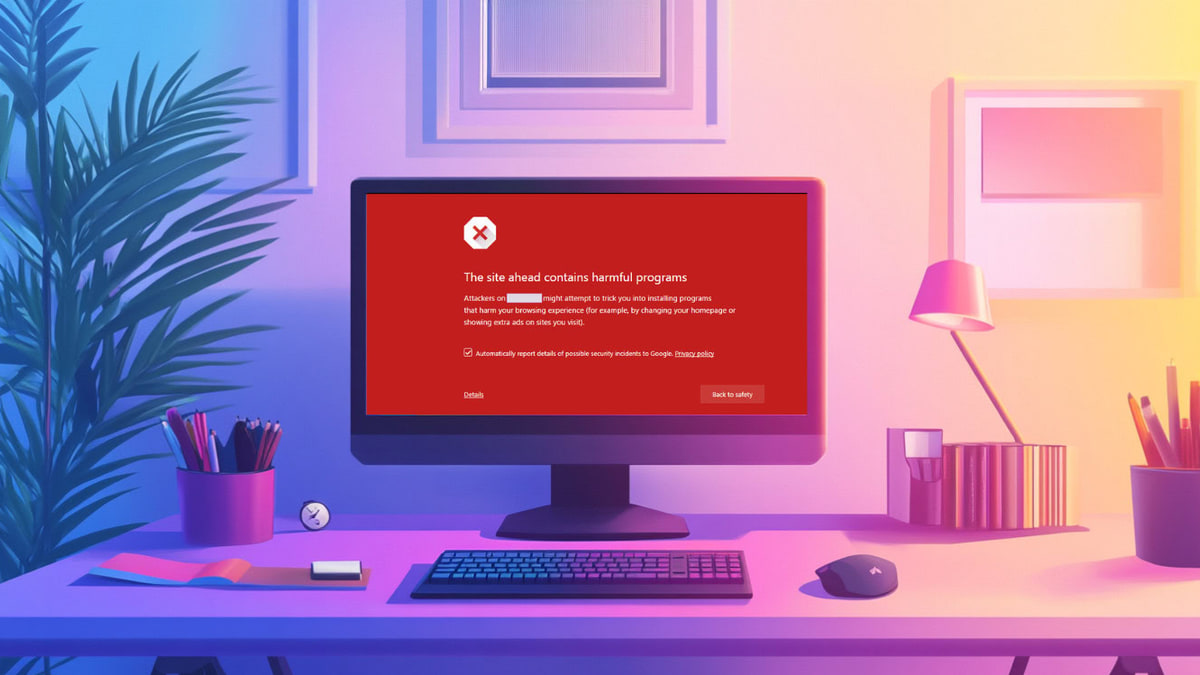
Fix “The Site Ahead Contains Harmful Programs” Warning in Google
Fix Google’s ‘The site ahead contains harmful programs’ warning by removing malware, requesting a review, and securing your WordPress site.
Why You’re Seeing a WordPress Site Not Secure Warning and How to Fix It
Fix a WordPress Not Secure warning by installing SSL correctly, updating HTTP URLs, clearing mixed content, and enforcing HTTPS safely.
How to Fix the Google Blacklist Warning from Your Website
Follow six steps to remove a Google blacklist warning: confirm the warning, scan and clean the site, fix SEO issues, and request a review.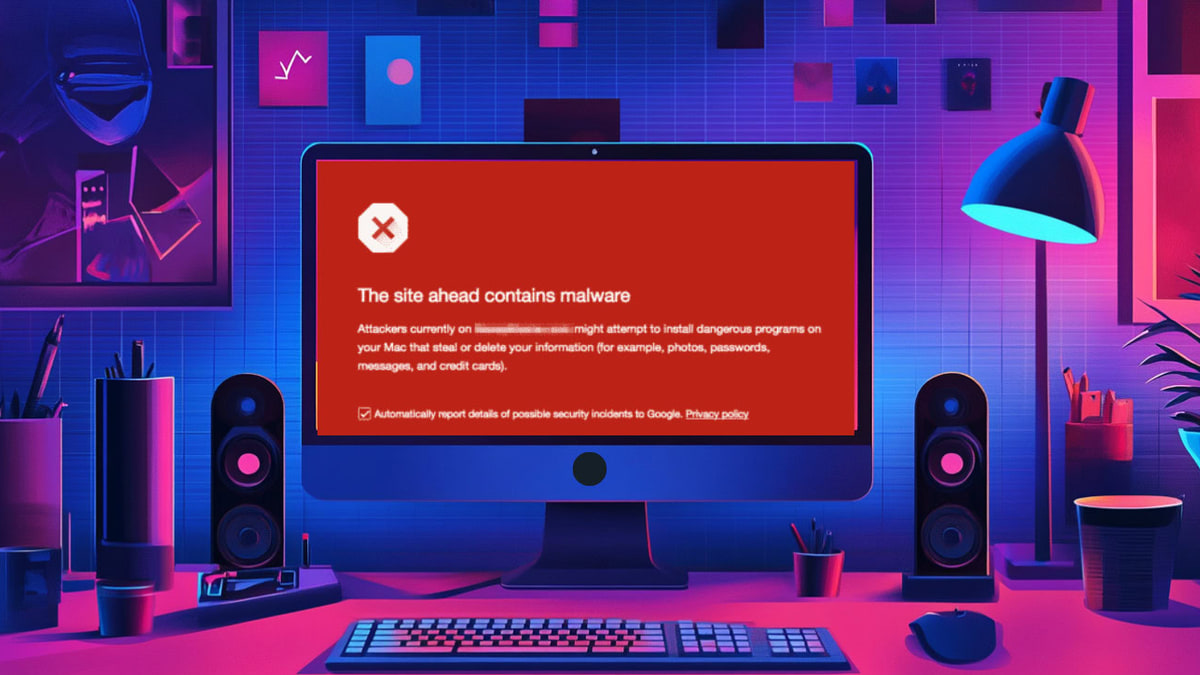
How to Fix ‘The Site Ahead Contains Malware’ Warning in Google
The warning “the Site Ahead Contains Malware” means your site is hacked. Follow our guide to remove the hack and the warning.
How to Fix the Deceptive Site Ahead Warning on Your WordPress Site
Are you seeing a “Deceptive Site Ahead” warning? In this guide, we’ll show you the right steps to fix the hack and remove the warning.
5 Steps To Google Safe Browsing Blacklist Removal
Remove a Google Safe Browsing blacklist warning by finding and cleaning malware, securing your site, and requesting a review in Search Console.