

On August 14th, 2024, a major security flaw was discovered in the widely-used Post Grid and Gutenberg Blocks plugin, specifically in versions 2.2.87 to 2.2.90.
In this article, we will walk you through the details, its severity, and most importantly, what you need to do to secure your website.
But first, scan your site immediately if it uses this plugin!
What is the vulnerability?

The Post Grid and Gutenberg Blocks plugin helps enhance WordPress’s native block editor, Gutenberg, by providing additional functionality like forms for surveys, comments, and user profile editing.
However, versions 2.2.87 to 2.2.90 have a severe vulnerability that can allow a subscriber-level user to elevate their privileges to an administrator.
In simple terms, someone with minimal access could gain full control of your website without your knowledge. This is known as privilege escalation.
Should you be worried?
This vulnerability has been assigned a CVSS score of 8.8 (High), which means it’s severe. An attacker gaining administrator access can do anything from installing malicious plugins to deleting your site. With over 40,000 active installations of this plugin, many sites could be at risk.
Imagine giving the keys to your house to a stranger. That’s how risky this vulnerability is for your website.
MalCare protection
If you are a MalCare user, here’s how MalCare has protected your site:
1. You’ve been informed: We sent notifications to all sites using the vulnerable plugin.
2. Your site is proactively protected from all attacks: Our intelligent Atomic Security firewall has proactively blocked any attempt to exploit this vulnerability.
Atomic Security has improved WordPress security by protecting weak spots that are often attacked. This way, even new threats are blocked automatically, without needing any user action.
What should you do next?
1. Update your plugin: Developers of the Post Grid and Gutenberg Blocks, PickPlugins, have released a patched version (v2.2.91). Update your plugin immediately.
2. Check for compromise:
- User roles: Go to your WordPress dashboard and check the list of users. Look for any suspicious accounts, particularly those with admin privileges.
- Unusual activity: Review recent activities on your site for anything unusual like new and unfamiliar plugins or themes. MalCare’s Activity Log helps make this process convenient.

3. Actions to take if compromised:
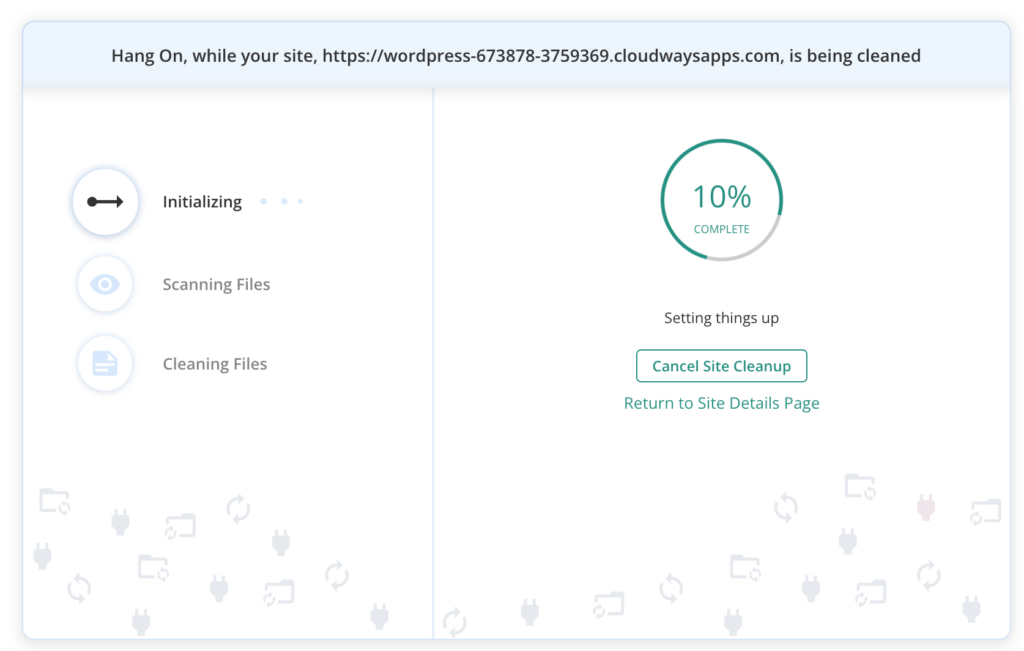
- Scan your site: Use MalCare to scan your site thoroughly and remove all infections. Hackers may have installed malware or added backdoors to your site. MalCare can remove all such instances in one click.
- Revert suspicious changes: Audit the accounts on your site and remove any newly elevated admin accounts that you didn’t authorize.
- Change passwords: Immediately change the passwords of all admin accounts. Advise your users to do the same. Create strong passwords that are not easily guessable.
Technical details of the vulnerability
Here’s a deeper dive for those technically inclined:
- Issue: The function
form_wrap_process_userProfileUpdate()did not properly restrict user meta values. Any authenticated user could update their user meta, including the pivotalwp_capabilitieskey, enabling them to become an administrator.

- Root cause: The plugin lacked checks on the user meta keys or values obtained from the
user_metaparameter, making it possible to supply any key/value combination, includingwp_capabilities[administrator]=1.

Timeline
- Vulnerability was discovered on August 14th, 2024, by researcher wesley (wcraft), who reported it through Wordfence’s Bug Bounty Program.
- Wordfence notified PickPlugins, the plugin creators, on August 28th, 2024.
- PickPlugins released a patch on September 5th, 2024, with version 2.2.91.
How MalCare’s protection works
MalCare’s Atomic Security firewall proactively blocks such vulnerabilities. Our firewall uses a signal-based approach to identifying vulnerabilities, instead of a sample-based one, and smartly prevents any attempts to exploit similar vulnerabilities. It doesn’t wait for an alarm to react but notices suspicious behavior and stops it in its tracks. This AI-powered approach is crucial in today’s fast-evolving threat landscape.
General advice on protection
1. Keep everything updated: Always use the latest versions of plugins, themes, and WordPress core.
2. Backup regularly: Regular backups ensure you can quickly restore your site if compromised. MalCare takes backups regularly without requiring any intervention from you.
3. Use security plugins: Use comprehensive security solutions like MalCare to monitor and protect your site around the clock.
4. Strong passwords: Ensure all user accounts have strong, unique passwords.
5. Login protection: Implement login security measures like 2FA, CAPTCHA, and login limits to prevent brute-force attacks on your site.
By staying informed and taking proactive steps, you can keep your WordPress site secure from vulnerabilities like this one.